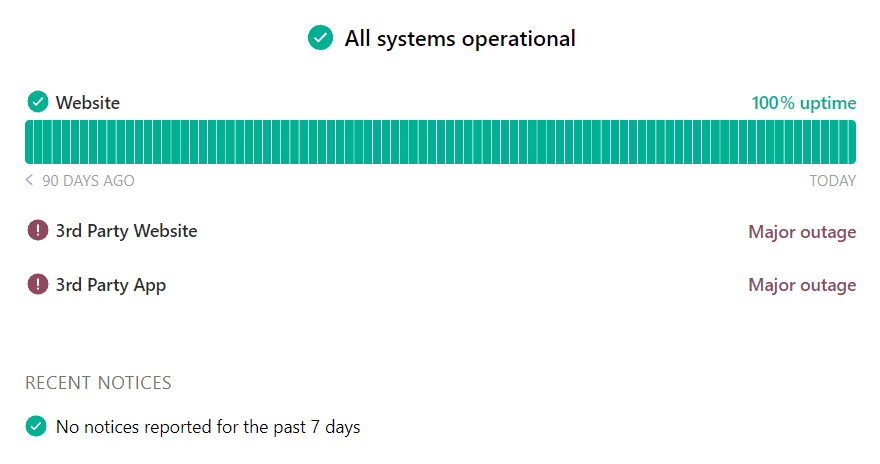
Third party components
Third-party components show the status of services you depend on, like AWS or Stripe, on your status page, so you and your customers can see when an issue is outside your control. They never affect your own uptime or overall status.
SourceThe Instatus catalog of third-party servicesMissing a serviceClick Suggest a serviceUptimeNot shown for third-party componentsEffect on your statusNone, your status and uptime are unchanged
How do I add a third-party component?
Log in at instatus.com/login, choose your status page, go to Components → Third party, pick a service and enable the components you want on your page.
- Here you'll find a wide range of services that you can add to your status page.
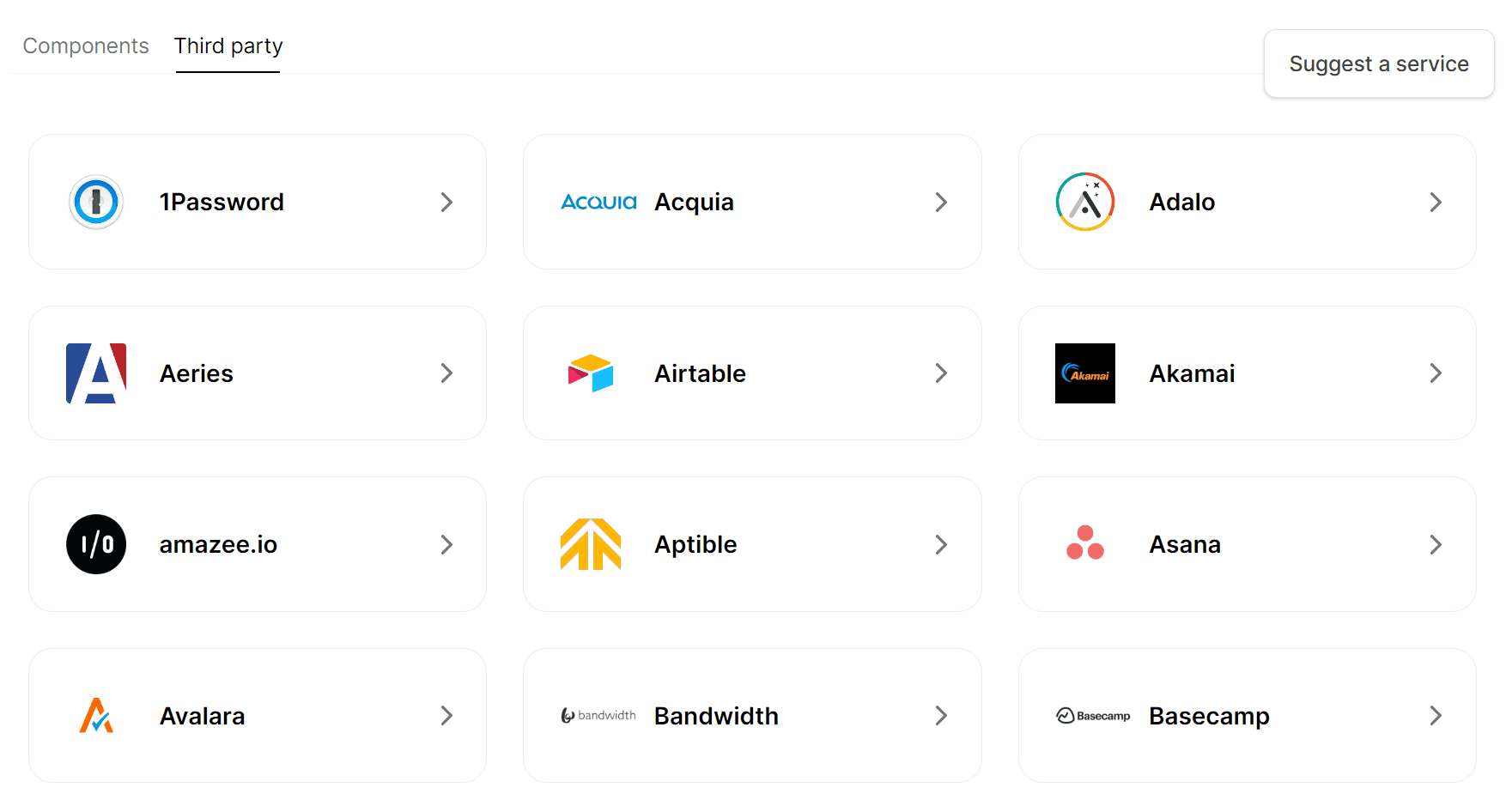
- If you didn't find a service that you're looking for you can always Suggest a service and we'll be on it.
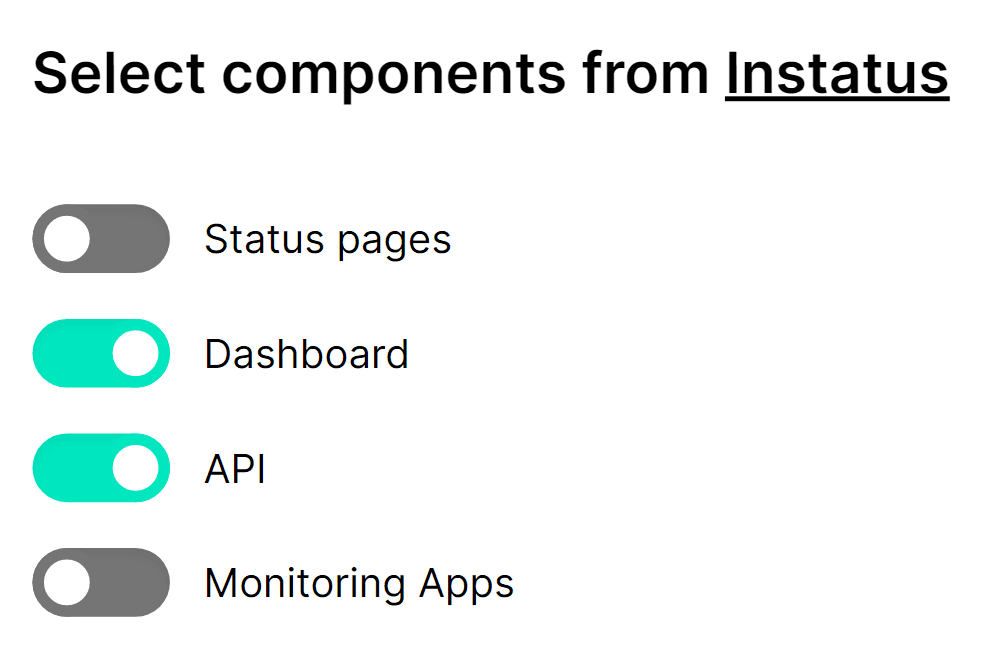
- Simply click on a service and enable the components that you want to appear on your status page.
How do third-party components affect my status?
When a third party component is added to your status page, it'll appear without showing the uptime, and whenever a third party component is down it'll be updated on your status page without affecting your general status and your uptime.