Datadog + Instatus
- Go to Instatus, under Integrations, select Datadog
- Select the templates to use when creating and resolving automated incidents
- Copy your page's webhook URL
- Log in to your Datadog account and go to Integrations.
- Create a new Webhook integration
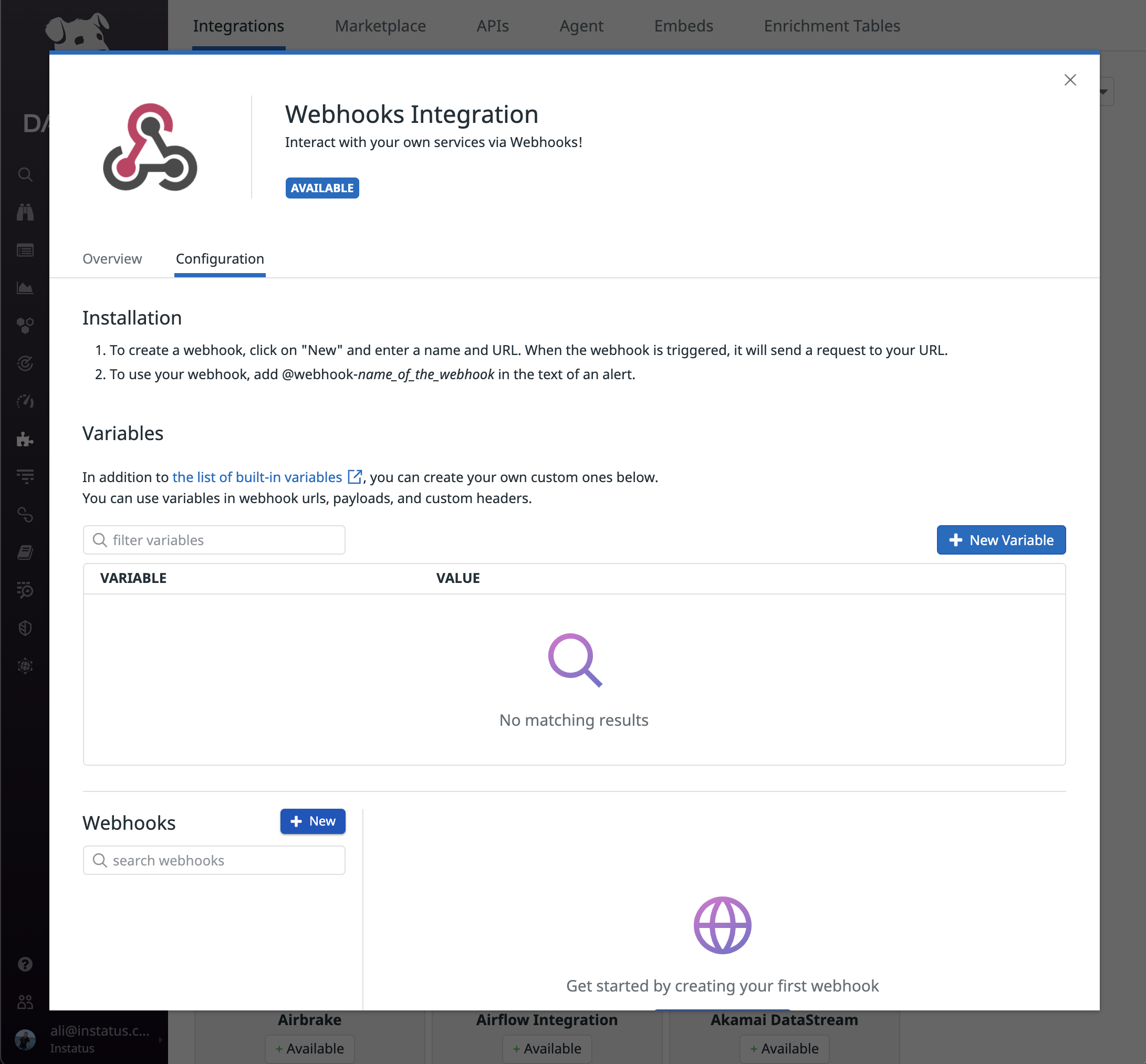
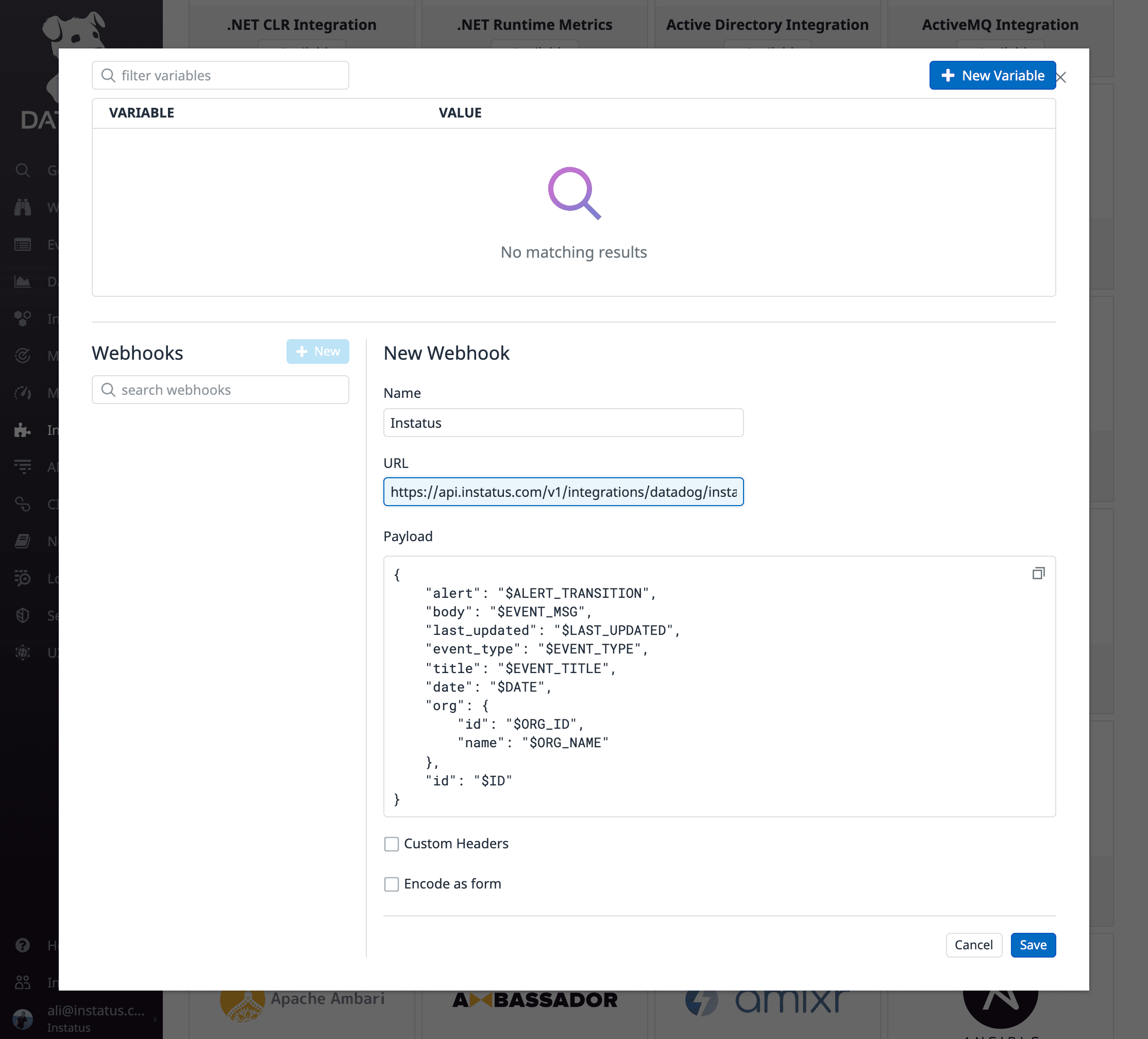
- Add a name and your copied Instatus Webhook URL
- Make sure to add
alertvalue to your payload:
{"alert": "$ALERT_TRANSITION","body": "$EVENT_MSG","last_updated": "$LAST_UPDATED","event_type": "$EVENT_TYPE","title": "$EVENT_TITLE","date": "$DATE","org": {"id": "$ORG_ID","name": "$ORG_NAME"},"id": "$ID"}
- Click Save
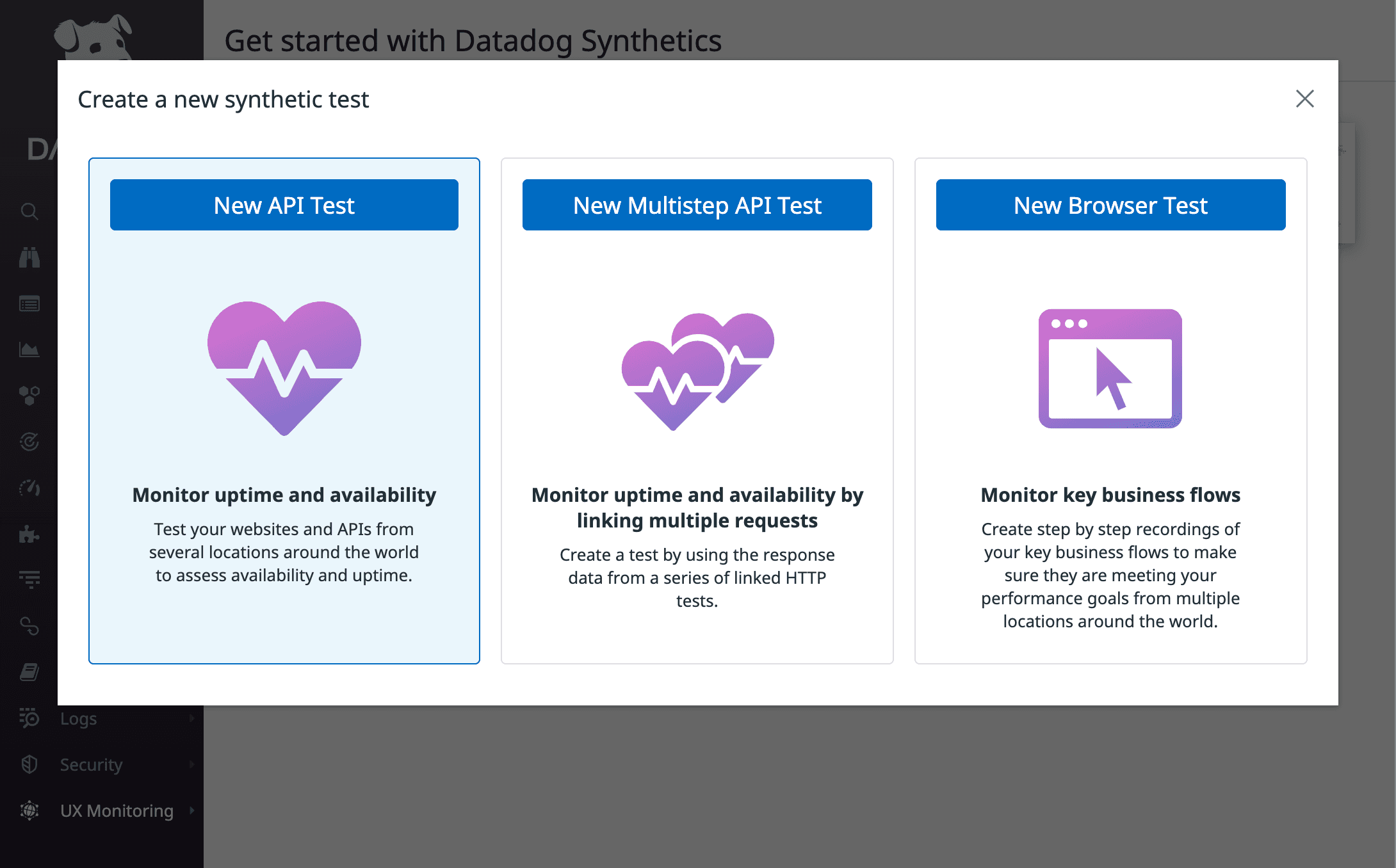
- Create a new API test
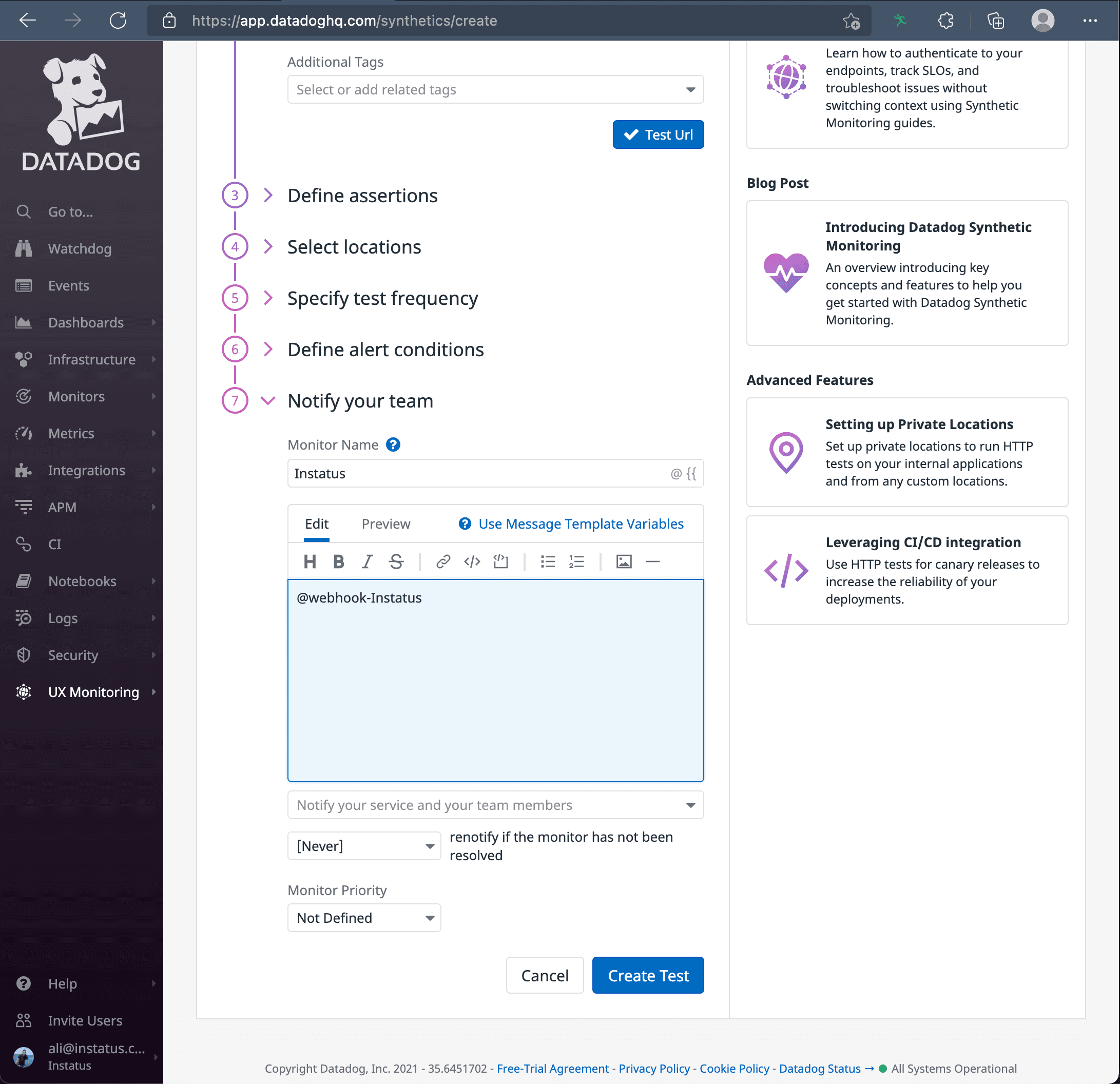
- Make sure to notify your created webhook integration
We're done! 🙌