Observability
Observability shows what is happening inside your app, next to the monitors and incidents of the same status page. Your services send logs, traces and metrics over OpenTelemetry, the open standard every language supports. There is no Instatus agent or library to install.
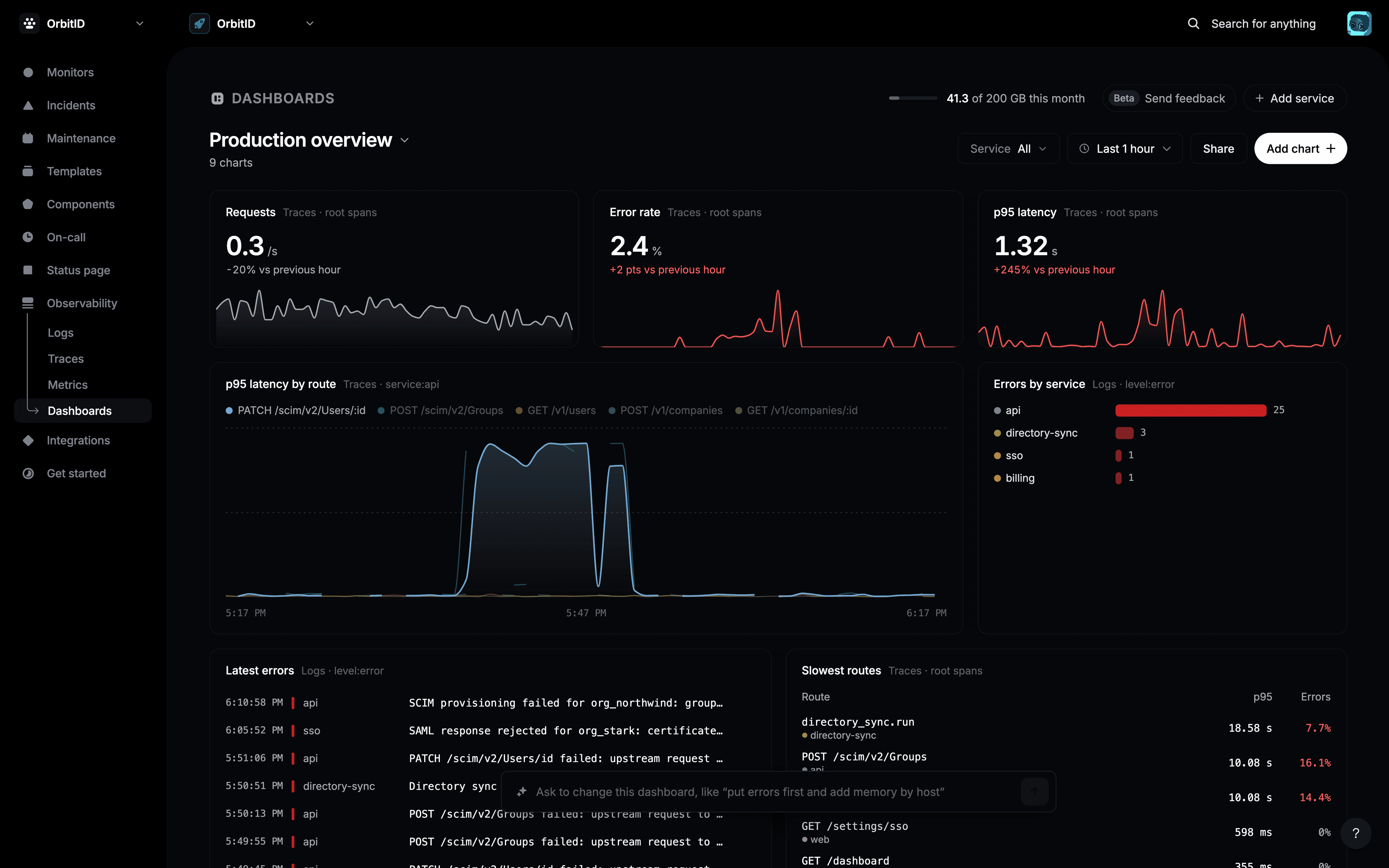
Open Observability in the sidebar of a status page. It has four views:
Get started in 3 steps
- Open Observability on your status page. Until data arrives, each view shows a setup card.
- Click Copy prompt and paste it into your coding agent, such as Claude Code, Cursor or Copilot. It adds OpenTelemetry to your app and sends a test log. Prefer to do it yourself? Click Set up by hand instead.
- Run your app. The first logs show up within a few seconds, and the setup card turns into the explorer.
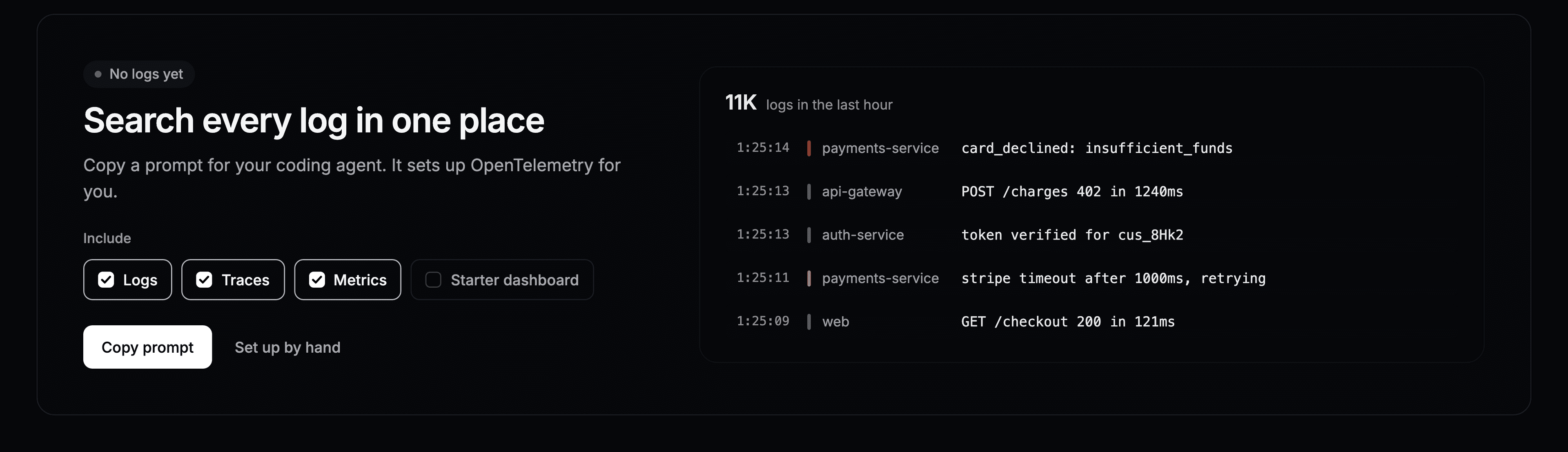
The prompt already contains your page ID, so the only thing you add is your API key. Send data covers both ways in detail, with copy-paste examples.
Plans and limits
Each status page has a monthly data allowance, counted from what your services send. The meter at the top of every Observability view shows how much you have used.
| Plan | Data per month | Kept for | Dashboards | AI chart requests per month |
|---|---|---|---|---|
| Free | 1 GB | 7 days | 3 | 25 |
| Pro | 20 GB | 30 days | 20 | 300 |
| Business | 200 GB | 90 days | Unlimited | 3,000 |
| Enterprise | 200 GB | 90 days | Unlimited | 3,000 |
- At 80% of the allowance, a banner warns you.
- Past the allowance, new data is paused until the 1st of next month. Everything already stored stays searchable.
- Data is deleted after the number of days your plan keeps it. The period is set when the data arrives, so upgrading applies to new data.
Who can send and search
- Sending needs the API key of a team member who can edit the page: an owner, admin or editor.
- Searching is open to every member of the team, including read-only members.
An API key belongs to one person. If they leave the team, their key stops working, so for production use the key of a shared or service account.