Routing rules
Every triggered incident starts at your routing rules. They decide who gets notified: a teammate, a group, an on-call schedule, or an escalation policy.
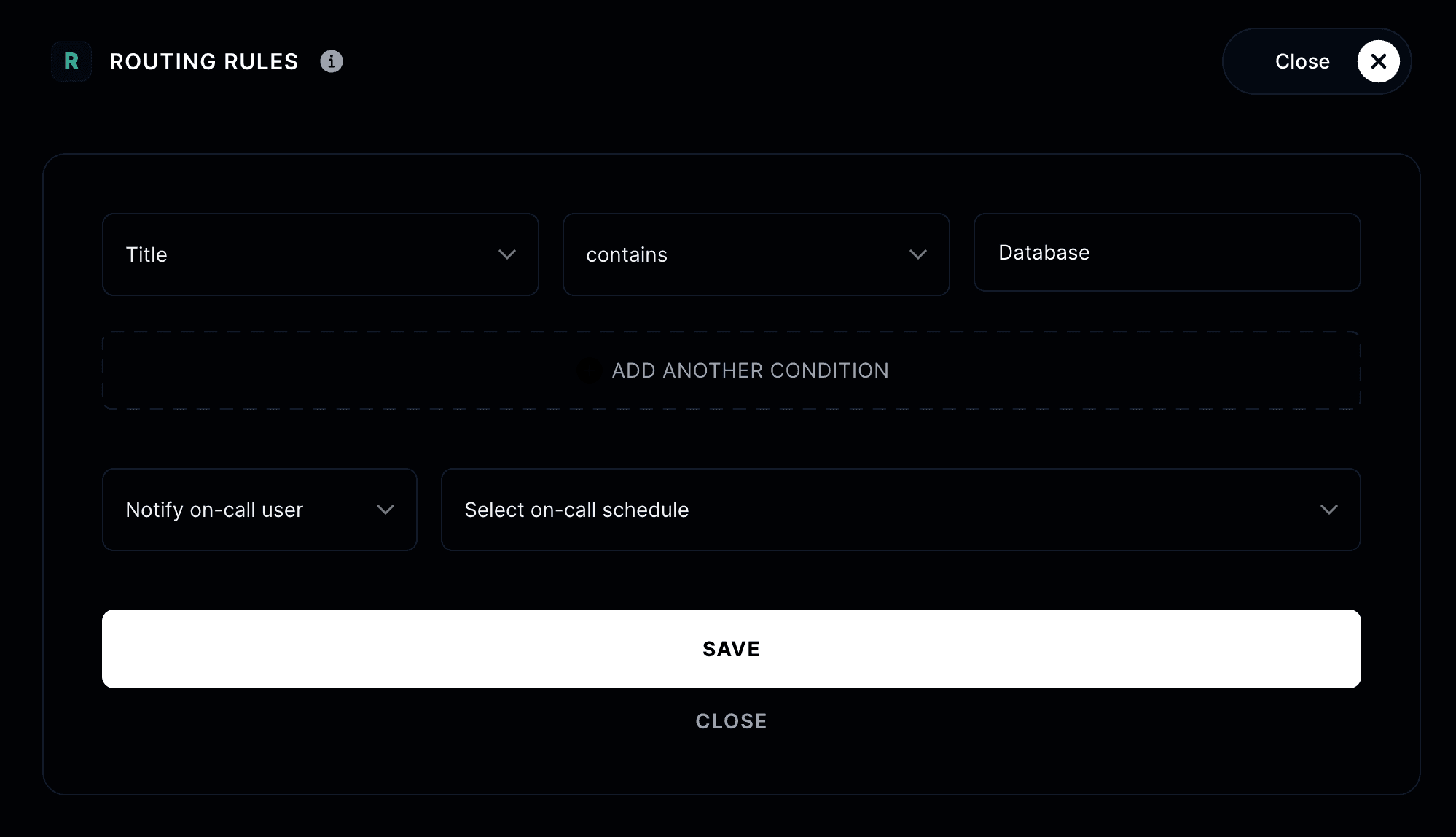
Add a rule
Go to On-call, find the routing rules section, and click Add routing rule.
A rule has two parts:
Conditions — what the incident must match. You can filter on:
- Impact: the incident's severity.
- Title and Description: match on the incident's content.
- Incident affects: which components are affected.
- Triggered by: what created the incident, like a specific team member.
Add multiple conditions and choose whether the rule fires when all conditions are met or when any condition is met.
Target — who to notify when the rule matches:
- A specific member or group
- The on-call user in an on-call schedule
- An escalation policy
Rule order and the fallback
Rules are evaluated in order, and you can drag them to reorder. Add one ELSE rule at the end as a fallback, so incidents that match nothing still reach someone.
Your incidents now route themselves to the right people 🧭