Get started with your status page
A status page is one place where customers check whether your service is up, read about incidents and planned maintenance, and subscribe to updates.
When you communicate early, it helps you build trust and avoid possible customer frustration. It also limits duplicate support requests when there is an issue with your service.
Page typesPublic, Private, Select audienceShowsComponents, incidents, maintenances, noticesSubscriptionsEmail, SMS, Slack, Teams, webhook, X, RSS and more
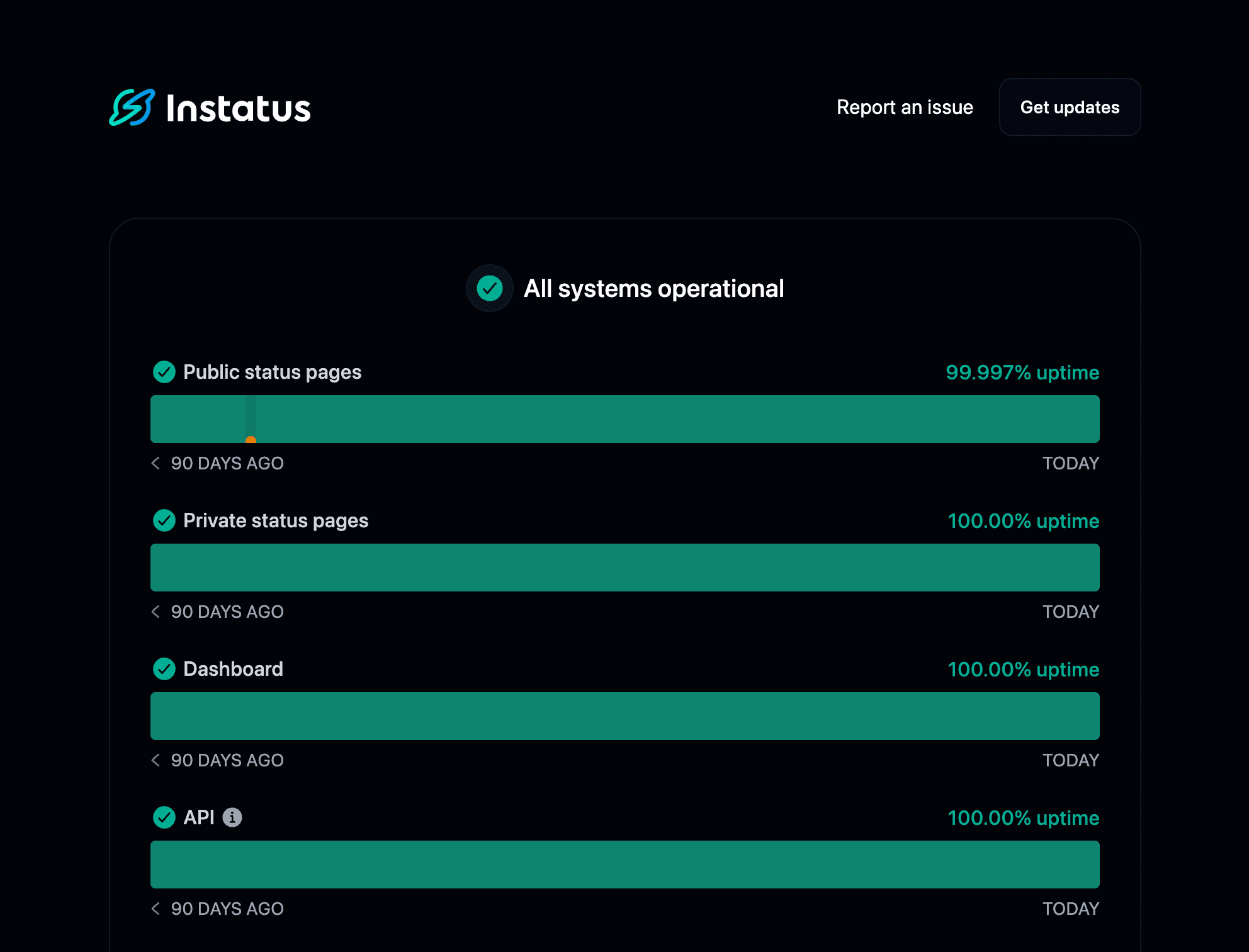
Which page type should I choose?
Public pages are open to anyone on the internet, private pages are limited to your organization, and select-audience pages give groups of teammates access to a subset of your components.
If you plan to use a public status page, feel free to skip to another guide: