Customize your status page
You can change your status page's logo, colors, header design, dark mode, language, date formats and social preview, and add custom HTML, CSS and JavaScript, all from the Status page settings.
How do I add my logo and colors?
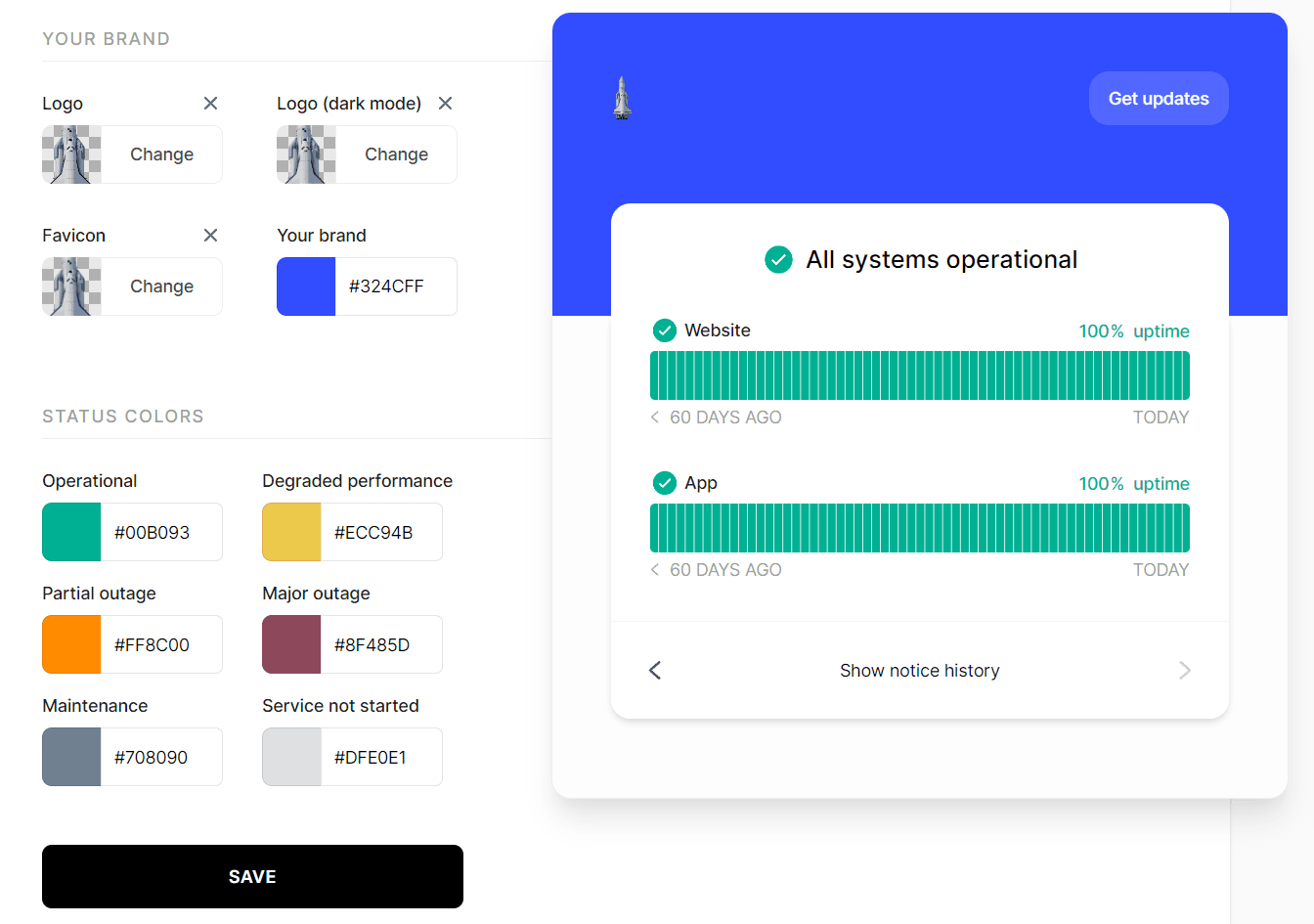
Log in at instatus.com/login, choose your status page, then go to Status page → Look & feel.
In the brand section you can change:
- Brand logo, including a separate logo for dark mode.
- Favicon.
- Brand color to match your logo.
- Status colors.
After customizing your status page click SAVE, and it will update your page.
How do I change the design or dark mode?
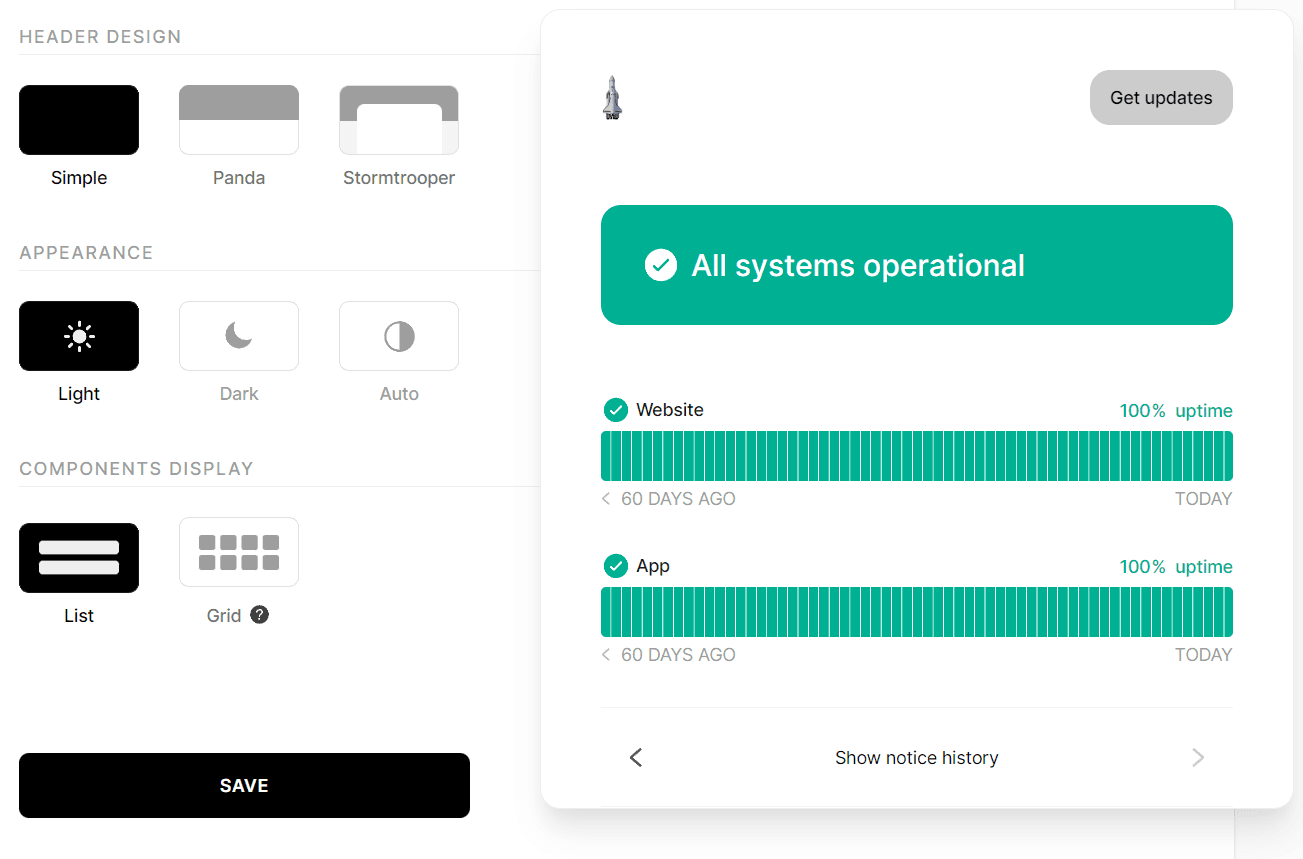
In the design section of Look & feel you can change:
- Header design and choose from our 3 designs.
- Whether you want your status page to appear in dark mode, light mode or switchable through a button.
- How you want your components to appear.
After changing your design click SAVE, and it will update your page.
Can I add custom HTML, CSS or JavaScript?
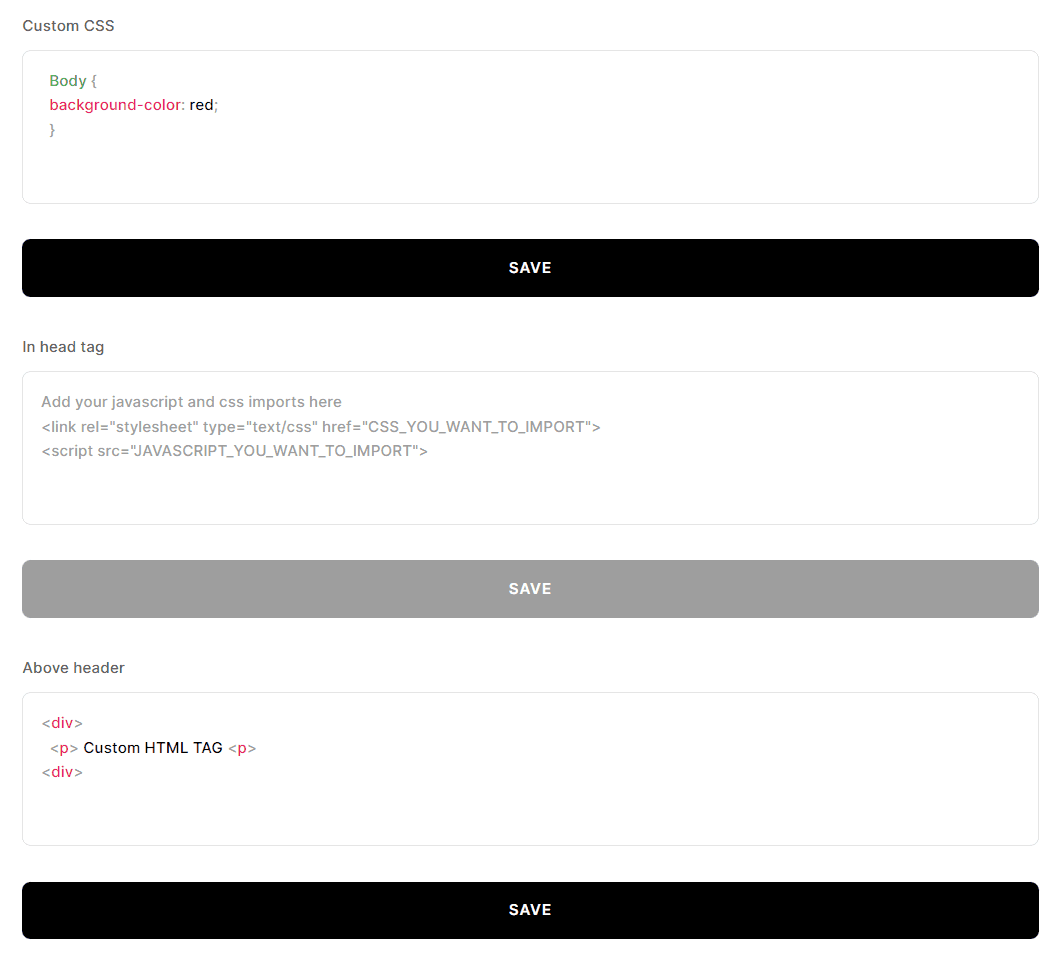
Yes. In Status page → HTML you can insert your own HTML, CSS and JavaScript in five areas:
- Above the header of your status page.
- Below the header.
- Below the components of your status page.
- Above the status page's footer.
- Below the footer.
After adding your custom HTML click SAVE, and it will update your page.
How do I change the language of my status page?
In Status page → Language you can change:
- The default language for your status page.
Pro plan features:
- A multi-lingual status page.
- Use your custom language.
You can read a step-by-step guide to setting up multiple languages in our Multi-language support article.
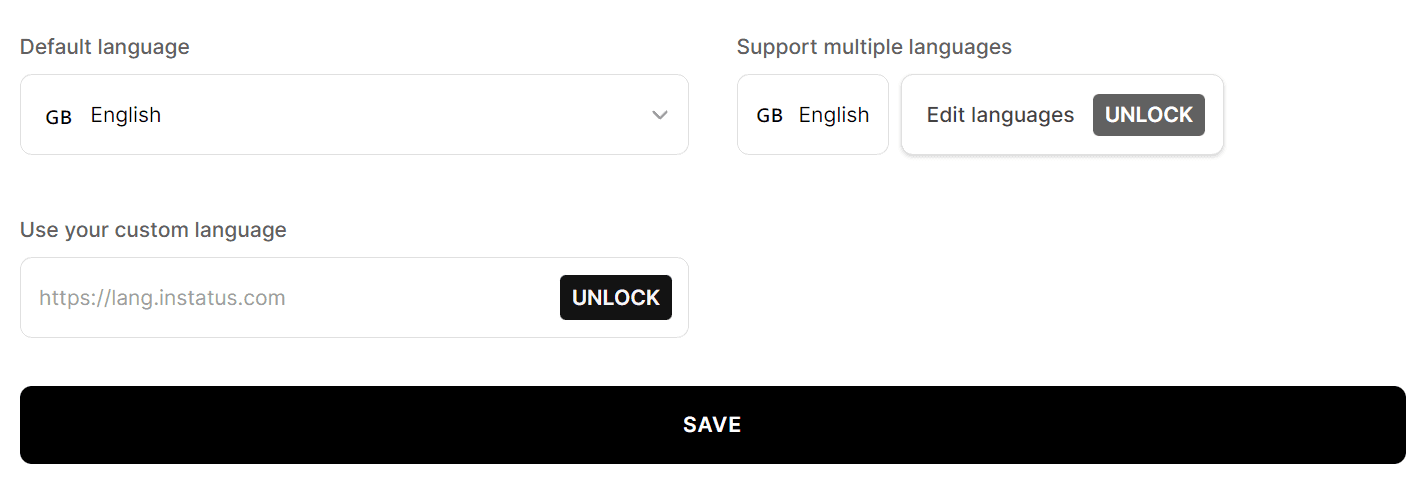
After changing the language of your status page click SAVE, and it will update your page.
How do I change date, time and timezone formats?
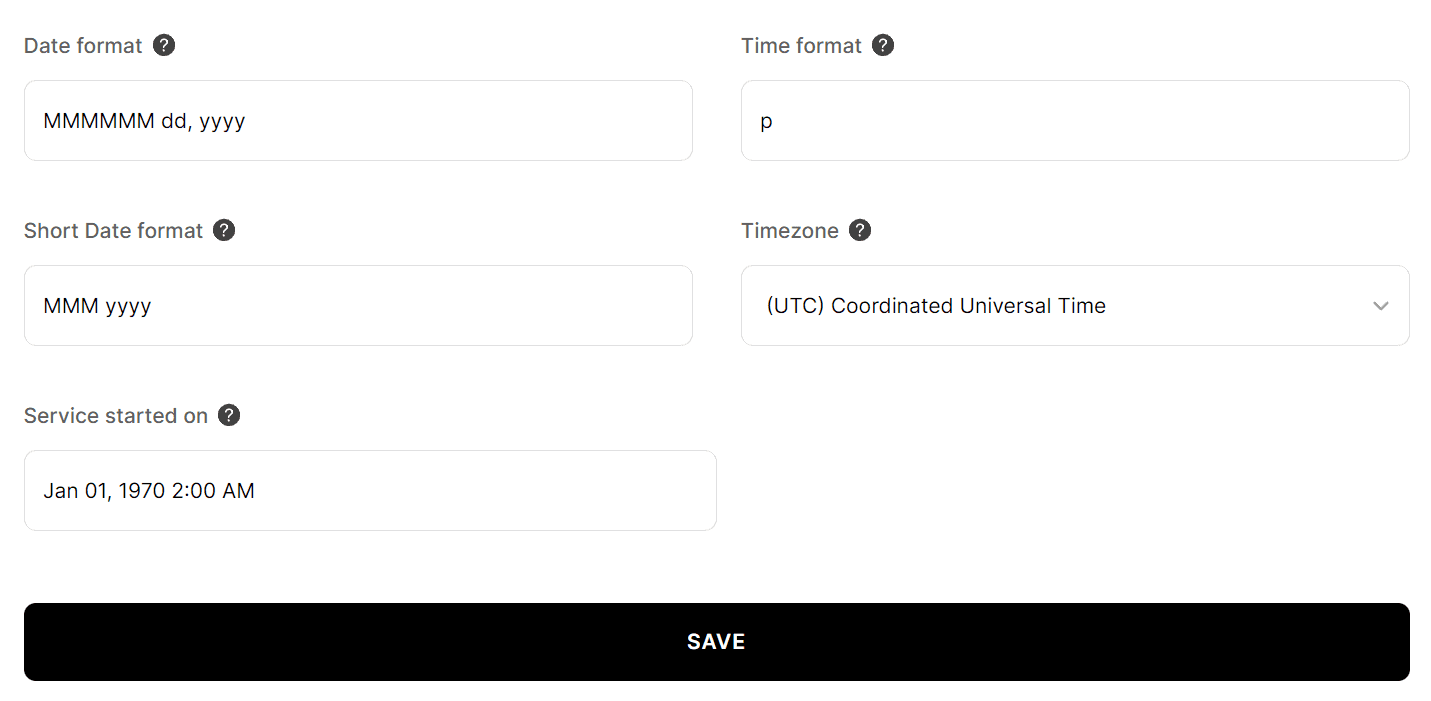
In Status page → Timeline you can change:
- Date and time formats, you can find more about date & time formats here.
- Timezone.
- Service start date.
After changing the date and time of your status page click SAVE, and it will update your page.
How do I control the Google and social media preview?
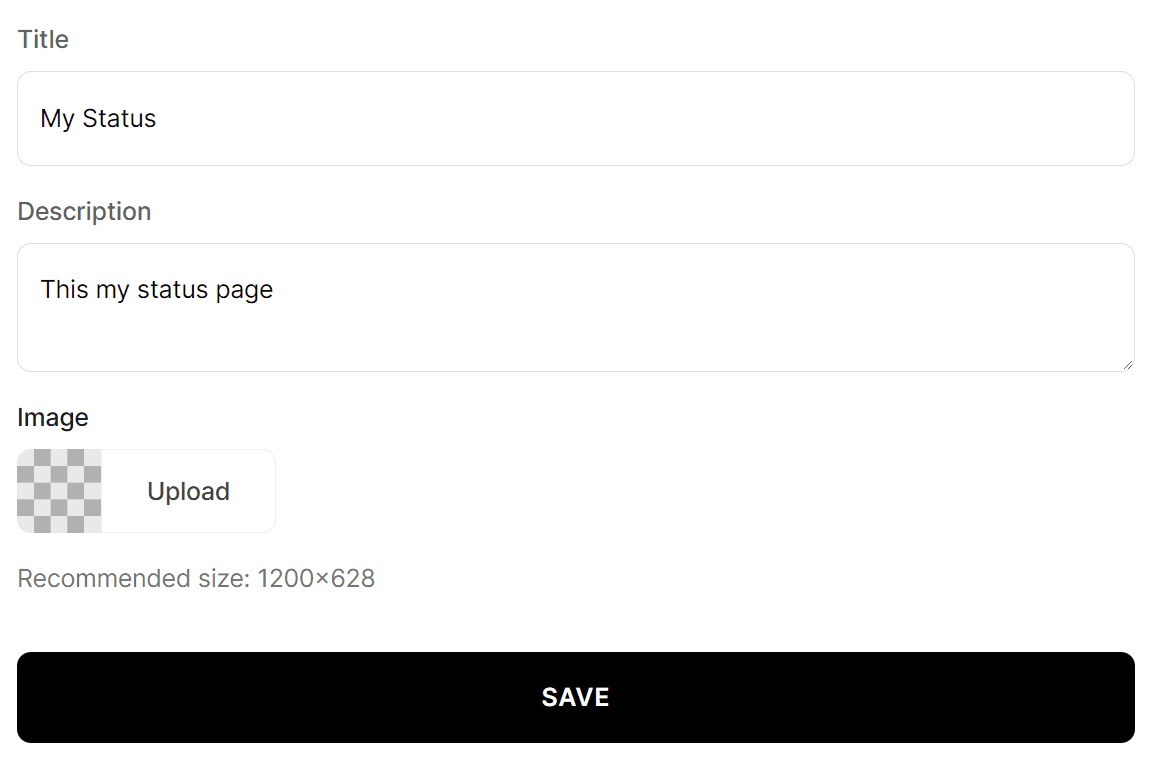
In Status page → Search & Social you can set:
- Change your title.
- Add a custom description for Google and social media.
- Upload an image.
After customizing your search & social settings, click SAVE for the changes to take effect.