Get started with Instatus API
All endpoints are under the URL https://api.instatus.com. They generally follow the REST architecture.
All requests must be encoded as JSON with the Content-Type: application/json header.
Responses from the Instatus API, including errors, are encoded as JSON as well.
Authentication
Requests to Instatus API must provide an API token through the Authorization header:
You can get your API key from User settings → Developer settings
Authorization: Bearer <API_KEY>
Get your Page ID
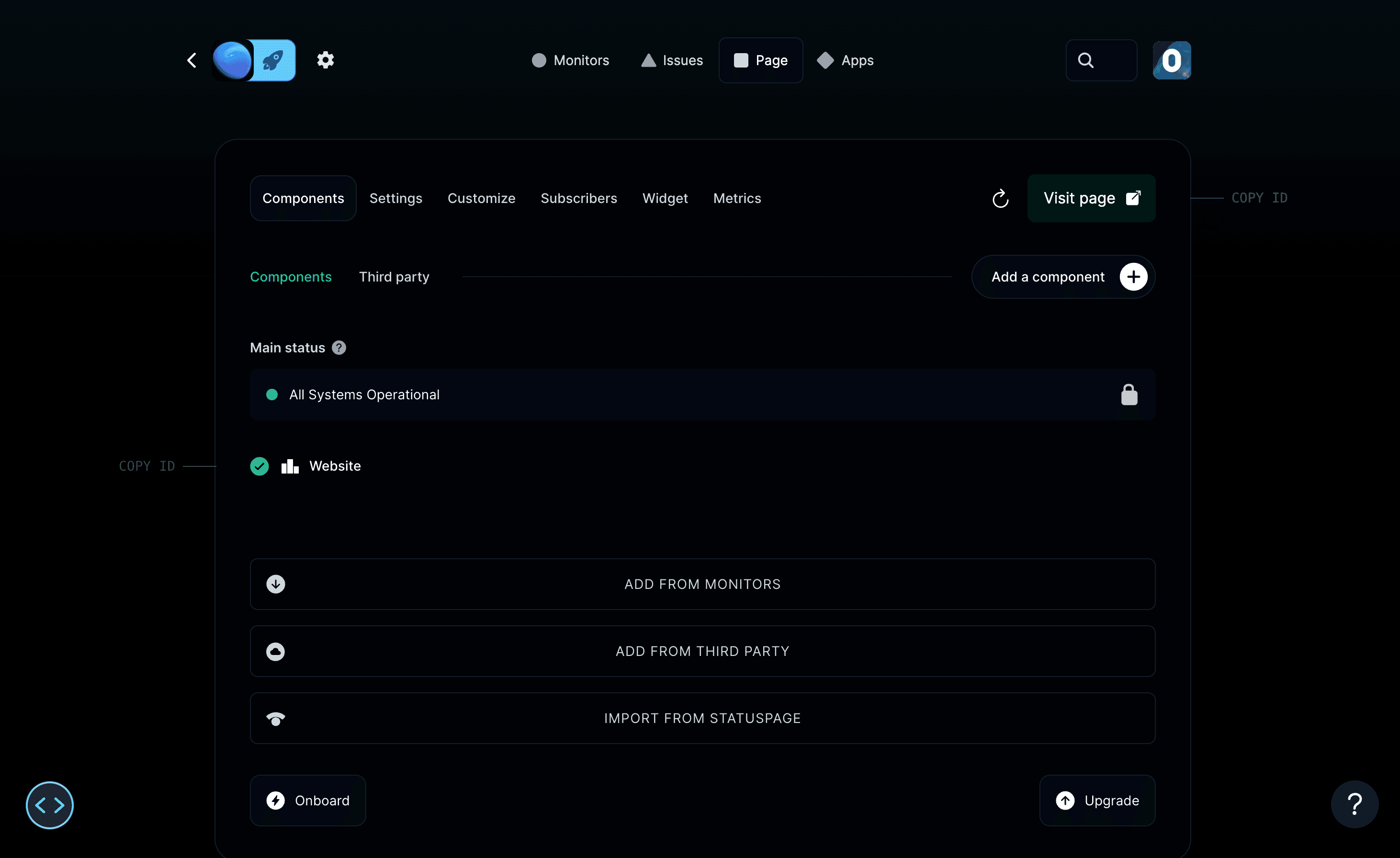
Your Page ID can be found in the dashboard by following these steps:
- Go to your dashboard.
- Right-click your project in the top-left corner to open the menu.
- Click Copy Project ID and your page ID is copied to your clipboard.
Errors
All API endpoints contain a code and message within the error responses.
{"error": {"code": "forbidden","message": "Not authorized"}}
Status Values
Possible page statuses. This is the granular status returned by the current API (v2 and later). The legacy summary.json endpoint and webhook notifications use a condensed form with only UP, HASISSUES and UNDERMAINTENANCE.
UPHASISSUESALLUNDERMAINTENANCEALLDEGRADEDPERFORMANCEALLPARTIALOUTAGEALLMINOROUTAGEALLMAJOROUTAGESOMEUNDERMAINTENANCESOMEDEGRADEDPERFORMANCESOMEPARTIALOUTAGESOMEMINOROUTAGESOMEMAJOROUTAGEONEUNDERMAINTENANCEONEDEGRADEDPERFORMANCEONEPARTIALOUTAGEONEMINOROUTAGEONEMAJOROUTAGE
Possible component statuses:
OPERATIONALUNDERMAINTENANCEDEGRADEDPERFORMANCEPARTIALOUTAGEMAJOROUTAGE
Possible incident statuses:
INVESTIGATINGIDENTIFIEDMONITORINGRESOLVED
Possible maintenance statuses:
NOTSTARTEDYETINPROGRESSCOMPLETED