Manage incidents from Slack
You can use our Instatus for Slack integration to access all incident response features right from Slack: declare incidents, coordinate responders, track action items, and post updates without leaving your workspace.
Install Instatus for Slack
Go to Integrations → Slack, then click Add to Slack
Receive incident announcements
After install, we create an instatus-incidents channel.
All incident announcements post there so teammates can follow and join.
Keep this channel public to increase visibility.
Add an incident
Run /incident in any channel to open the modal.
Fill status and title (description, components, and time are optional).
Submit to create the incident and its dedicated Slack channel.
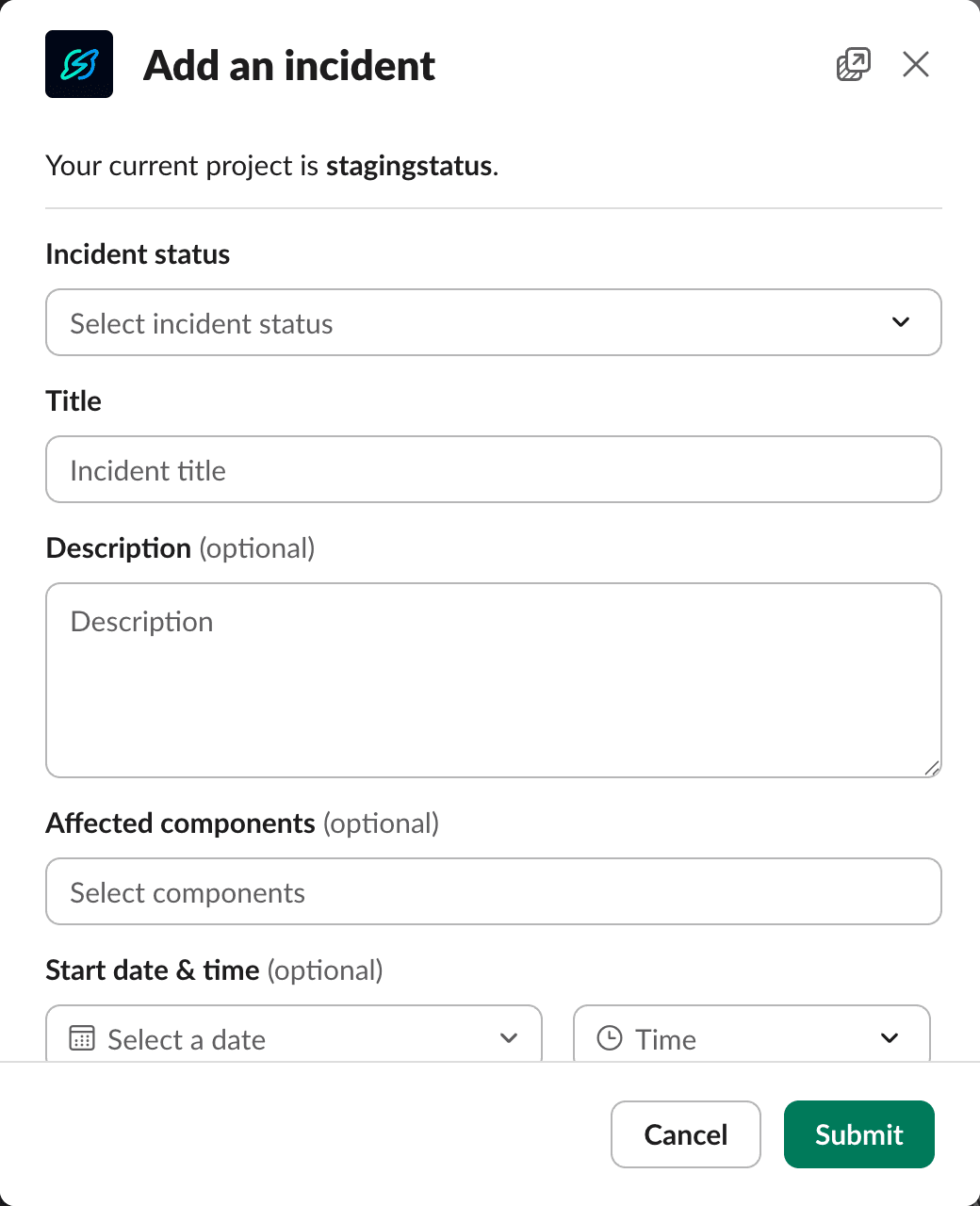
You can declare an incident with just a status and title to get started quickly. Declaring small incidents helps share knowledge, builds better practices, and prepares your team for bigger issues, leading to lower MTTR and operational excellence.
Work in the incident channel
Join the new incident channel to coordinate all things related to that incident. Use the welcome message to assign a lead, manage responders, and post updates. The announcement card auto-updates with the latest status.
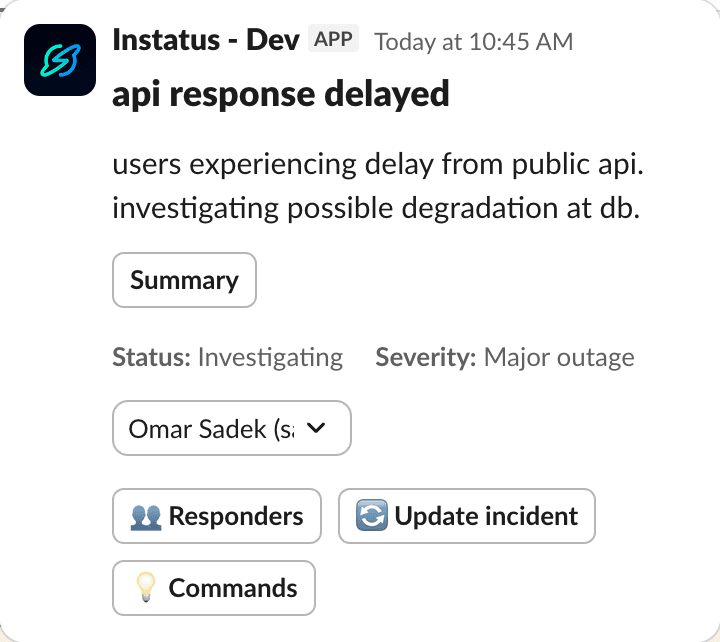
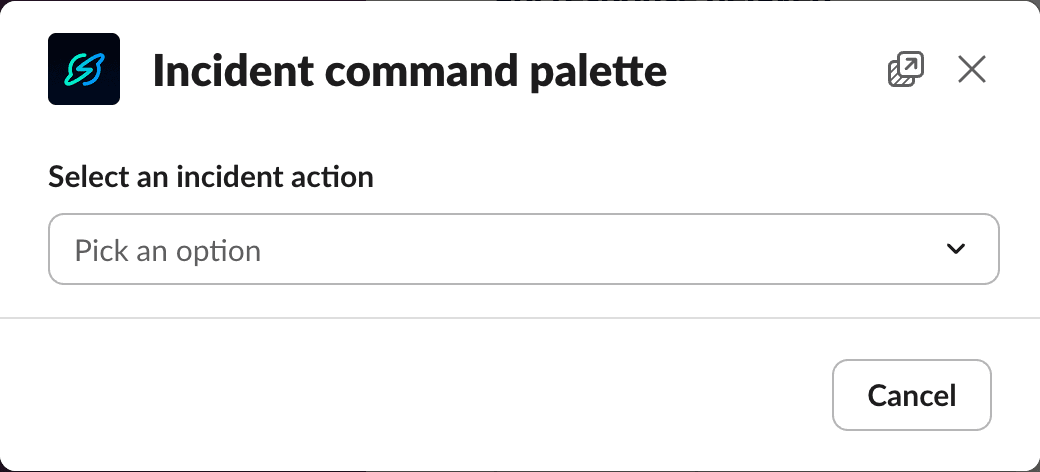
Open the command palette
Click Commands in the welcome message or run /incident inside the incident channel.
Pick any action: update, assign, view action items, and more.
Assign a lead and responders
Open Lead & Responders to set one lead and multiple responders. The lead must also be a responder, so removing the lead from the list of responders will show an error.
Ask each responder to run /incident ack in the incident channel to confirm ownership and start time.
Action items
Action items help coordinate who does what, and by when.
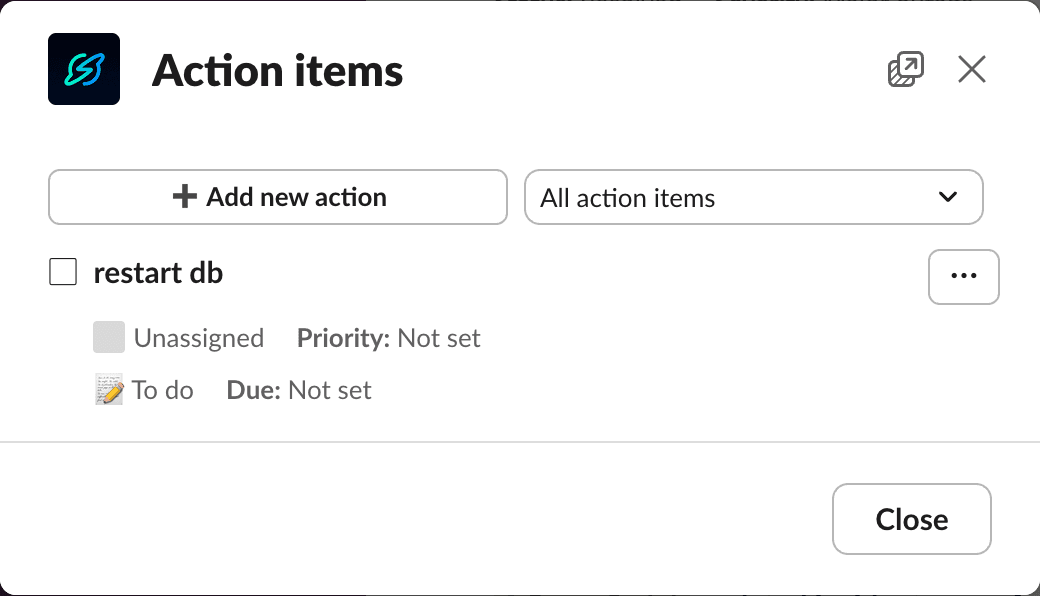
Open Action Items from the palette or run /incident actions. From there you can:
- Add an item — keep it brief: title, assignee, due (others optional).
- View items — switch between All and Mine, and use filters to track priority and status.
- Edit items — use the overflow menu to edit, delete, or mark as done.
Add an incident update
Share new information as soon as it’s available.
Use any entry point: /incident update, Command Palette, or Update from the welcome message.
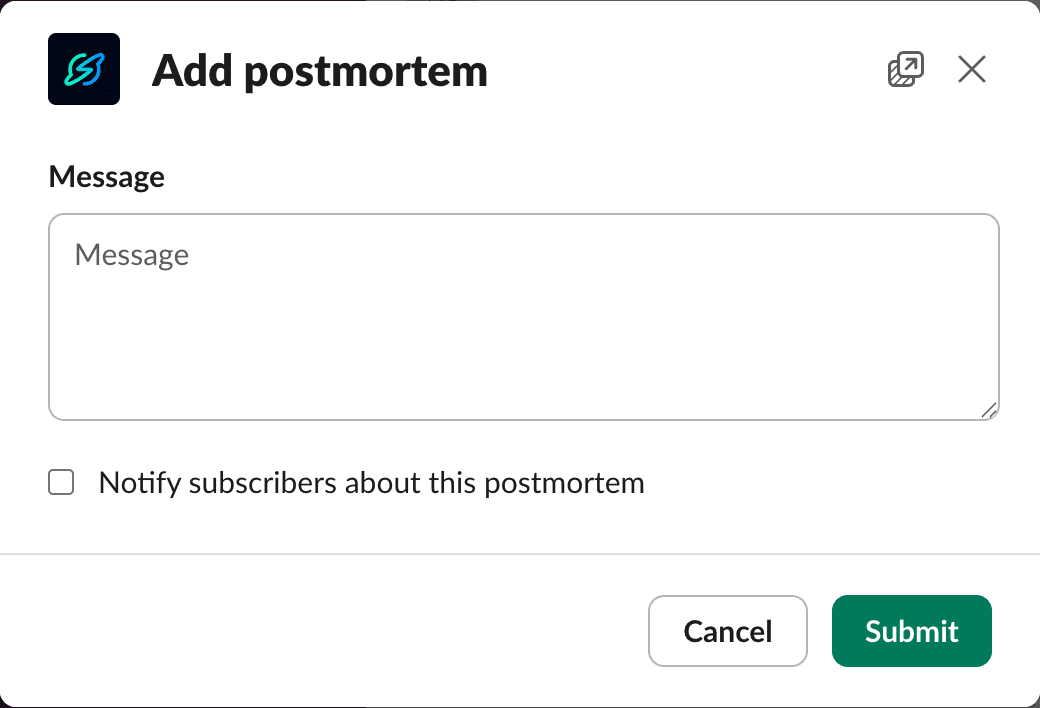
Add a postmortem
When the incident is resolved, add a postmortem from the palette or run /incident postmortem.
Capture lessons, root cause, and long-term fixes.
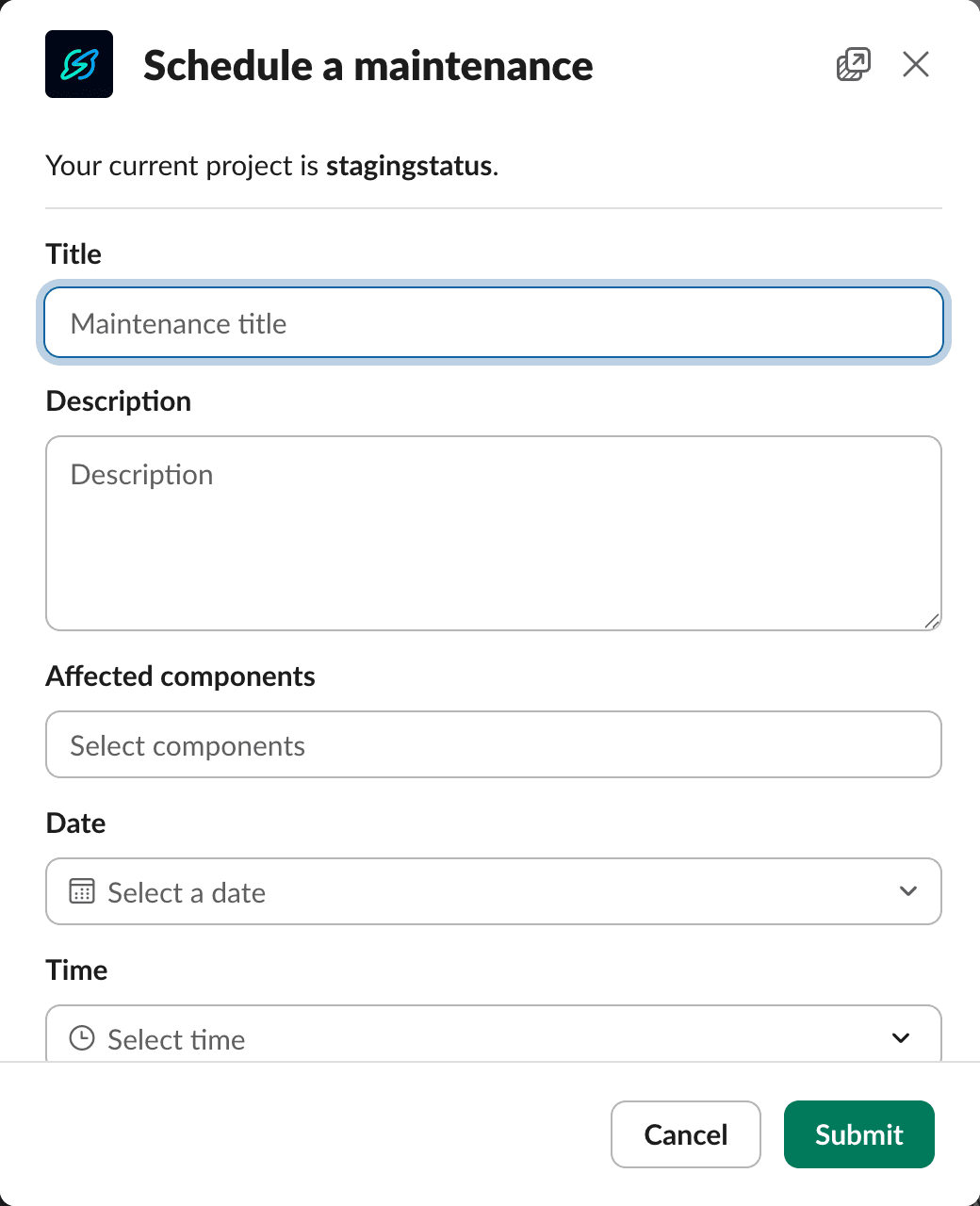
Schedule maintenance
Create planned work and keep everyone informed.
Run /maintenance to schedule and /maintenance update to post updates.
Use app-wide commands
Adjust settings, switch pages, and send feedback from anywhere by running /instatus settings.
You can also subscribe/unsubscribe to external pages and incidents.
Get more help
Run /instatus help to see a detailed reference of all available commands. Click on view more to open a modal with even more options.