SMS notifications
Login to Instatus from instatus.com/login then choose your status page.
- Go to Status page → Notifications
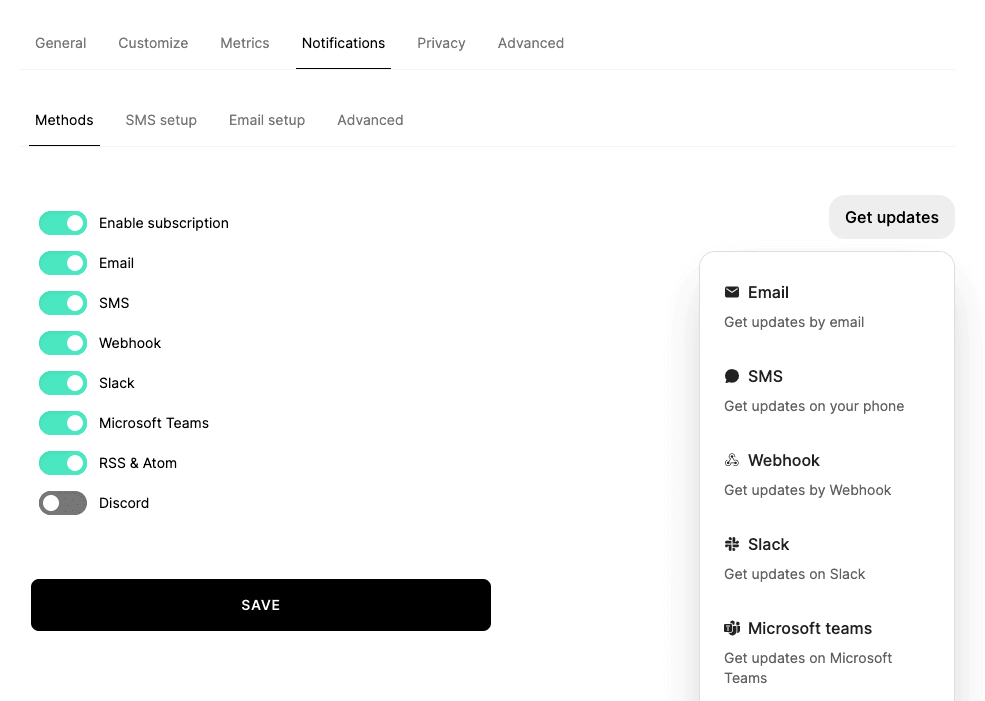
- Enable subscribe by SMS
- Click Save
- On the same page, scroll to the SMS setup section
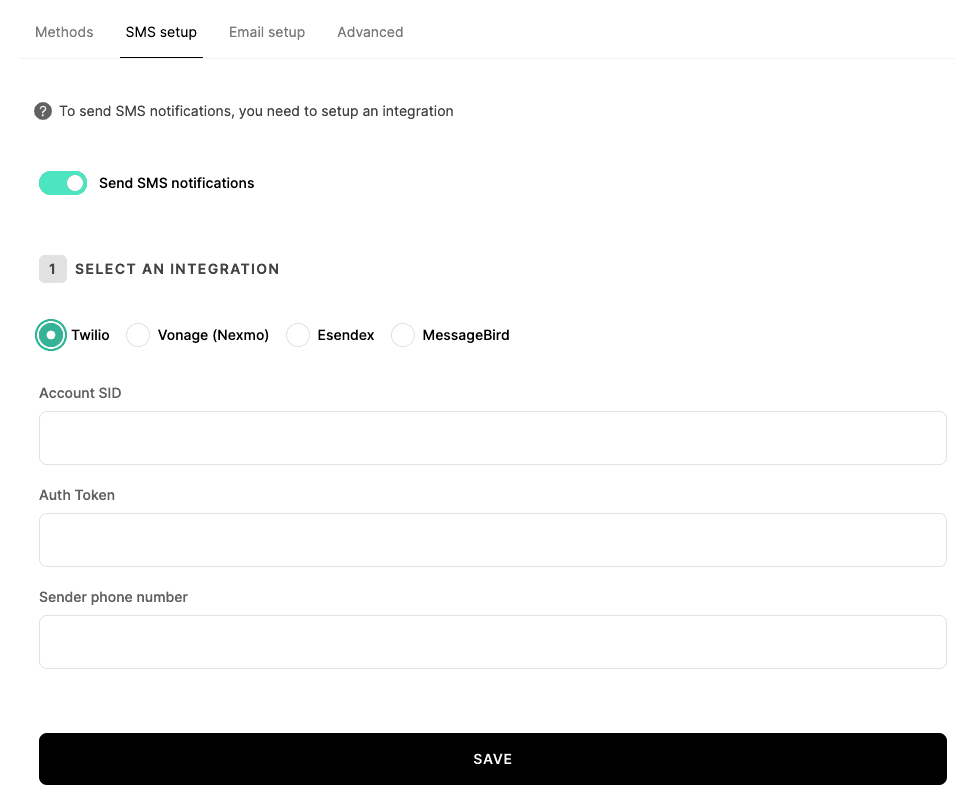
- Select either Twilio, Esendex, Vonage, Bird or SNS as your service
- Click Setup Twilio, Esendex, Vonage, Bird or SNS
- If you choose Twilio, you'll need to add your Account SID, Auth token, and Sender phone number
- If you choose Vonage, you'll need to add your API Key, API secret, and Sender phone number
- If you choose Esendex, you'll need to add your Username, API password, and Account Reference
- If you choose Bird, you'll need to add your API Key and Sender phone Number
- If you choose AWS SNS, you'll need to add your region, AWS Access key Id and Secret access key
- Send a test SMS to ensure that you successfully integrated your SMS service
We're done! You can now notify your customers by SMS 🥳
Add SMS subscribers
Go to Subscribers, then SMS, you'll find a list of your SMS subscribers which you can export as a CSV file.
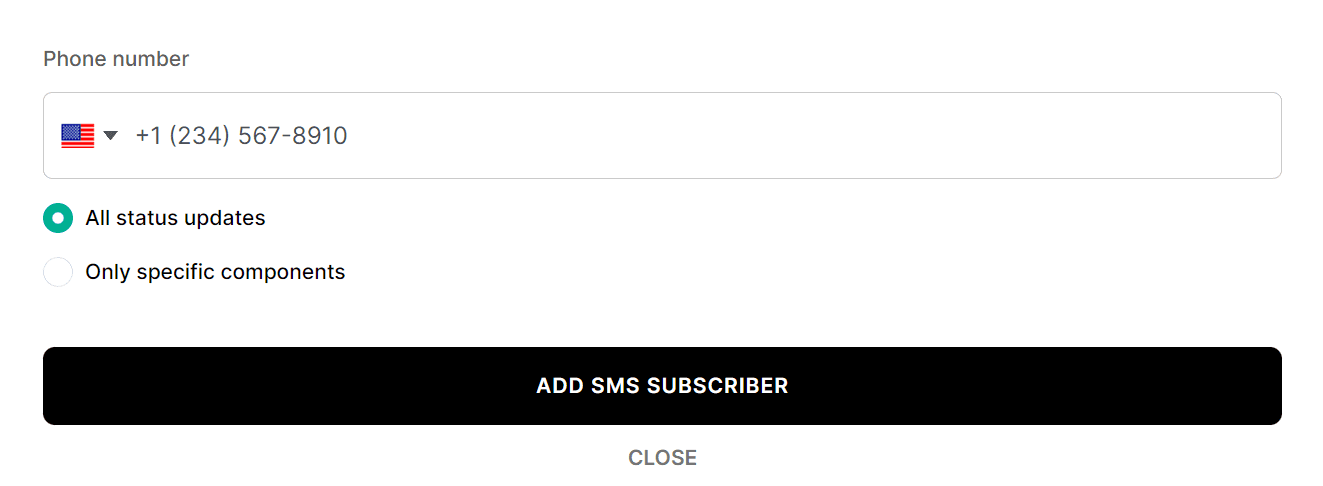
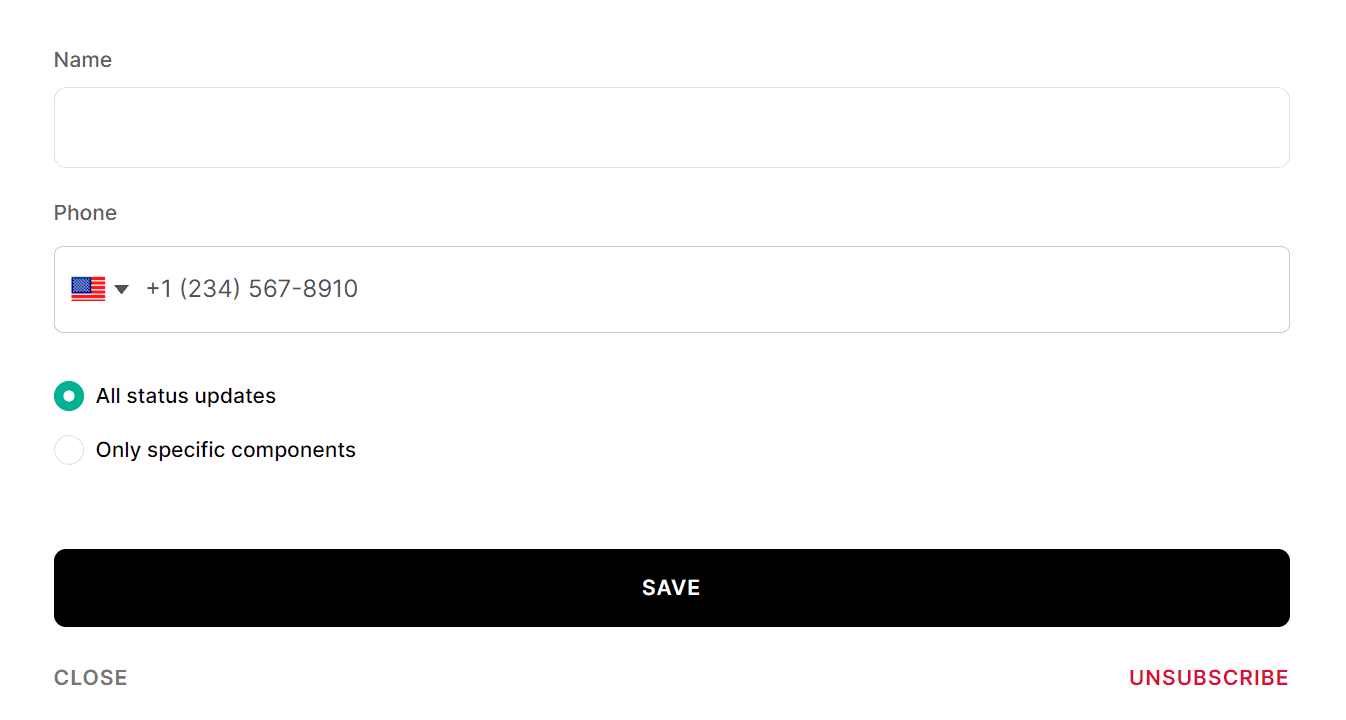
To add a new subscriber click Add SMS subscriber.
A new form will appear where you can enter the number of your subscriber and choose whether to notify them about all updates or only updates for specific components.
Manage your SMS subscribers
Go to Subscribers, then SMS.
If you want to unsubscribe someone, just click on the Unsubscribe button.
Import SMS subscribers
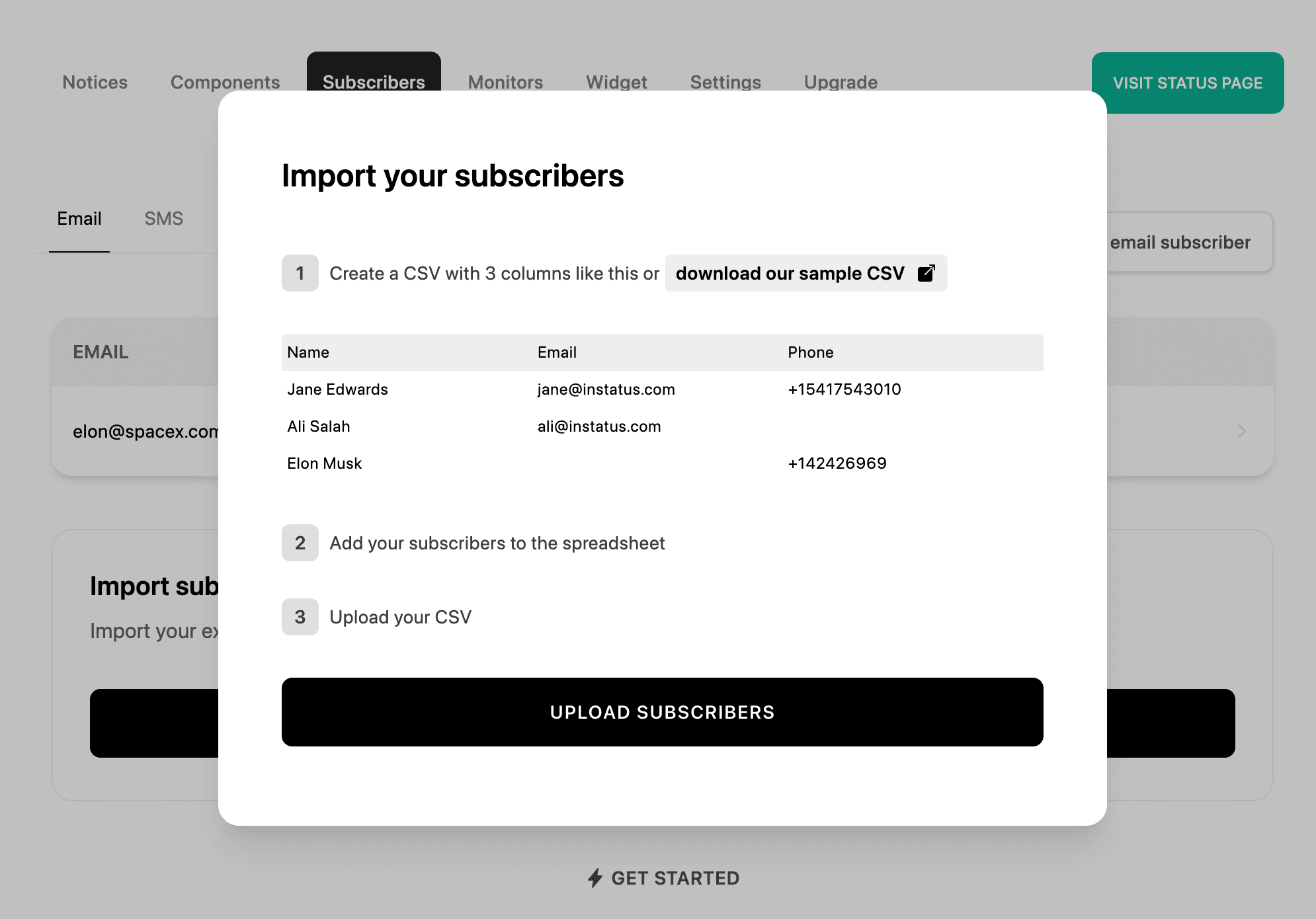
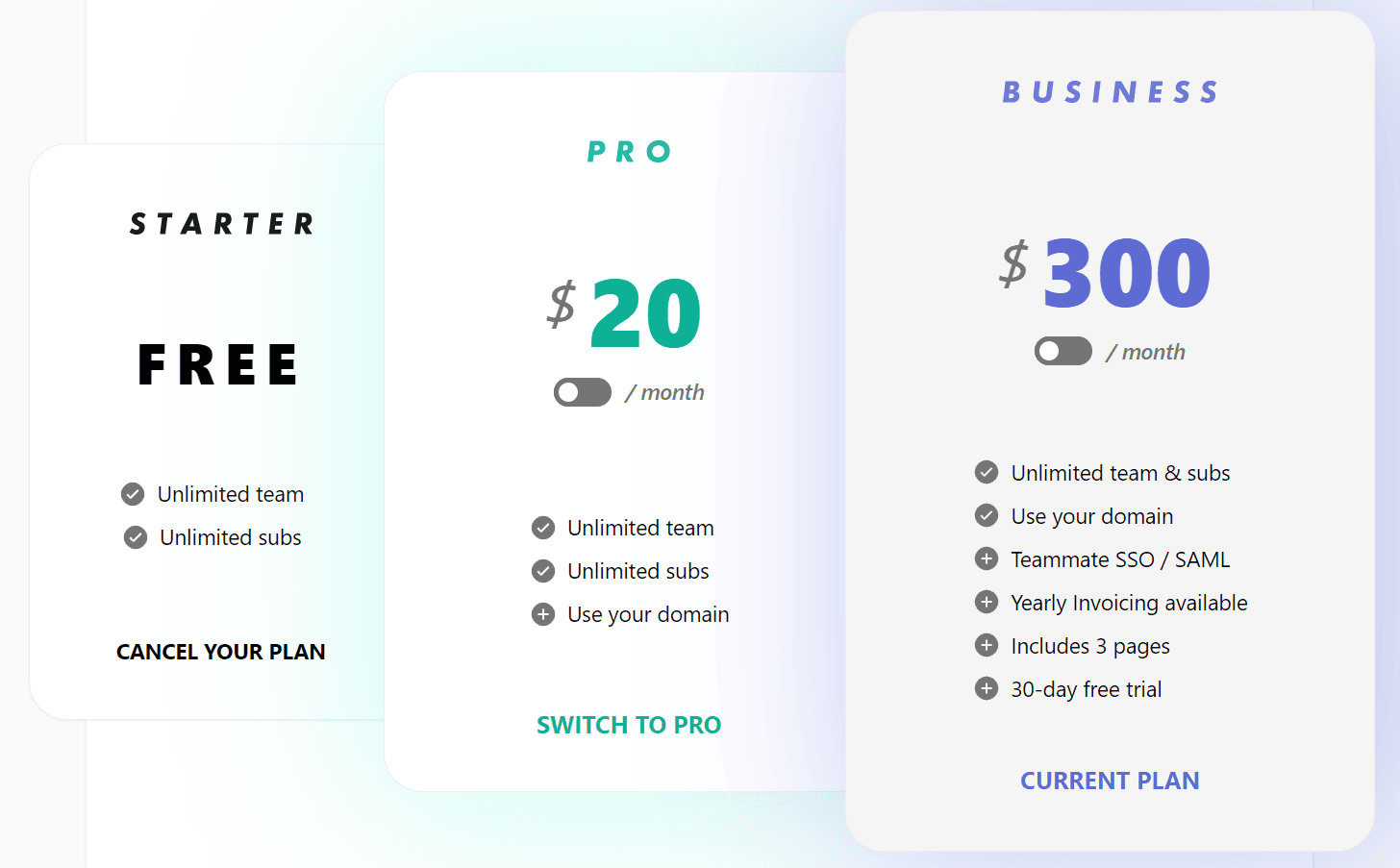
Instatus Pro allows you to import subscribers from a CSV file rather than manually inputting each sms subscriber. If you are already a Pro member, skip the first step.
- Open the workspace menu in the sidebar, choose Billing, and upgrade to a Pro plan.
- Get your spreadsheet ready
To import subscribers, your CSV must contain Name, Email and Phone in the first row.
- Go to Subscribers
- Click on Import Subscribers
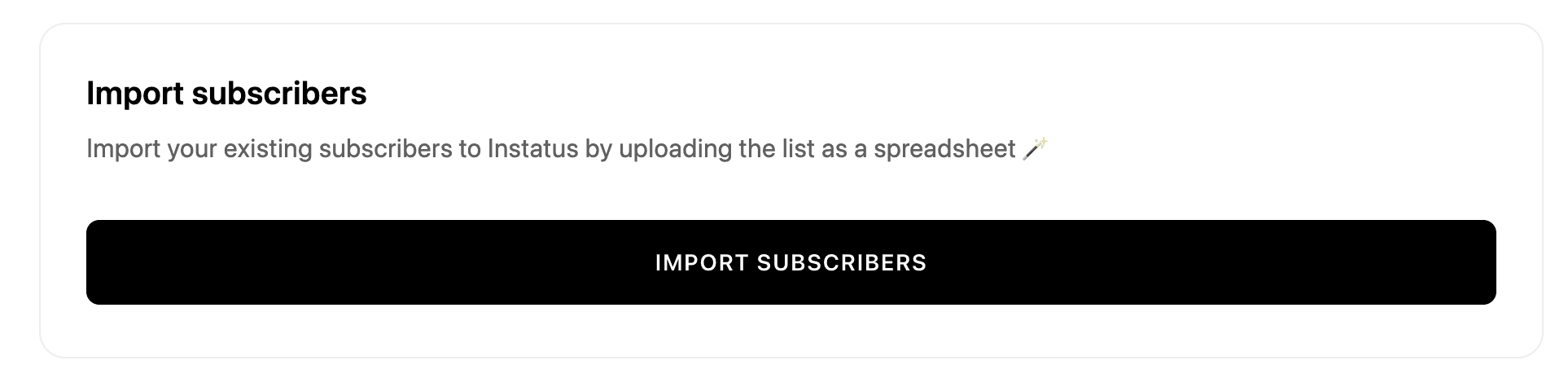
- Click on the Upload Subscribers button and select the CSV file you want to import subscribers from