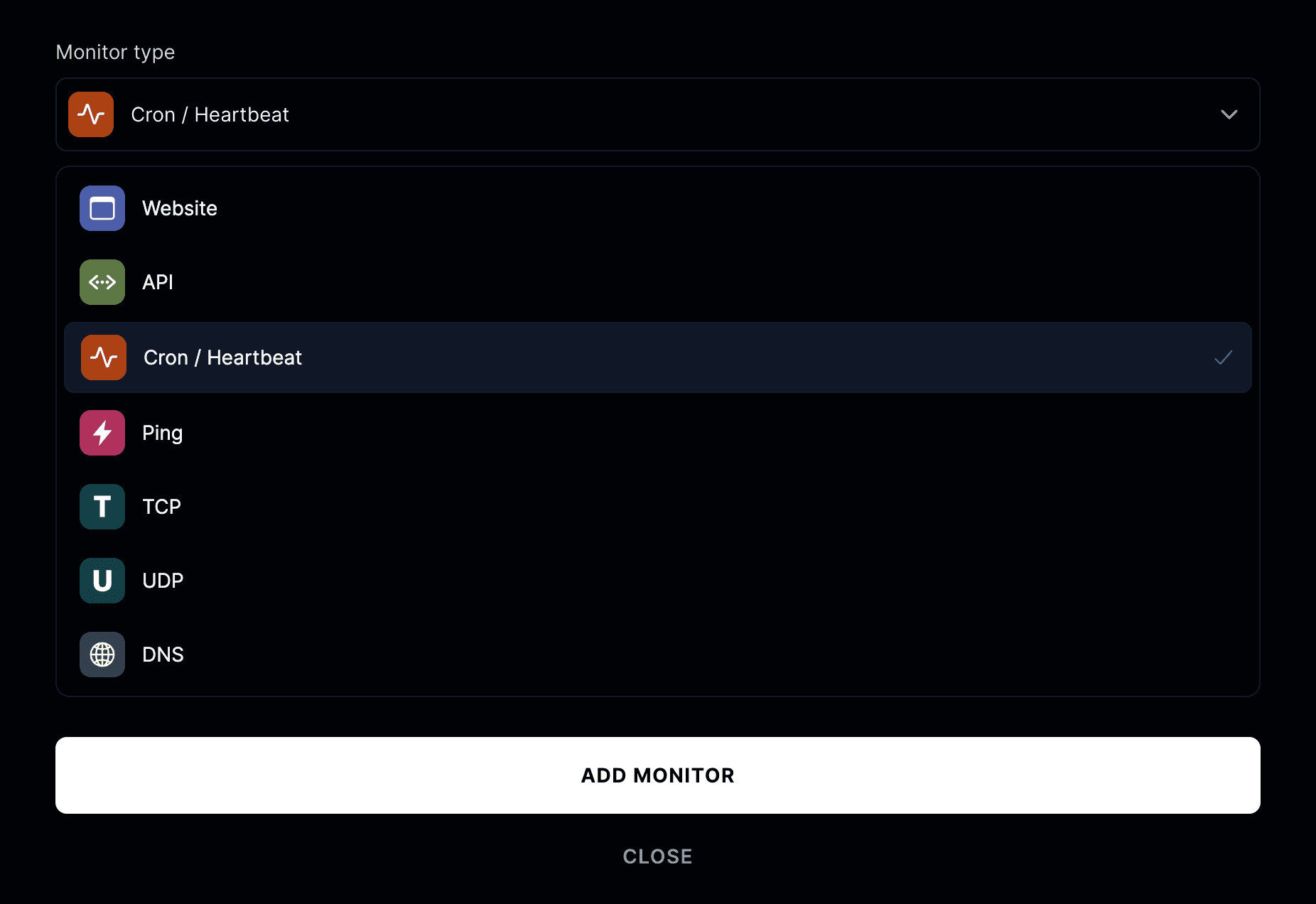
Monitor types
There are various types of monitors you can create.
Website
Website monitoring checks if your website is accessible and functioning correctly. It performs HTTPS requests to your specified URL and verifies:
- Website availability
- Content matching (body, JSON body, or header)
- Response status codes
- Response time
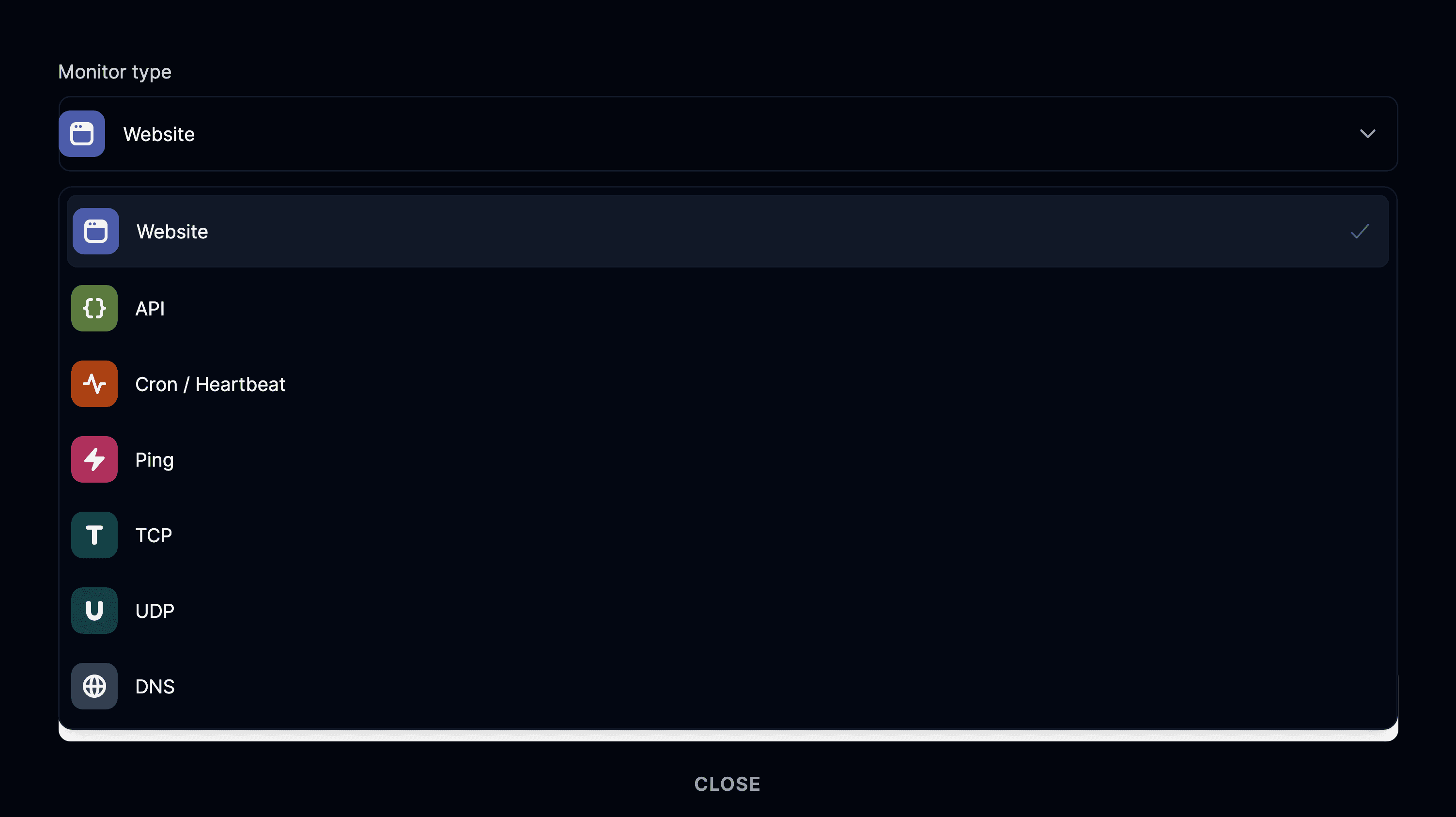
API
API monitoring helps ensure your API endpoints are responding correctly. Features include:
- Support for all HTTP methods (GET, POST, PUT, DELETE, etc.)
- Custom headers and authentication
- Request body support (form, JSON, GraphQL, plain)
- Query parameters

Ping
Ping is a simple monitor that sends an echo request and measures the result. Use cases include:
- Simple uptime & availability monitoring
- Infrastructure health checks
- Network latency monitoring
Ping monitors provide raw network performance metrics without the overhead of HTTP requests.

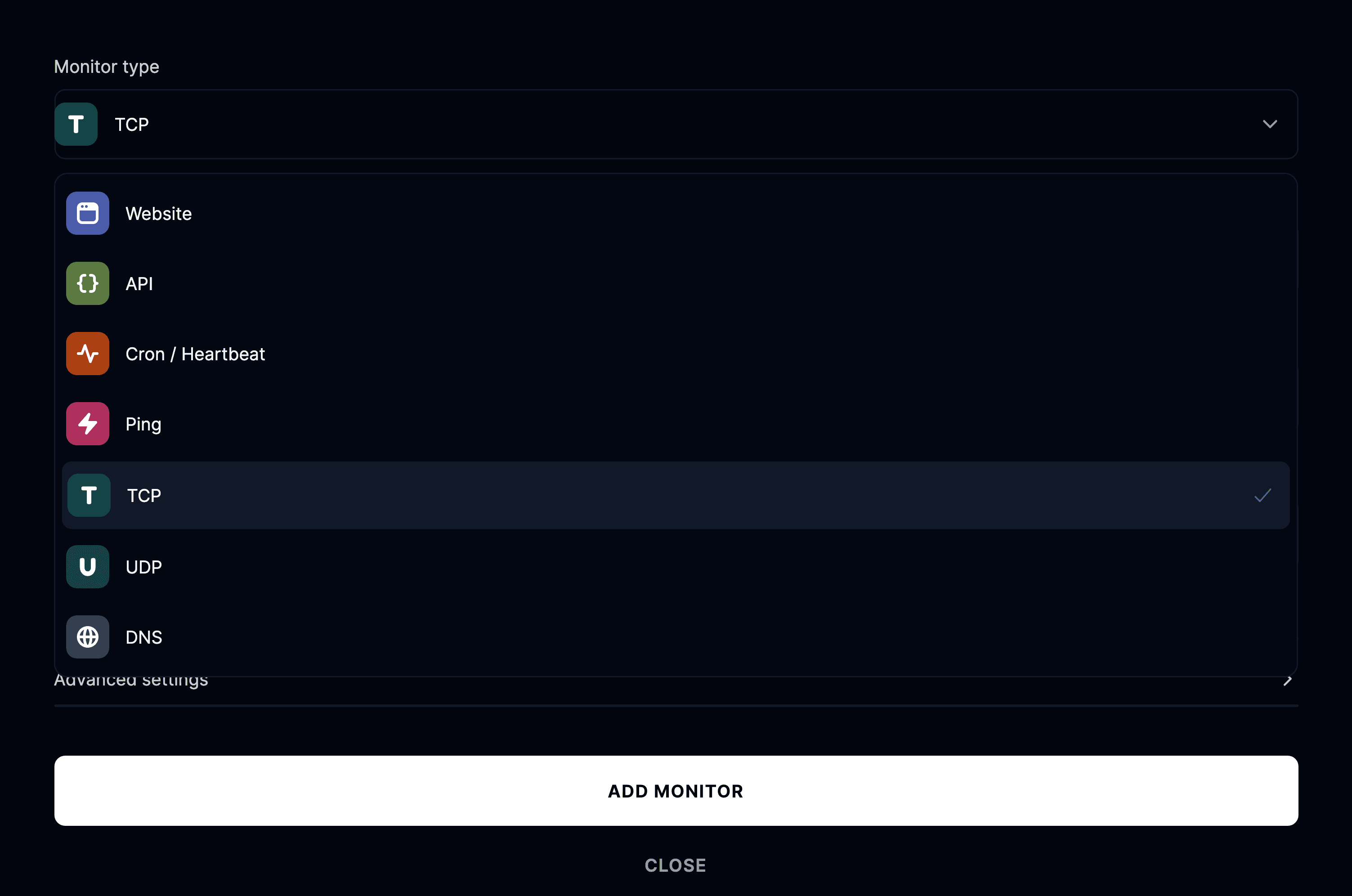
TCP
TCP monitoring verifies if specific ports on your server are accessible and responding. Use cases include:
- Database connection monitoring
- Custom service port checking
- Mail server monitoring (SMTP, IMAP, POP3)
- FTP server availability
- Custom TCP protocol testing
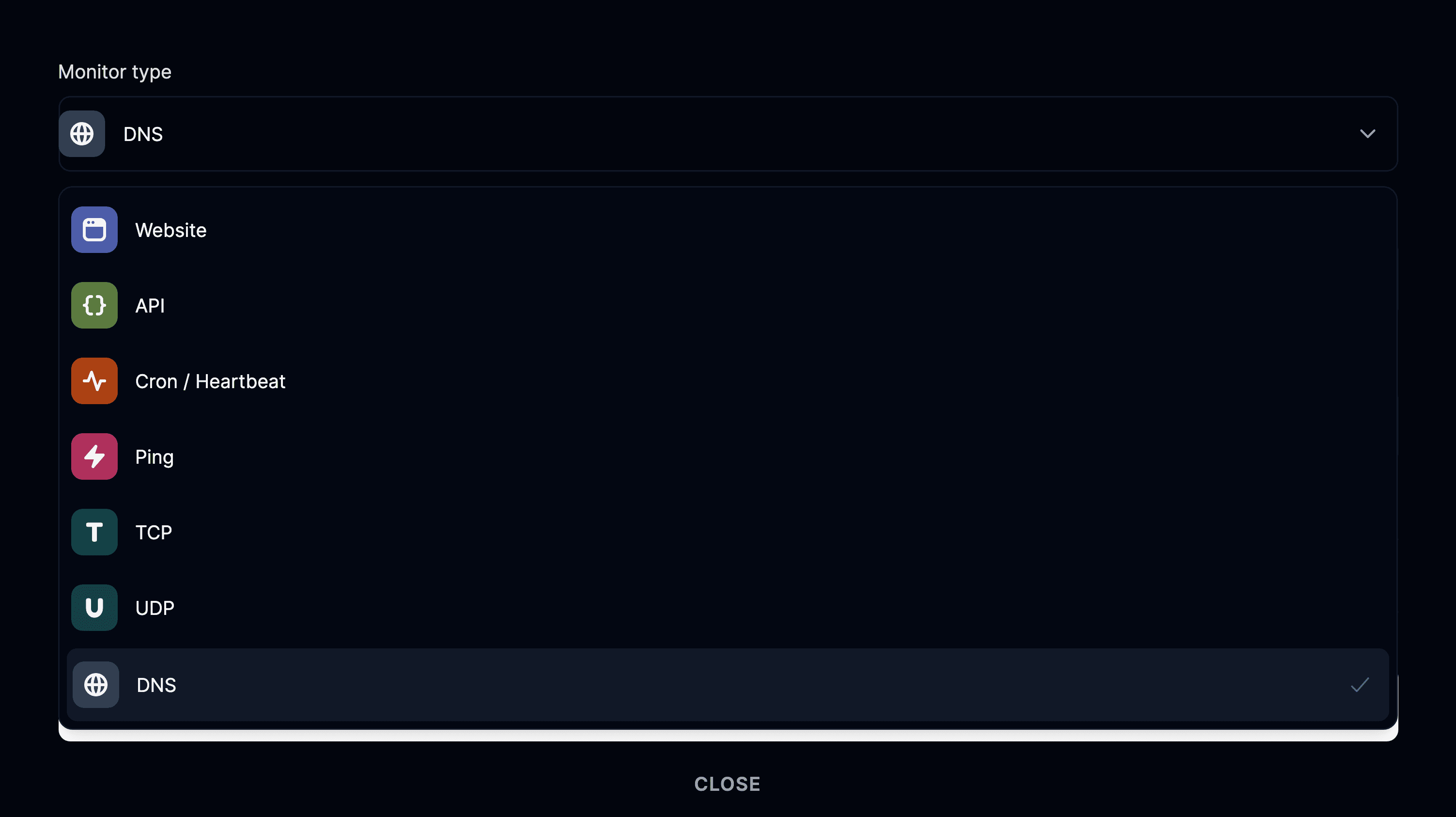
DNS
DNS monitoring checks the health and configuration of your DNS, verifying that it properly maps A or MX records to their intended IP address or mail server, respectively.
UDP
UDP monitoring checks that a host and UDP port are reachable and still answering. Because UDP is connectionless, the monitor sends a datagram and inspects the reply. Use cases include:
- DNS servers
- Game servers
- VoIP and streaming gateways
- Any service that listens on a UDP port
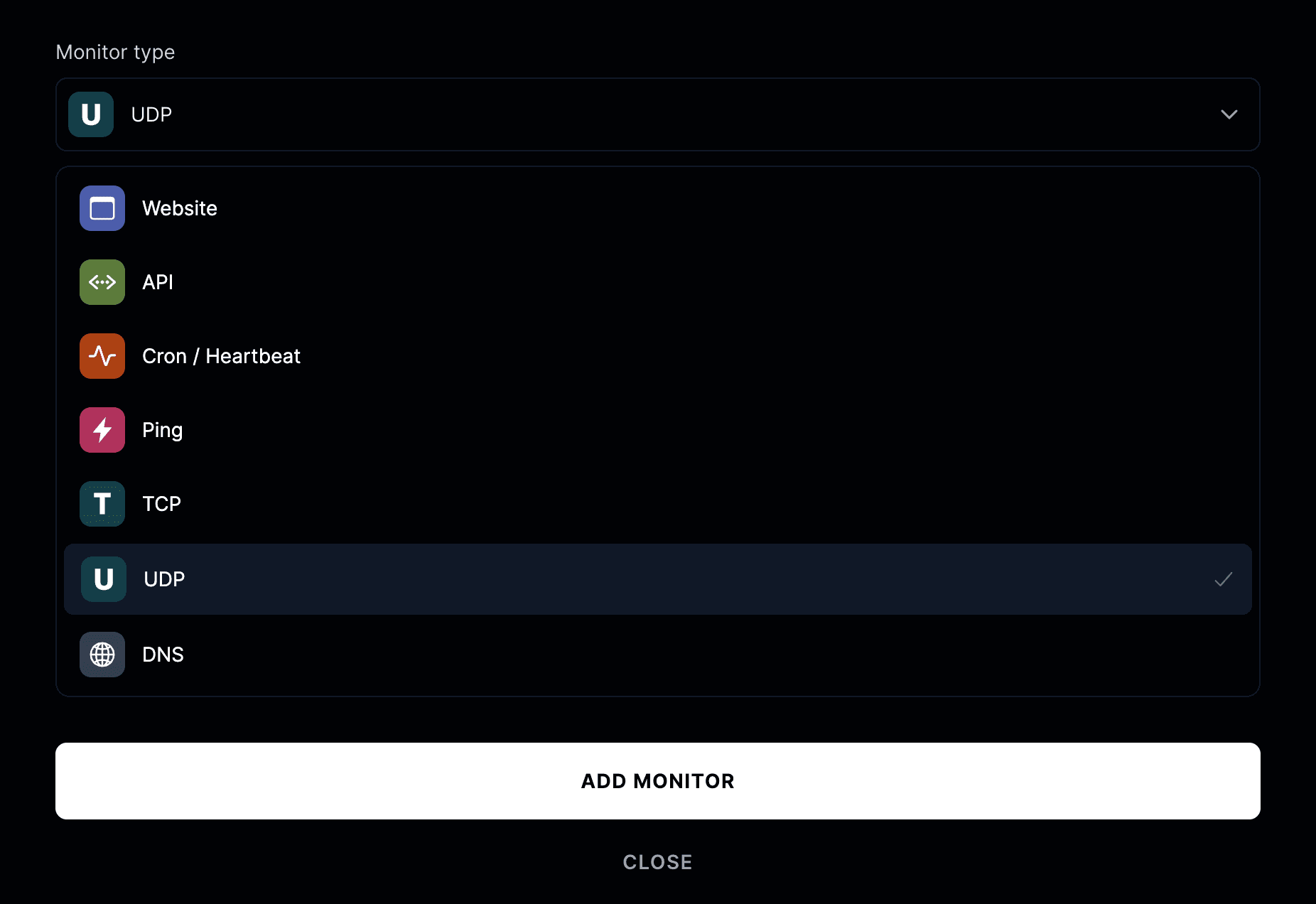
Cron / Heartbeat
Cron monitoring tracks scheduled jobs — backups, batch processing, recurring scripts — by having the job ping a URL each time it runs. Instead of Instatus calling your service, your job calls Instatus. Use cases include:
- Nightly backups
- Scheduled data imports and exports
- Queue and worker processes
- Any job that should run on a schedule