Add metrics and charts to your status page
Include metrics about your service performance or any other graph data you want to communicate through your status page.
Add a metric
Login to Instatus from instatus.com/login then choose your status page.
Go to Status page → Metrics and click Add Metric.
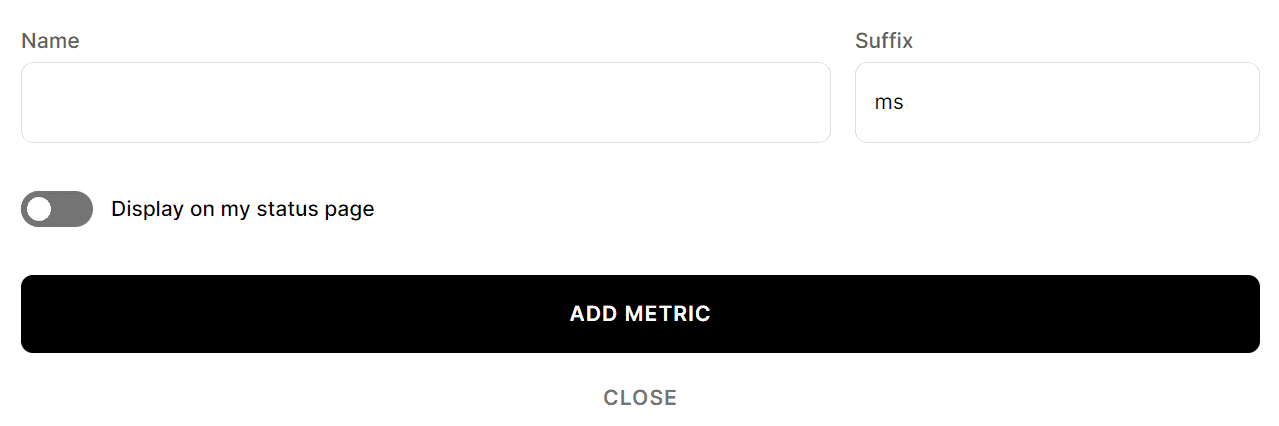
A new form will appear where you can:
- Enter a name for the metric.
- Enter a suffix, which is the unit of the metric (like
msor%). - Choose whether to display the metric on your status page or not.
Added metrics can be updated by clicking Edit on the metric and saving the updates.
Find out how to add your metric's data here
Congrats! You've added a metric 🥳