Microsoft Teams
Add a Microsoft Teams
Log in to Instatus at instatus.com/login then choose your status page.
Go to Subscribers, then Microsoft Teams
Click Add a Microsoft Teams channel,
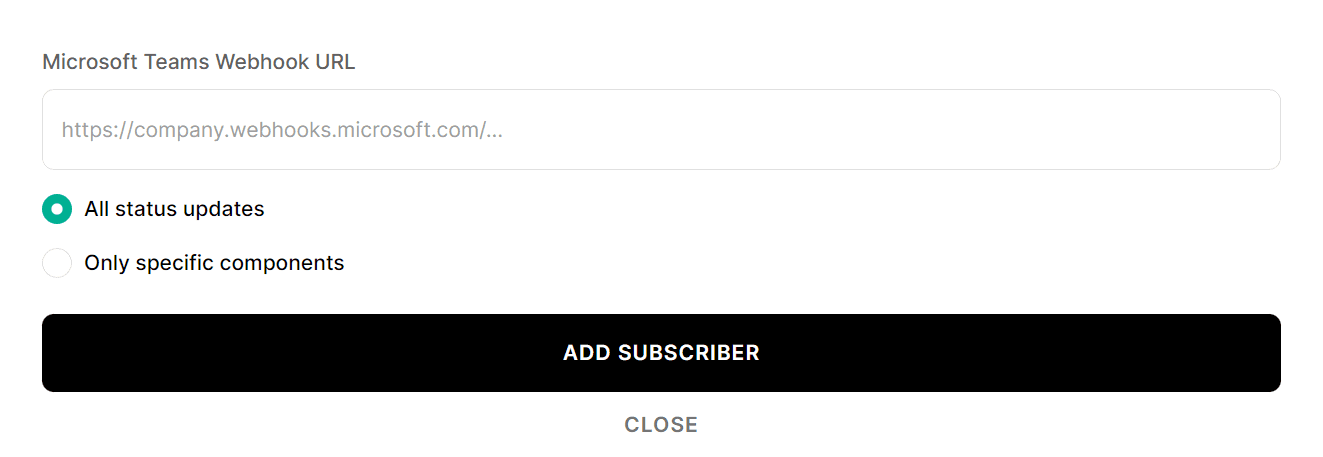
A new form will appear where you can enter your Microsoft Teams Webhook URL, and specify which components should this channel be notified about.
You can give a name to your integrated Teams channel by clicking on it and typing a name in the form, you could also delete this integration by clicking Unsubscribe.