Freshping + Instatus
- 前往 Instatus,在集成中选择 Freshping
- 选择自动创建和解决事件时要使用的模板
- 复制你页面的 webhook URL
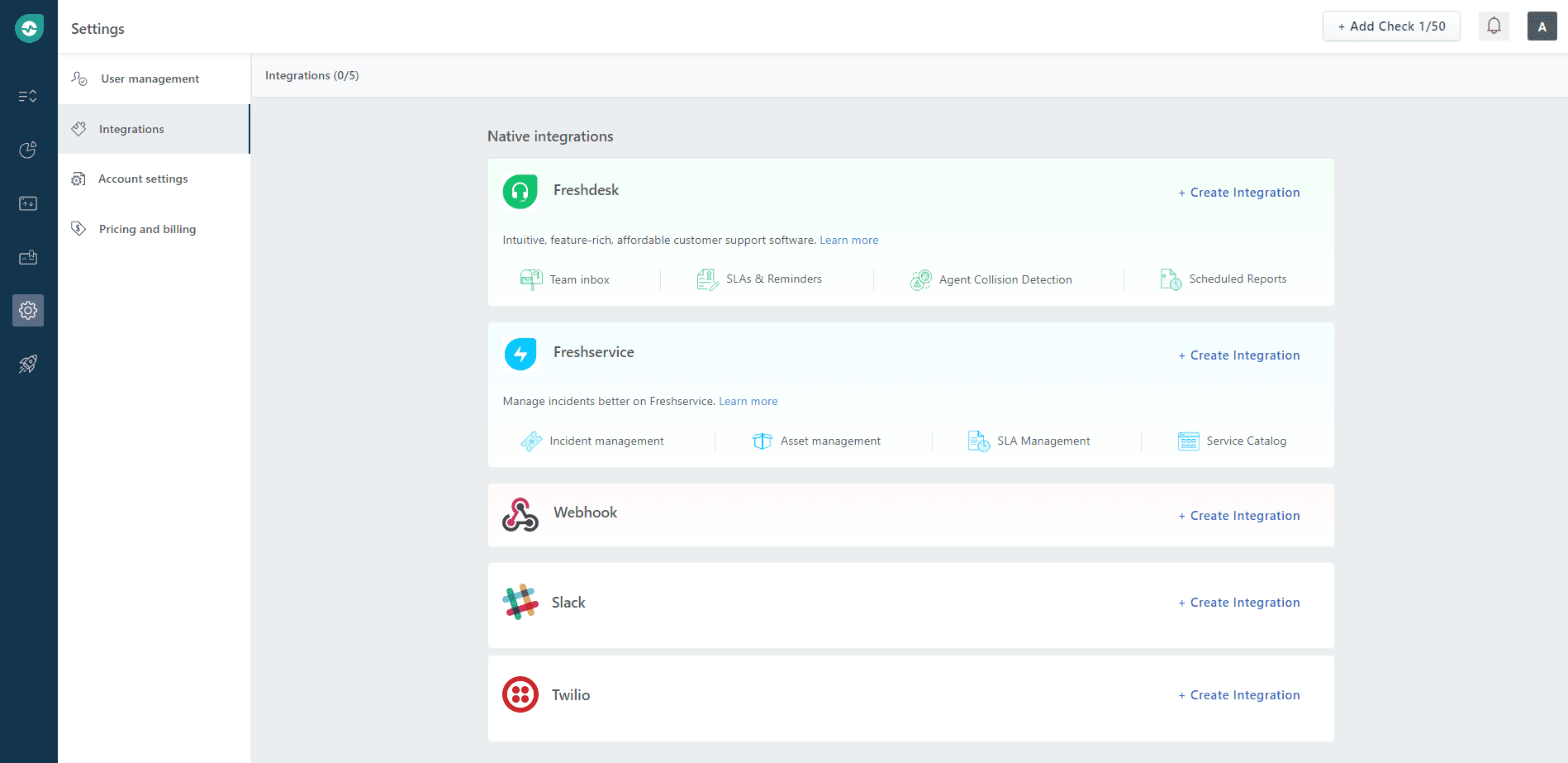
- 打开你的 Freshping 控制台,点击 Settings → Integrations,然后在 Webhook 区域点击 Create Integration
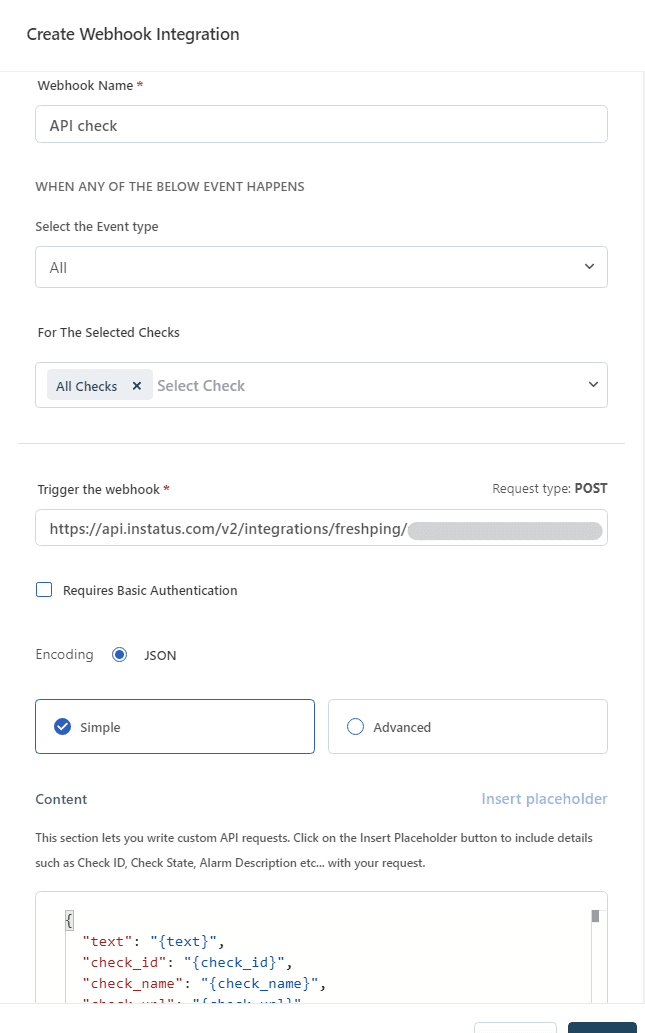
- 为 Webhook 填写名称,选择 Up/Down 事件类型,选择要通知该 webhook 的检查项,粘贴你的 Webhook URL,然后点击 save。
搞定!👏