Datadog + Instatus
- Vai su Instatus, nella sezione Integrazioni scegli Datadog
- Scegli i modelli da usare per creare e risolvere gli incidenti automatici
- Copia l'URL webhook della tua pagina
- Accedi al tuo account Datadog e vai su Integrations.
- Crea una nuova integrazione Webhook
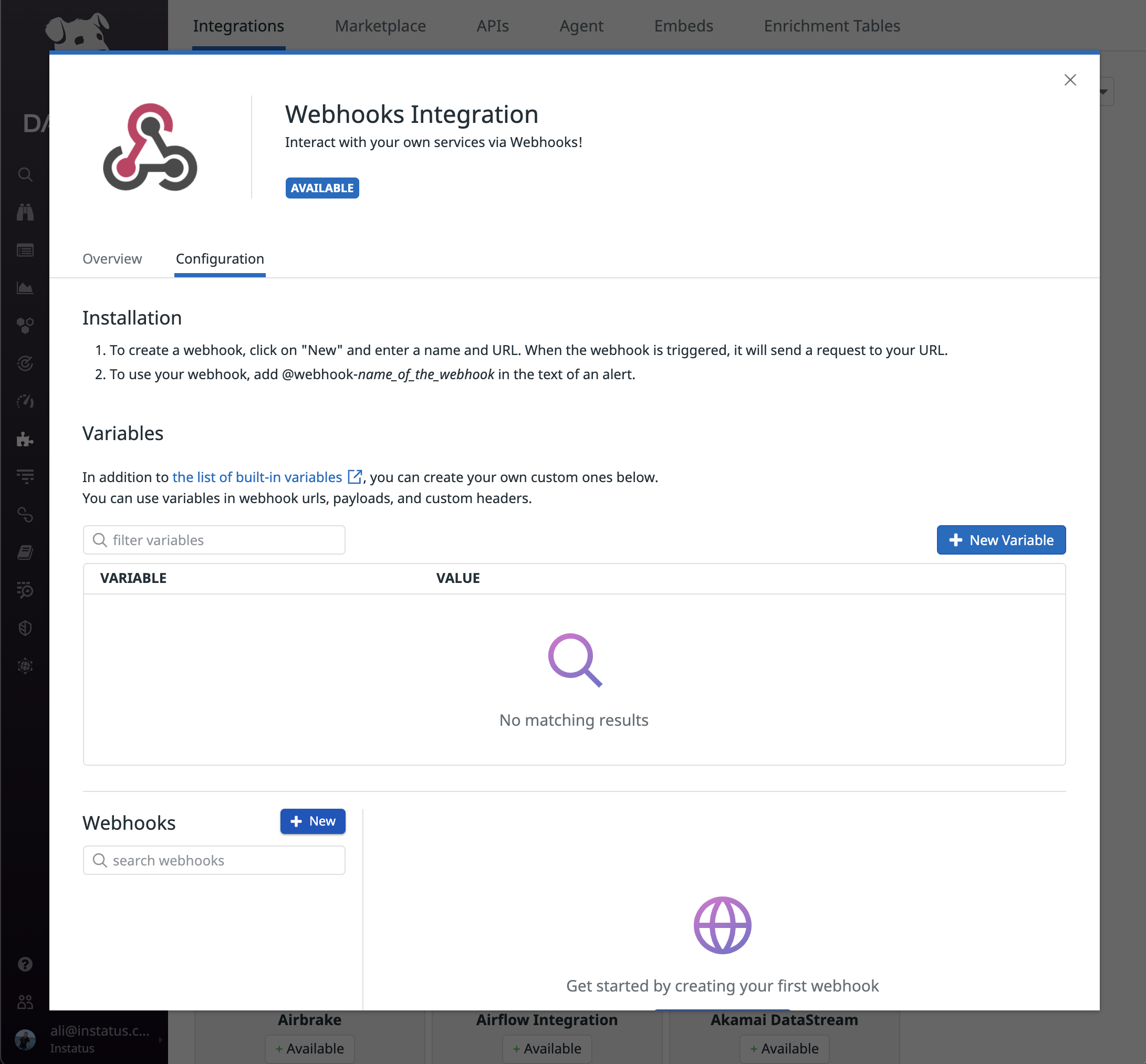
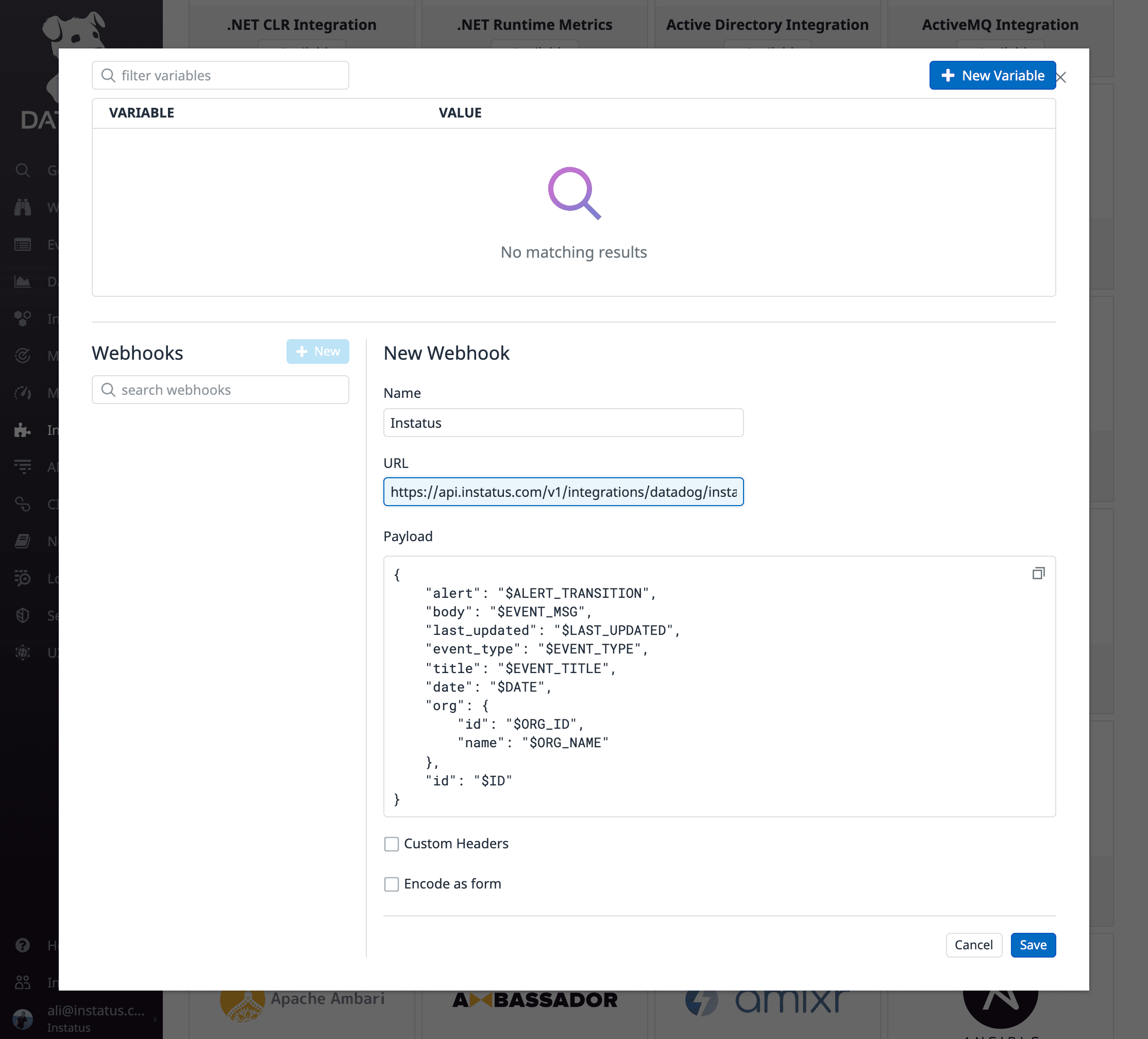
- Inserisci un nome e l'URL webhook di Instatus che hai copiato
- Ricordati di aggiungere il valore
alertal tuo payload:
{"alert": "$ALERT_TRANSITION","body": "$EVENT_MSG","last_updated": "$LAST_UPDATED","event_type": "$EVENT_TYPE","title": "$EVENT_TITLE","date": "$DATE","org": {"id": "$ORG_ID","name": "$ORG_NAME"},"id": "$ID"}
- Clicca su Save
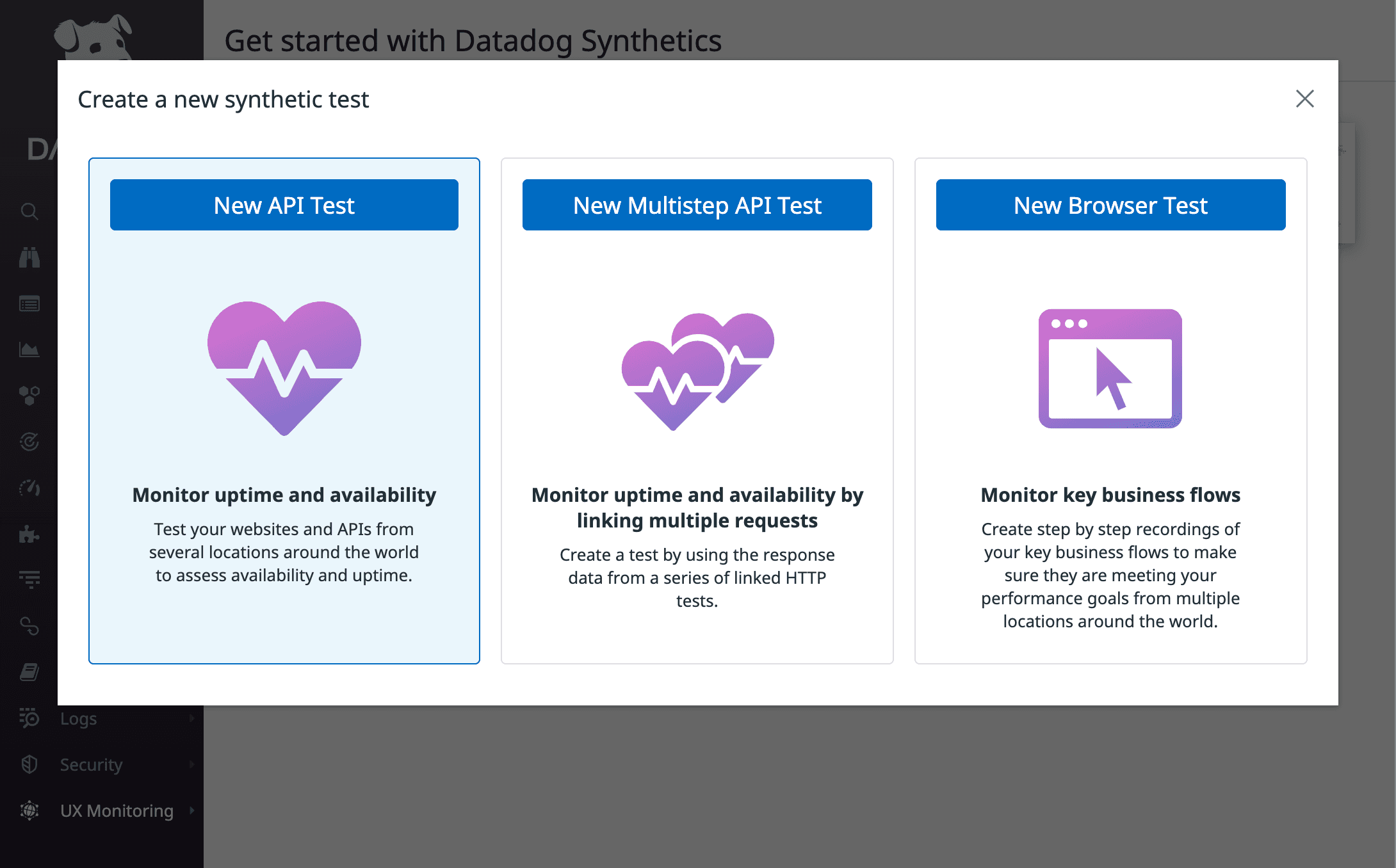
- Crea un nuovo test API
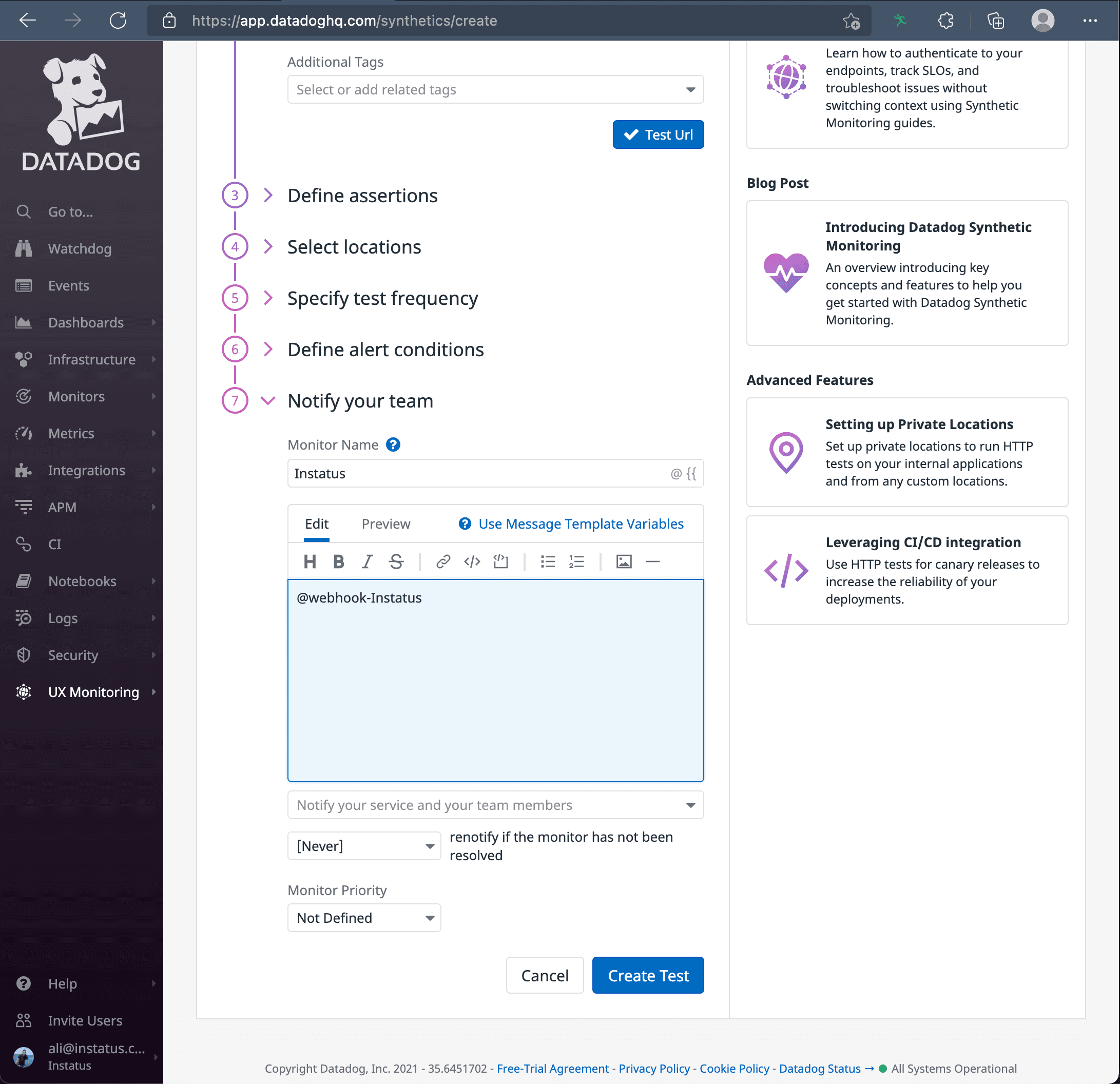
- Assicurati di notificare l'integrazione webhook che hai creato
Fatto! 🙌