Pingdom + Instatus
- Gå till Instatus och välj Pingdom under Integrationer
- Välj vilka mallar som ska användas när automatiska incidenter skapas och löses
- Kopiera din sidas webhook-URL
- Öppna din Pingdom-dashboard. Klicka på Settings → Integrations
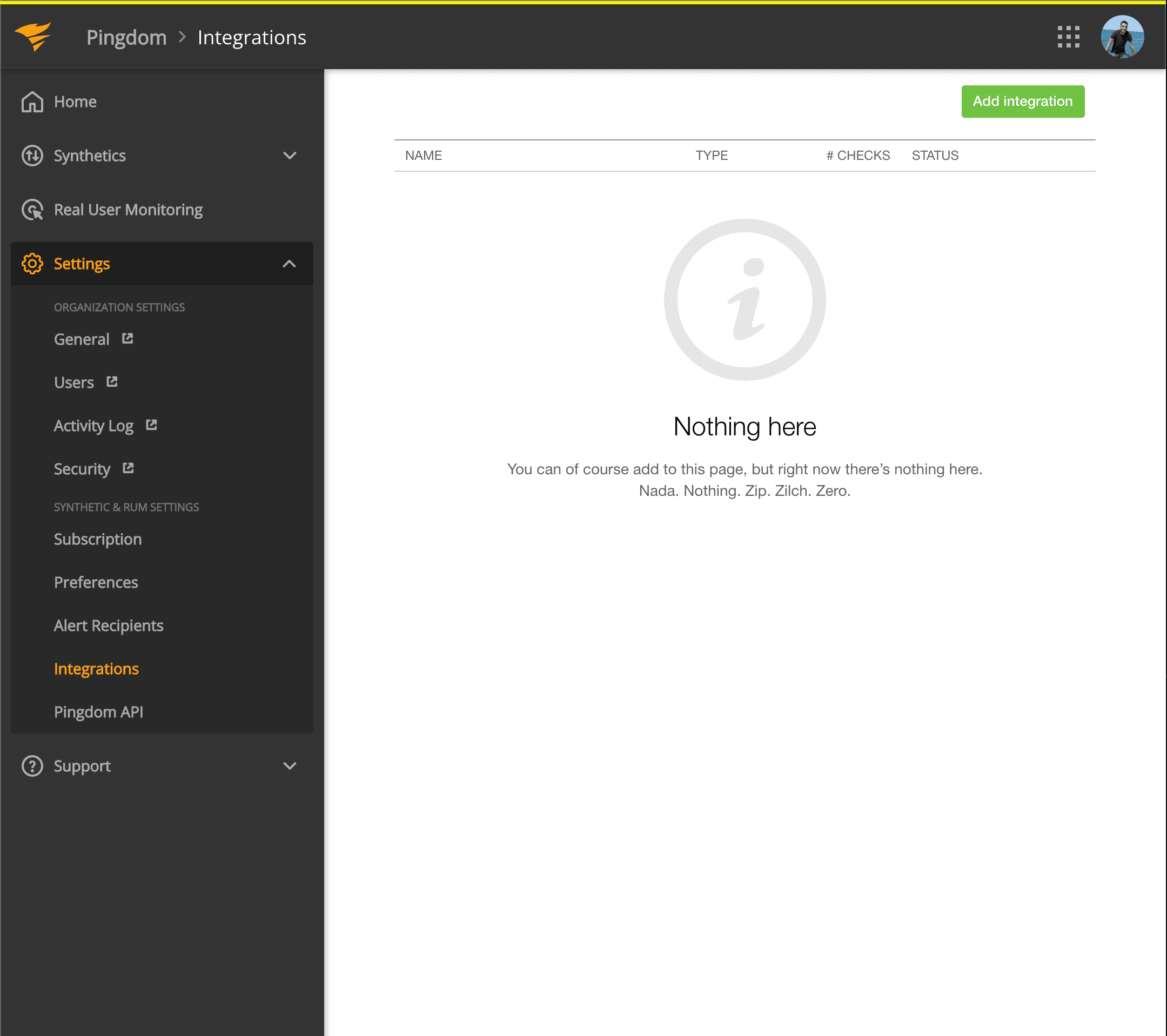
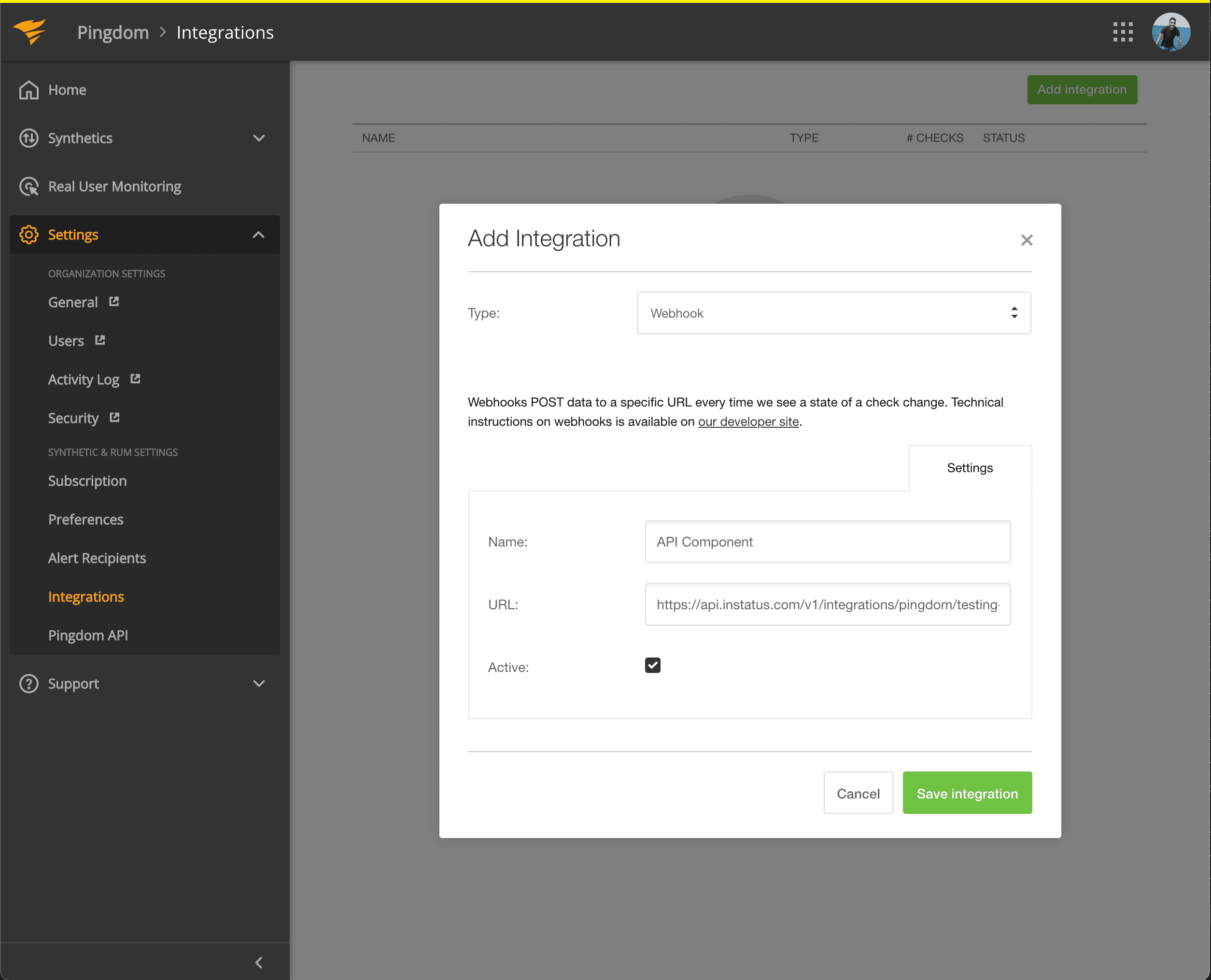
- Klicka på knappen Add integration med Type: Webhook
- Lägg till ett namn och webhook-URL:en för komponenten du just kopierade
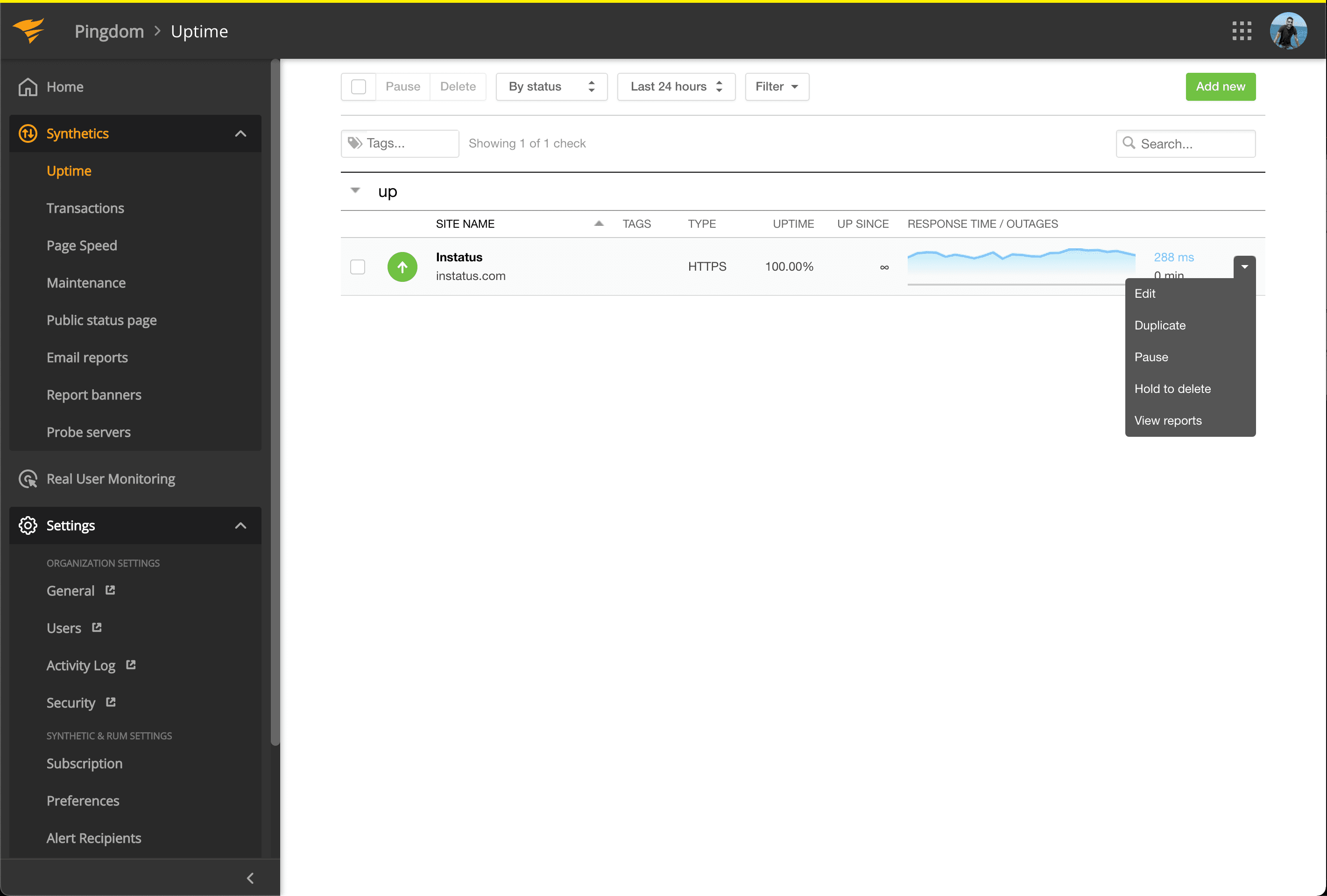
- Gå till Synthetics → Uptime
-
Redigera den upptidskontroll som hör till komponenten du vill automatisera.
-
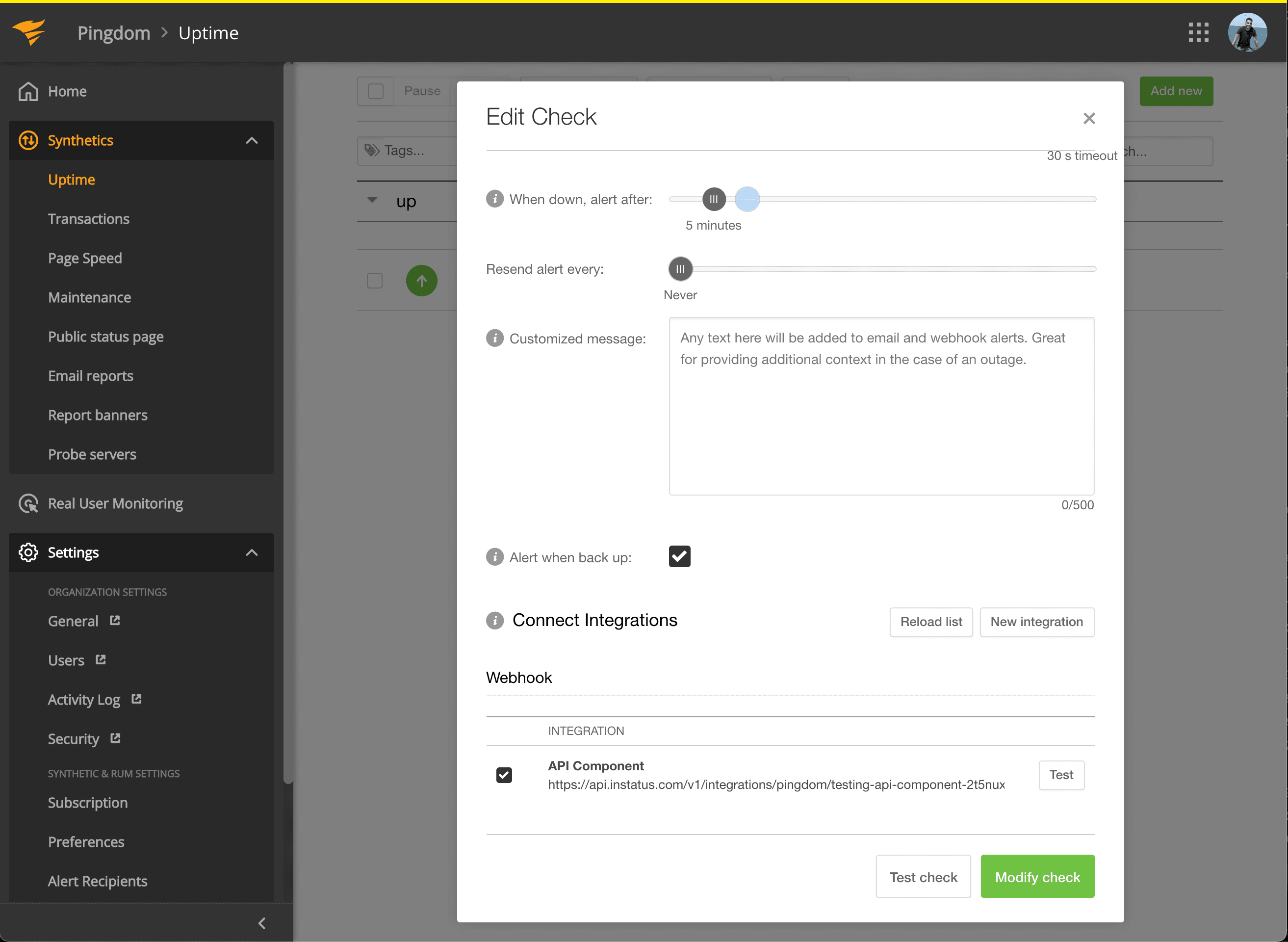
Kryssa i integrationen du precis skapade under Connect Integrations och klicka på modify check!
Klart! 🍪