New Relic + Instatus
- Gå til Instatus, og vælg New Relic under Integrationer
- Vælg de skabeloner, der skal bruges, når automatiske hændelser oprettes og løses
- Kopiér din sides webhook-URL
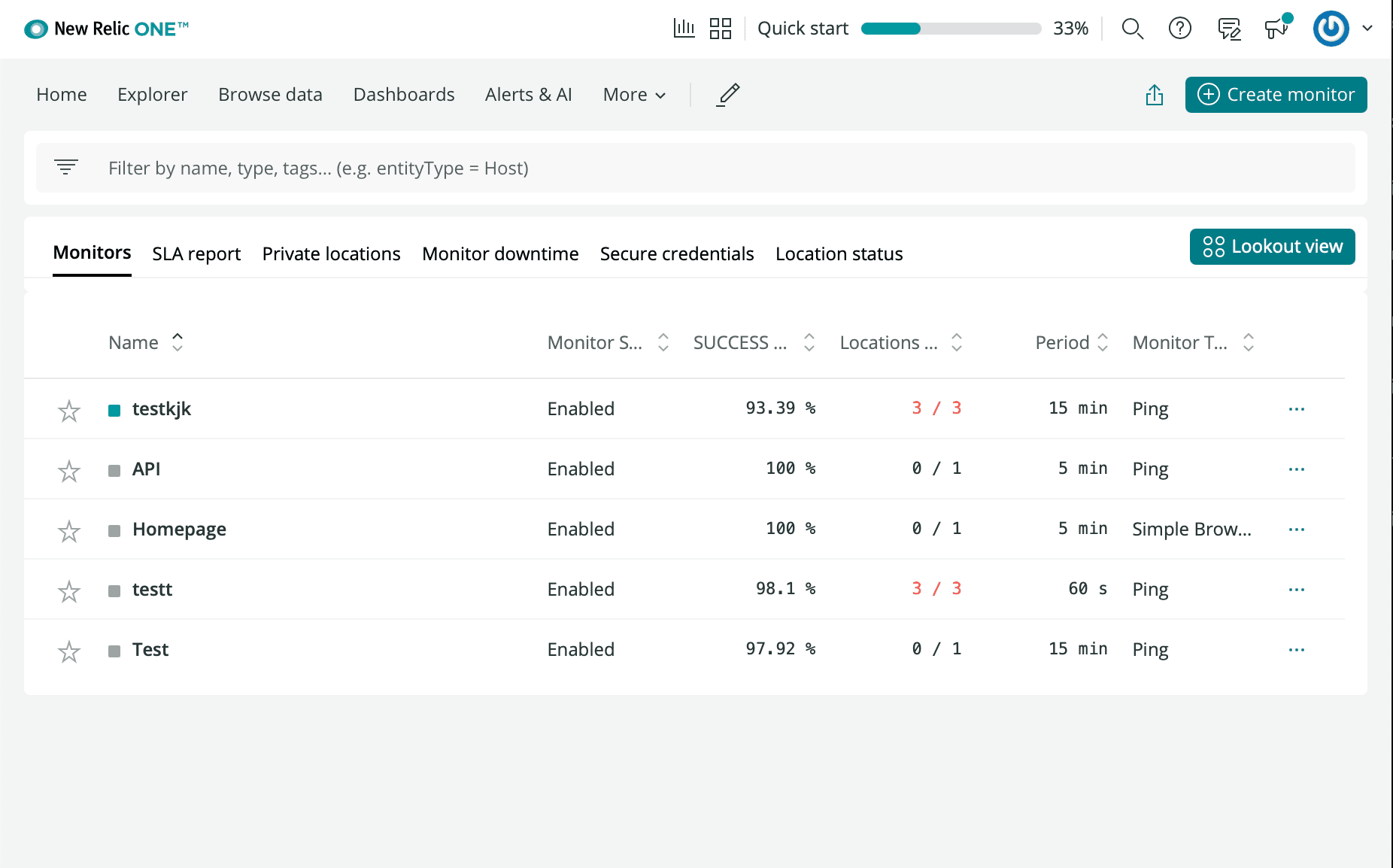
- Log ind på din New Relic-konto, og gå til Synthetics.
- Klik på Create a new Monitor.
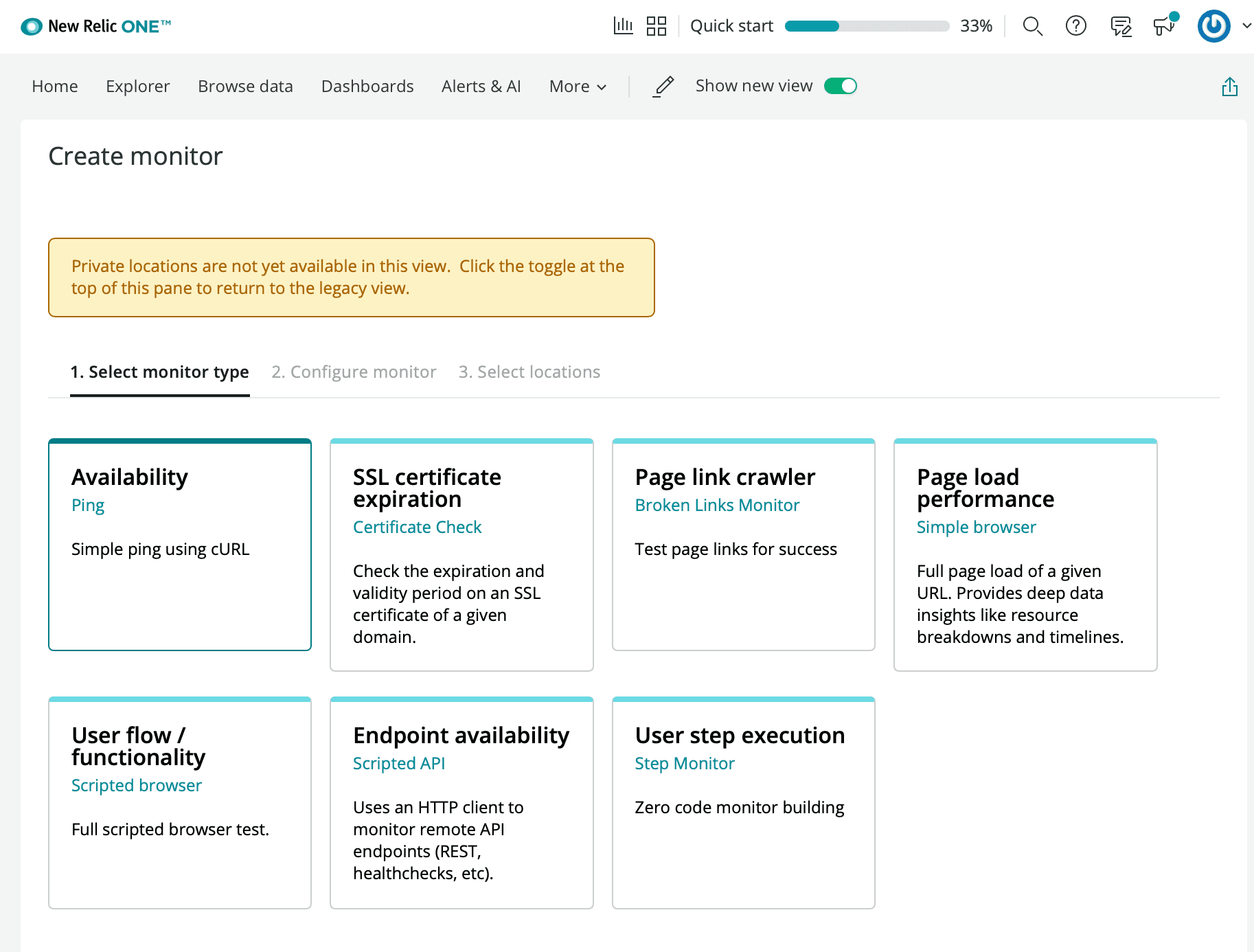
- Vælg den type tilgængelighedsmonitor, du ønsker
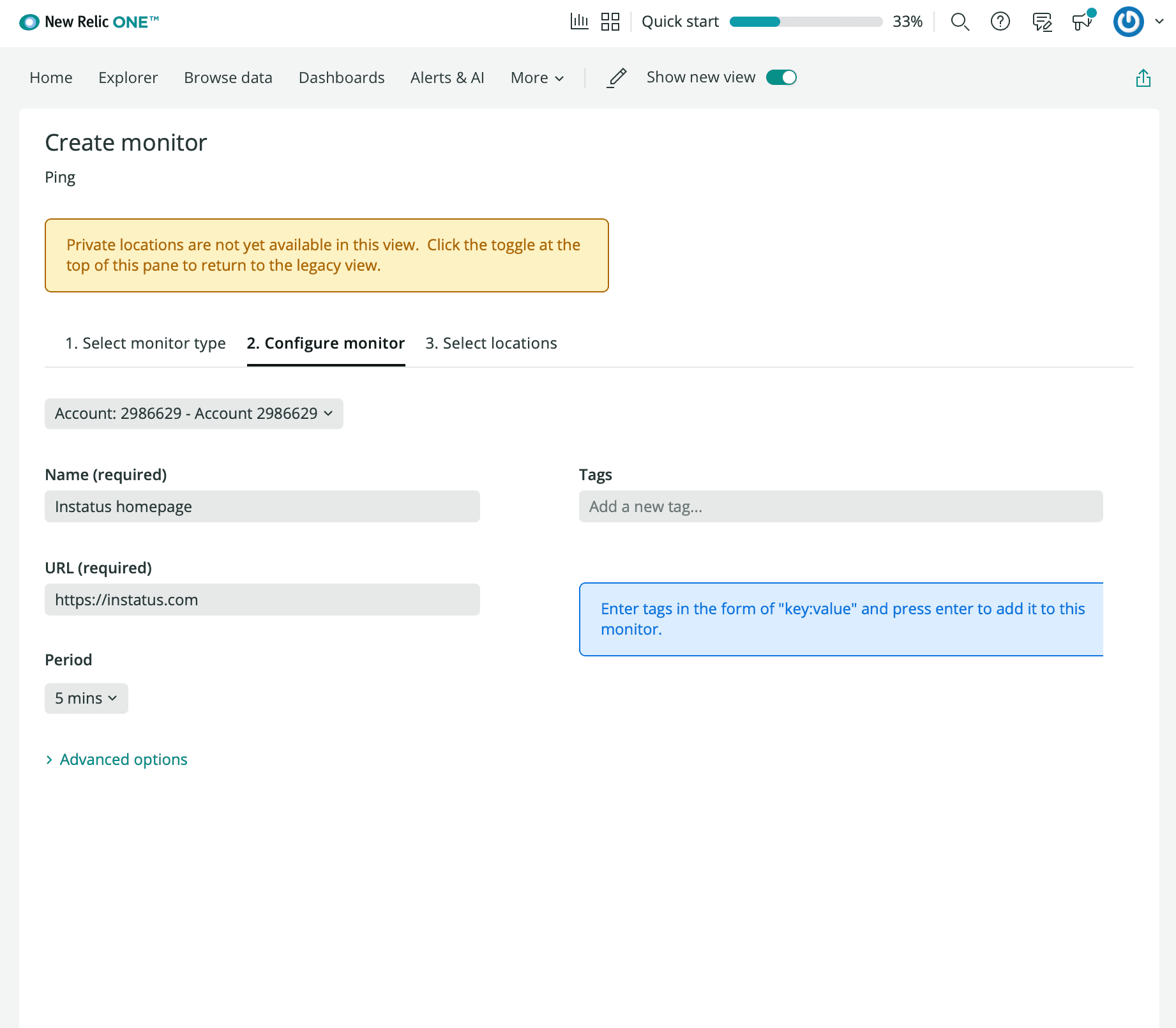
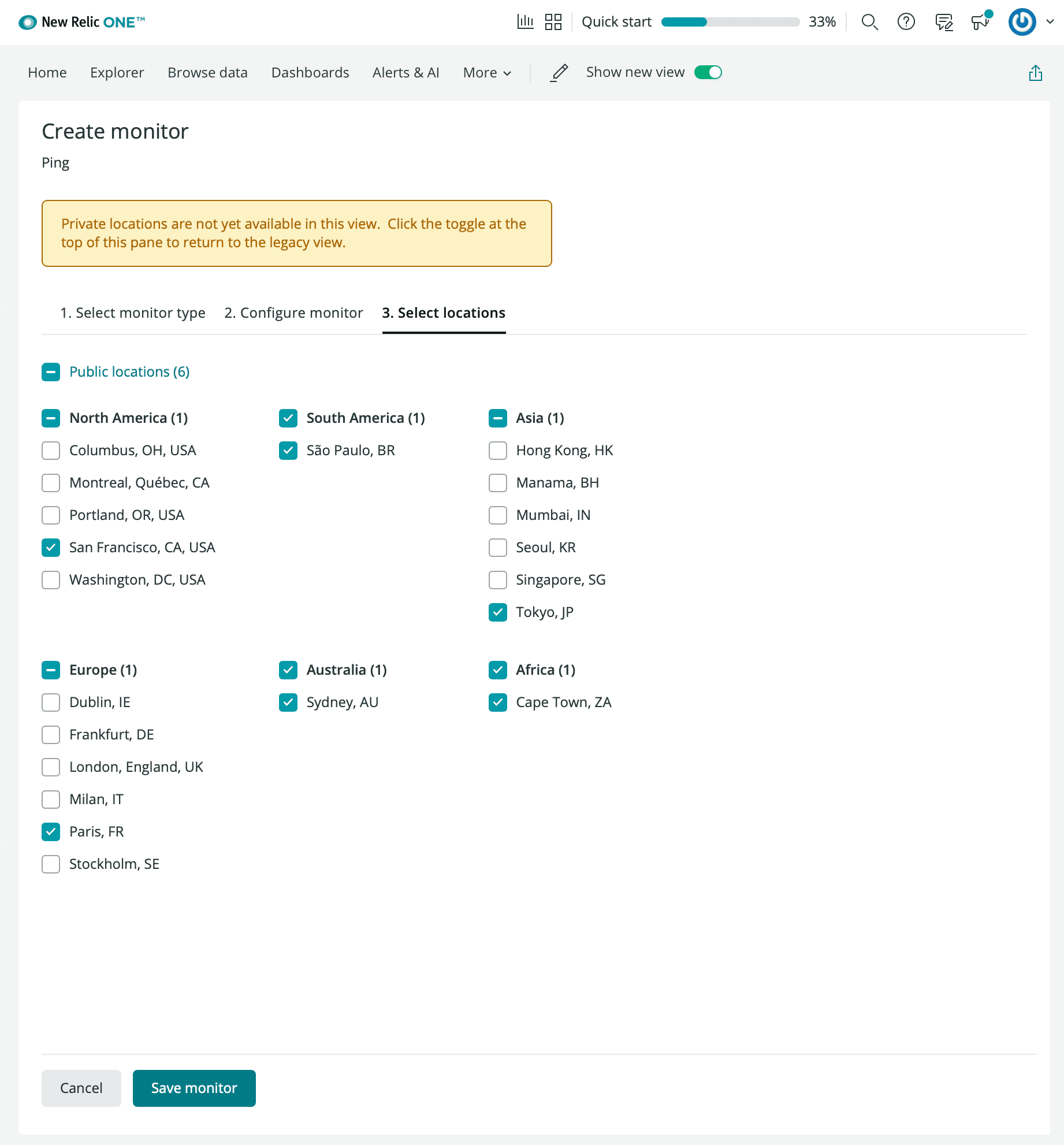
- Angiv et navn til monitoren, den url du vil overvåge, perioden og de ønskede lokationer.
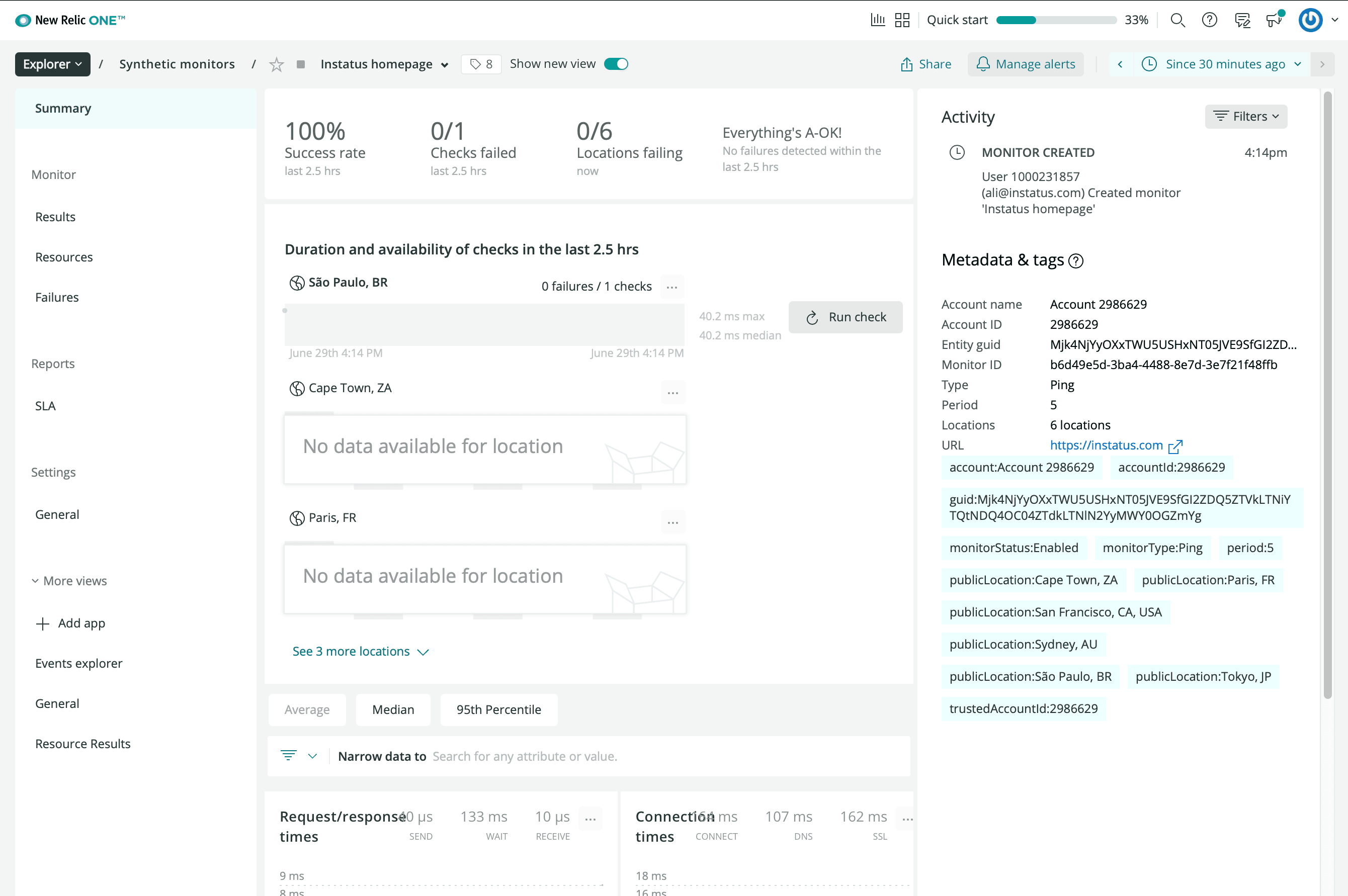
- Klik på manage alerts, og opret en policy
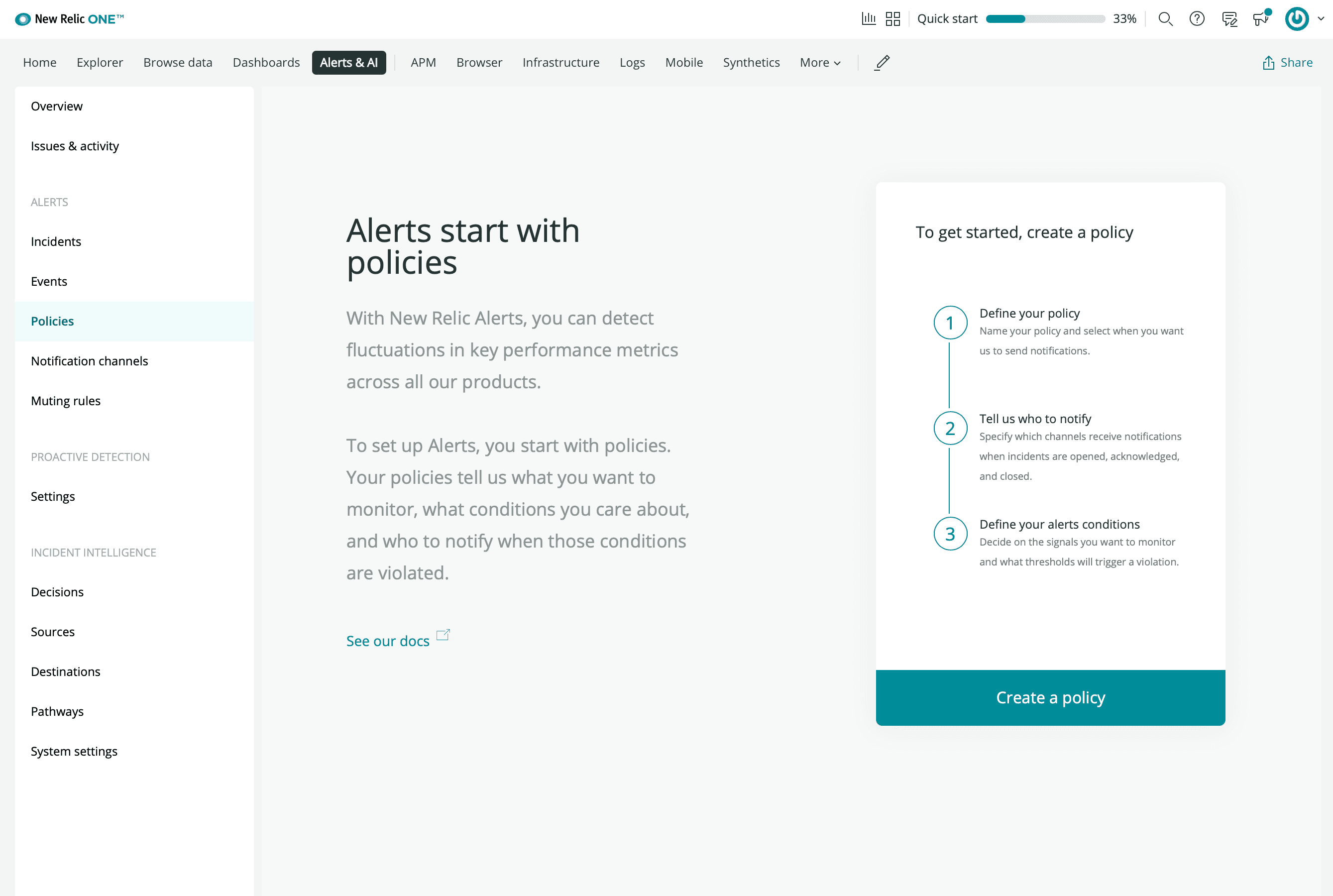
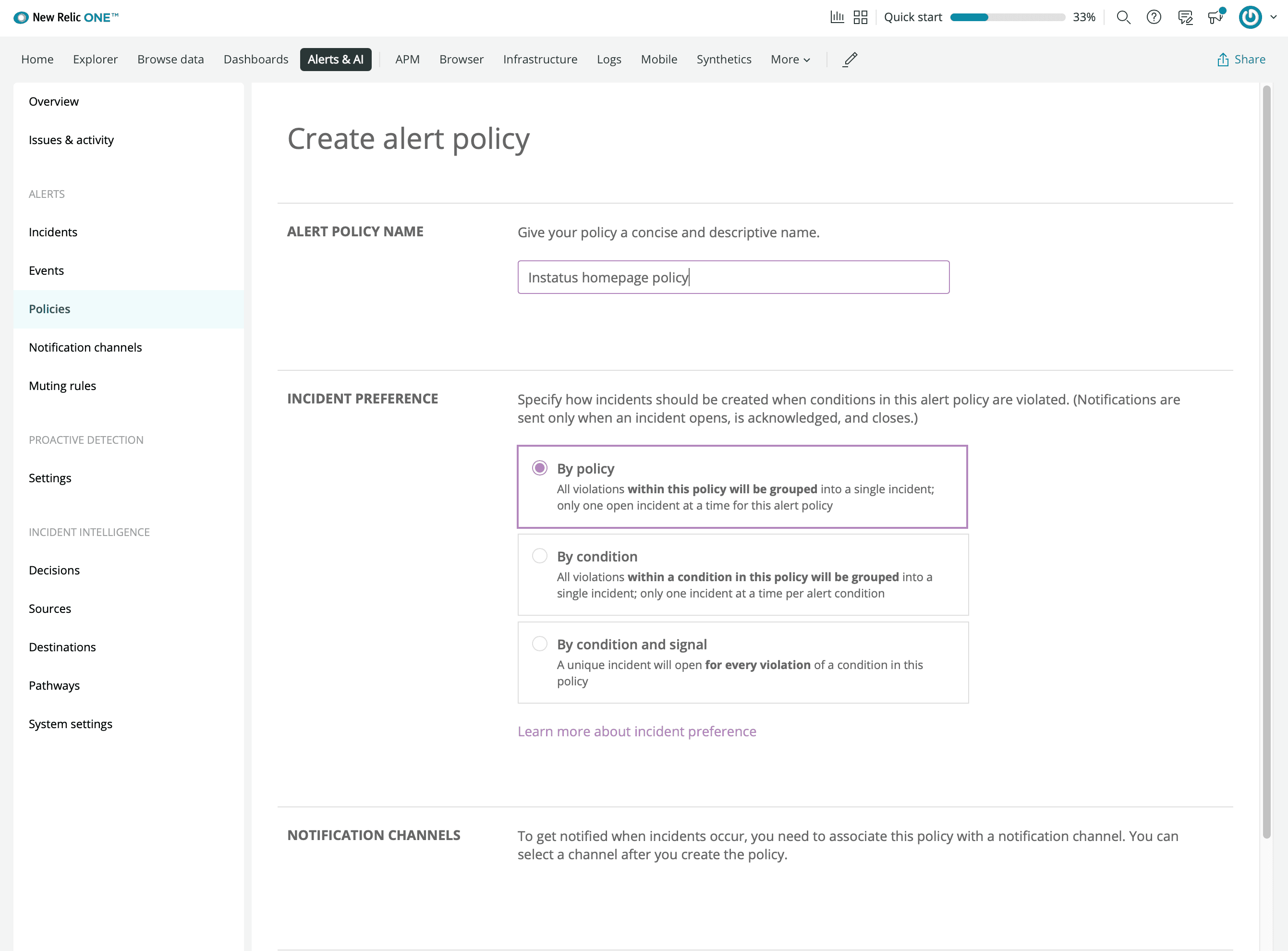
- Opret en condition
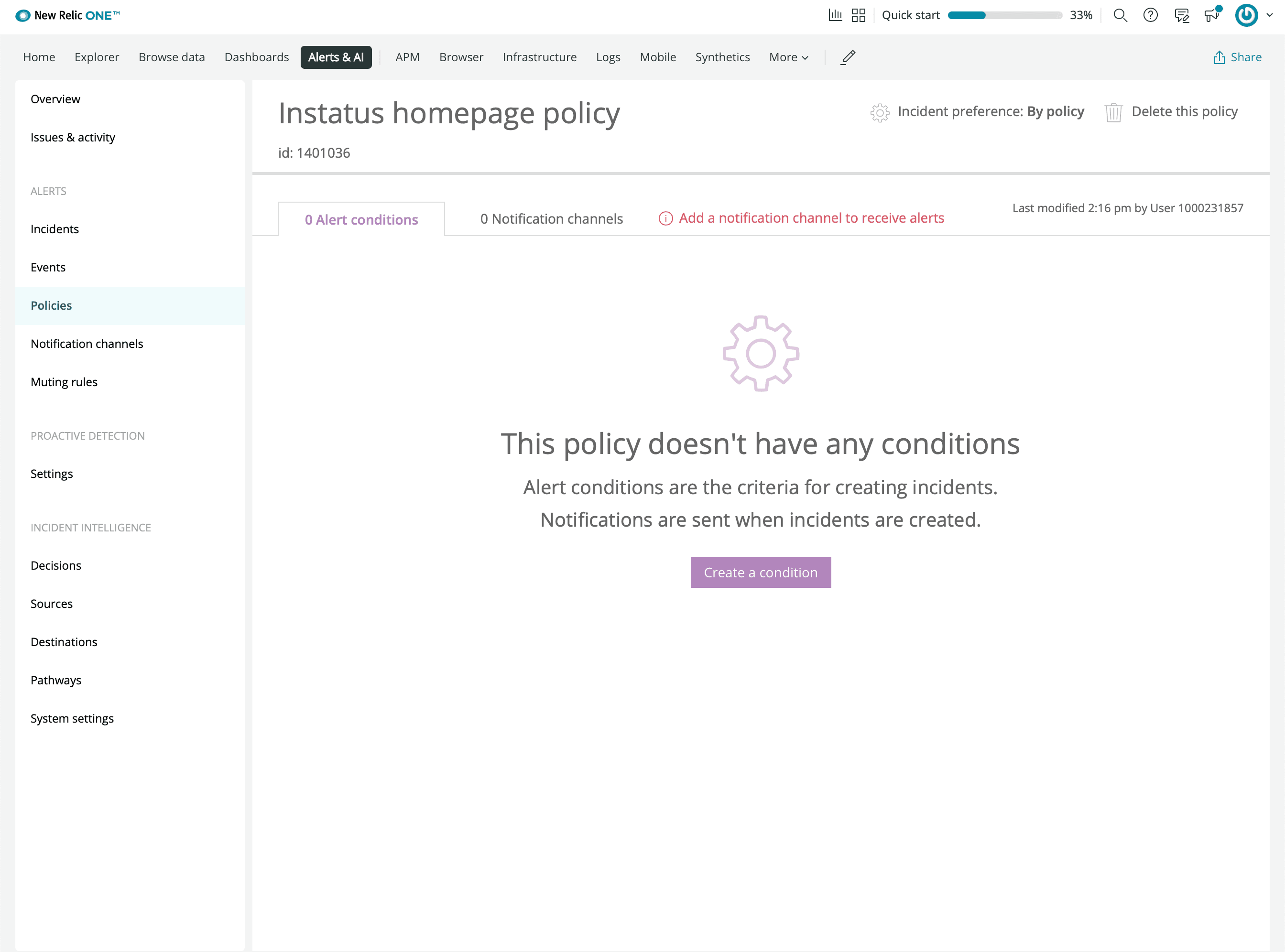
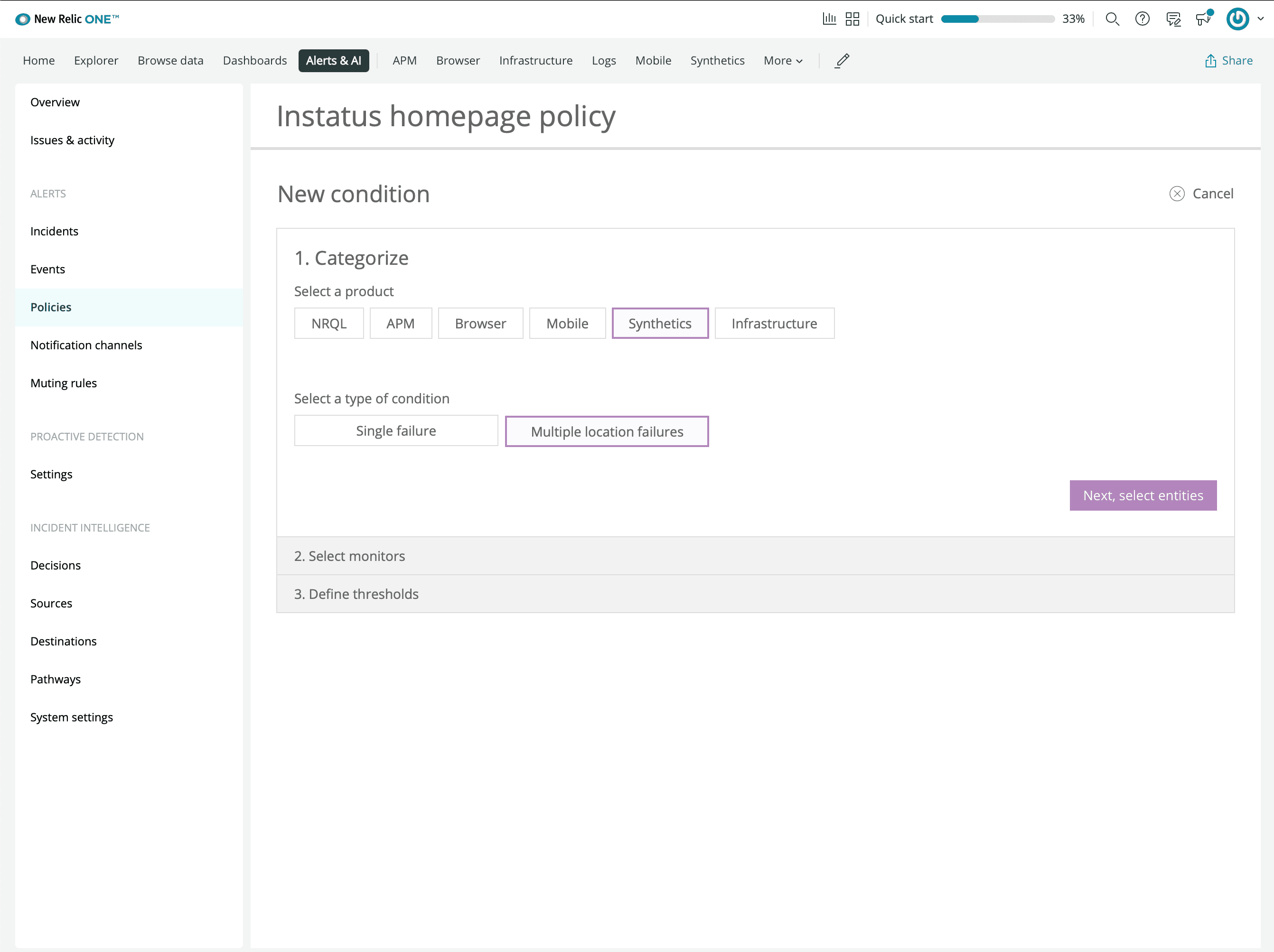
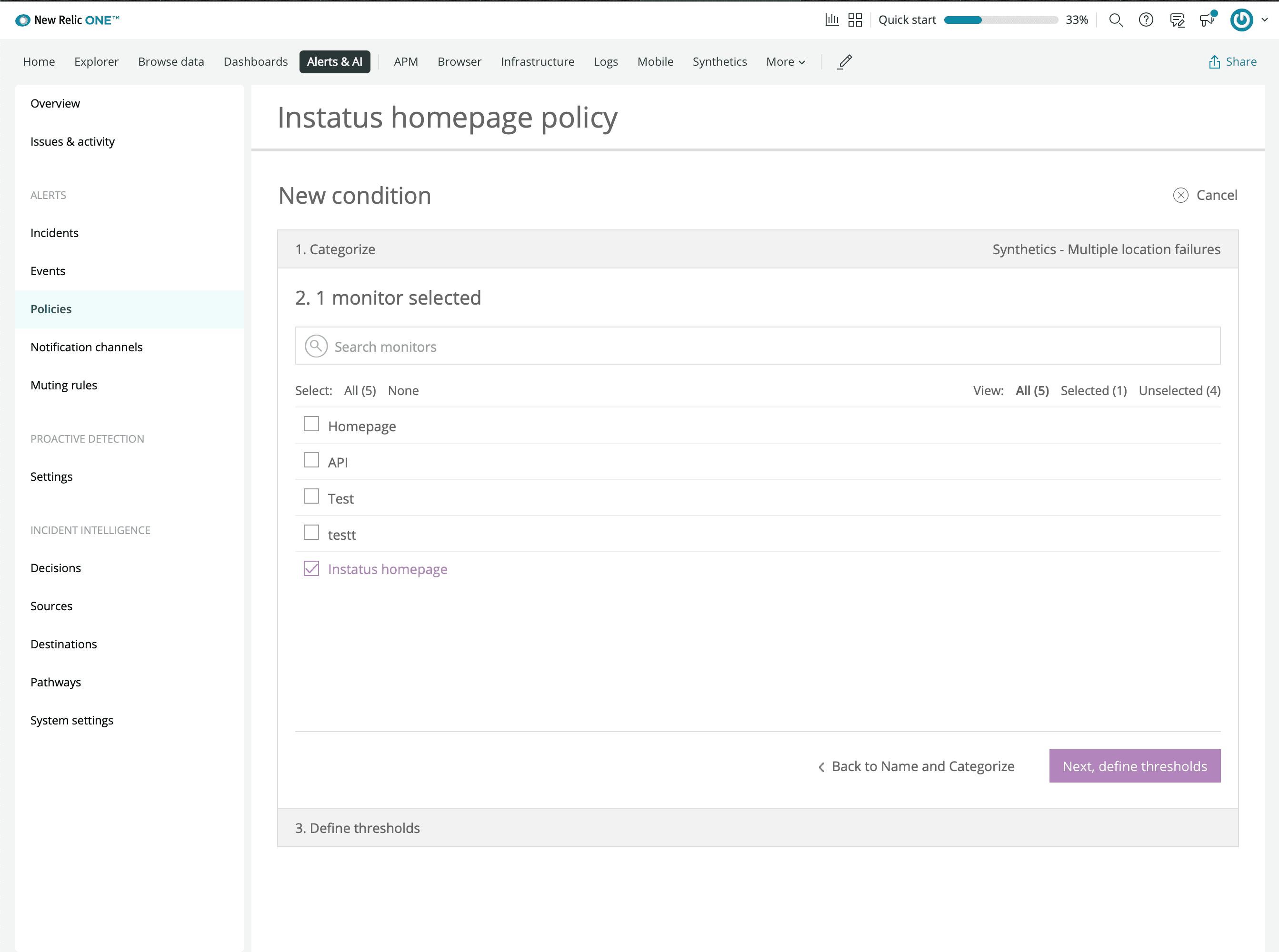
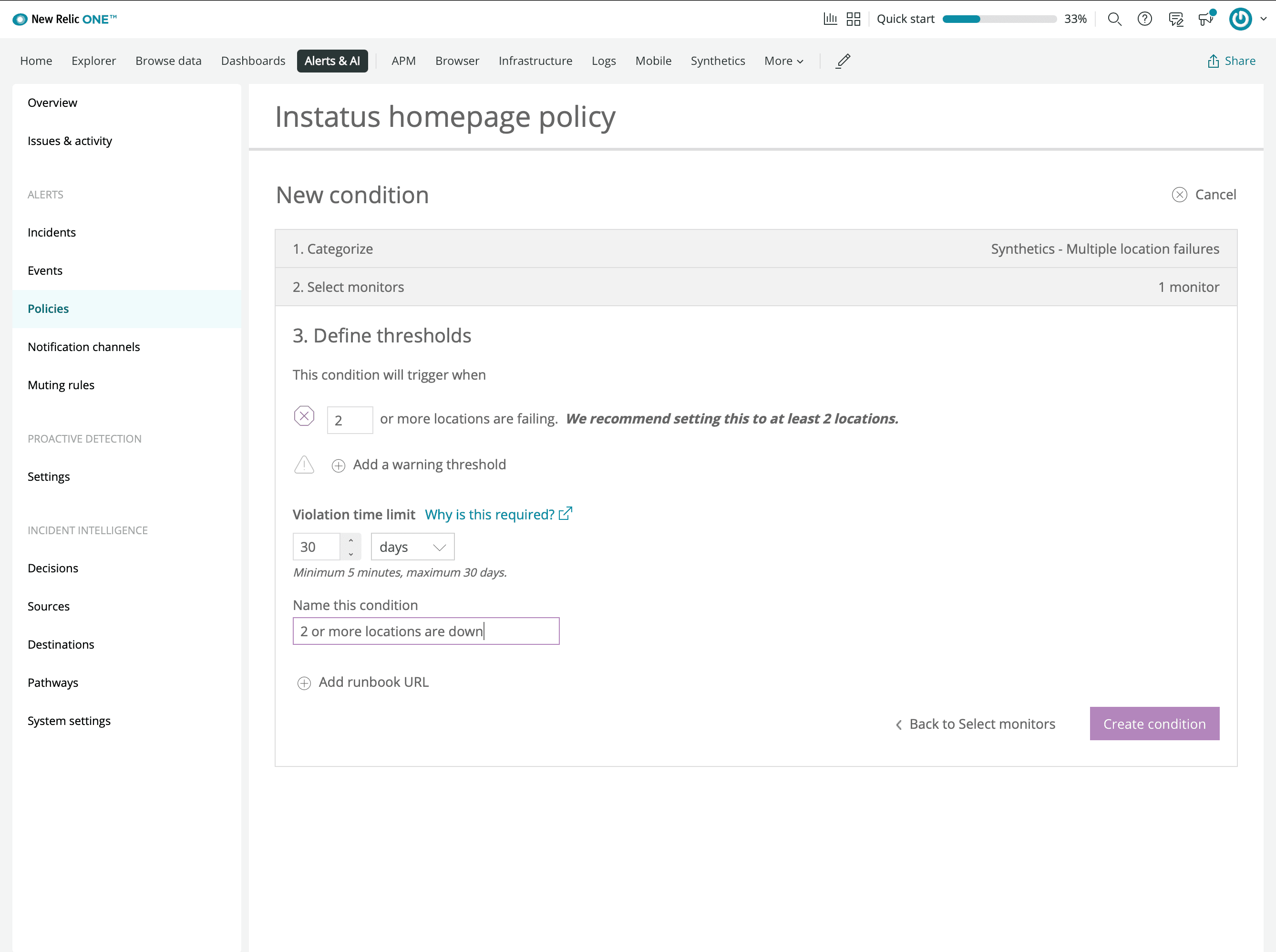
- Tilføj en ny notifikationskanal af typen Webhook
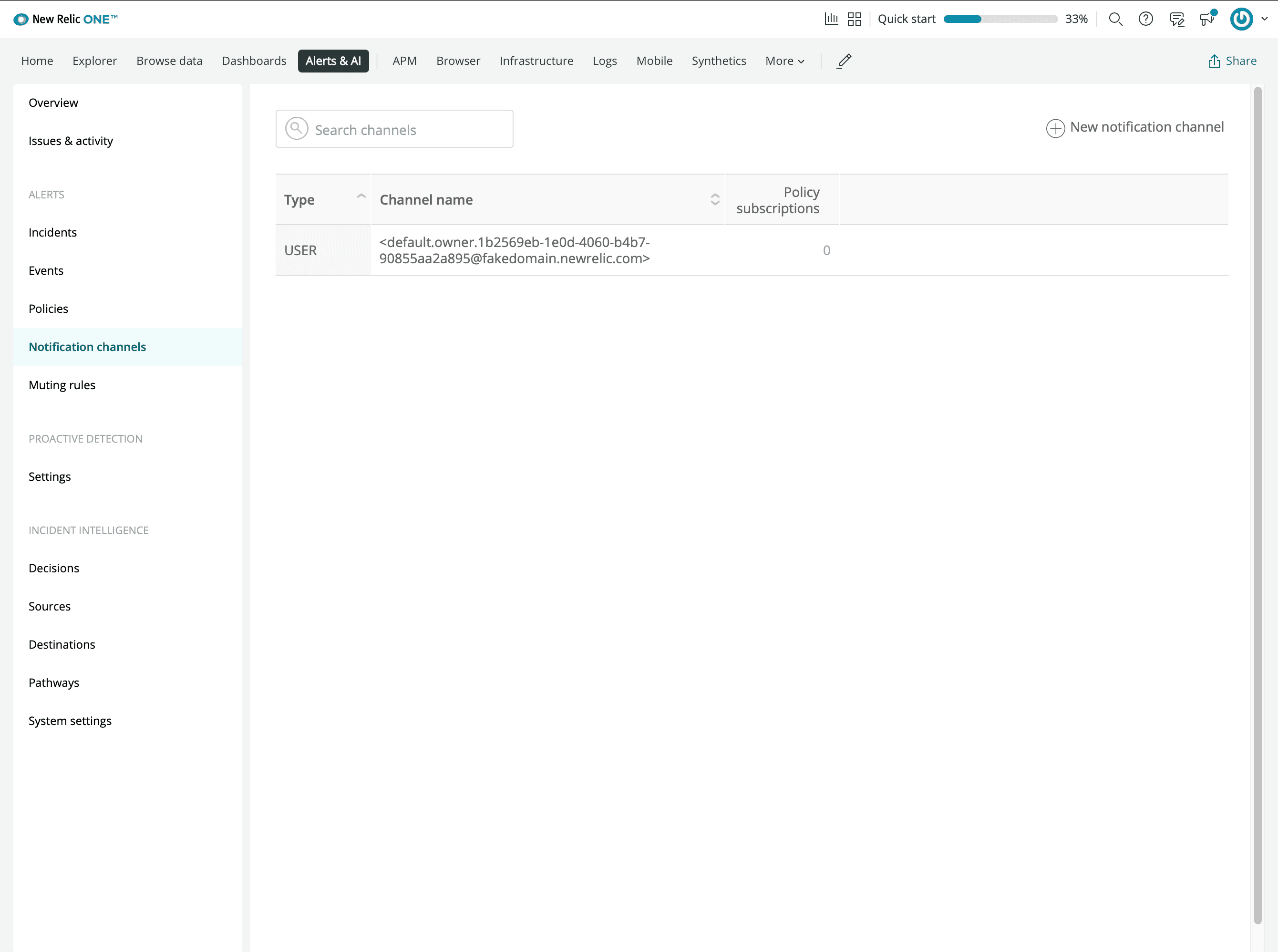
-
Indtast den webhook-URL, du kopierede fra Instatus
-
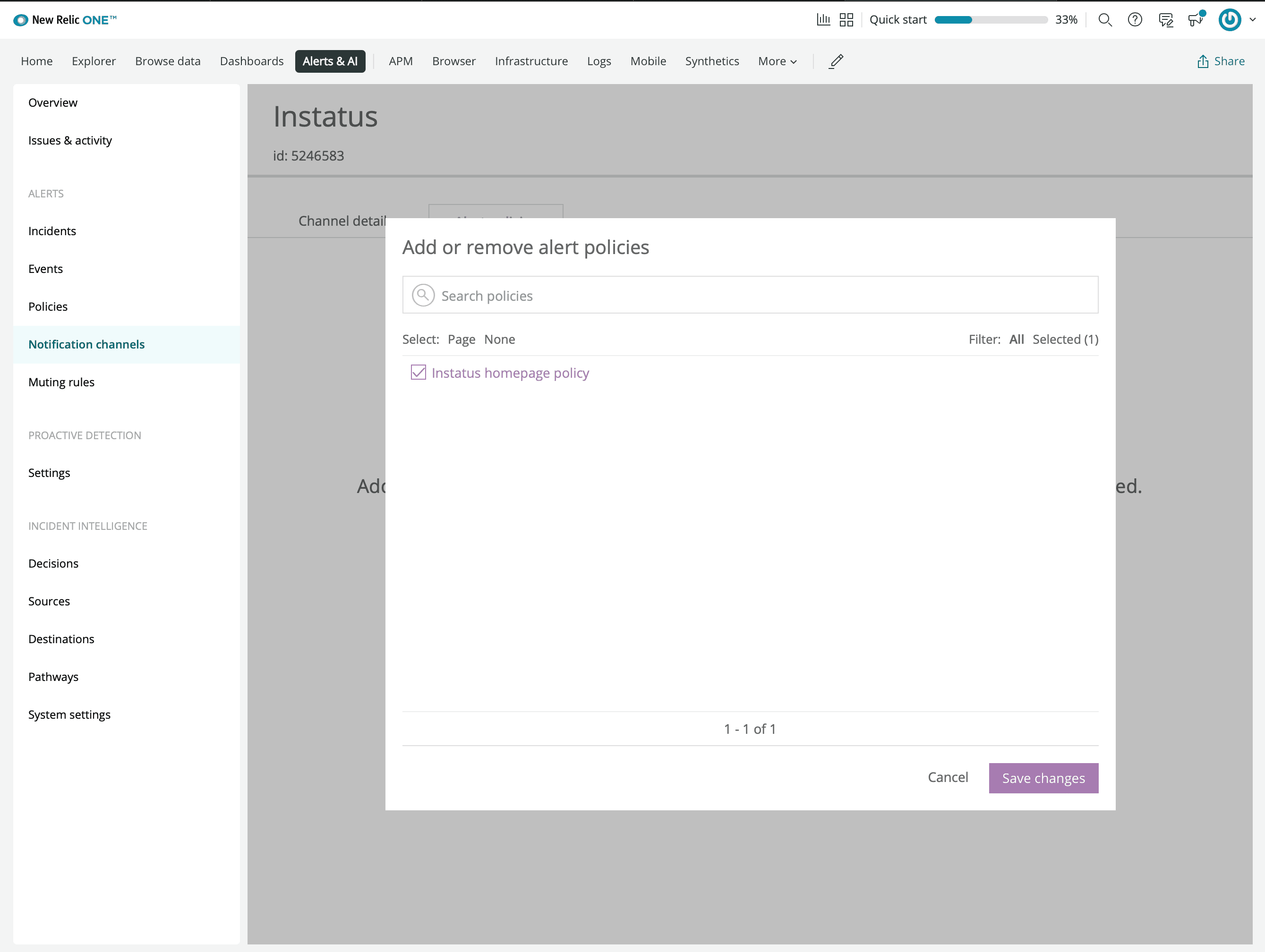
Forbind den alarmpolitik, du oprettede tidligere
Så er vi færdige! 🙌