

Switch from Incident.io
Bring your Incident.io status page over to Instatus and migrate everything that matters:
- Components
- Incident history with updates
- Scheduled maintenances
How the import works
- Log in to Instatus or create a free account. The Incident.io importer opens automatically in your dashboard.
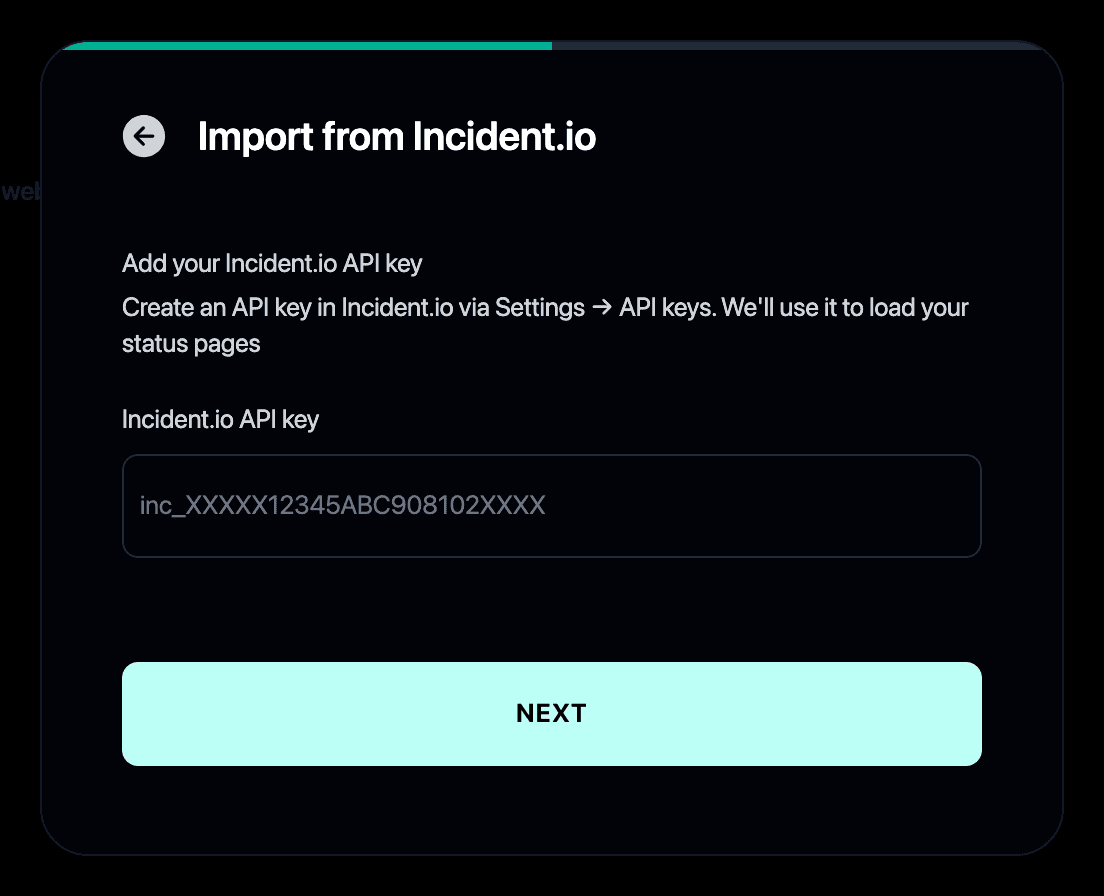
- Paste your Incident.io API key (it starts with inc_). You can create one in Incident.io under Settings → API keys.
- Pick the status page to import if you have more than one.
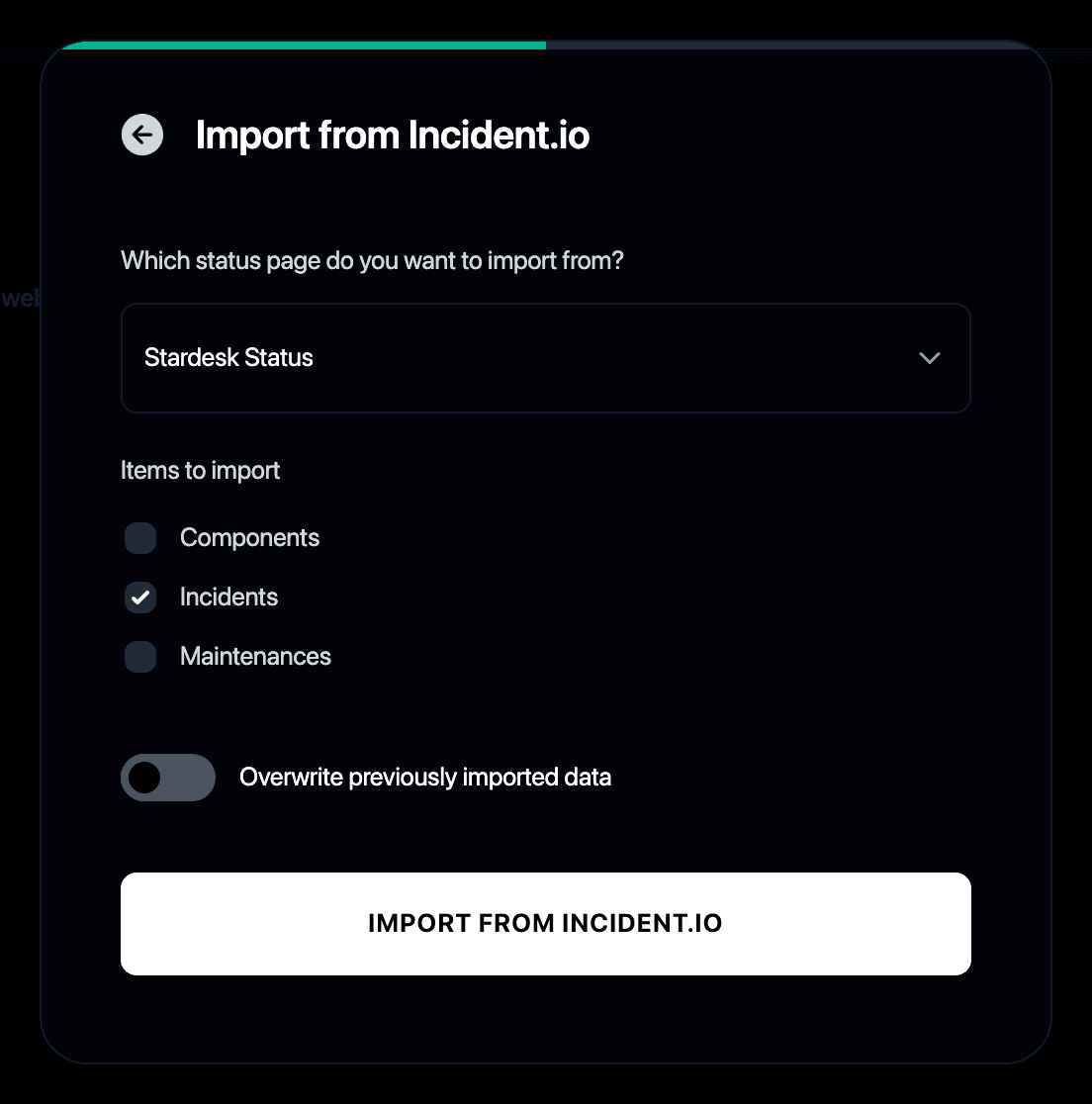
- Choose what to bring over: incidents, maintenances and components.
- Review your new Instatus page. Your incident history is already there.
Why switch from Incident.io to Instatus?
- Incident.io bundles its status page with per-responder pricing that adds up fast
- Instatus gives you a standalone status page at a flat price
- Unlimited subscribers and teammates included
- The importer keeps your public incident history intact
- See the full Instatus vs Incident.io comparison, or read how the other Incident.io alternatives stack up