

Switch from Statuspage
Move your Atlassian Statuspage to Instatus quickly and migrate everything that matters:
- Components and groups
- Incident history with updates
- Scheduled maintenances
- Templates
- Subscribers
How the import works
- Log in to Instatus or create a free account. The Statuspage importer opens automatically in your dashboard.
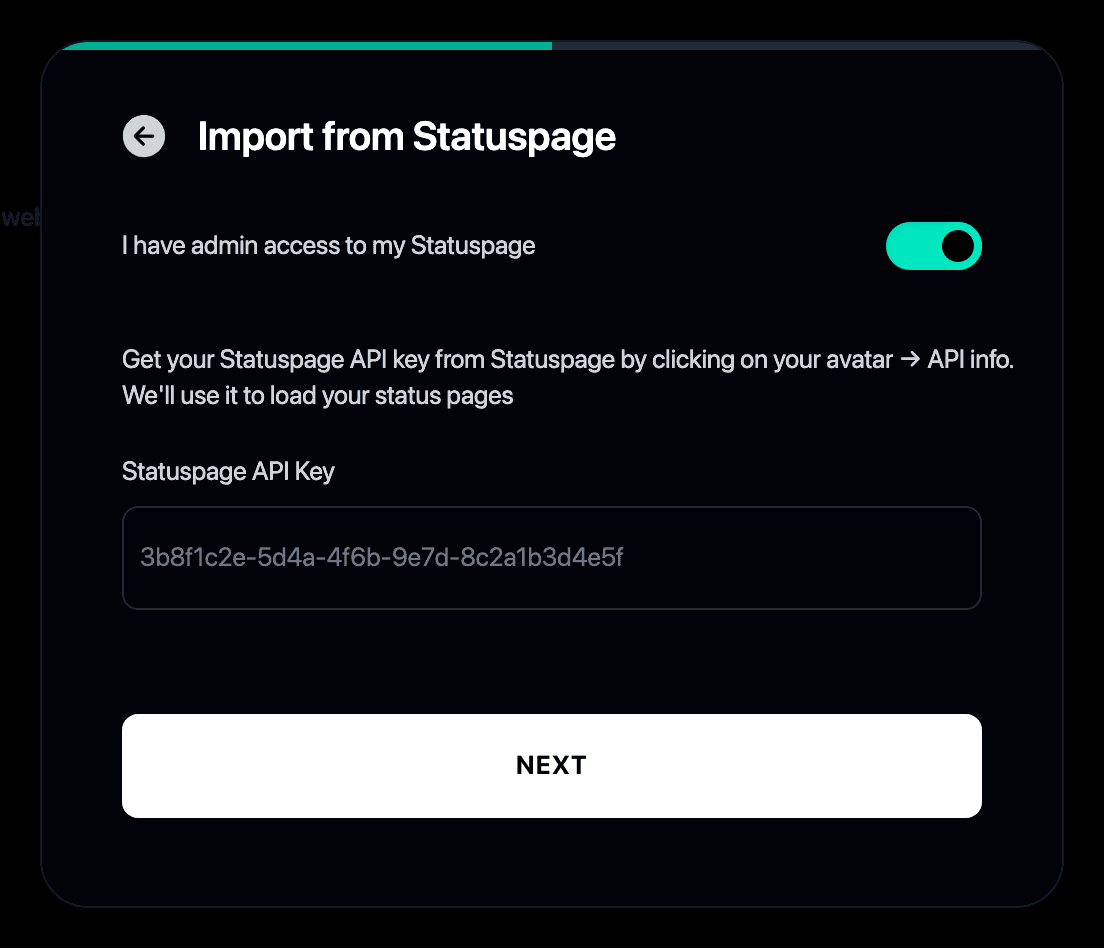
- Paste your Statuspage API key. You can find it in Statuspage under your profile → API info.
- Pick the status page to import if you manage more than one.
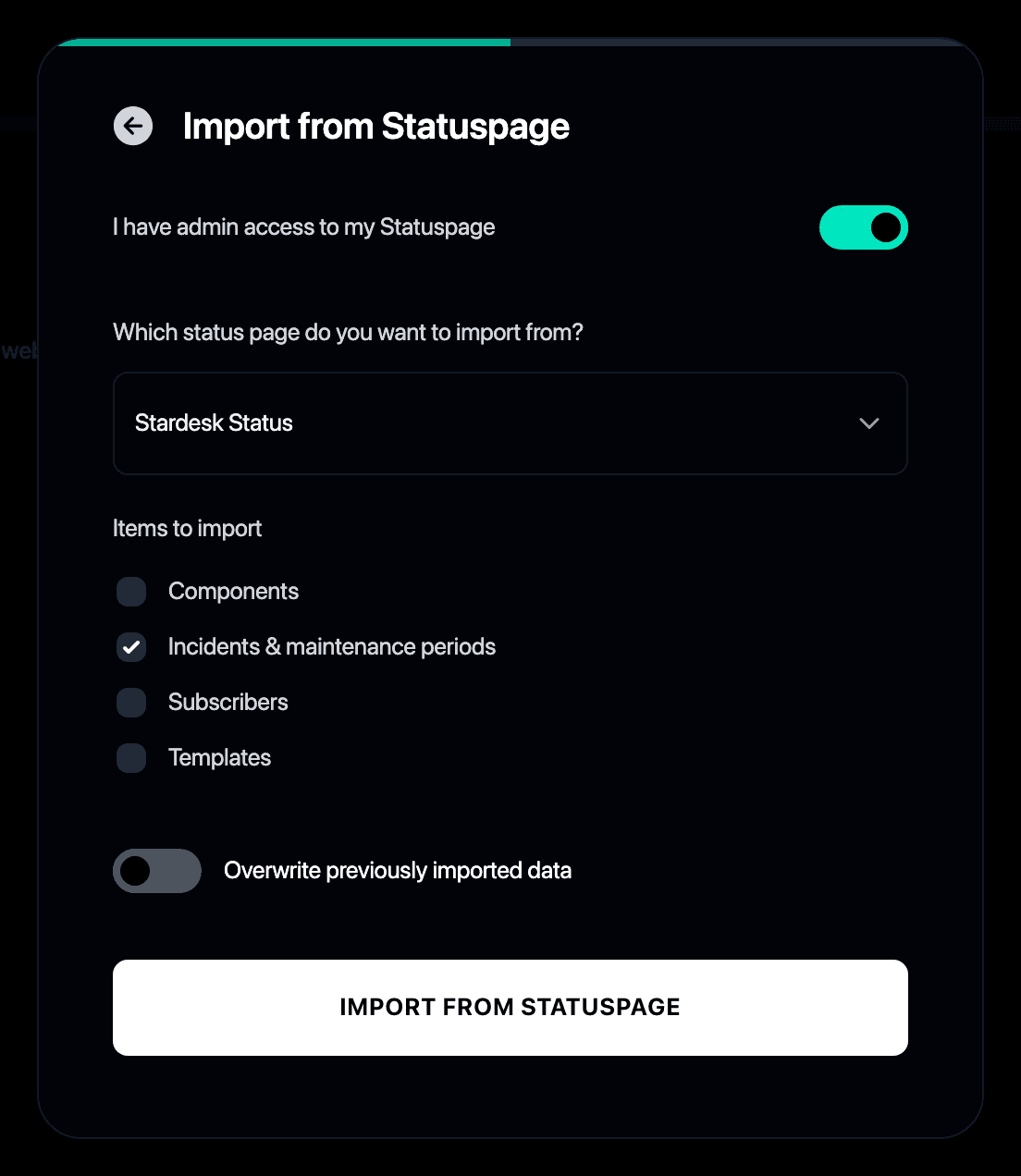
- Choose what to bring over: incidents, components, templates and subscribers.
- That’s it. Your history, components and subscribers are live on your new Instatus page.
Why switch from Statuspage to Instatus?
- Atlassian Statuspage charges more as your subscribers and team grow
- Instatus gives you a faster status page with unlimited subscribers and teammates at a flat price
- The importer brings your full history along, so your page never looks like it started yesterday
- See the full Instatus vs Statuspage comparison for a feature-by-feature breakdown
- Still shortlisting? We reviewed the best Statuspage alternatives
Calculate your savings
Monitoring
Incident response
Status page
50 monitors
30 sec checks
SMS & Calls
team members
20 on-call members
Incident escalations
50 team members
5,000 subscribers
Custom domain
Start free
/ mo