

Switch from HetrixTools
Import your HetrixTools uptime monitors, with their settings, into Instatus and keep watching what matters.
How the import works
- Log in to Instatus or create a free account. The HetrixTools importer opens automatically in your dashboard.
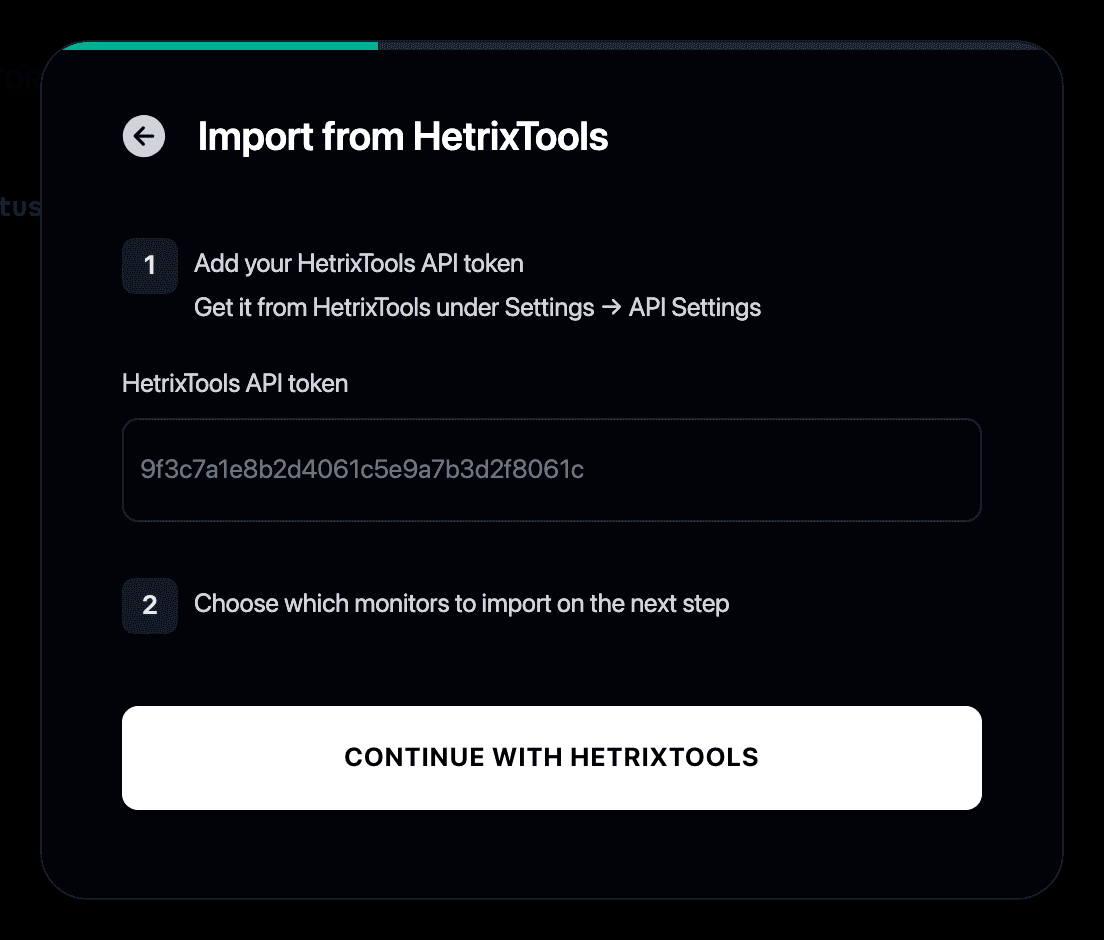
- Paste your HetrixTools API token. Get it in HetrixTools under Settings → API Settings.
- Select the monitors you want to import.
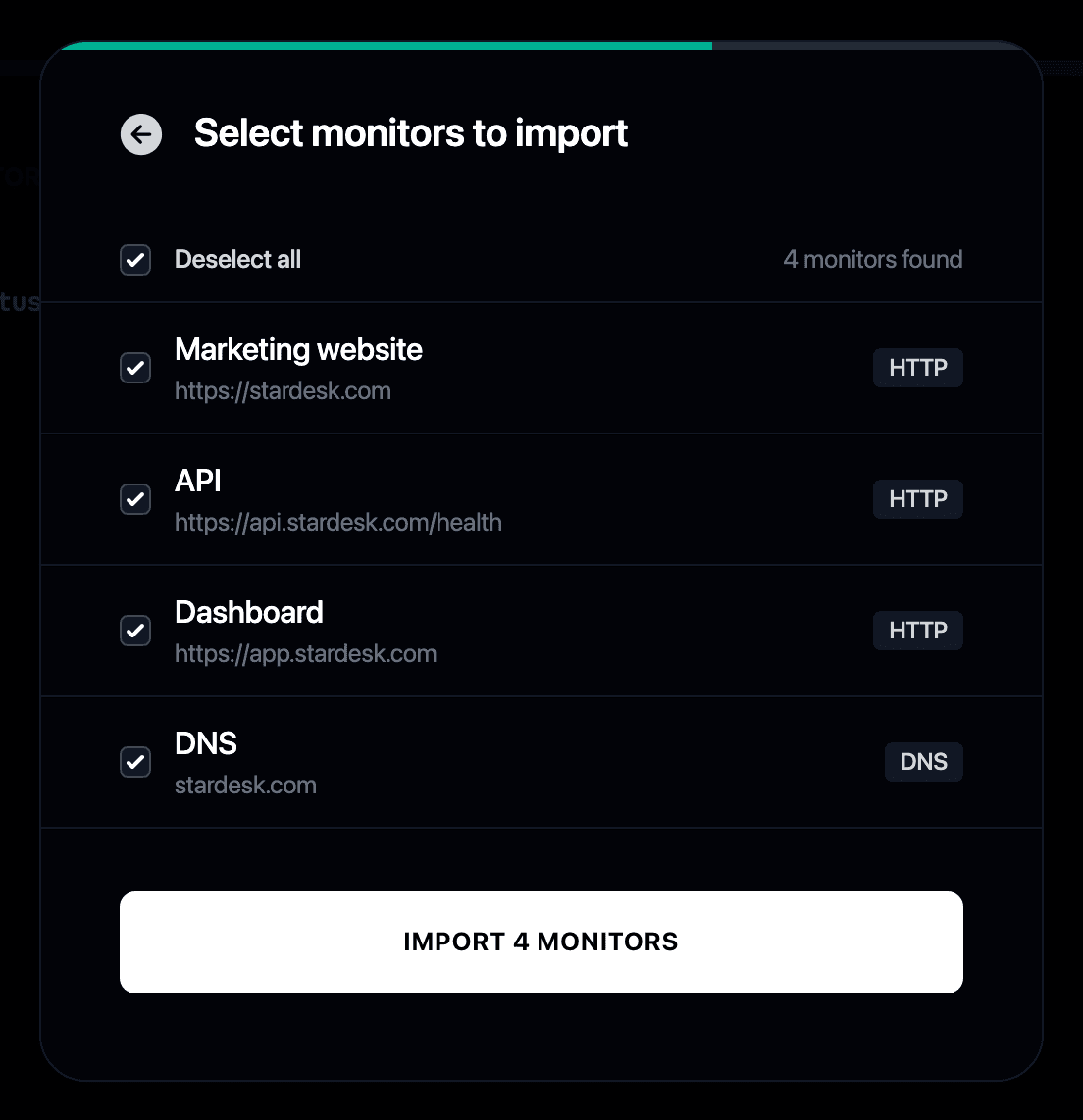
- Your monitors start checking immediately and can update your status page automatically.
Why switch from HetrixTools to Instatus?
- HetrixTools handles uptime monitoring, but a public status page is where your users actually look during an outage
- Instatus imports your HetrixTools uptime monitors and pairs them with a status page
- Your page updates automatically when a check fails or recovers
- Still comparing checks? HetrixTools is one of the tools in our best website monitoring tools roundup