

Uptime Robot vs Instatus
Instatus gives you faster setup, better branding, and real-time incident communication — all in one powerful status page.
Start for free
Hey! Trying to decide between Uptime Robot and Instatus? Both tools help you monitor uptime and keep users informed — but they focus on different things. Uptime Robot is primarily a monitoring tool that includes a basic status page. Instatus is built around the status page experience, with monitoring, incident response, and on-call included. Let's break it down honestly.
What's the overall summary?
| Uptime Robot | Instatus | |
| Free plan | ||
| Status page design | Basic, limited customization | Fully customizable, modern |
| Uptime monitoring | Core focus | |
| Incident updates | Basic text updates | Markdown, images & comments |
| Incident response | ||
| Incident response on Slack | ||
| On-call | ||
| Alert channels | Email, SMS, Slack, Telegram, webhooks | Email, SMS, voice, Slack, Discord, Teams, webhooks |
| Multi-language support | English only | 21 languages |
| Public uptime history | ||
| Team members | Limited on most plans | More members on every plan. Unlimited on Business plan |
| Private status pages | ||
| Status page speed | Server-rendered | Faster, CDN static pages |
| Custom CSS |
So what does Instatus do better?
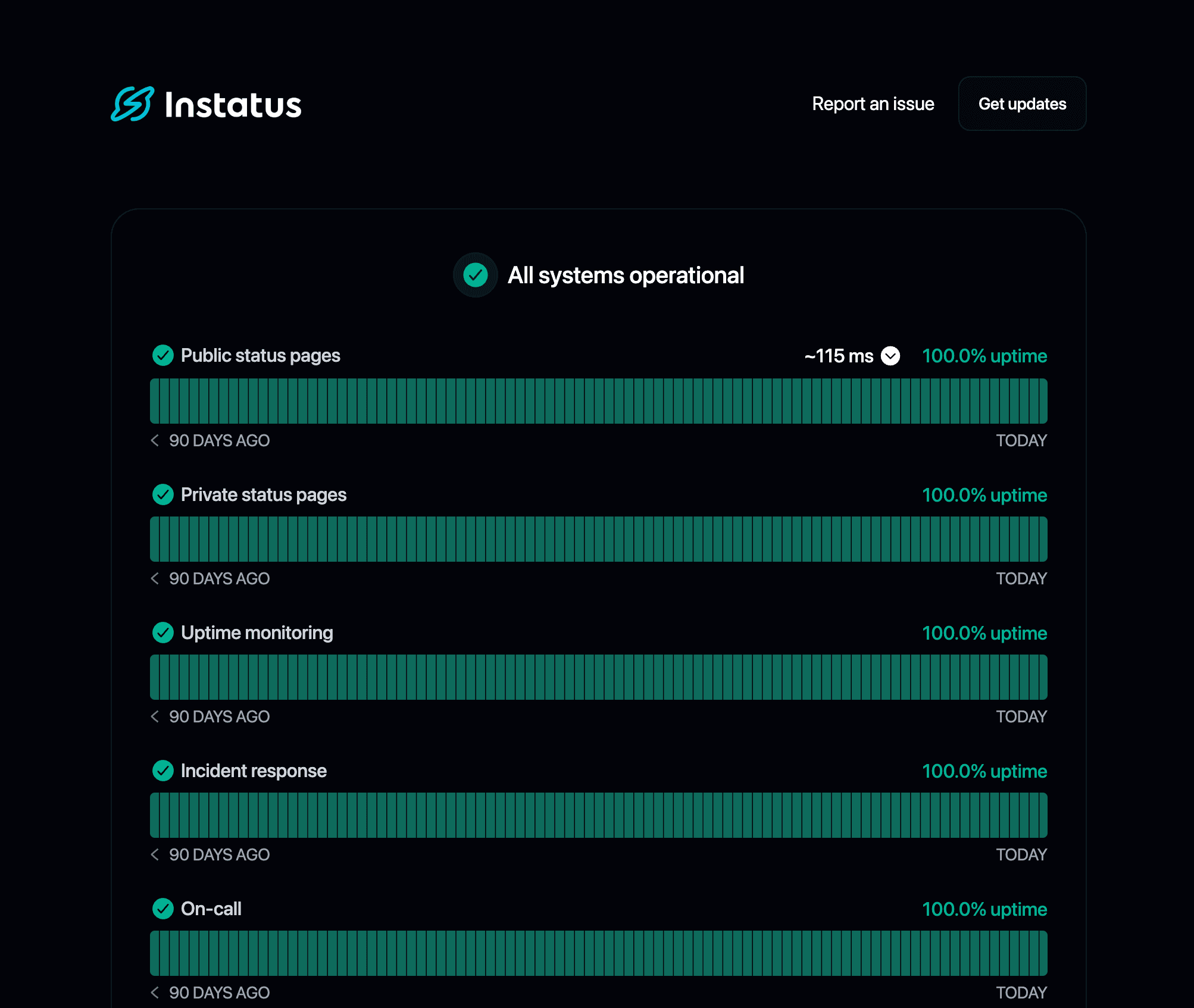
Uptime Robot is a monitoring-first tool — the status page is a secondary feature with basic customization. It works, but it's not built to impress your users.
Instatus is purpose-built for status communication. You get a modern, fully customizable status page with rich incident updates (markdown, images, timelines), multi-channel subscriber notifications, and 21 built-in languages. Your status page looks like it belongs to your brand.
Uptime Robot detects downtime and sends alerts — but when an incident happens, you're on your own for coordinating the response.
Instatus includes built-in incident response and on-call. You can manage the full incident lifecycle from a single platform, including creating and updating incidents directly from Slack. No need to bolt on a separate tool like PagerDuty or Opsgenie.
Instatus makes it easy to add team members, assign roles, and manage permissions. The free plan includes unlimited team members, and the Business plan has no per-member limits.
Uptime Robot's team features are more limited, especially on lower plans. Collaboration can feel constrained as your team grows.
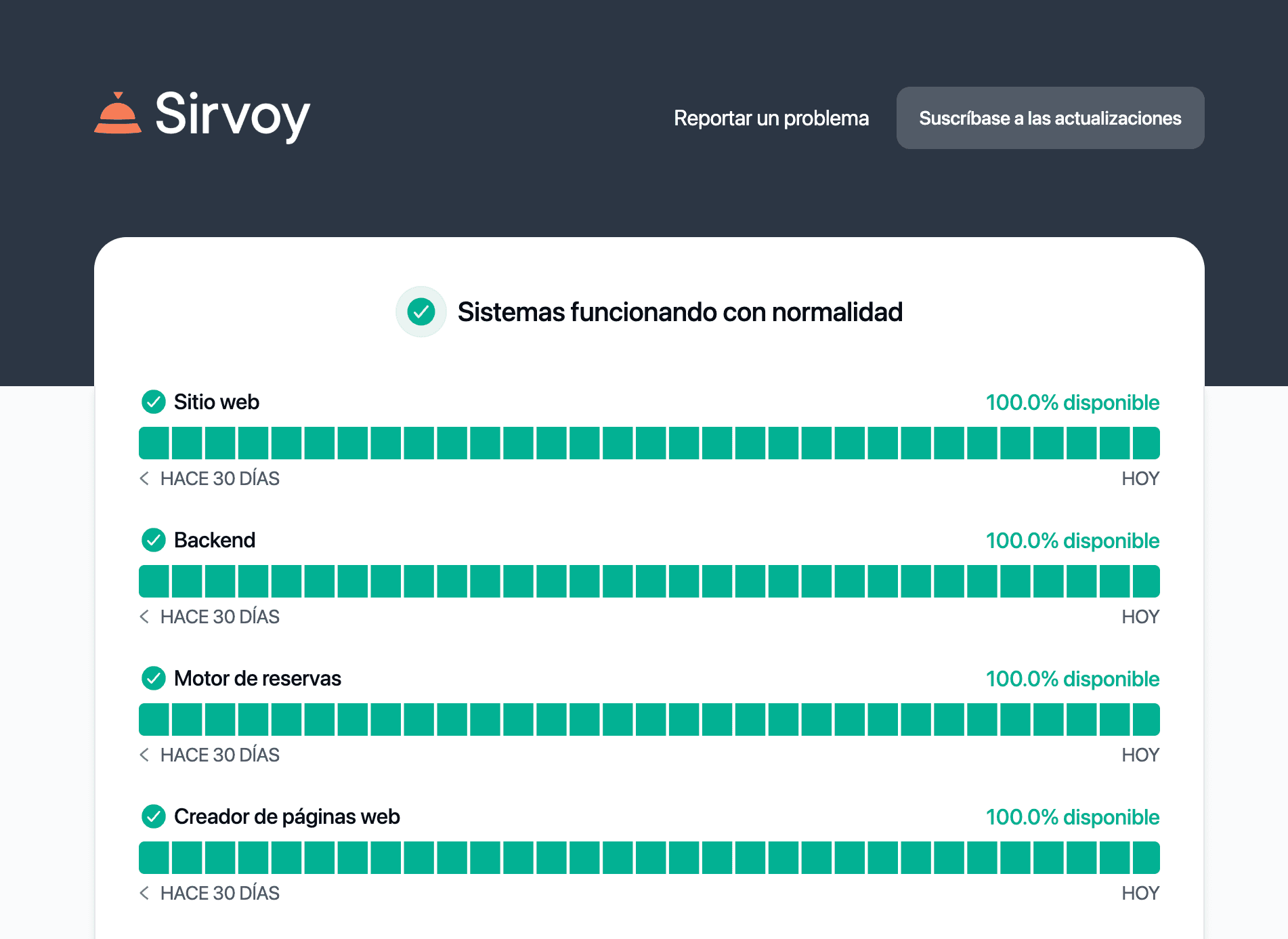
You can publish a live status page with Instatus in under a minute — no code, no complicated configuration. Pages are served via a global CDN, so they load fast even during traffic spikes when users need them most.
Instatus also supports custom domains, custom CSS, private status pages, and SEO-friendly URLs out of the box.
What does Uptime Robot do better?
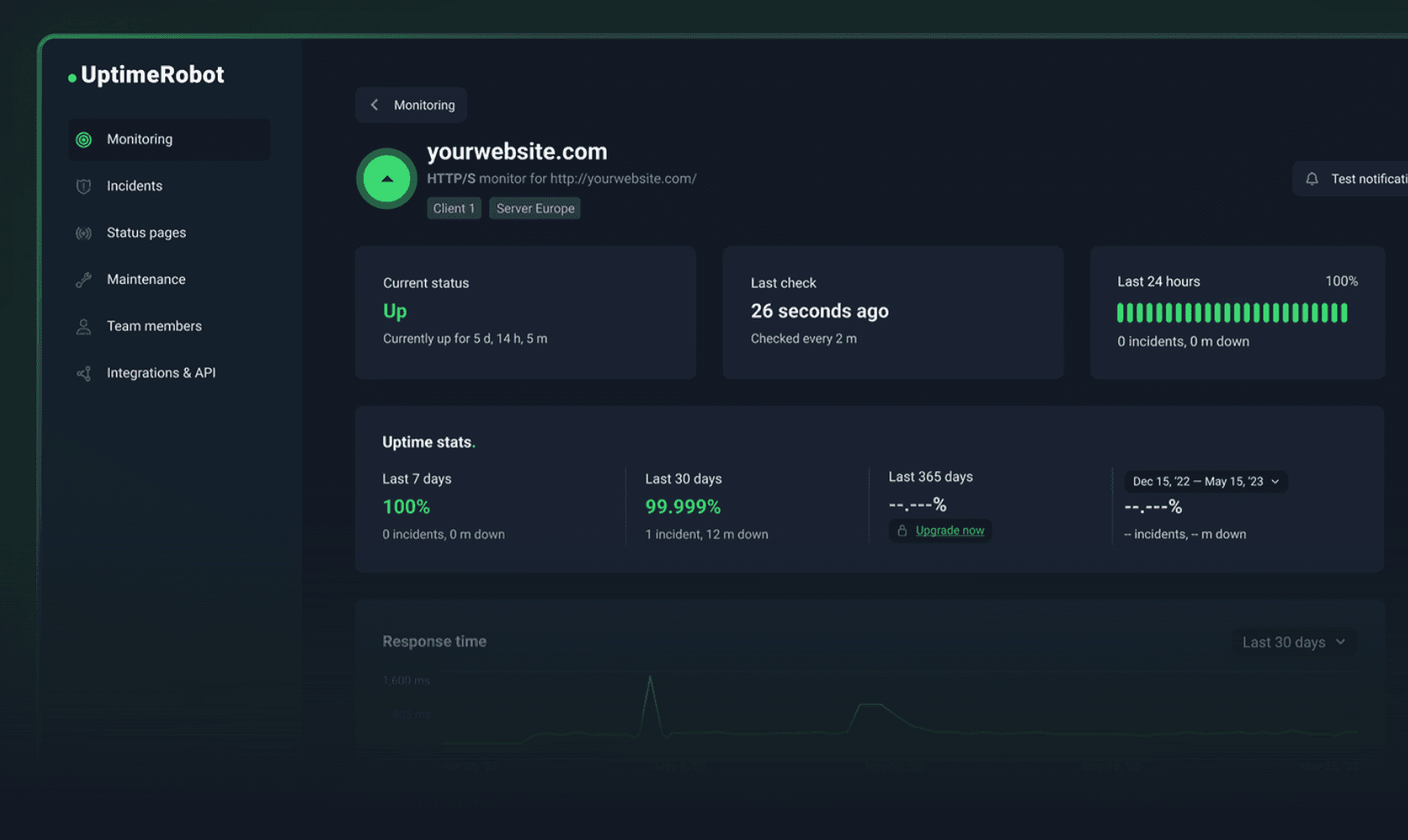
Uptime Robot is one of the most widely used uptime monitoring services, with millions of users. If you just need solid, no-frills monitoring with a generous free tier (50 monitors), it's hard to beat on that front.
Uptime Robot also supports a wide range of monitor types: HTTP, keyword, ping, port, heartbeat, and cron job monitoring — and it's been doing this for years.
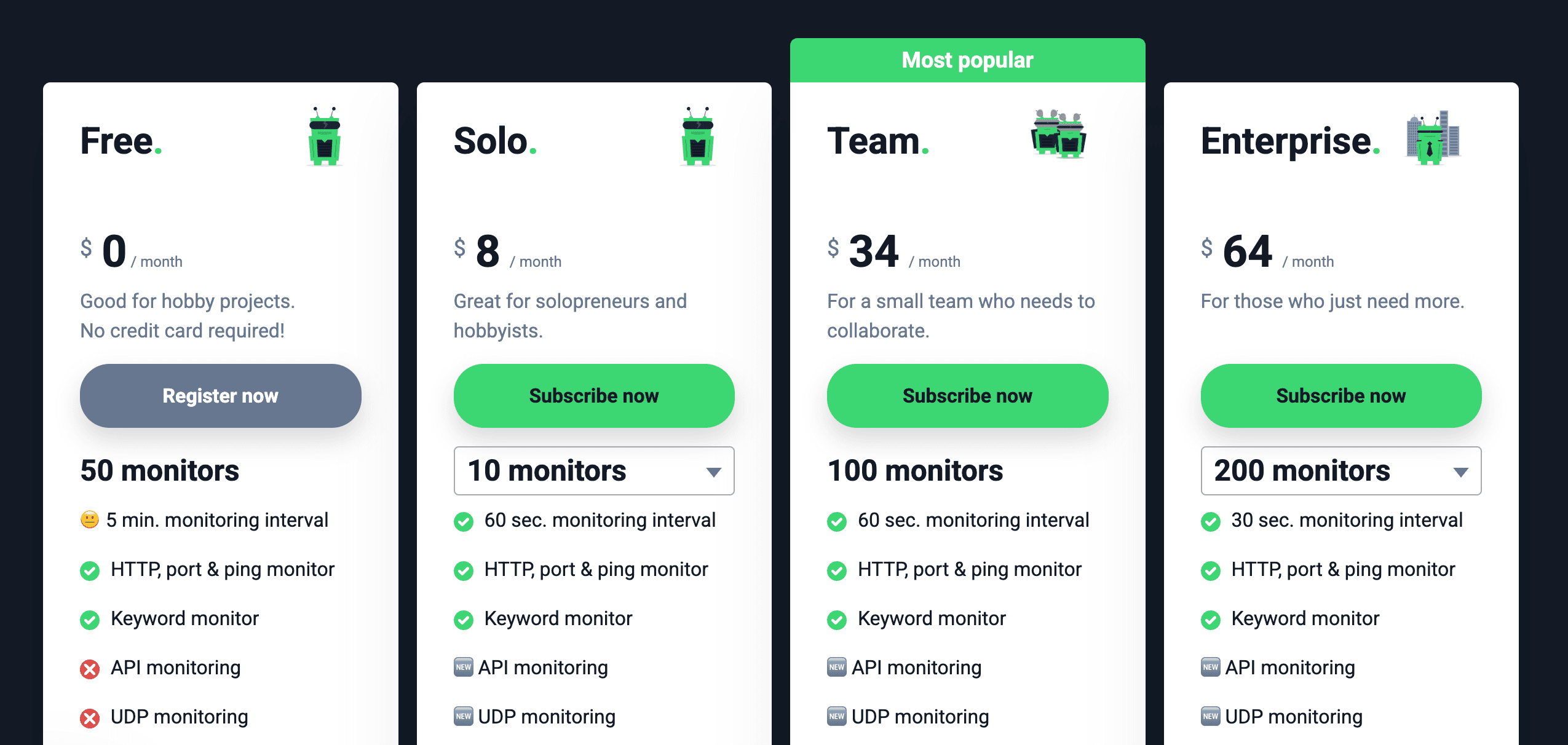
Uptime Robot's free plan is generous for monitoring specifically — 50 monitors with 5-minute check intervals. If monitoring is your primary need and the status page is secondary, Uptime Robot gives you a lot out of the box.
Uptime Robot also integrates with Telegram for alerts, which Instatus doesn't currently support.
Integrations: Instatus vs Uptime Robot
Both tools support integrations, but with different strengths.
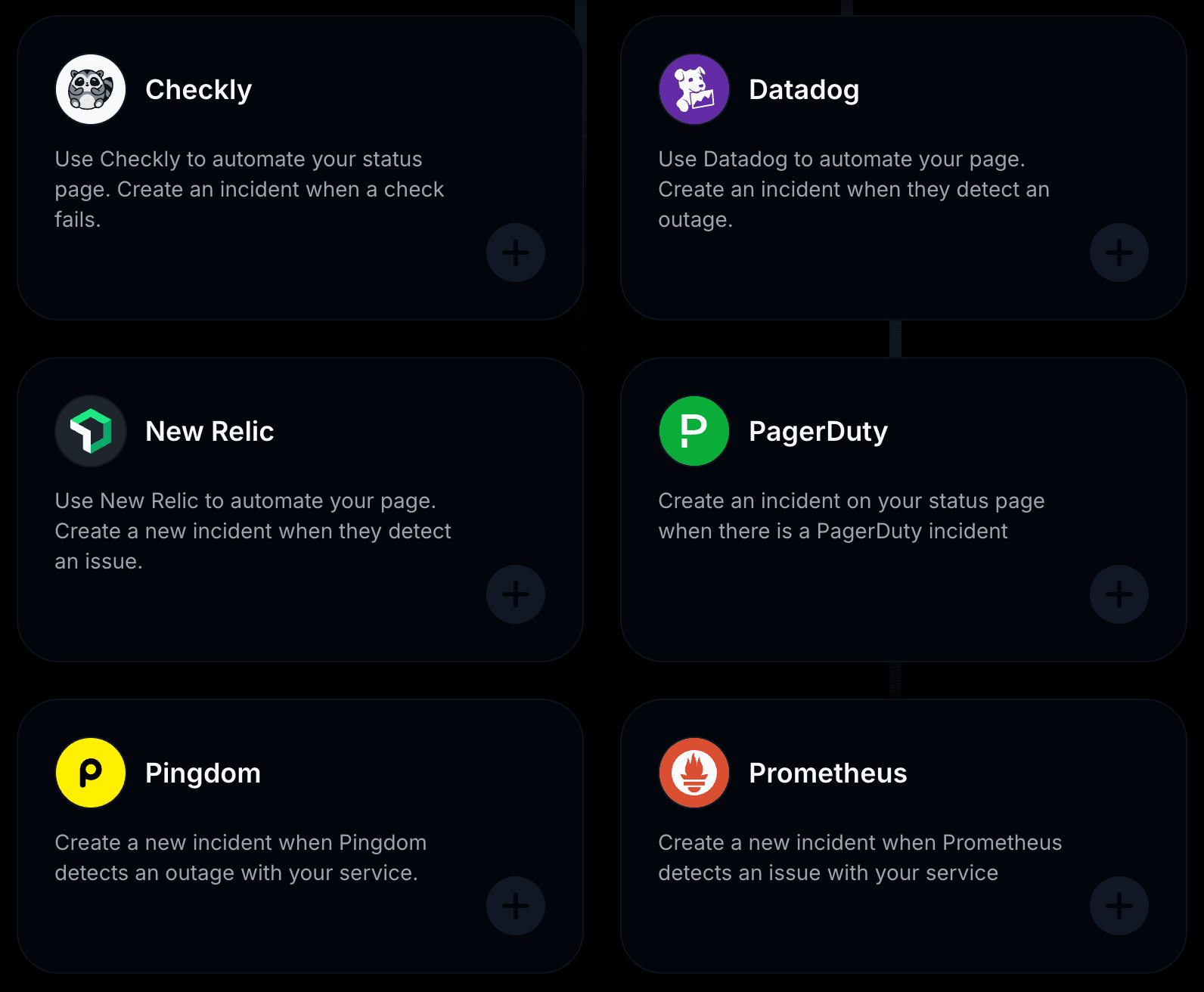
Instatus connects with 29+ tools out of the box: Pingdom, Site24x7, Datadog, Better Stack, New Relic, Grafana, Slack, Discord, Microsoft Teams, Google Chat, Webhooks, Zapier, and more. It also supports email, SMS, and voice call subscriber notifications.
Uptime Robot supports alerting via email, SMS, Slack, Telegram, webhooks, and several other channels. It also has a public API for custom integrations. However, it doesn't integrate with third-party monitoring tools the way Instatus does — since Uptime Robot is the monitoring tool itself.
Worth noting: you can use both together. Connect Uptime Robot to Instatus via webhook to automate status page updates from your existing monitors.
Pricing: Instatus vs Uptime Robot
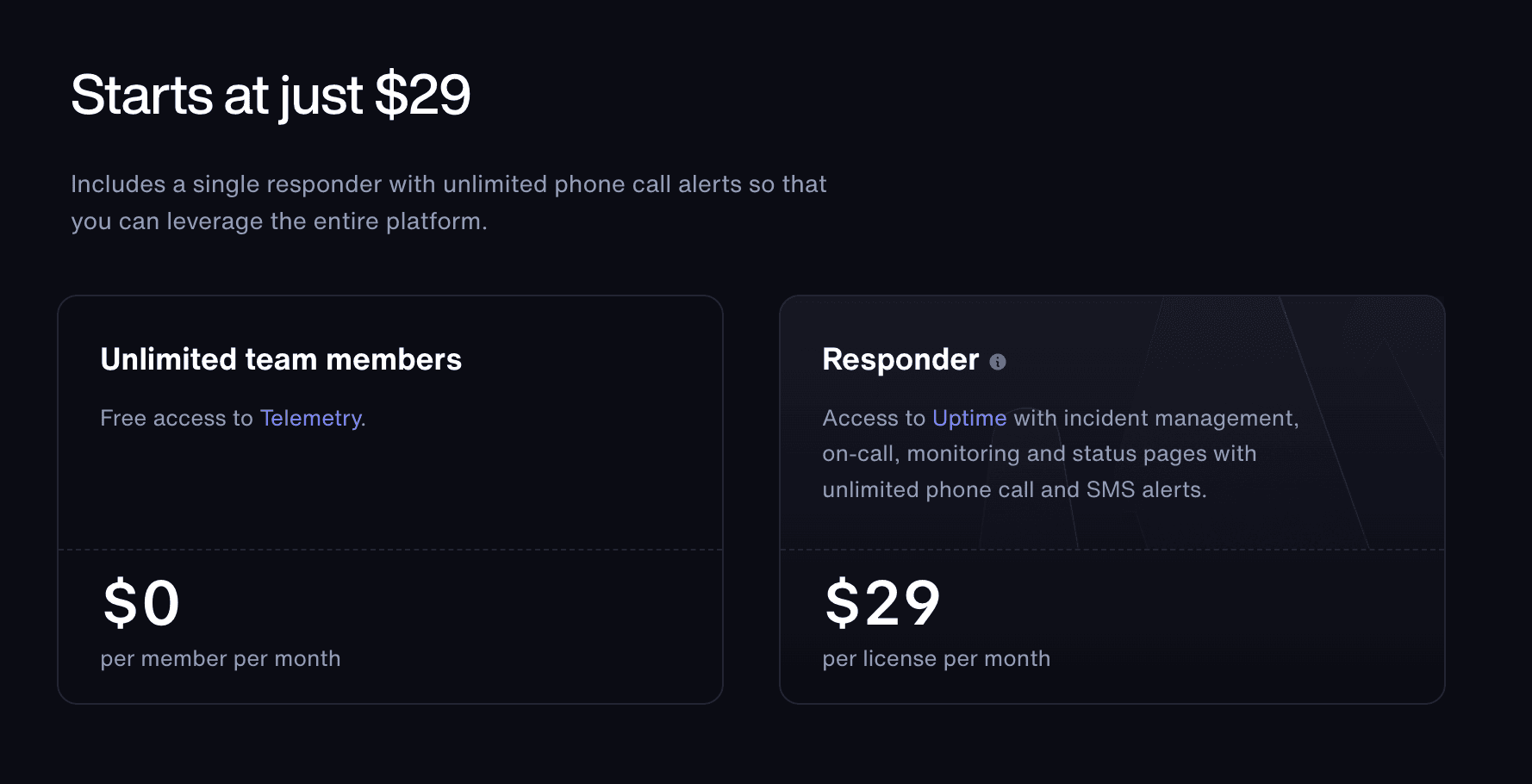
Both tools offer free plans, but they cover different things. Uptime Robot's free plan focuses on monitoring (50 monitors). Instatus's free plan focuses on the status page (unlimited subscribers and team members).
On paid plans, Instatus gives you status pages, monitoring, incident response, and on-call in one package. With Uptime Robot, you'd need additional tools for incident response and on-call, which adds up.
Monitoring
Incident response
Status page
50 monitors
30 sec checks
SMS & Calls
team members
20 on-call members
Incident escalations
50 team members
5,000 subscribers
Custom domain
Start free
/ mo
Which One is Right for You?
Choose Uptime Robot if: monitoring is your primary concern and you don't need a polished, branded status page. Its free plan is generous for pure uptime monitoring.
Choose Instatus if: you want a beautiful, customizable status page with built-in incident response, on-call, and a Slack app — alongside uptime monitoring. Best for teams that care about how they communicate with users during incidents.
FAQs
Is there a free version of Instatus? Yes. The free plan includes unlimited subscribers and team members, a public status page, and access to core features. It's a good fit for small teams, solo developers, and early-stage startups.
Can I use Instatus with Uptime Robot? Yes. You can connect Uptime Robot to Instatus via webhook to automatically create and resolve incidents on your status page when Uptime Robot detects downtime.
Does Instatus offer better uptime visibility than Uptime Robot? They're different. Uptime Robot gives you more granular monitoring data and dashboards. Instatus gives you better user-facing communication — incident timelines, status updates, and public uptime history that builds trust with your customers.
How quickly can I set up my status page? Under a minute. No dev time, no complicated dashboards — just sign in, name your page, and go live.
Is Instatus customizable? Yes. You can personalize your logo, domain, color scheme, fonts, and even add custom CSS. Your status page can match your product's look and feel exactly.
What types of monitoring does Instatus support? Instatus supports monitoring via HTTP, keyword, ping, TCP, SSL, and DNS. You can also connect your existing monitoring tools (including Uptime Robot) to feed incident data into Instatus.
Final Verdict
If you want:
- A polished, branded status page — not a basic monitoring dashboard
- Built-in incident response & on-call — manage incidents directly from Slack
- Multi-channel subscriber notifications — email, SMS, voice, Slack, webhooks, RSS
- 21 built-in languages — reach your global audience
- Flat, transparent pricing — no per-member fees
👉 Then Instatus is a strong alternative to Uptime Robot.
If you just need monitoring, Uptime Robot is great at that. But if you want the full package — monitoring, status pages, incident response, and on-call — Instatus does it all in one place.

Get ready for downtime
Monitor your services
Fix incidents with your team
Share your status with customers