

Sentry vs Instatus
Instatus helps you stay transparent during downtime without the complexity of full-stack error monitoring.
Start for free
Looking for the best way to communicate service status to your users? Let's compare Sentry with Instatus — two very different tools that teams often evaluate when thinking about incident transparency and user-facing communication.
Sentry is a powerful error tracking and performance monitoring platform for developers. Instatus is purpose-built for beautiful, fast status pages that keep users informed during downtime. If your goal is transparent status communication, here's why Instatus is the better choice.
Instatus vs Sentry: Quick Comparison
| Sentry | Instatus | |
| Free plan | Limited (Dev use only, 1 user) | Free forever with unlimited team members |
| Status pages | Not a status page tool | Purpose-built for status pages |
| Setup time | Moderate/complex (SDK integration) | Instant setup (under 10 seconds) |
| Custom branding & domains | Full support (CSS, JS, custom domain) | |
| Incident communication | Internal alerts / error logs | Streamlined & user-facing |
| Subscriber notifications | Email, SMS, voice, Slack, Discord, Teams, webhooks, RSS | |
| Multi-language support | 21 languages | |
| Uptime monitoring | Basic (from $1/monitor/mo) | Built-in, 30-second checks |
| Incident response & on-call | ||
| Integrations | Focused on app monitoring & issue tracking | 29+ status-first integrations |
| UI/UX | Developer-oriented | Clean & user-friendly |
| Status page speed | N/A | 99.9% uptime, global CDN static pages |
| Pricing model | Usage-based, variable costs | Flat-rate, predictable pricing |
| Team members | 1 on free, limited on paid | Unlimited on every plan |
Why Choose Instatus Over Sentry?
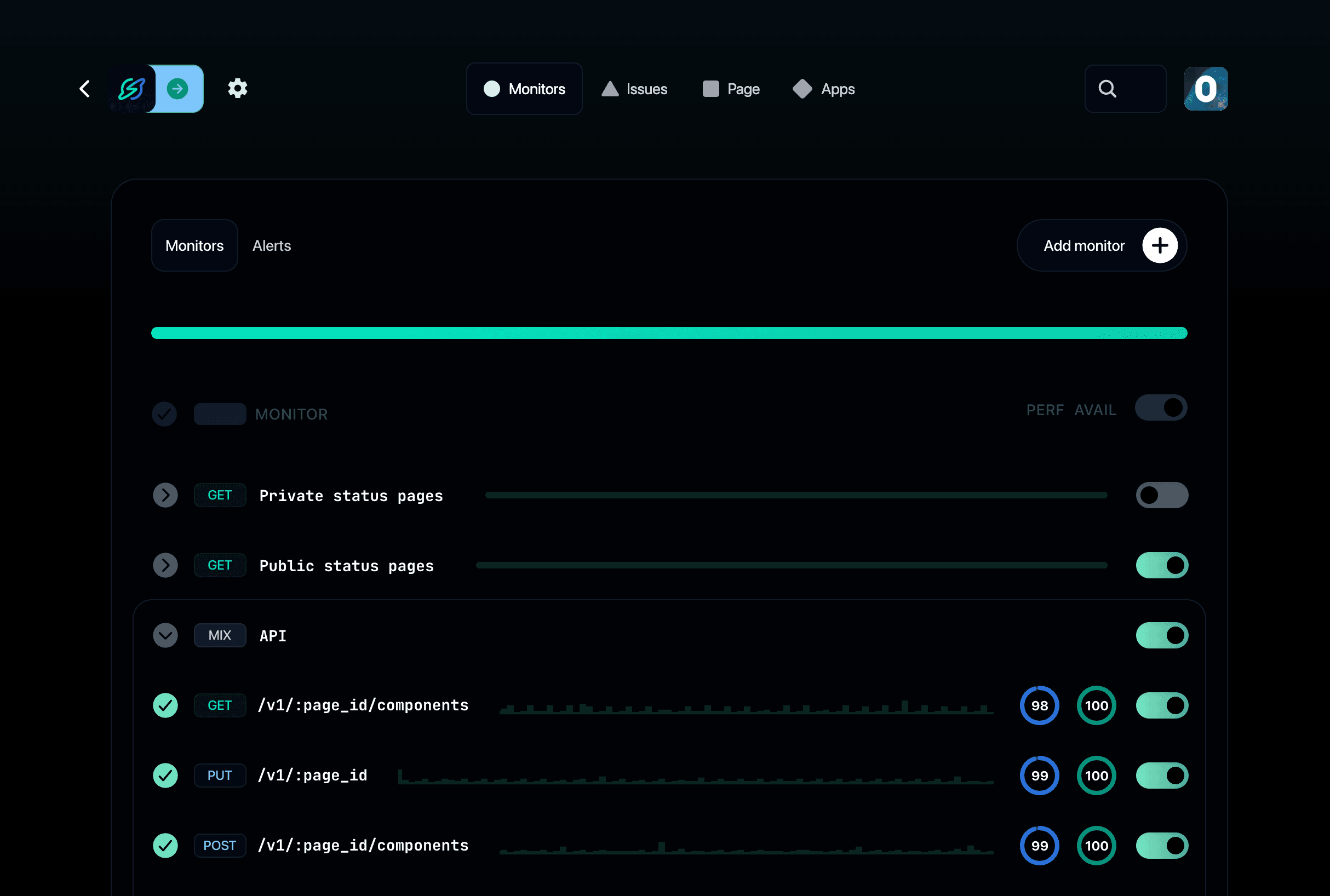
Built for Status Communication — Instatus is designed for beautiful, fast status pages that keep users informed. Unlike Sentry, which focuses on error tracking, Instatus is a dedicated platform for transparent customer communication.
Sentry is an internal developer tool. Instatus is how you talk to your users when things go wrong.
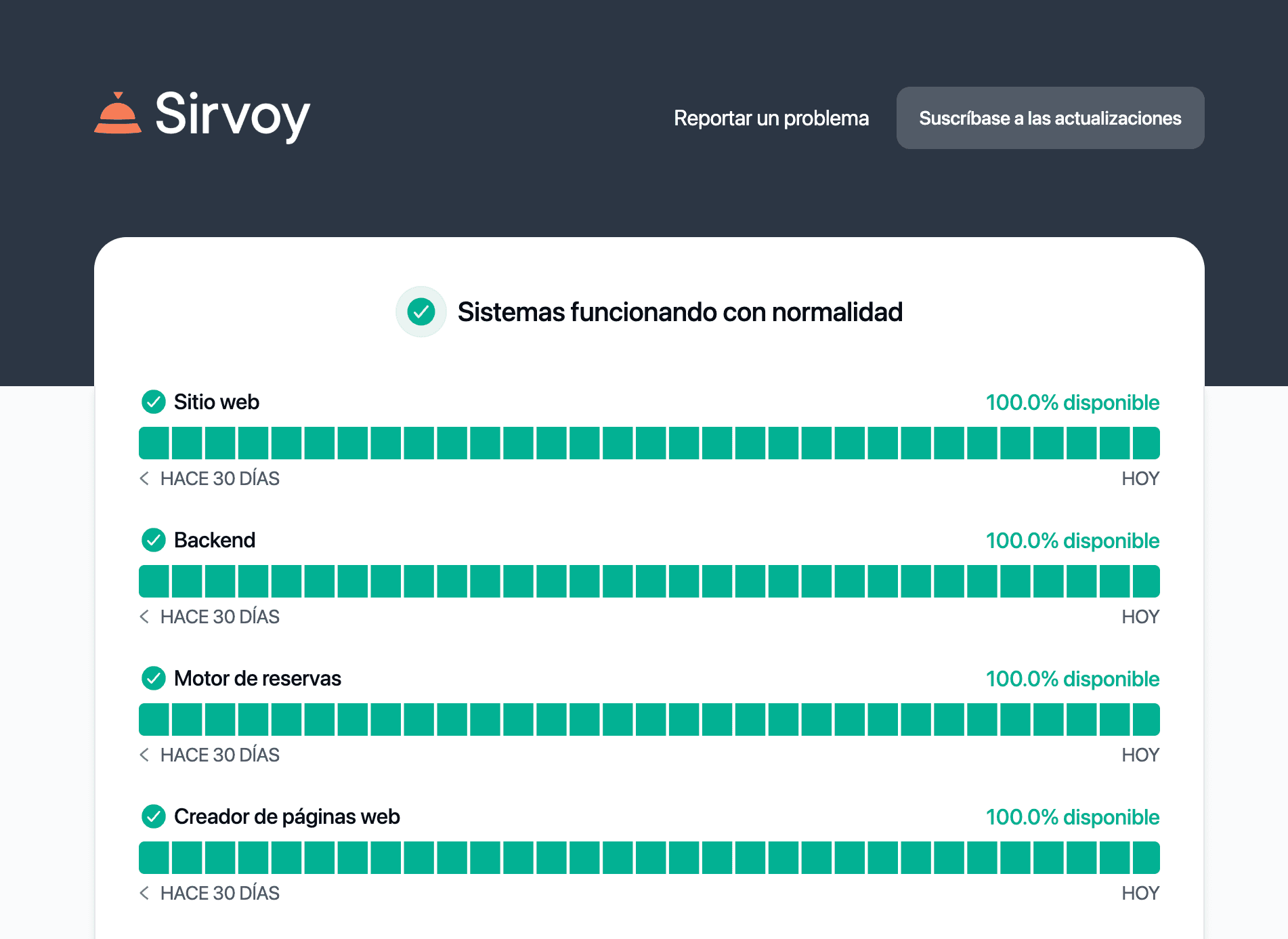
Instant Setup, Zero Complexity — Set up a status page in under 10 seconds — no configurations, no SDKs, no engineering effort. Manage incidents effortlessly and keep users updated in real time.
Sentry requires SDK integration, environment configuration, and ongoing tuning. Instatus works the moment you sign up.
Unlimited Team Members and Subscribers — Every Instatus plan includes unlimited team members and subscribers at no extra cost. As your business grows, your communication scales with it — no surprise fees.
Sentry's free plan is limited to one user, and paid plans charge by usage volume — errors, spans, replays, and logs all add up.
Customization and Branding — Match your brand with custom domains, logos, colors, CSS, JavaScript, and 21 languages. Keep your status page on-brand while communicating clearly with users.
Cost-Effective Flat-Rate Pricing — Instatus offers flat-rate pricing with no hidden fees. Unlike Sentry's usage-based costs that can spike unexpectedly, Instatus keeps pricing predictable and simple.
What does Sentry do better?
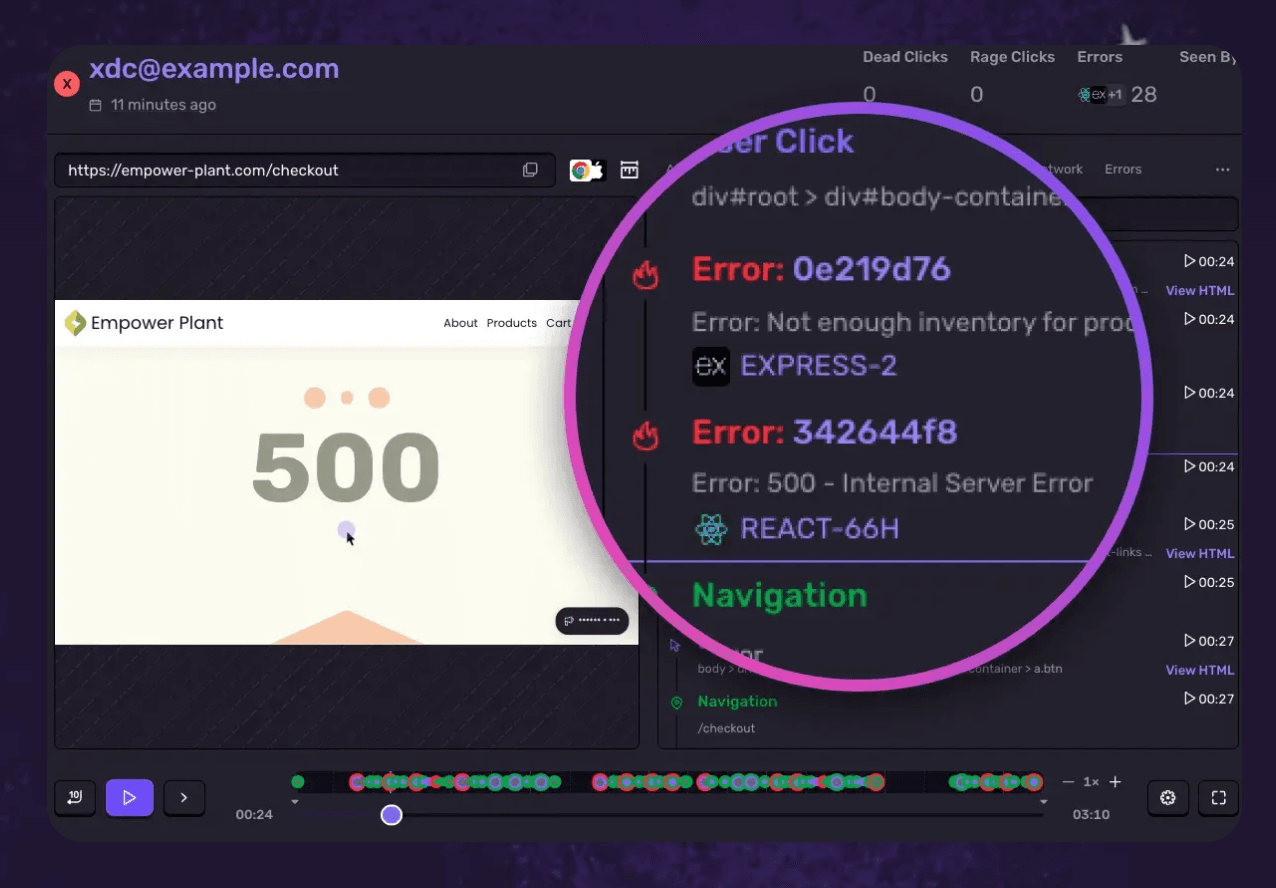
Sentry is a world-class error tracking and performance monitoring platform. It catches bugs, monitors transactions, replays sessions, and debugs code-level issues across 100+ platforms.
Instatus doesn't do error tracking or debugging. It focuses on what your users see: status pages, incident updates, and uptime communication.
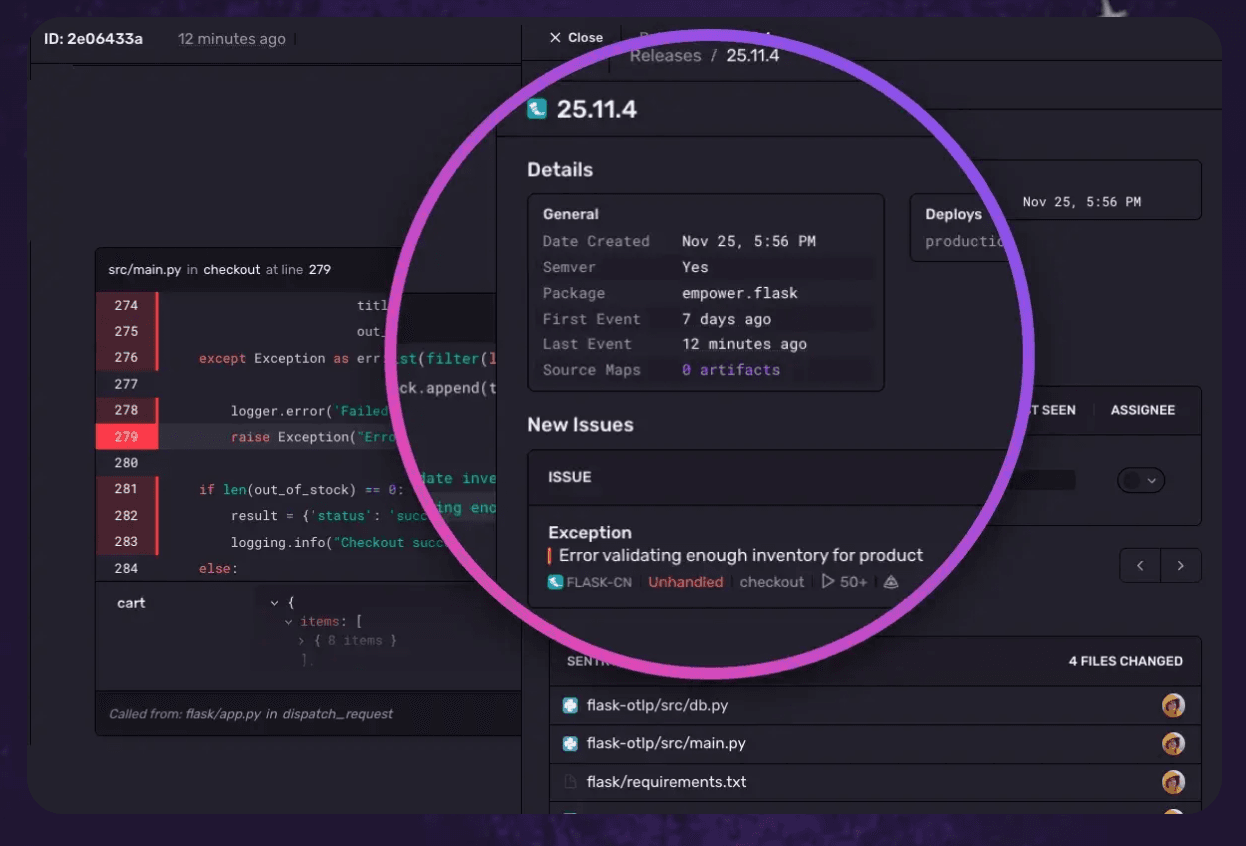
Sentry integrates deeply with developer workflows — GitHub, GitLab, Jira, Linear, and CI/CD pipelines. It offers source maps, stack traces, release tracking, and AI-powered issue grouping.
If you need to catch and fix production bugs, Sentry is the better tool. But for communicating service status to users, Instatus shines.
Integrations: Instatus vs Sentry
Both tools support integrations, but for very different purposes.
Instatus integrates seamlessly with communication and monitoring tools:
- Communication tools: Slack, Microsoft Teams, Google Chat, Discord
- Automation and alerts: Email, SMS, voice calls, webhooks, Zapier
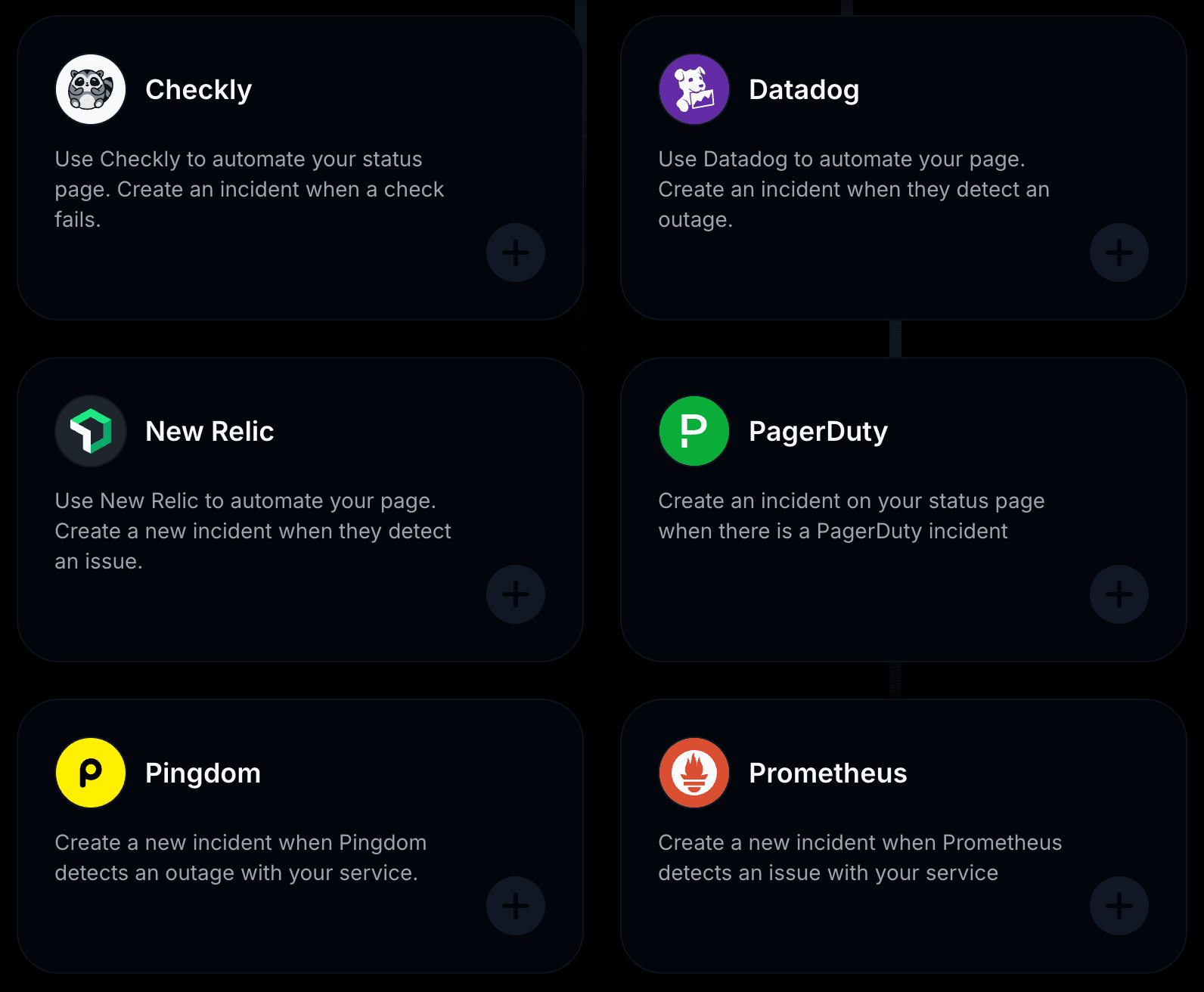
- Monitoring tools: Pingdom, Datadog, UptimeRobot, New Relic, Site24x7, Better Stack, and more
Sentry's integrations are focused on developer workflows:
- Issue tracking: Jira, Linear, GitHub Issues, Azure DevOps
- Source control: GitHub, GitLab, Bitbucket
- Notifications: Slack, Microsoft Teams, PagerDuty
- Webhooks and Zapier (limited)
For keeping users informed across multiple channels during incidents, Instatus has the edge. For routing code errors to issue trackers, Sentry is the right tool.
Pricing: Instatus vs Sentry
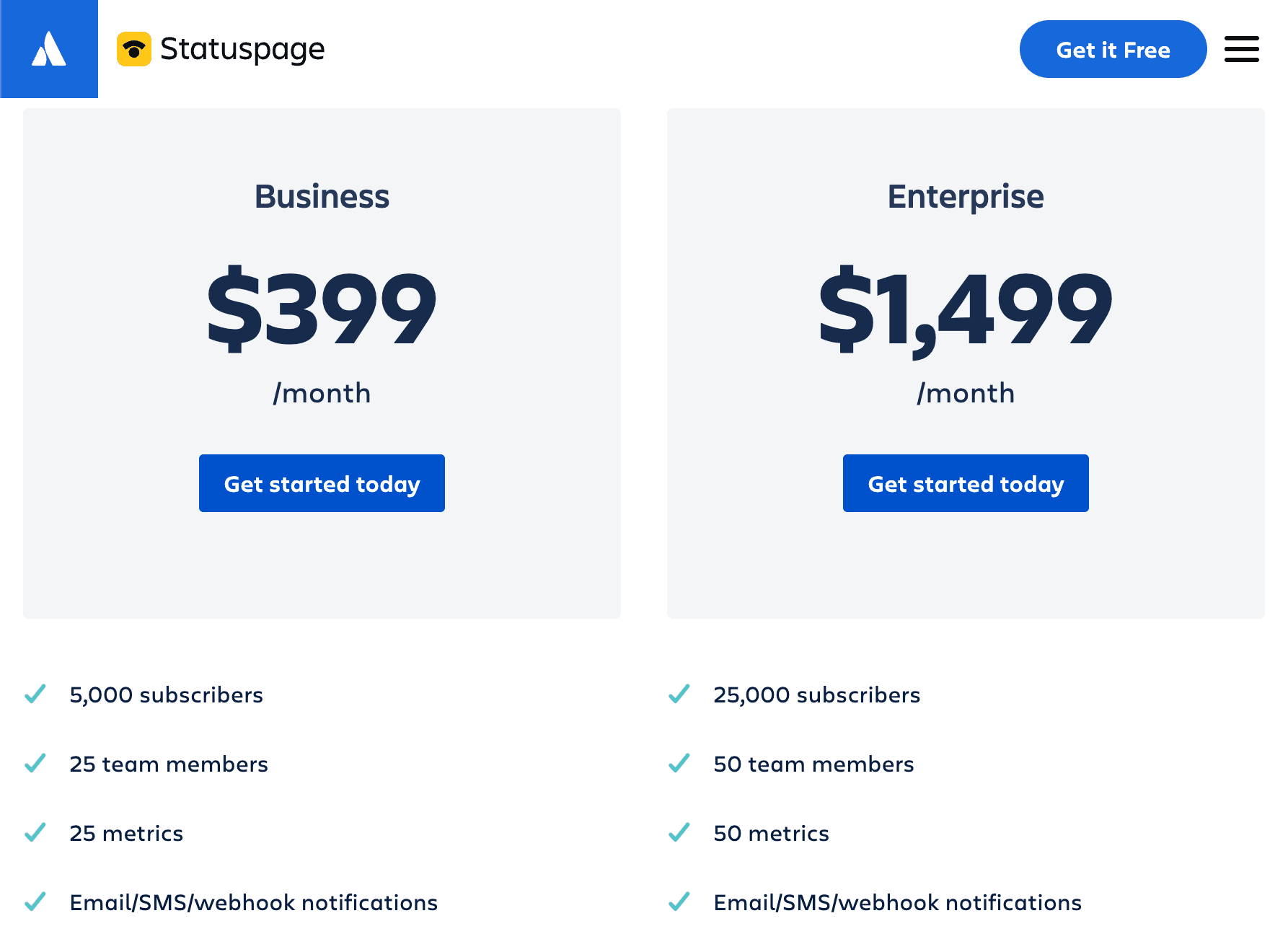
Instatus gives you more value without the hidden costs. Sentry limits the free plan to one developer, bills usage separately (errors, spans, replays, logs), and charges extra for SSO. Instatus offers a full-featured free plan, flat pricing, and unlimited users — no surprises.
Use the calculator below to compare plans and see how much you could save by switching.
Monitoring
Incident response
Status page
50 monitors
30 sec checks
SMS & Calls
team members
20 on-call members
Incident escalations
50 team members
5,000 subscribers
Custom domain
Start free
/ mo
Why Users Love Instatus
Modern, Customizable Status Pages — Easily match your brand with custom domains, themes, logos, and language support. Your status page isn't just functional — it looks great too.
Instant Setup, Zero Complexity — Create and launch a beautiful status page in under 30 seconds. No engineering effort required.
Global Performance, Always Fast — Hosted on a global CDN with 99.9% uptime and instant load times worldwide.
Built-in Incident Management — Post real-time updates, schedule maintenance, and notify users via Email, Slack, Discord, and more — all from one dashboard.
Truly Unlimited Everything — No caps on team members, subscribers, or incident updates — even on the free plan.
Testimonials
Beautiful and efficient status pages. Instatus as a product is absolutely wonderful. They have exceptional UI, they are extremely cheap, and they have great customer support. Cole H., Founder
Best status page. I think it's good that you can set the status page in all possible languages and that you can adjust every configuration. Benjamin Maurice K., Small-Business Owner
Exceptional Service at Unbeatable Value. Instatus offers a status page without restrictions or high costs. It's user-friendly with great support. I switched because it provides the same features for 75% less — and many paid features from other services are free. Jose
Which One is Right for You?
Choose Sentry if: you need deep error tracking, application performance monitoring, and code-level debugging for your engineering team — and you're not looking for a user-facing status page.
Choose Instatus if: you want a beautiful, customizable status page with built-in monitoring, incident response, and on-call — to keep your users informed during downtime. Best for startups, SaaS products, and teams that care about transparent communication.
Frequently Asked Questions
Does Instatus support custom domains? Yes, all paid plans include custom domains with easy setup and full SSL.
Can I use Instatus for private status pages? Yes, Instatus supports private and audience-specific pages with access controls and role-based visibility.
Are there limits on team members or subscribers? No, every plan includes unlimited team members and subscriber notifications.
Does Instatus integrate with monitoring tools? Yes, it integrates with Pingdom, Uptime Robot, Datadog, New Relic, Site24x7, and more to automate status updates.
Can I schedule maintenance events? Yes, schedule and display planned maintenance with custom timing and messaging.
Is there a free plan available? Yes, Instatus offers a forever-free plan with all core features included, perfect for startups or side projects.
Does Instatus offer Single Sign-On (SSO)? Yes, SSO is available on the Business plan for simplified, secure login.
Can I customize the status page appearance? Yes, fully customize branding, layout, colors, CSS, and even add JavaScript or Google Analytics.
Are incident templates available? Yes, reusable templates let you post consistent, fast updates for recurring issues.
How quickly can I set up a status page? Launch a fully functional status page in under 10 seconds — no coding required.
Final Verdict
If you want:
- Transparent status communication — not internal error logs
- Instant setup — no SDKs, no code changes, no complexity
- Unlimited team members & subscribers — on every plan
- Flat, predictable pricing — no usage-based surprises
- Built-in uptime monitoring & incident response
- 21 built-in languages — reach your global audience
👉 Then Instatus is a strong alternative to Sentry for status pages.
See why fast-growing teams choose Instatus for simple, powerful status pages. Book a free demo and see how Instatus simplifies incident communication — without breaking the bank.

Get ready for downtime
Monitor your services
Fix incidents with your team
Share your status with customers