

Switch from Uptime Kuma
Bring your self-hosted Uptime Kuma uptime monitors into Instatus with one connection.
How the import works
- Log in to Instatus or create a free account. The Uptime Kuma importer opens automatically in your dashboard.
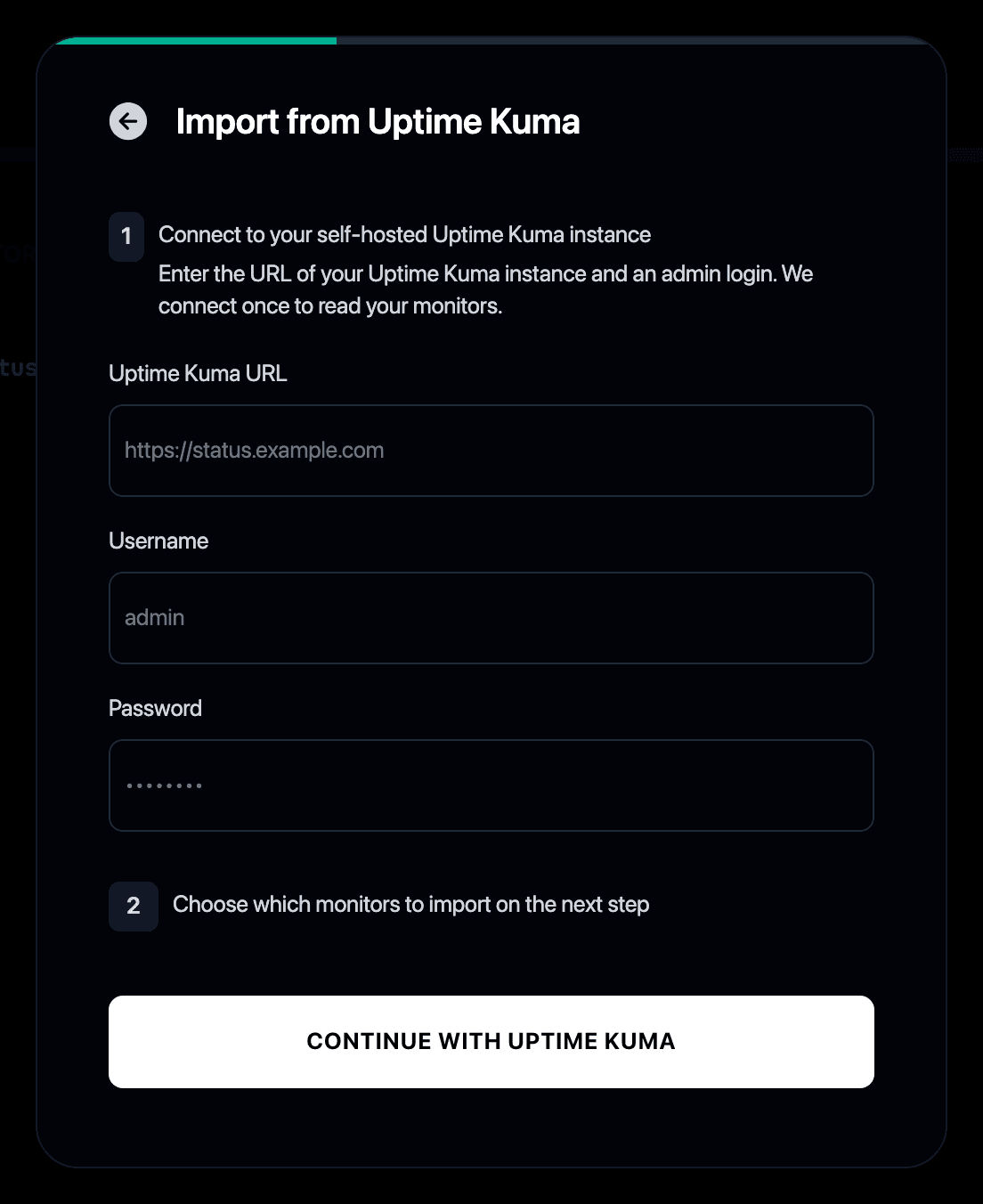
- Enter your Uptime Kuma instance URL and an admin login. We connect once, only to read your monitors.
- Select the monitors you want to import.
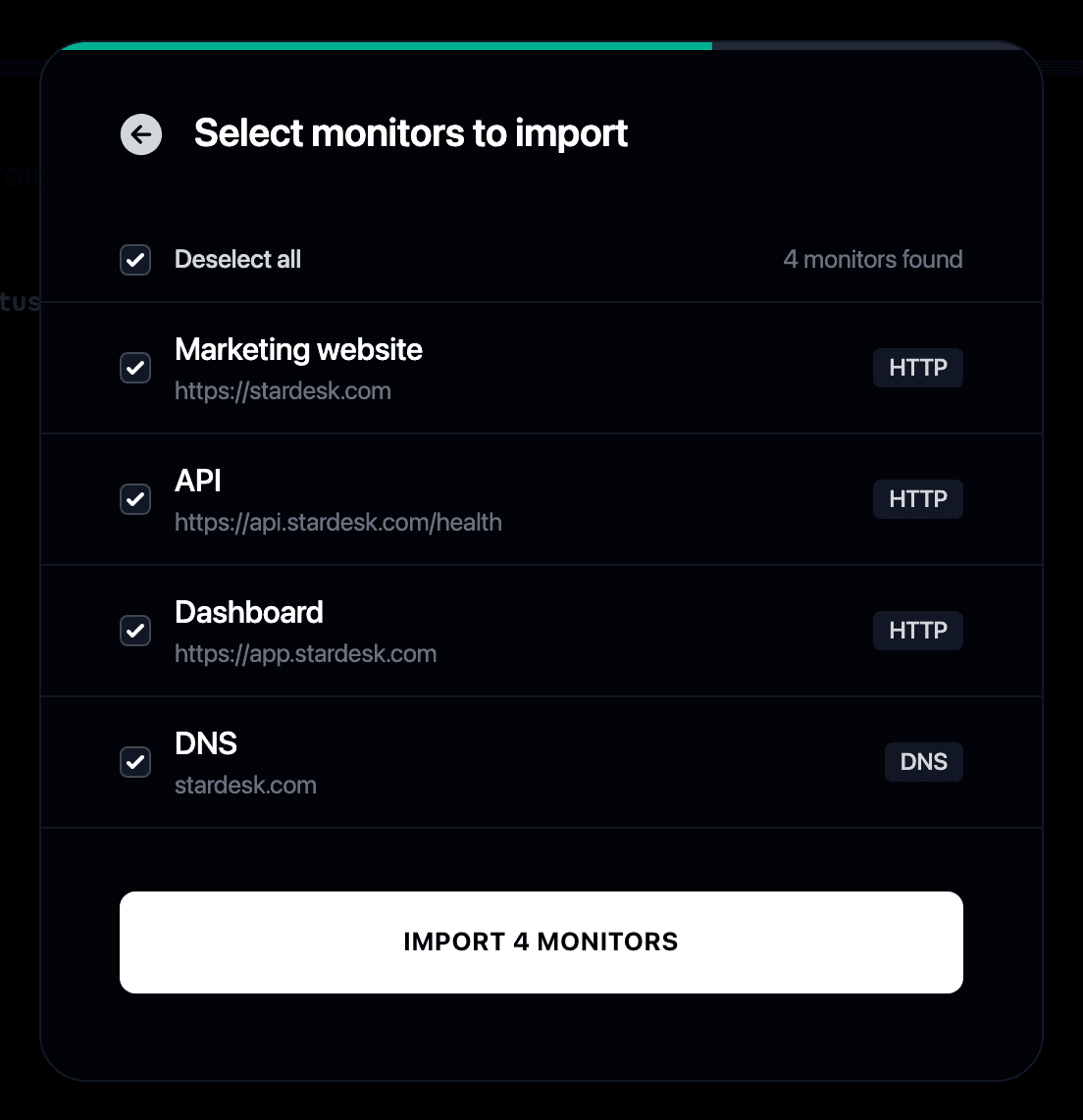
- Your monitors run on Instatus from then on, with no server to maintain.
Why switch from Uptime Kuma to Instatus?
- Uptime Kuma is a great self-hosted monitor, until you’re the one maintaining the server it runs on
- Instatus gives you the same monitoring without the hosting
- We connect to your instance once and recreate your monitors as managed Instatus monitors
- A status page is included out of the box
- We compared the leading Uptime Kuma alternatives, hosted and self-hosted alike
- If you would rather keep hosting it yourself, see our roundup of the best self-hosted status pages