

Switch from Oh Dear
Import your Oh Dear status page into Instatus and migrate everything that matters:
- Uptime monitors
- Incident history with updates
- Scheduled maintenances
- Templates
How the import works
- Log in to Instatus or create a free account. The Oh Dear importer opens automatically in your dashboard.
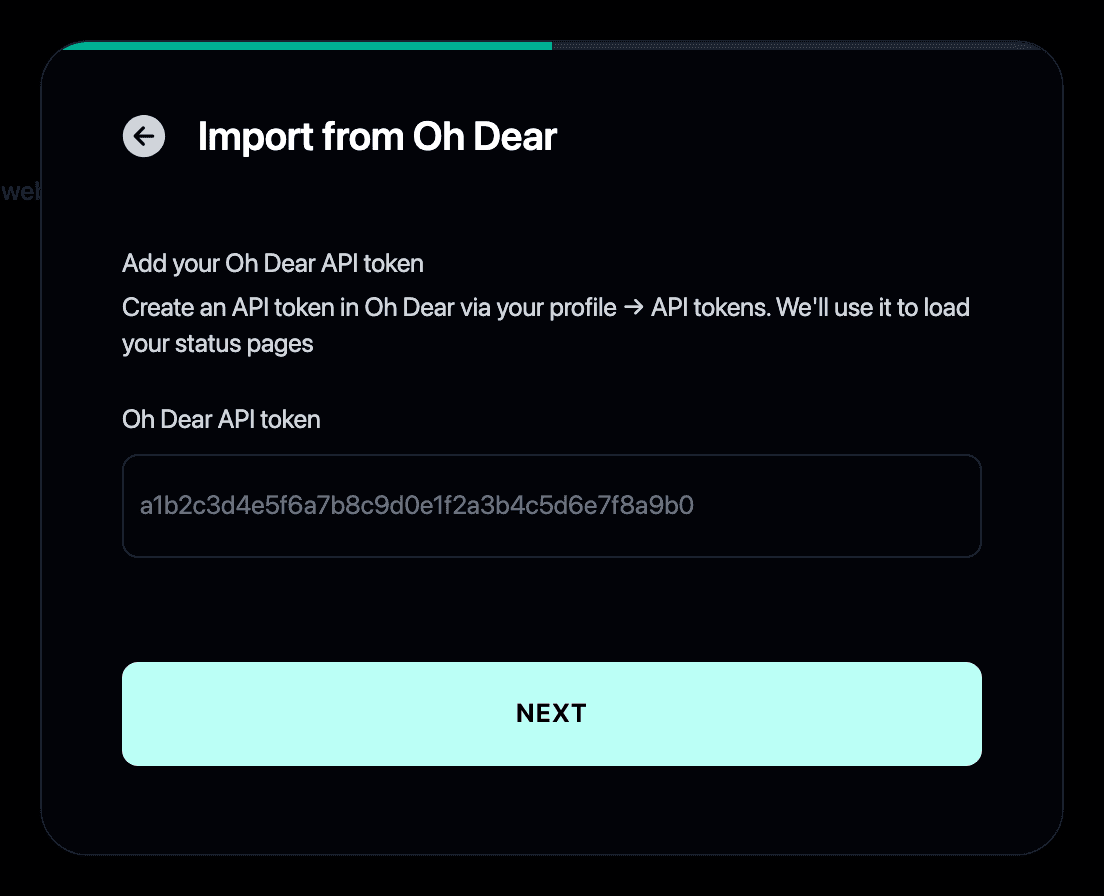
- Paste your Oh Dear API token. You can create one in Oh Dear under your profile → API tokens.
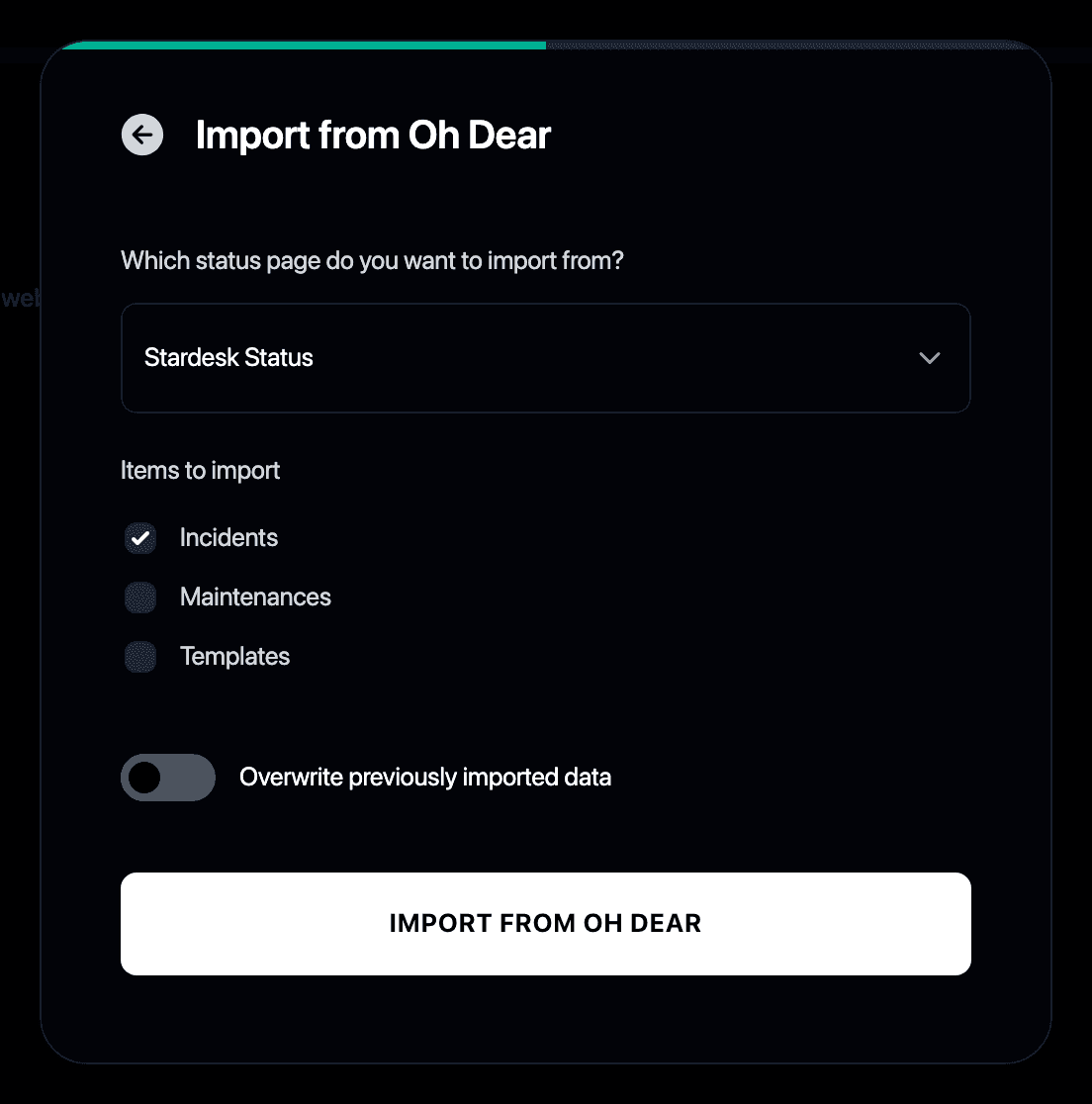
- Choose what to bring over: incidents, maintenances and templates.
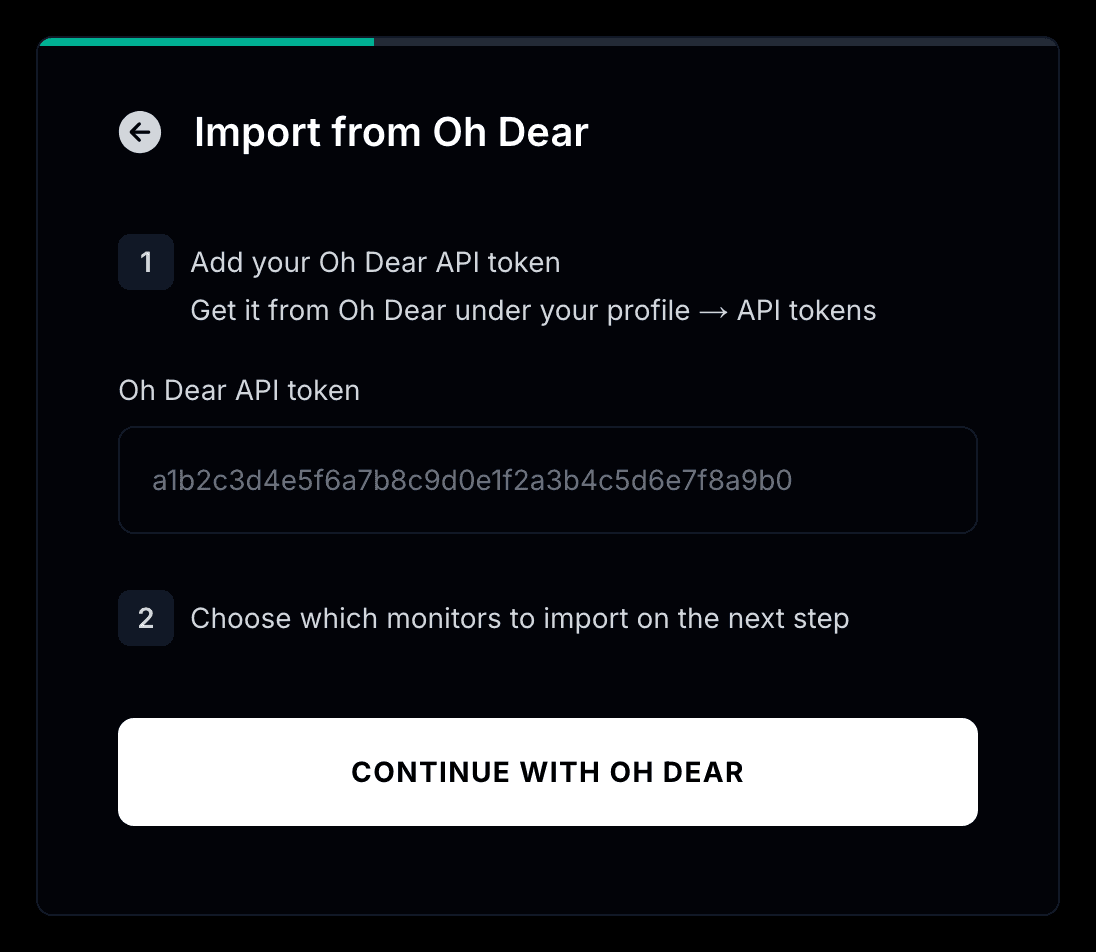
- To move your uptime checks too, open Monitors and import from Oh Dear with the same token.
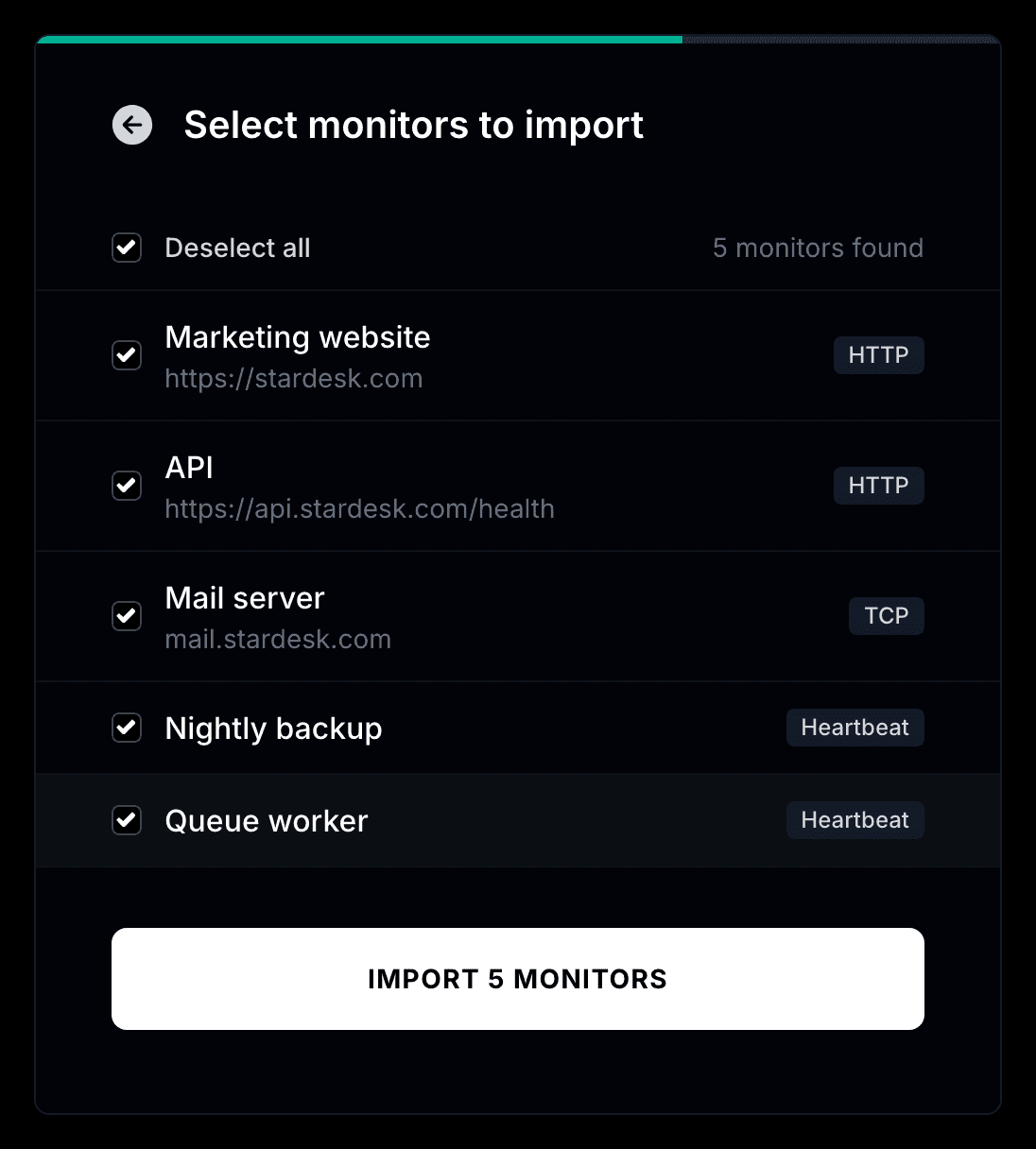
- Pick the checks you want to bring over. Uptime checks and cron checks both come across.
- Your monitors start checking right away and can update your status page automatically.
Why switch from Oh Dear to Instatus?
- Oh Dear combines uptime checks with a simple status page. Instatus does both too
- 30-second checks, a faster page and unlimited subscribers at a flat price
- The importer moves your status page history and your uptime checks in one connection