

Zendesk
Inform customers about your incidents
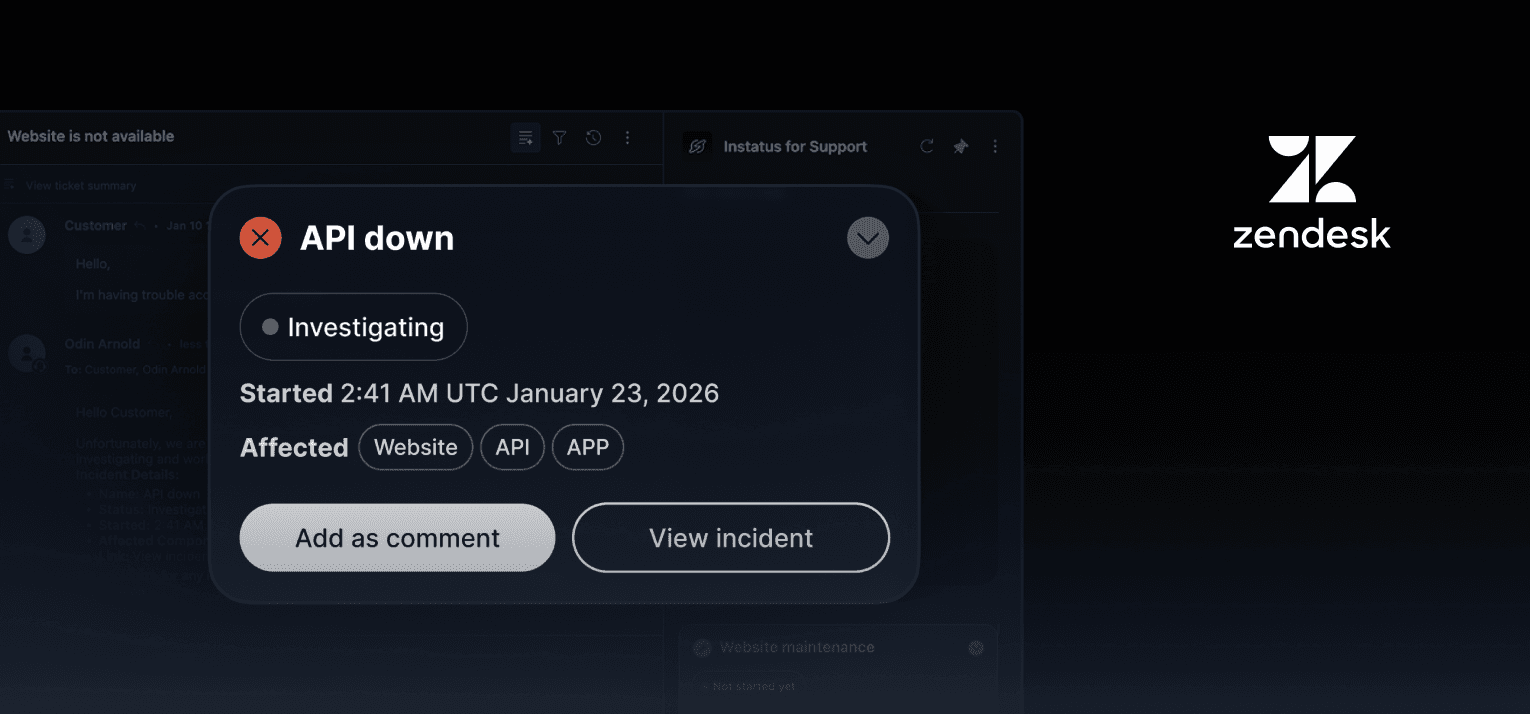
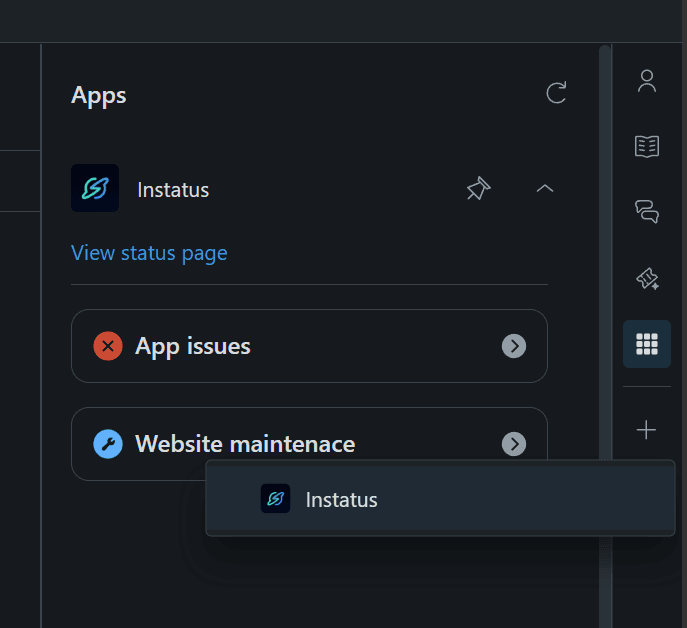
Zendesk showing Instatus app in the sidebar
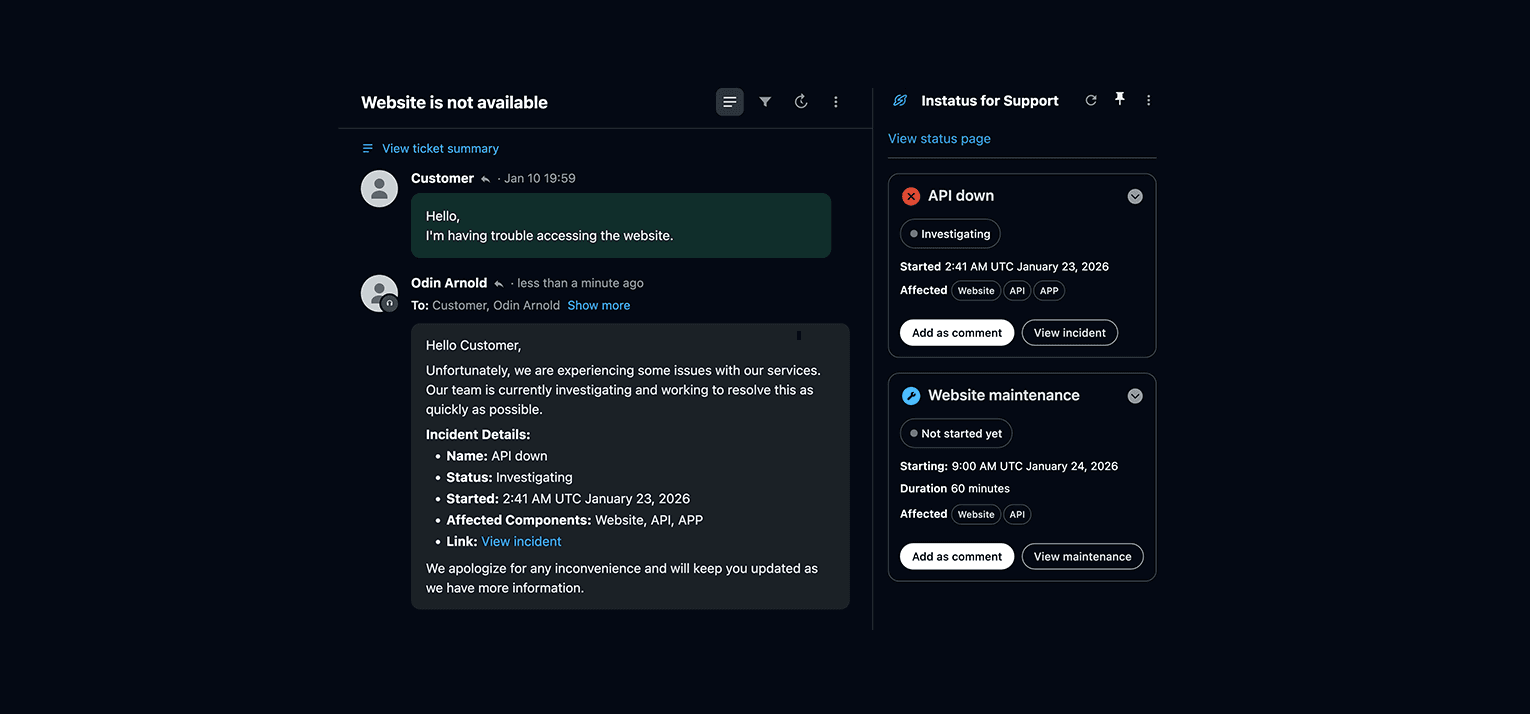
Zendesk ticket view showing Instatus app with current incidents and maintenances displayed
- Go to our custom app on the Zendesk marketplace here and click install
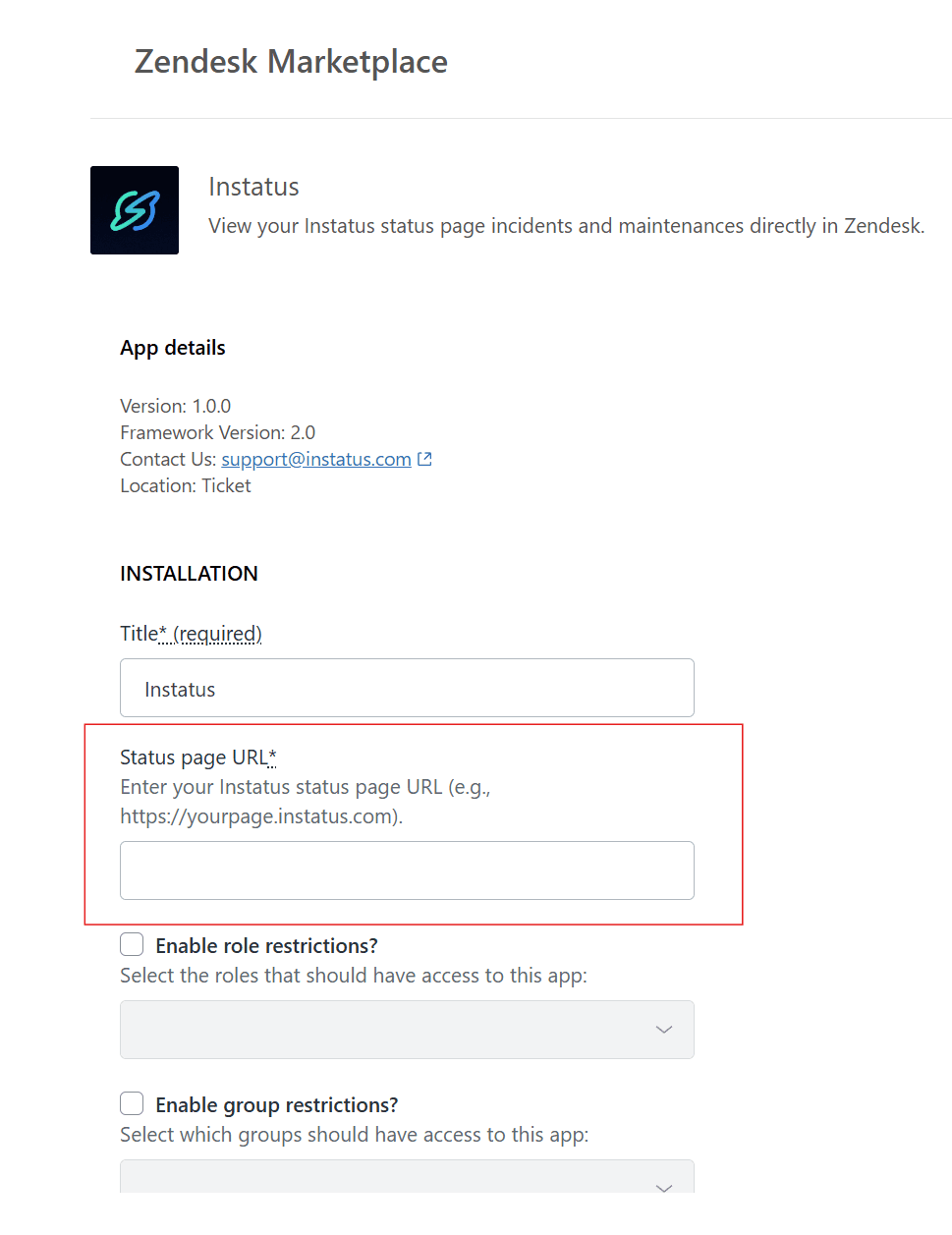
- After clicking install, you will be redirected to the app's settings page. Make sure to enter your page URL under Status page URL and then finally click Install
- Now that the app is uploaded successfully to your Zendesk dashboard, you can use it when you view tickets
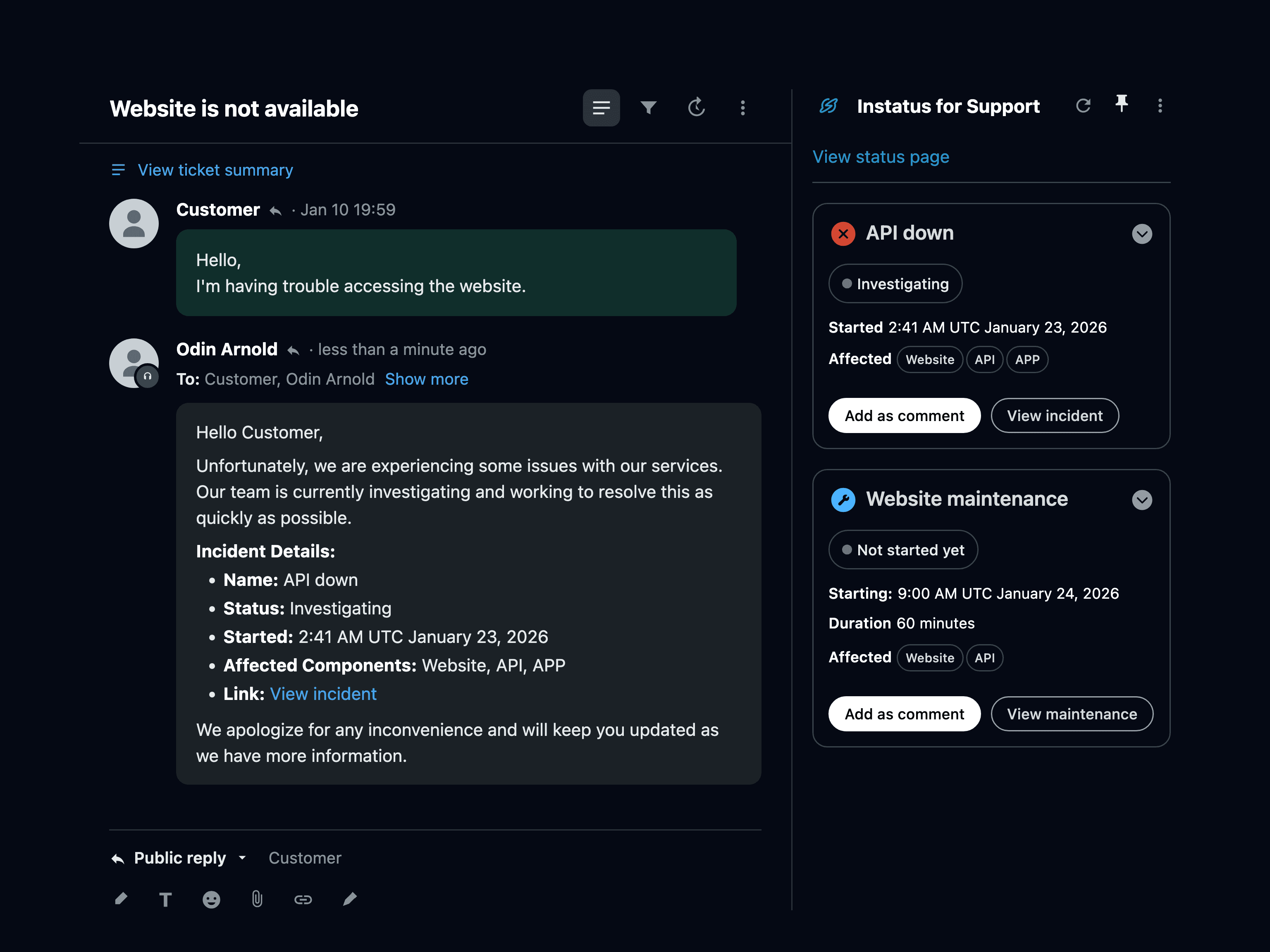
- Each active incident or maintenance has an Insert reply button. Choose Public reply to add a short note for the customer in their language, or Internal note to add the full details for your team. Link ticket tags the ticket so you can find every affected ticket once the issue is fixed.
- You're done! 👏
Integration for Zendesk Support
We will integrate by adding a custom app in the support dashboard that displays current incidents and maintenances to inform customers through their tickets