

Switch from Sorry
Switch from Sorry quickly and keep everything that matters:
- Components
- Incident history with updates
- Scheduled maintenances
- Subscribers
How the import works
- Log in to Instatus or create a free account. The Sorry importer opens automatically in your dashboard.
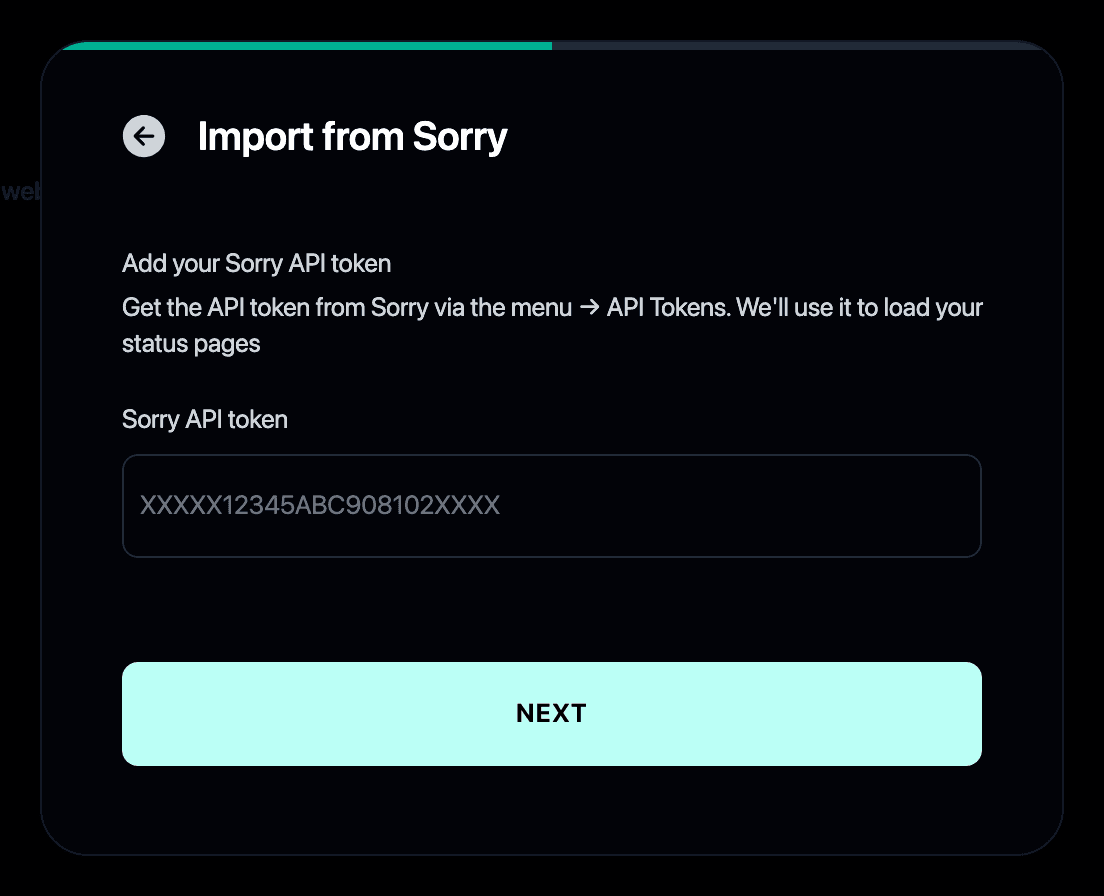
- Paste your Sorry API token from your Sorry account settings.
- Pick the status page to import if you manage more than one.
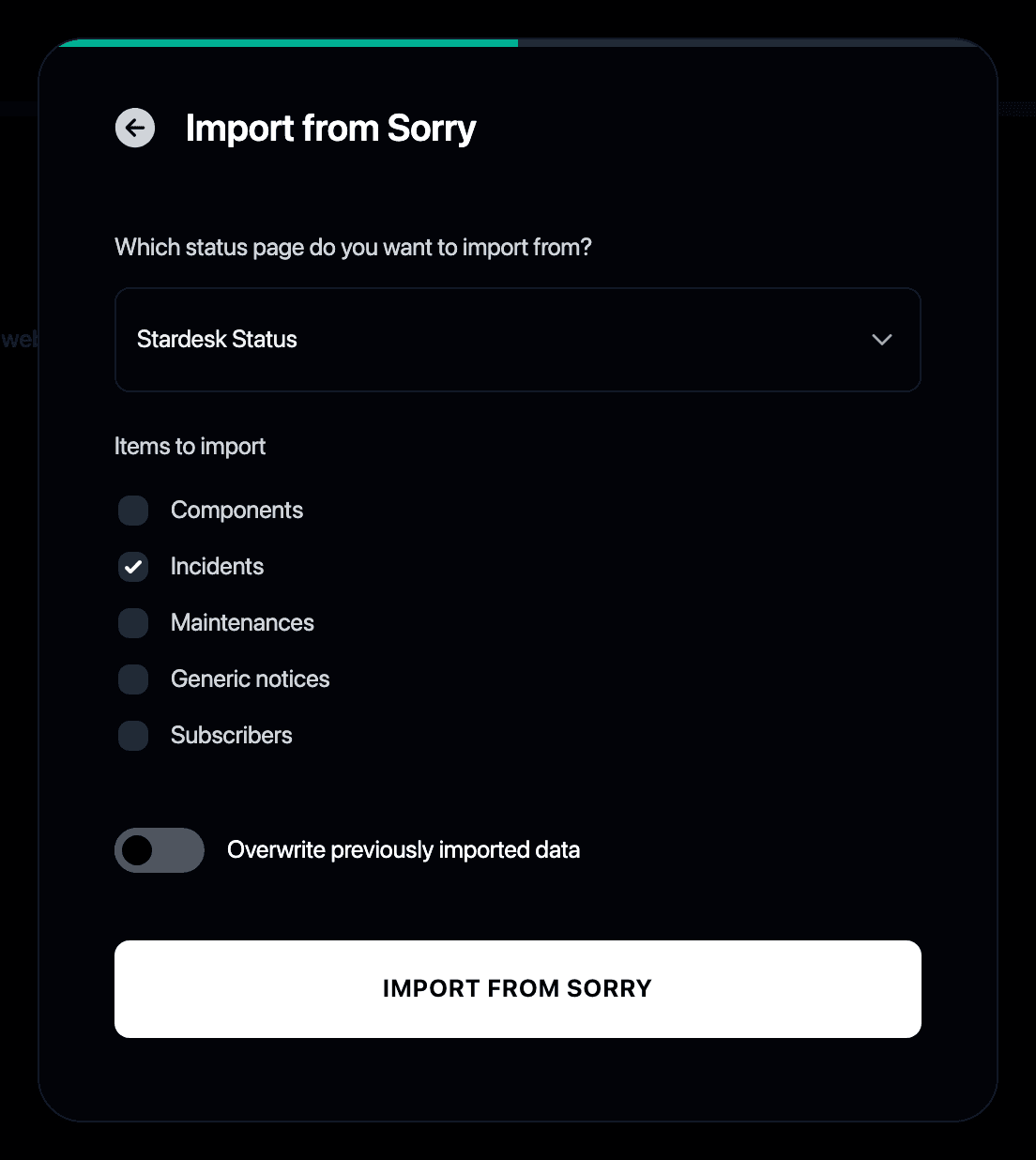
- Choose what to bring over: components, incidents, maintenances and subscribers.
- Done. Your page history and subscribers carry over to Instatus.
Why switch from Sorry to Instatus?
- Sorry covers the basics, while Instatus adds built-in uptime monitoring
- Slack and Teams incident response included
- Unlimited subscribers at a flat price
- The importer moves your whole page over in a couple of minutes
- We put Sorry up against the other hosted status pages in our Statuspage alternatives roundup