

Switch from Statuspage
Move your Atlassian Statuspage to Instatus quickly and migrate everything that matters:
- Components and groups
- Incident history with updates
- Scheduled maintenances
- Templates
- Subscribers
How the import works
- Log in to Instatus or create a free account. The Statuspage importer opens automatically in your dashboard.
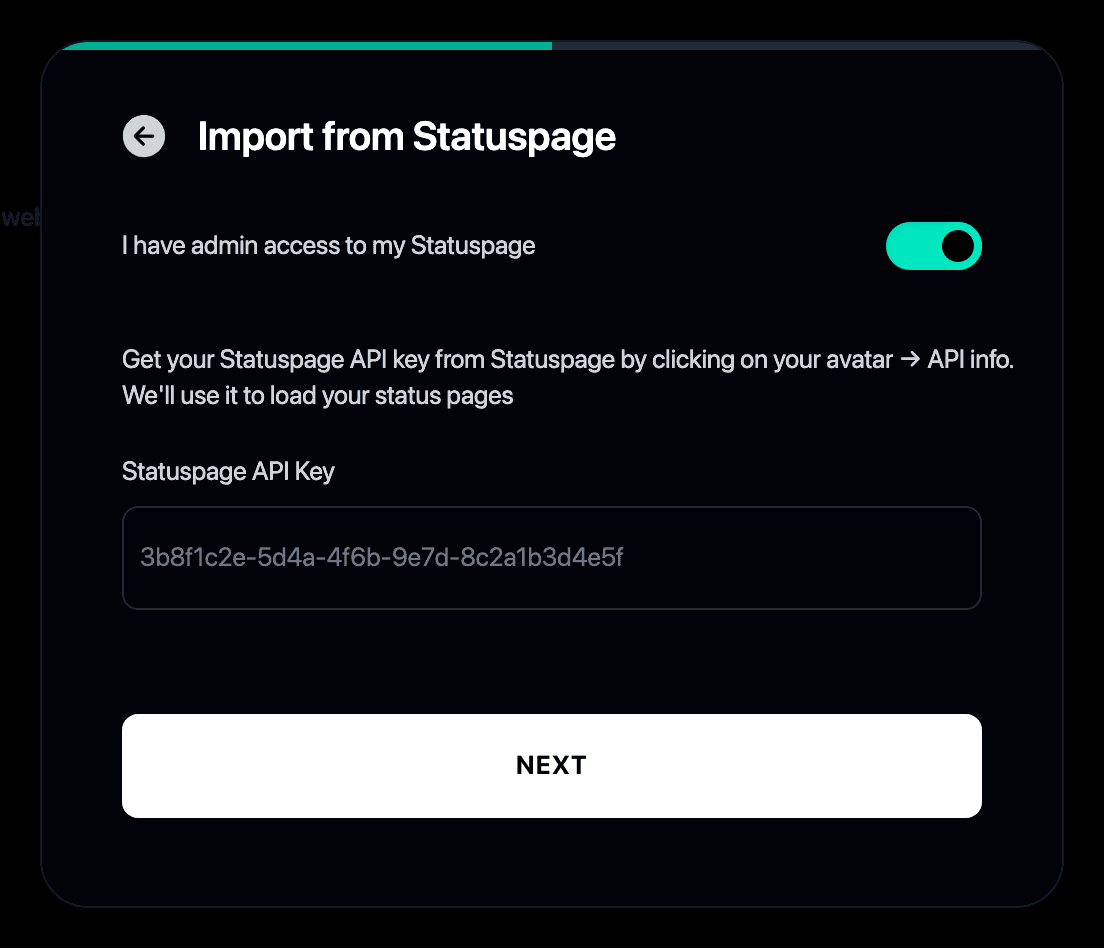
- Paste your Statuspage API key. You can find it in Statuspage under your profile → API info.
- Pick the status page to import if you manage more than one.
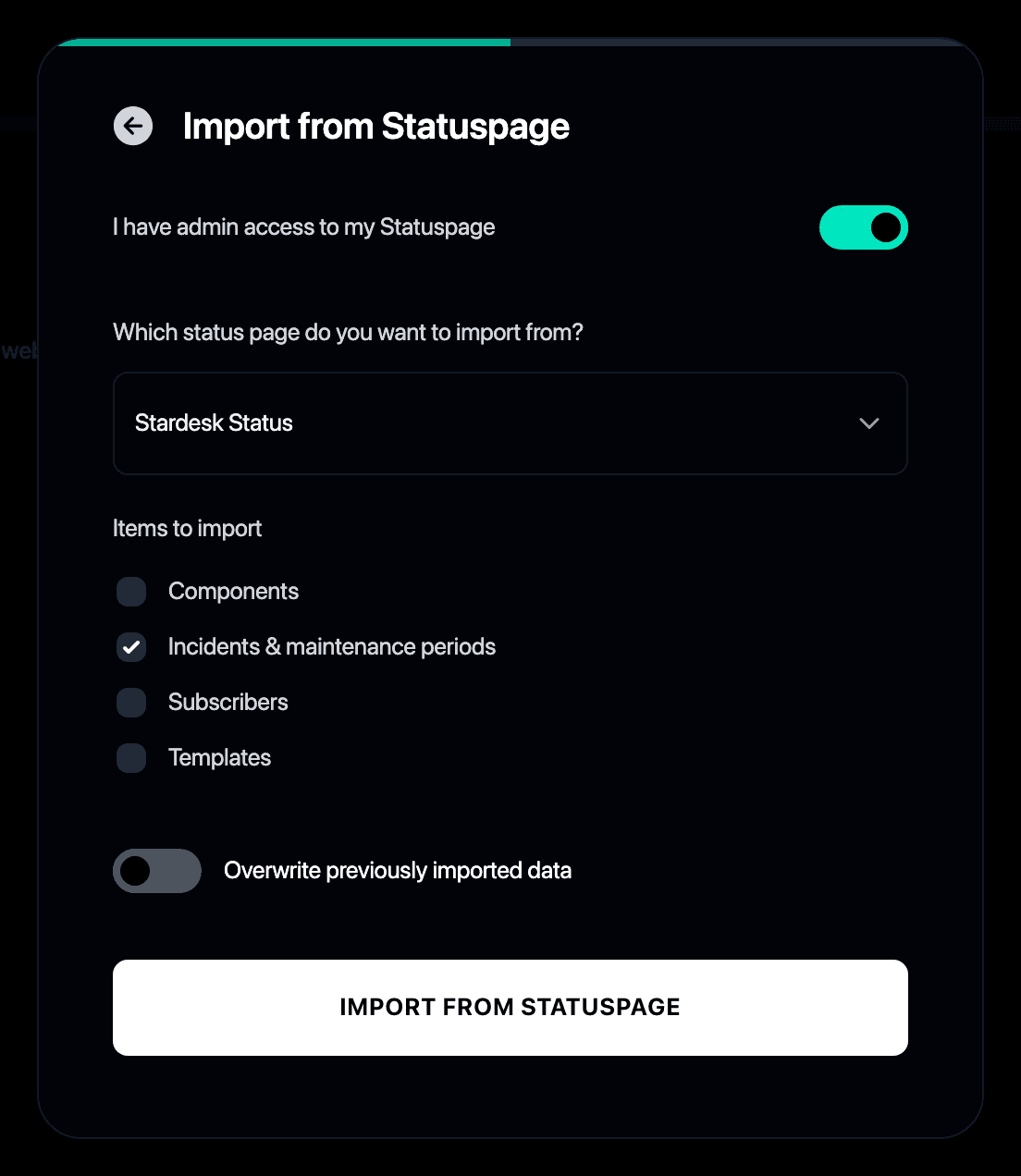
- Choose what to bring over: incidents, components, templates and subscribers.
- That’s it. Your history, components and subscribers are live on your new Instatus page.
Why switch from Statuspage to Instatus?
- Atlassian Statuspage charges more as your subscribers and team grow
- Instatus gives you a faster status page with unlimited subscribers and teammates at a flat price
- The importer brings your full history along, so your page never looks like it started yesterday
- See the full Instatus vs Statuspage comparison for a feature-by-feature breakdown
- Still shortlisting? We reviewed the best Statuspage alternatives
Beregn din besparelse
Overvågning
Hændelseshåndtering
Statusside
50 monitorer
30 sek tjek
SMS og opkald
teammedlemmer
20 vagtmedlemmer
Hændelseseskaleringer
50 teammedlemmer
5.000 abonnenter
Eget domæne
Start gratis
/ mo