Uptime Robot
用 Uptime Robot 自动更新你的状态页
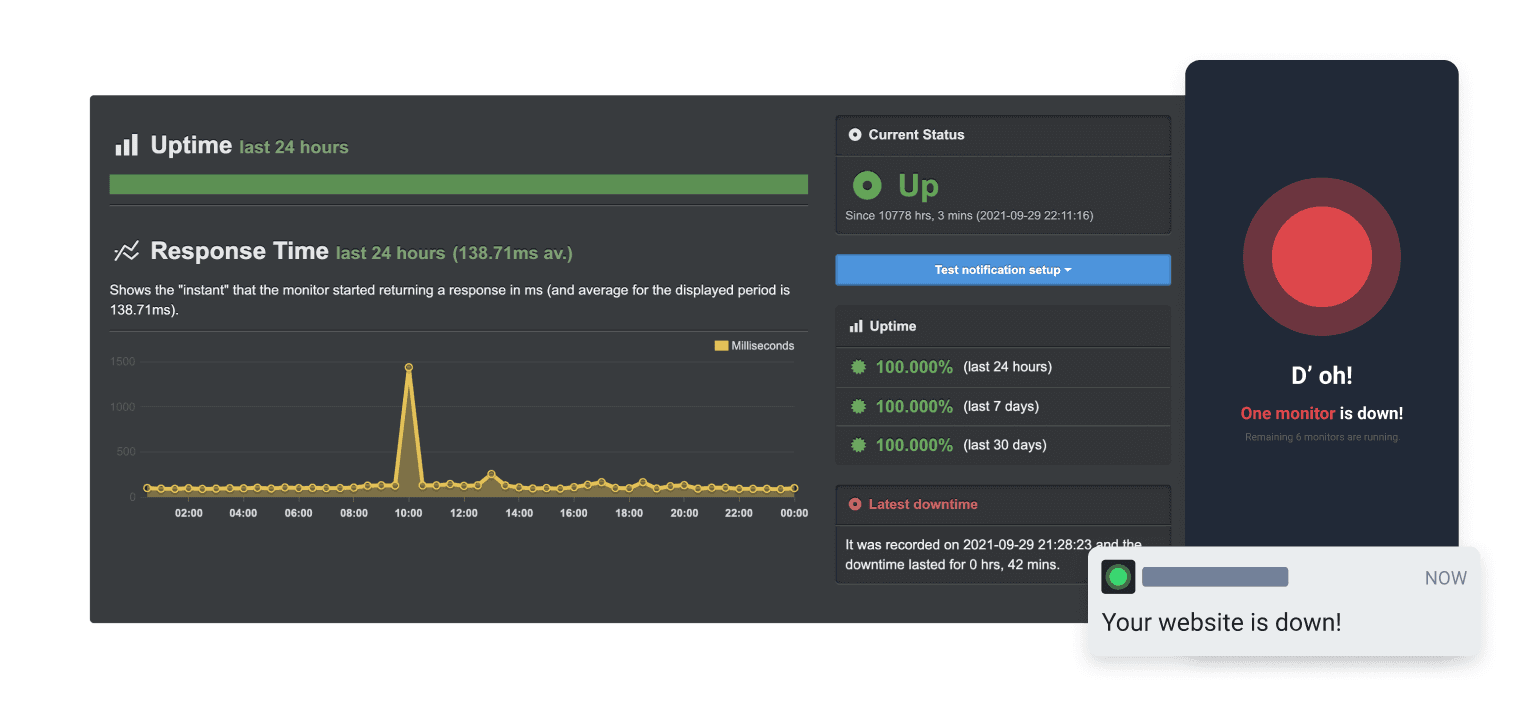
检查失败或恢复时更新页面

你的状态页已更新

用模板自定义更新内容
- 创建 Uptime Robot Webhook
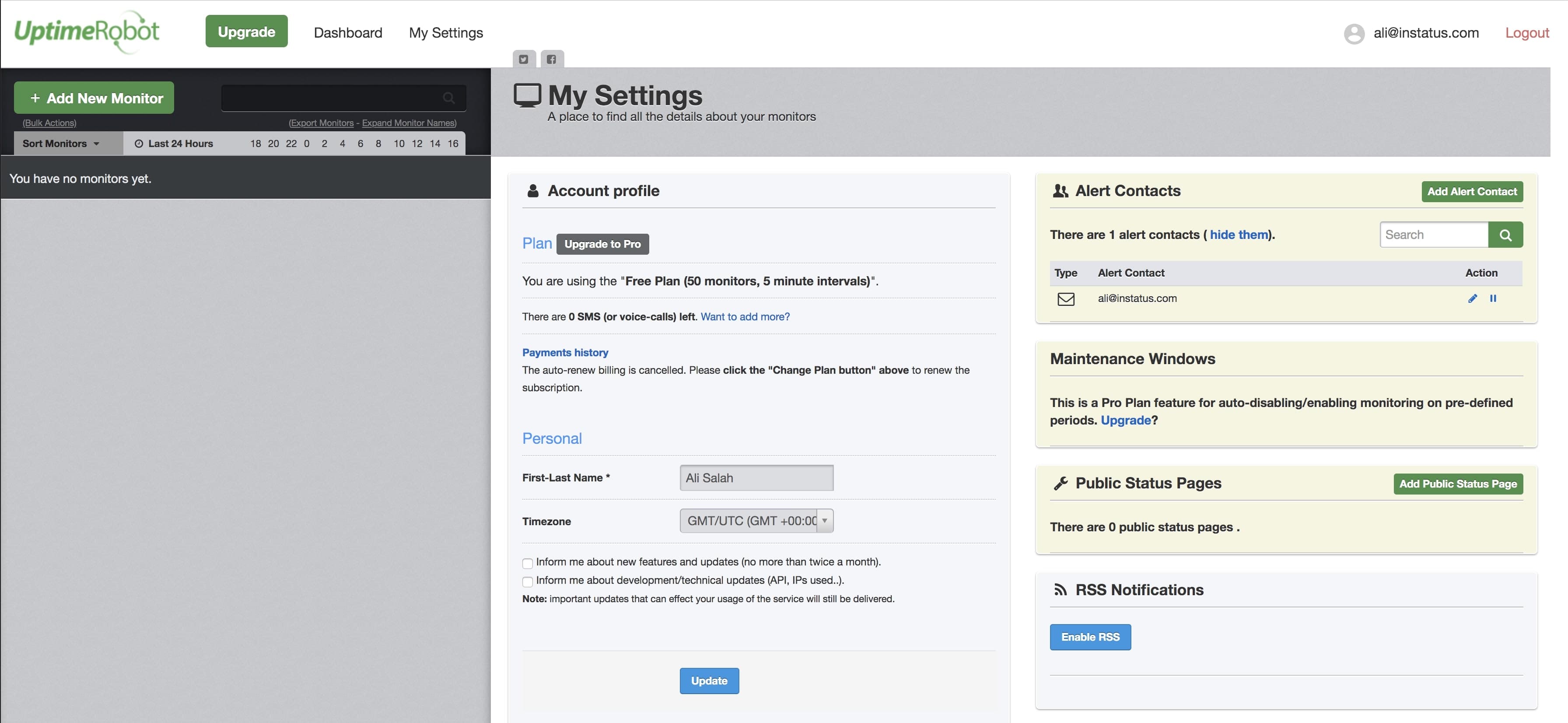
- 打开你的 Uptime Robot 控制台。在导航中点击 My Settings。
- 点击 Add Alert Contact。
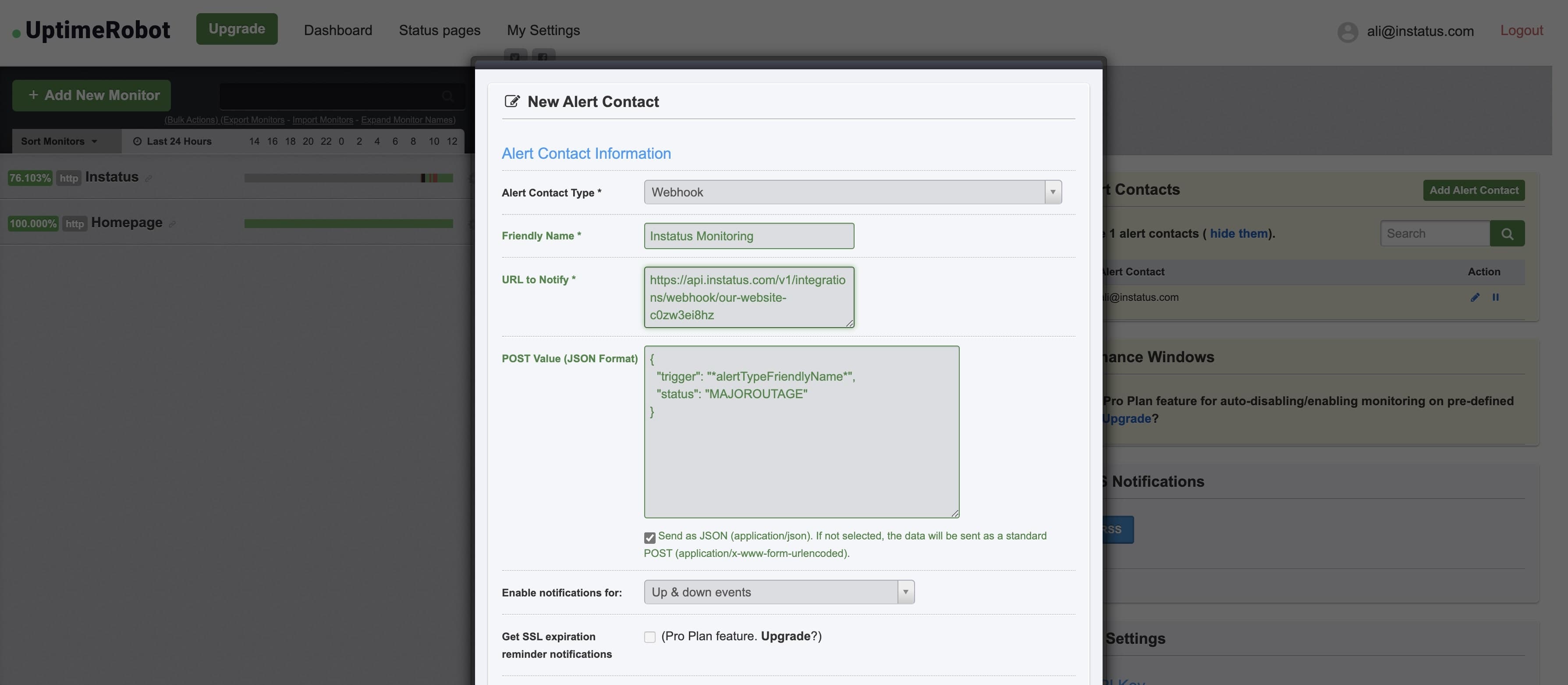
- 联系人类型选择「Webhook」,并粘贴复制好的 Webhook 地址。
- 添加这个 POST 值:{"trigger": "*alertTypeFriendlyName*","status": "MAJOROUTAGE"}
status是可选字段。 - ✅ 勾选 Send as JSON
- 完成!👌