Pingdom
用 Pingdom 自动更新你的状态页
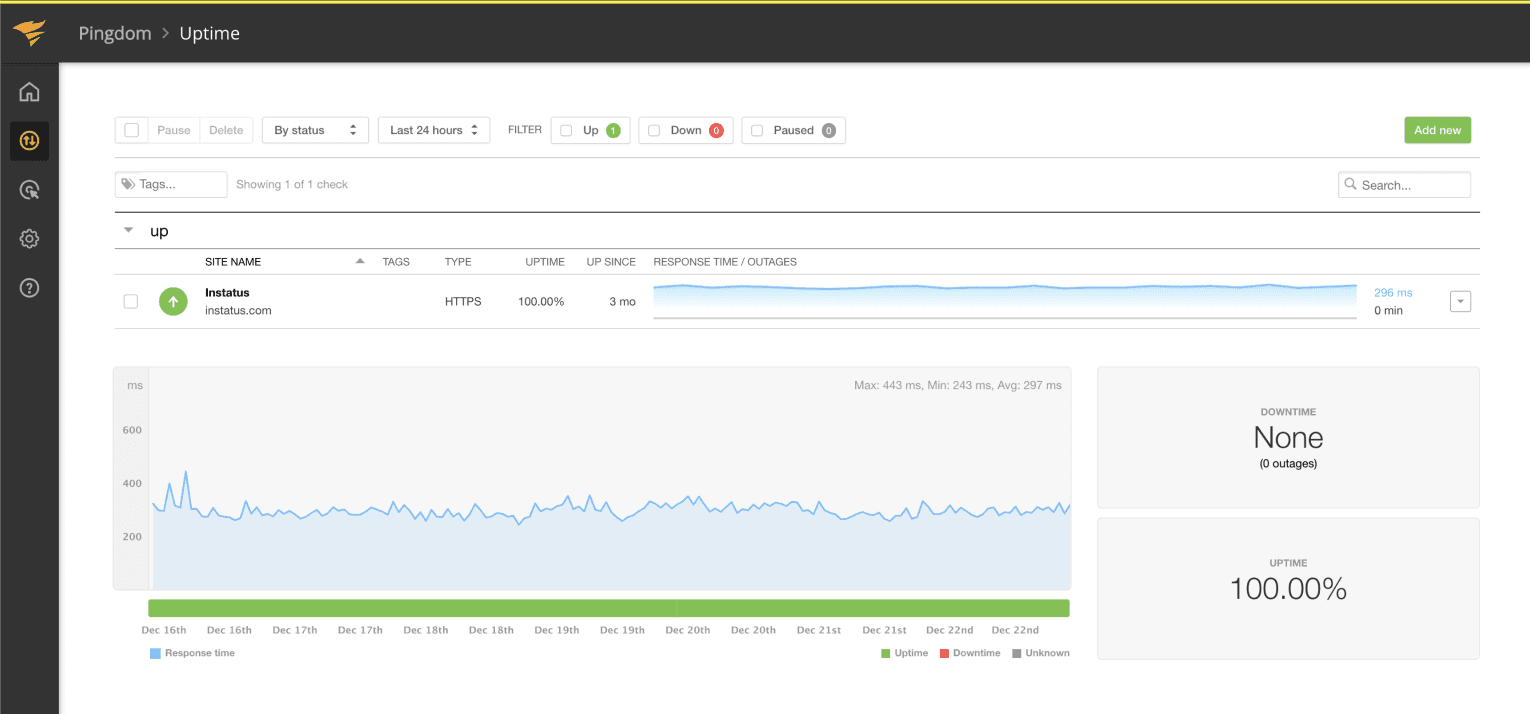
检查失败或恢复时更新页面

你的状态页已更新

用模板自定义更新内容
- 创建 Pingdom Webhook
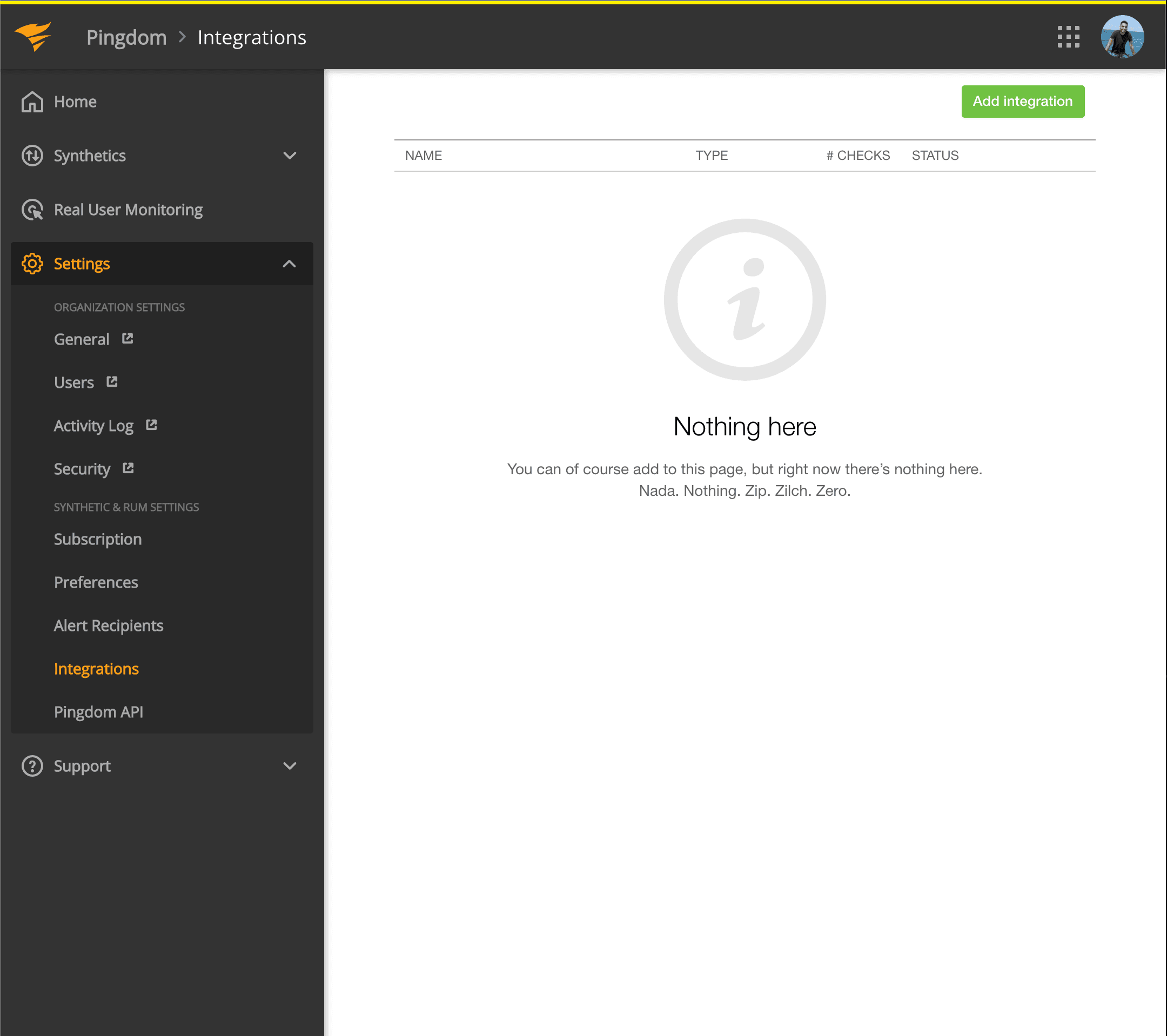
- 打开 Pingdom 控制台,点击 Settings → Integrations
- 点击 Add integration 按钮
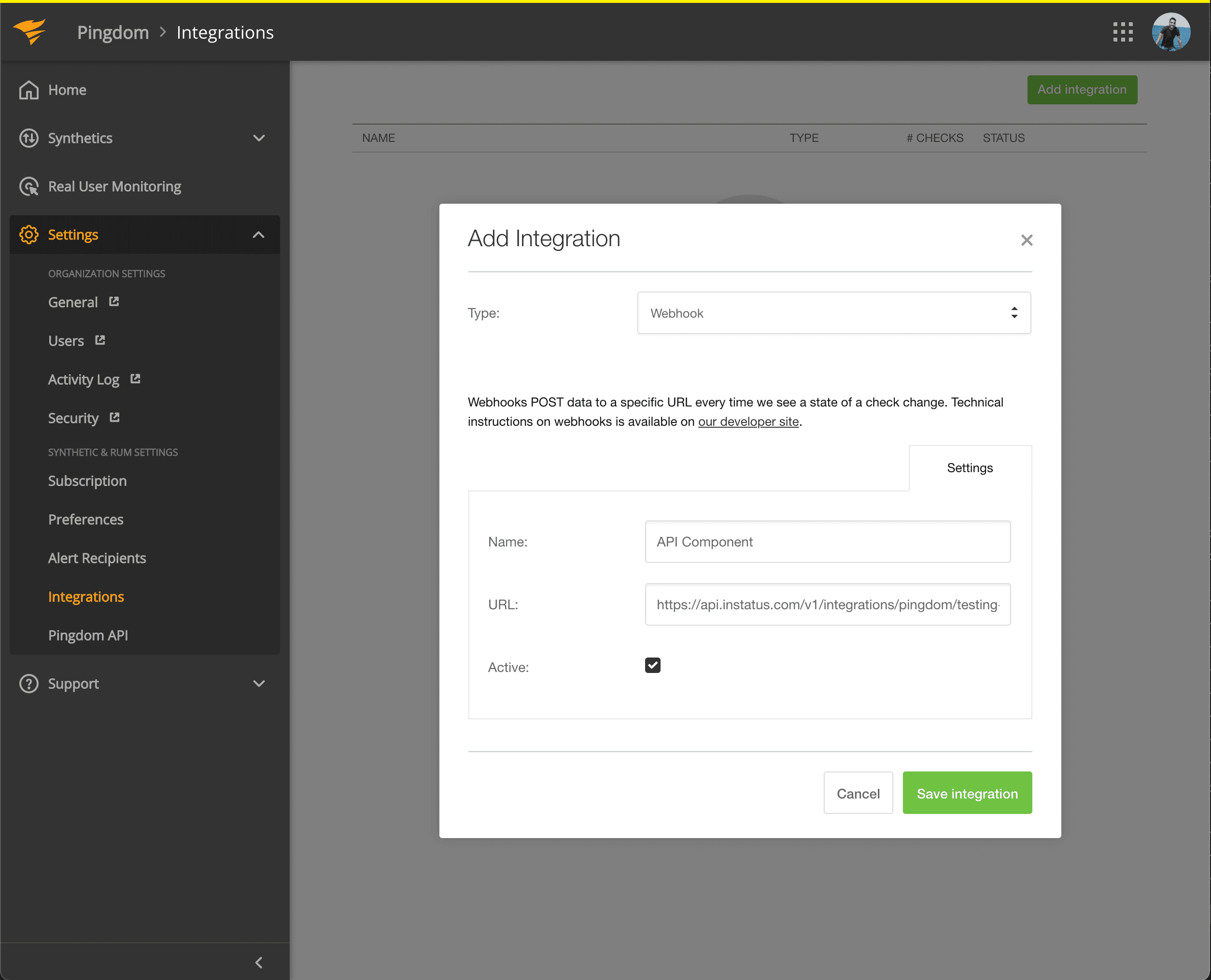
- 类型选择 Webhook,填写名称,并粘贴你刚刚复制的组件 Webhook 地址。
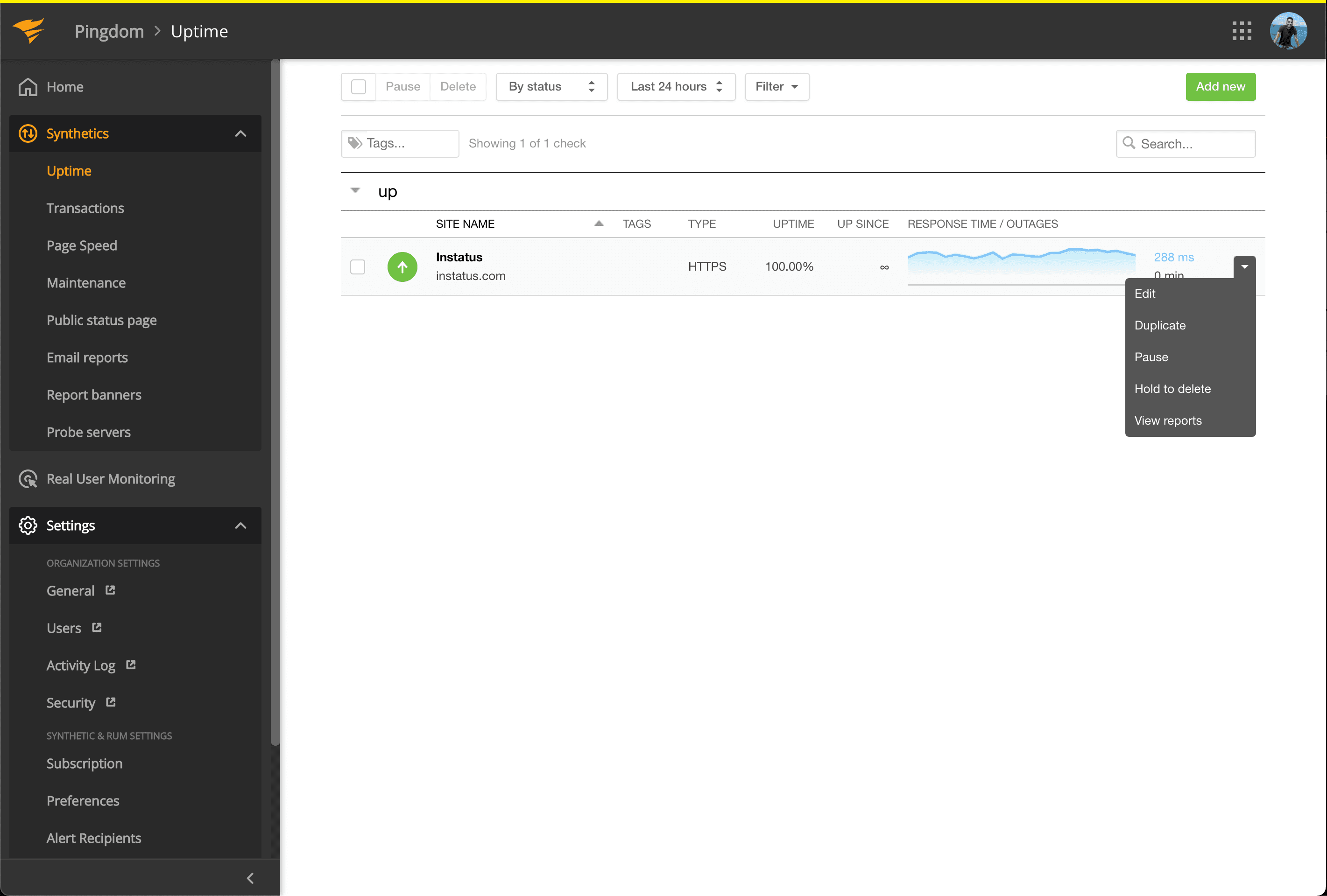
- 前往 Synthetics → Uptime
- 编辑与你想自动化的组件相对应的 Uptime 检查。
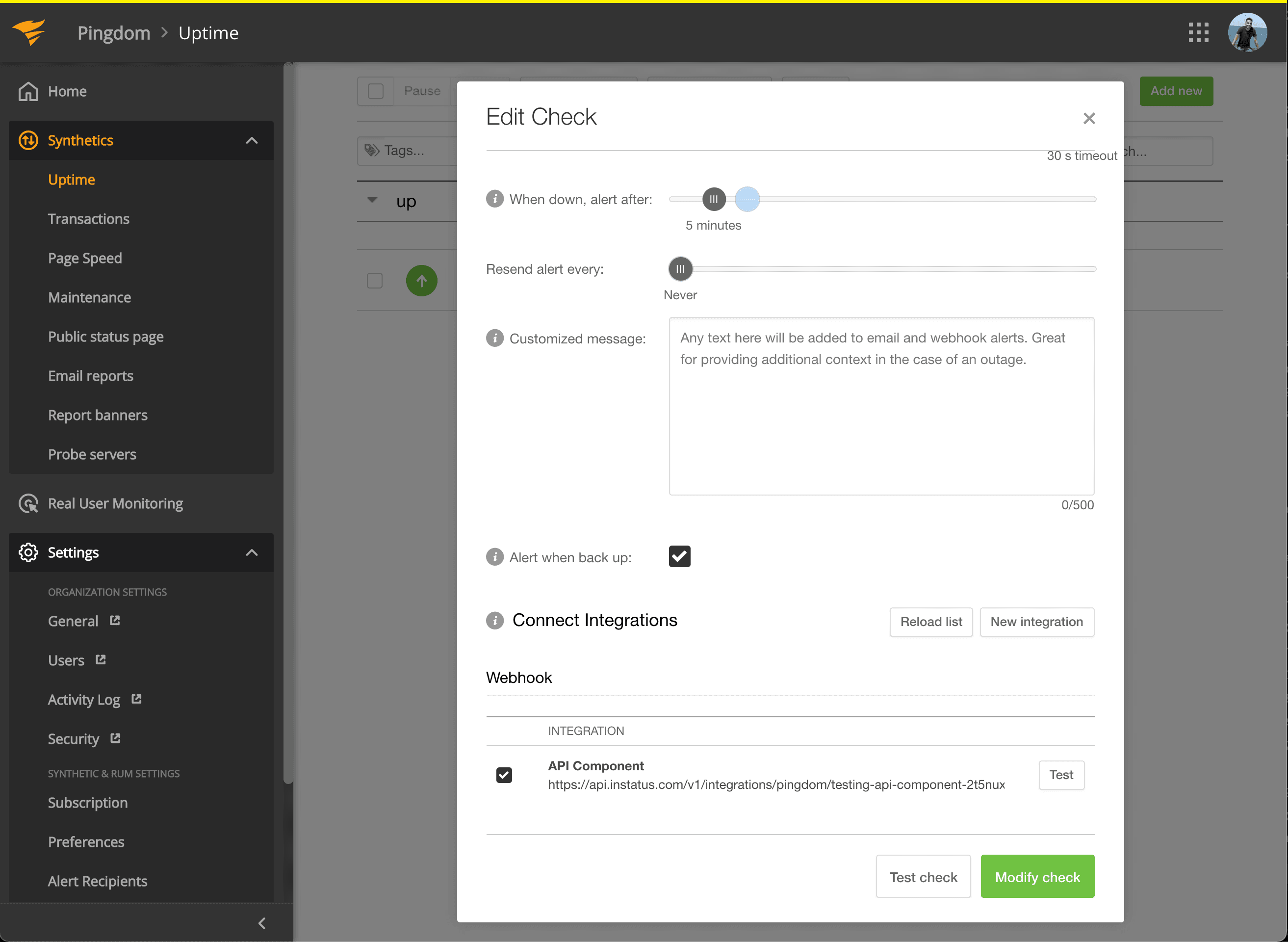
- 在 Connect Integrations 中勾选刚创建的集成,然后点击 modify check!
- 完成!🍪