

Dynatrace
用 Dynatrace 自动更新你的状态页
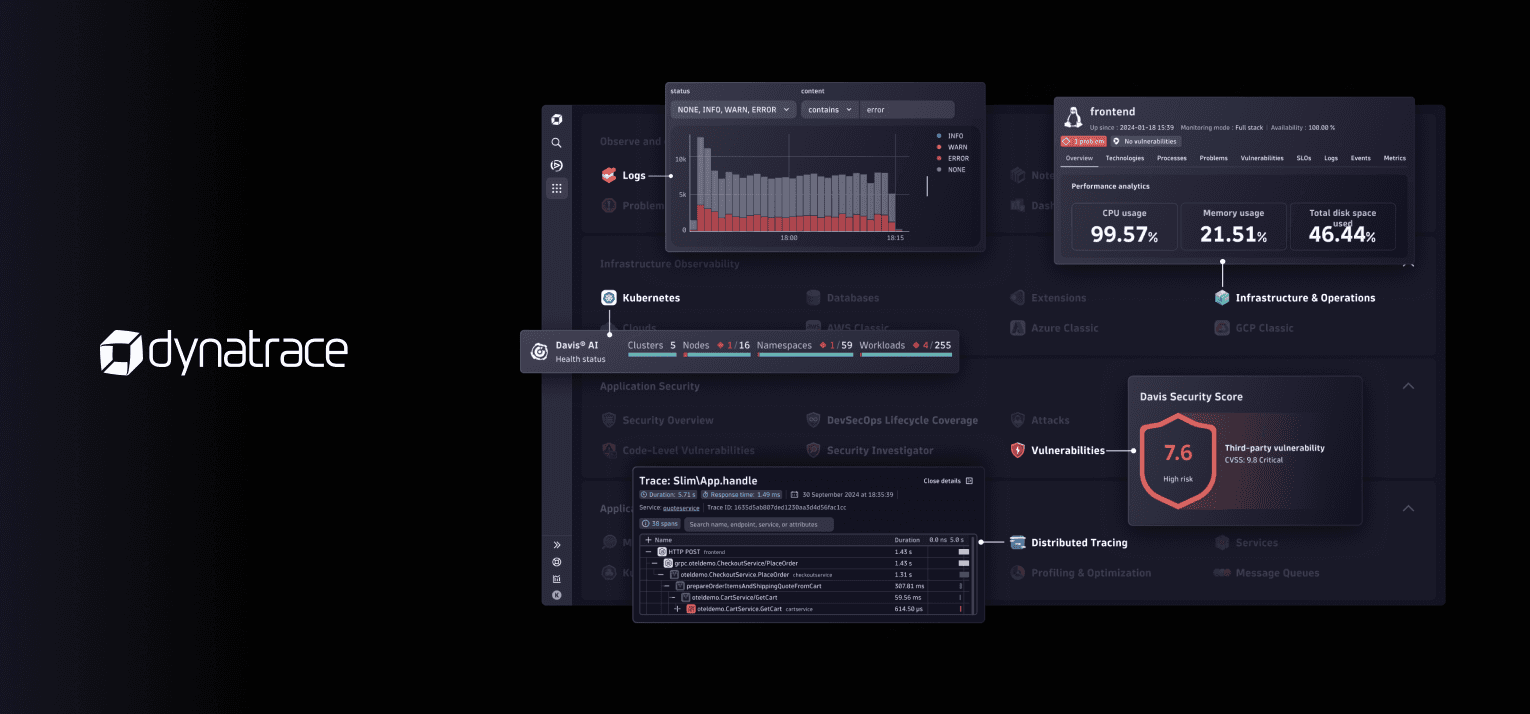
把 Dynatrace 监控接入状态页

你的状态页已更新

用模板自定义更新内容
- 生成 Dynatrace Webhook
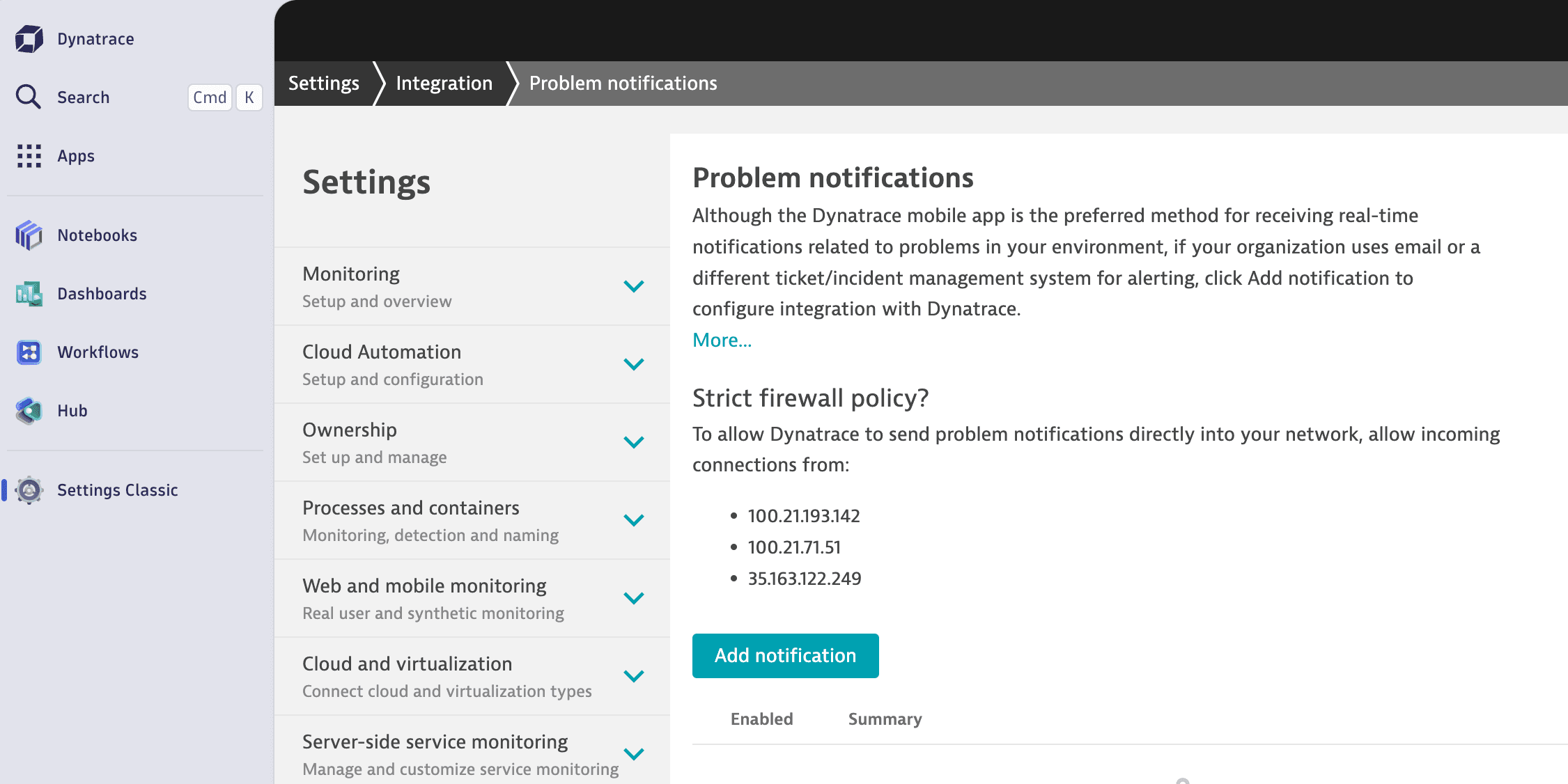
- 在 Dynatrace 控制台中,前往 Settings Classic > Integrations > Problem notifications.
- 点击 Add notification 按钮。
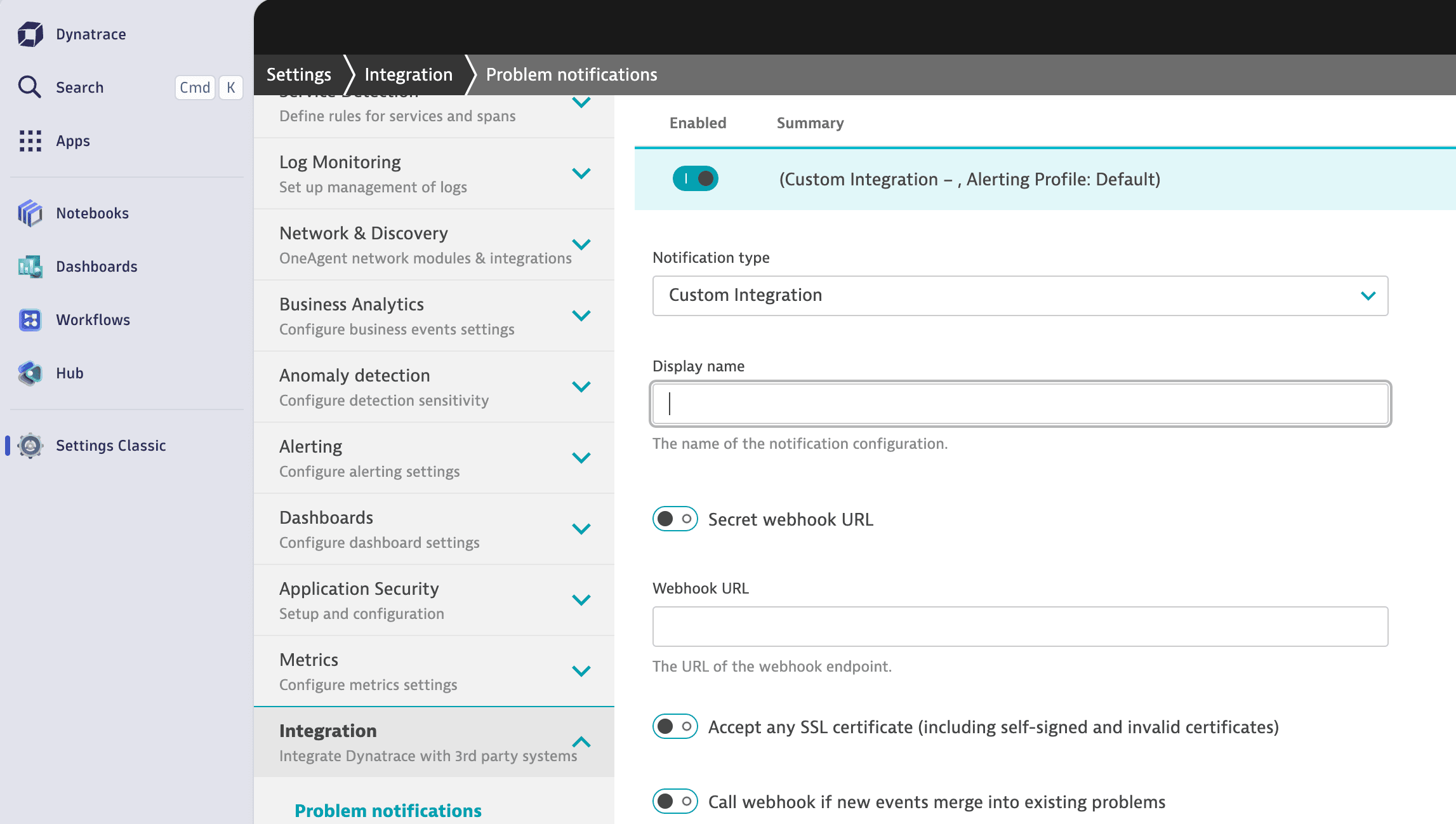
- 选择 Custom Integration,并填入你的 Webhook 地址。
用 Dynatrace 自动更新你的状态页