Uptime Robot
使用 Uptime Robot 自動化你的狀態頁
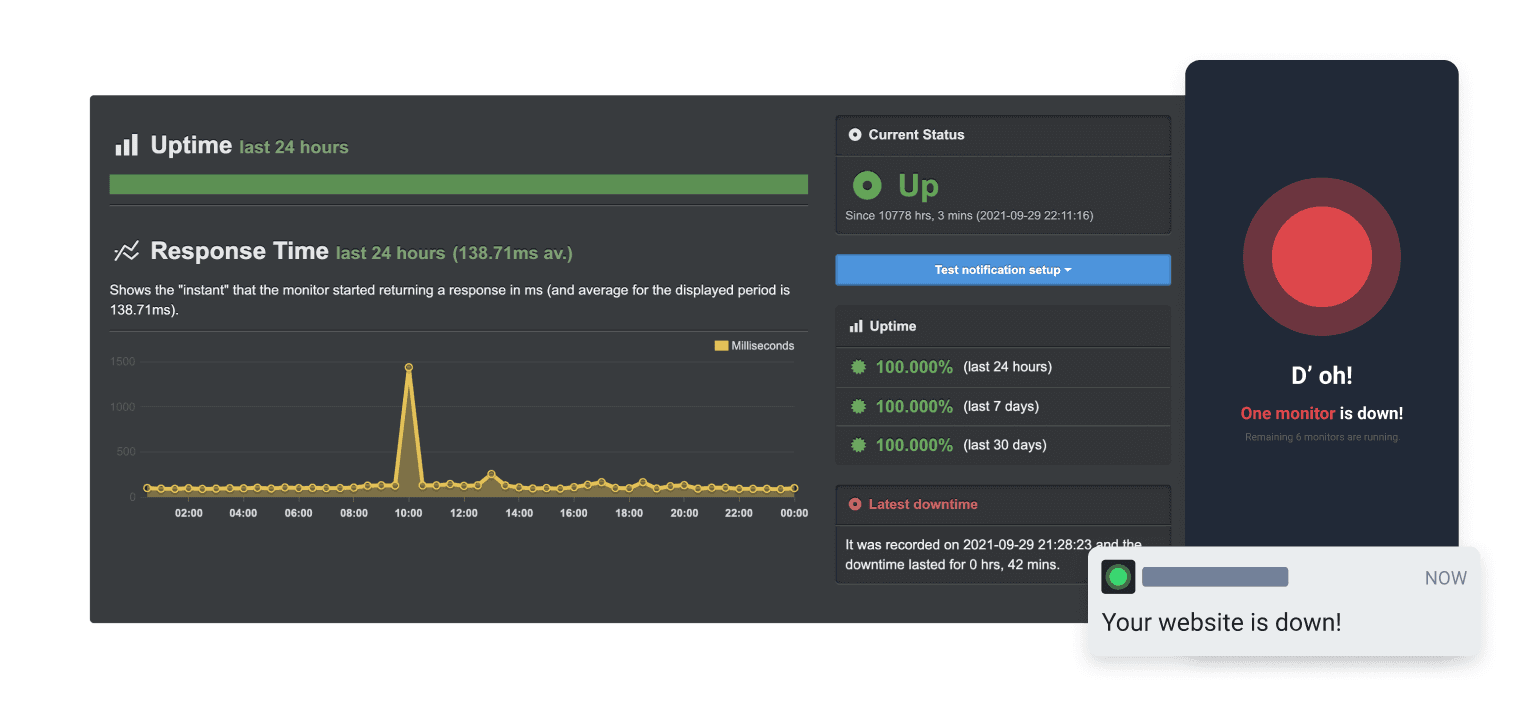
當檢查失敗或恢復時更新你的頁面

你的狀態頁會自動更新

使用範本自訂更新內容
- 產生 Uptime Robot Webhook
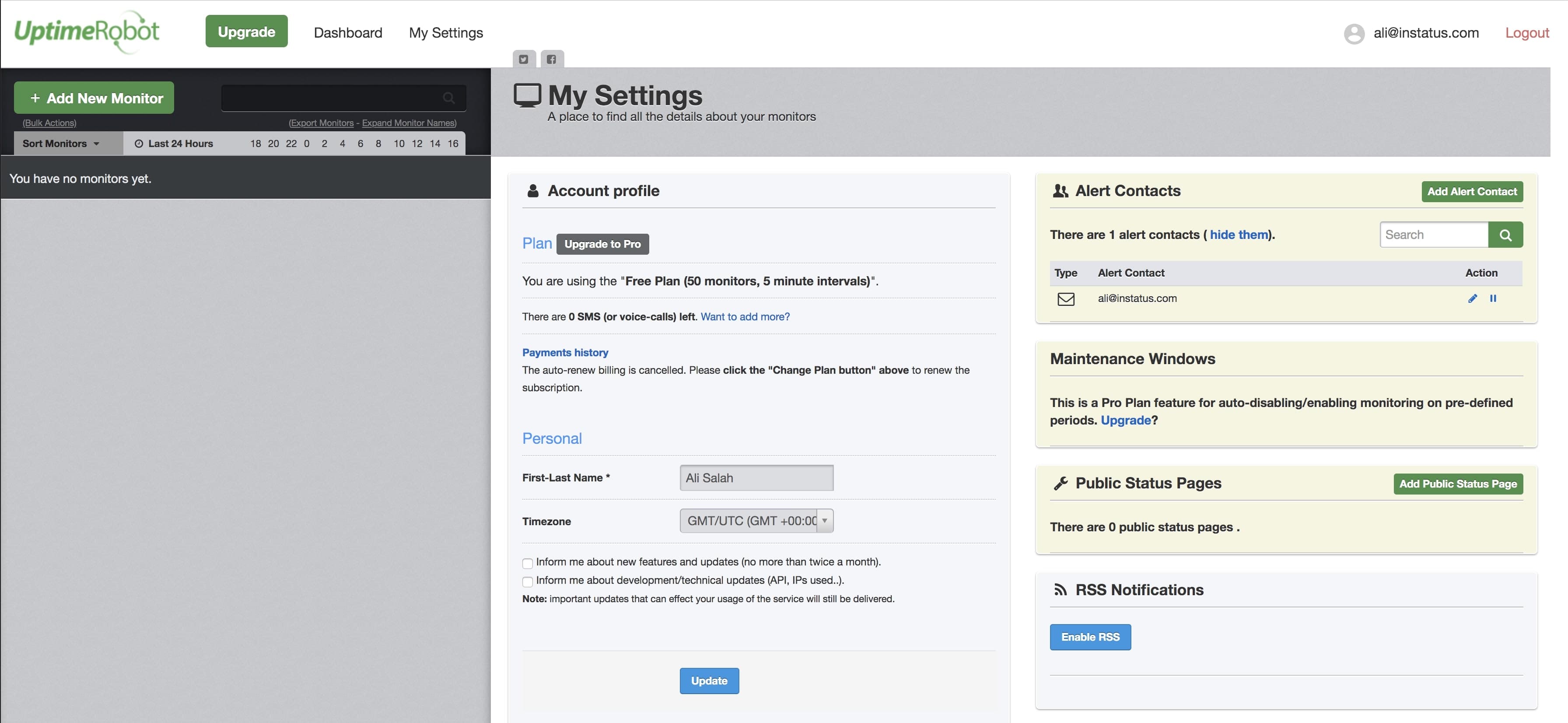
- 開啟 Uptime Robot 控制台,在導覽中點擊 My settings。
- 點擊 Add Alert Contact。
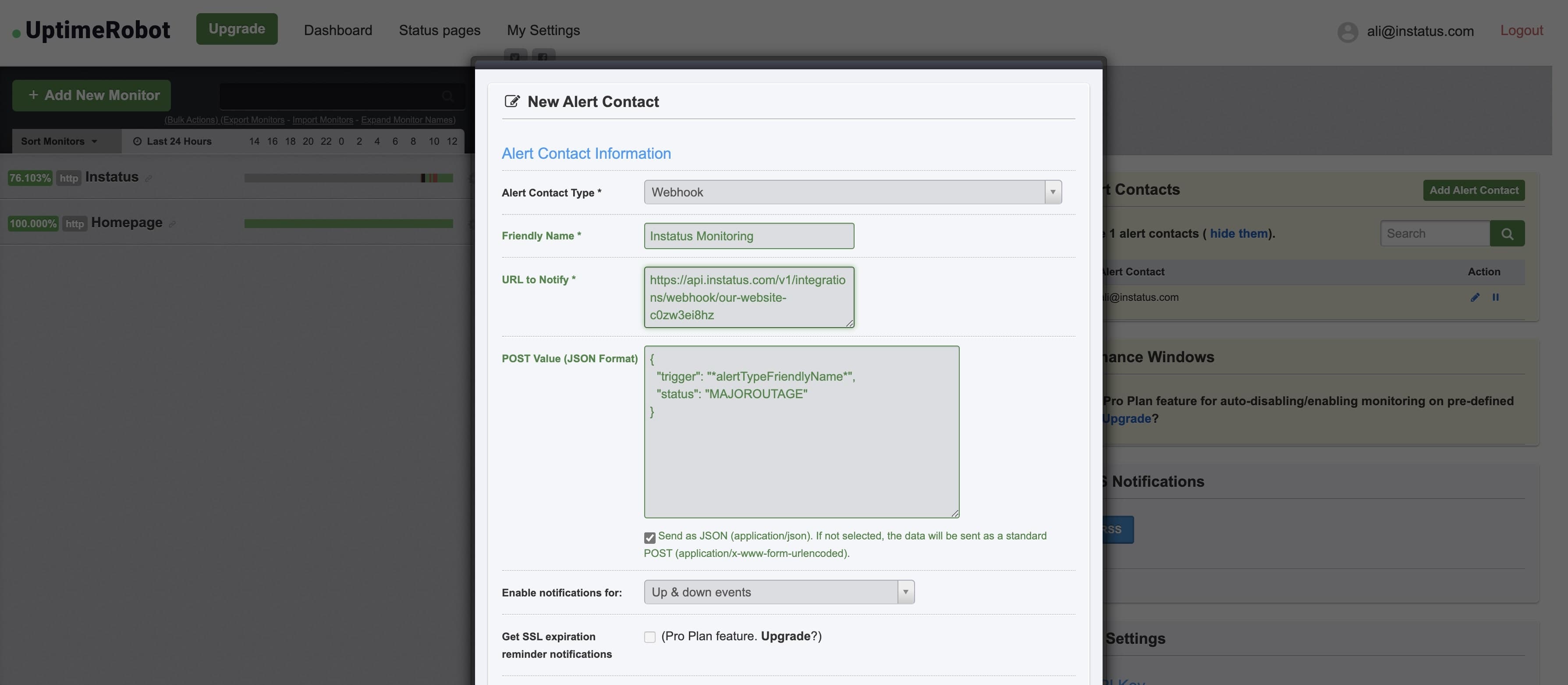
- 選擇警示聯絡人類型:"Webhook",並加入複製的 Webhook URL 位址。
- 加入以下 POST 值:{"trigger": "*alertTypeFriendlyName*","status": "MAJOROUTAGE"}
status是選填欄位。 - ✅ 勾選 Send as JSON
- 完成!👌