Slack

直接在 Slack 裡更新你的狀態頁!

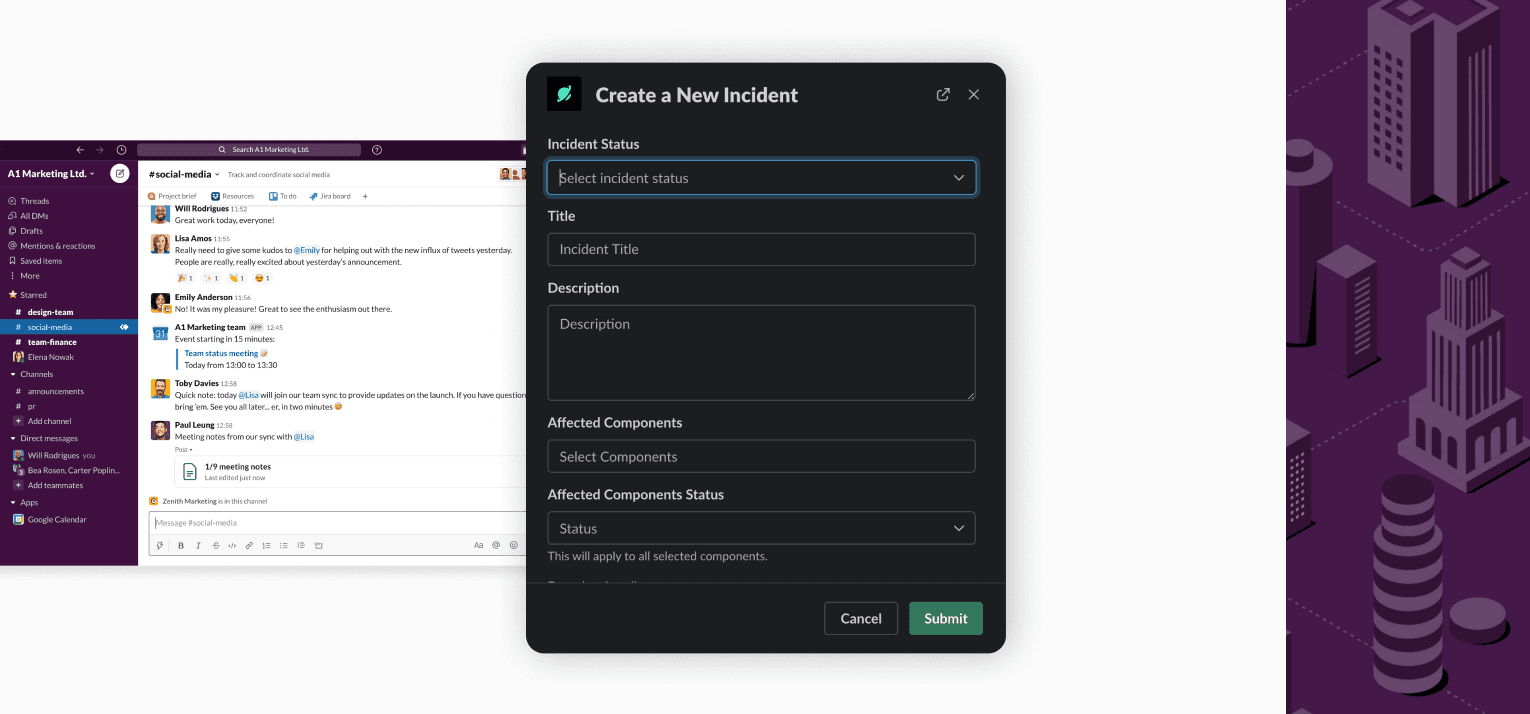
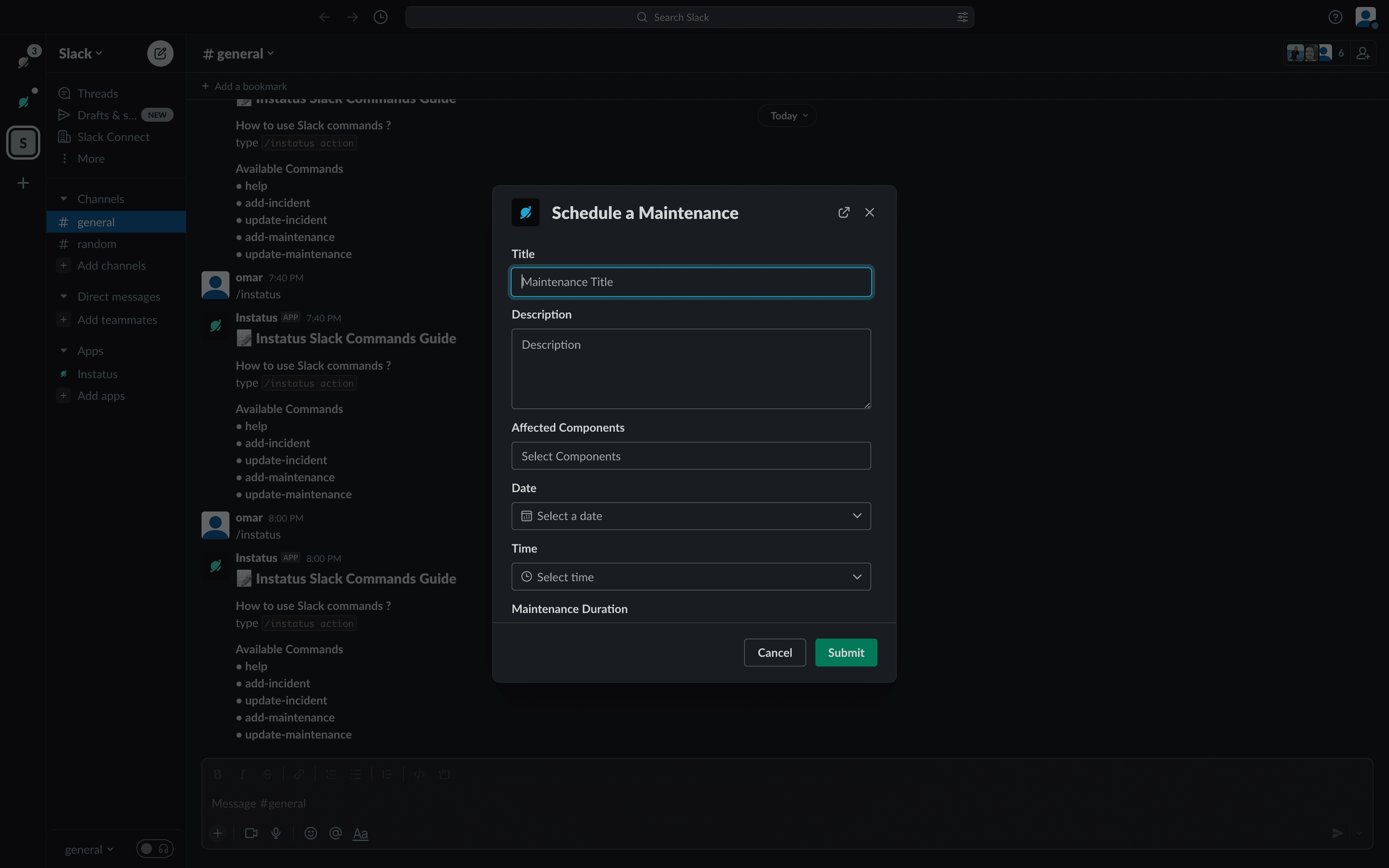
建立事件並安排維護時段
建立事件並安排維護時段
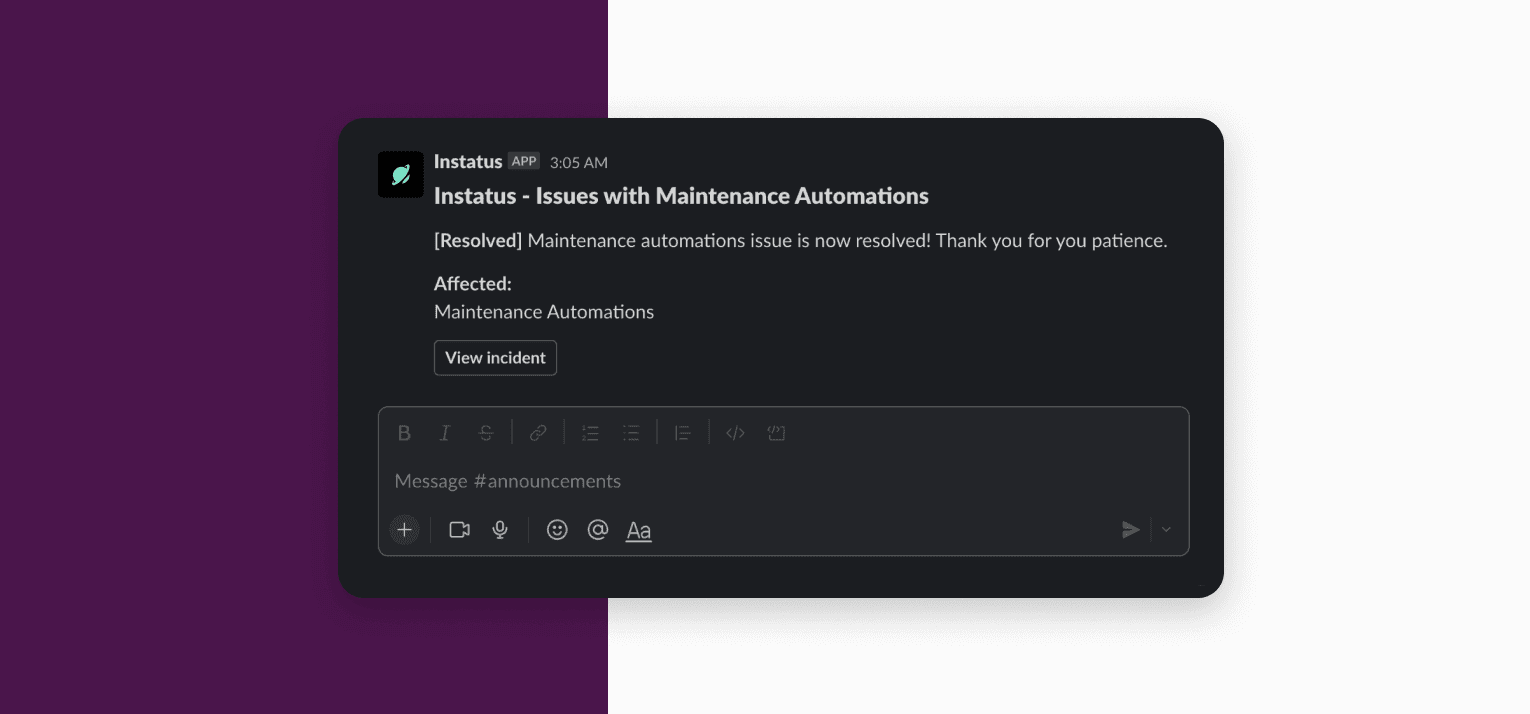
在你的 Slack 頻道接收更新
在你的 Slack 頻道接收更新

Overview

Keep your work in sync in both Slack and Instatus.

  • Update your status page from Slack
  • Get a notification on your Slack channel when your page is updated

Setup

To add a Slack workspace to Instatus, follow these steps:

  1. Login to Instatus.
  2. Select your team.
  3. Select your status page.
  4. Navigate to the Integrations tab.
  5. Select Slack from the list.
  6. Click on the 'Add Slack To Instatus' button. Follow the prompts (it takes a few steps).

Usage

Type /instatus command in any channel.

Available Commands

  • help: Shows the list of the available commands.
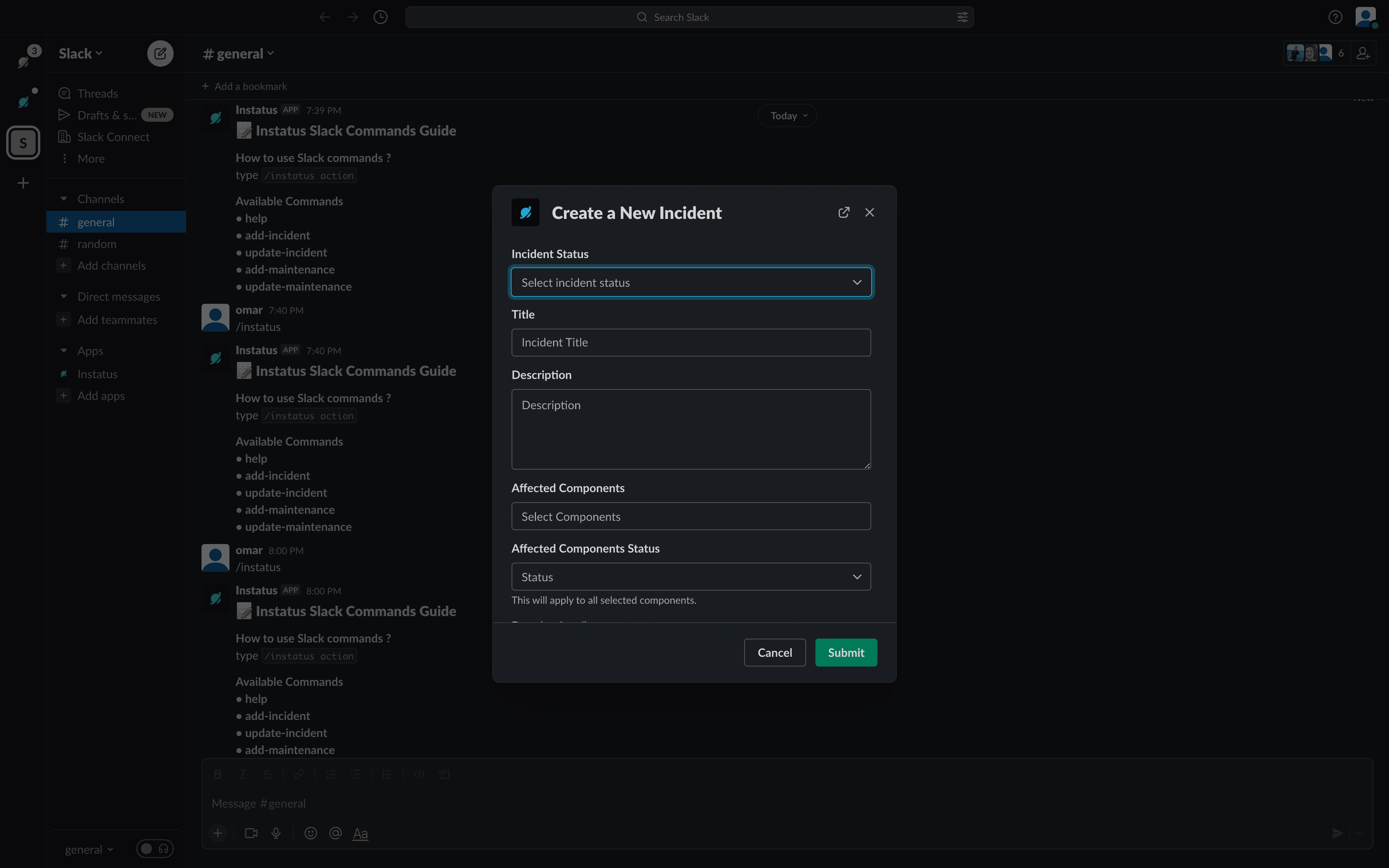
  • add-incident: Adds a new incident.
    Create incidents
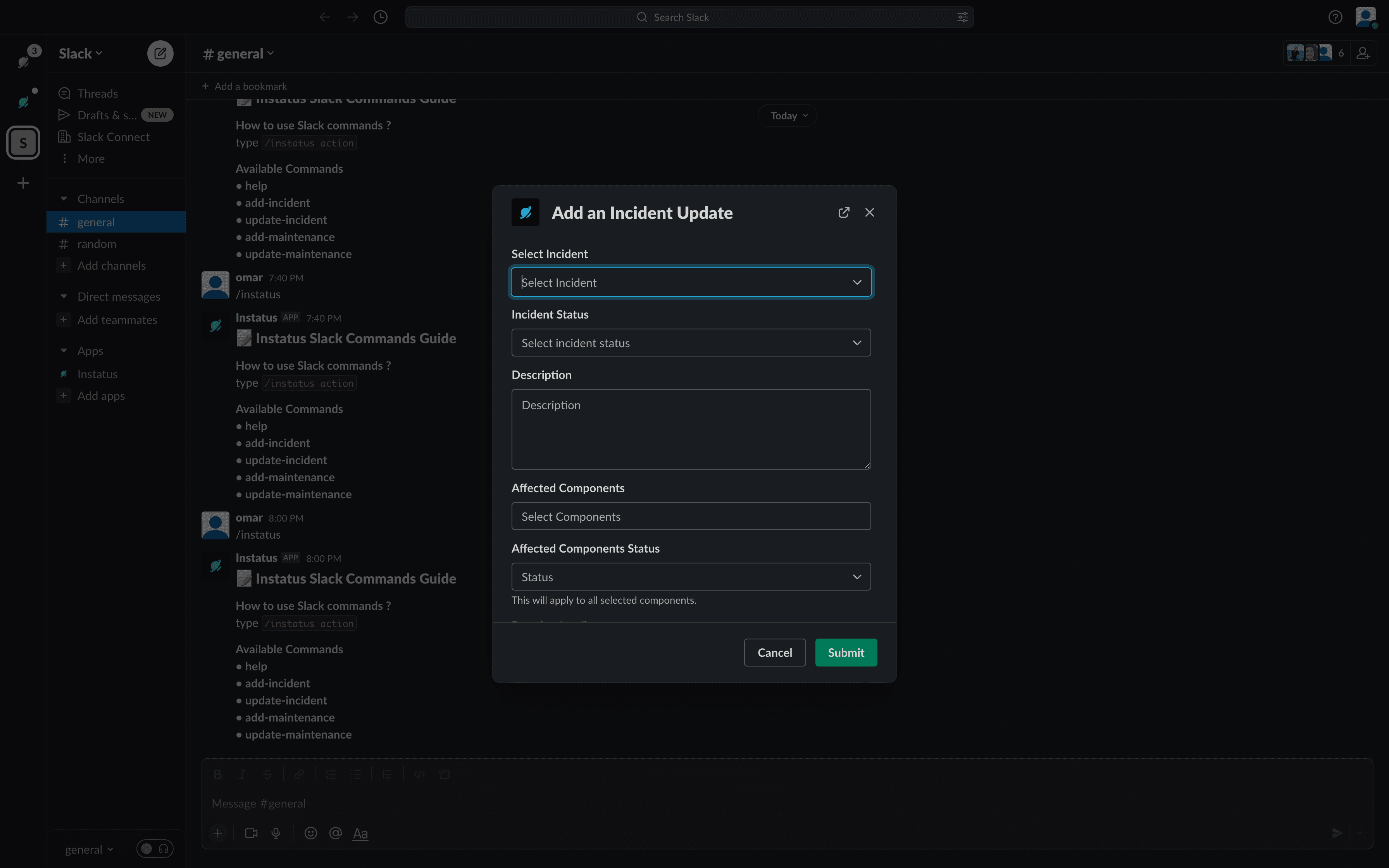
  • update-incident: Adds a new incident update.
    Create incident update
  • add-maintenance: Adds a new maintenance.
    Create maintenance
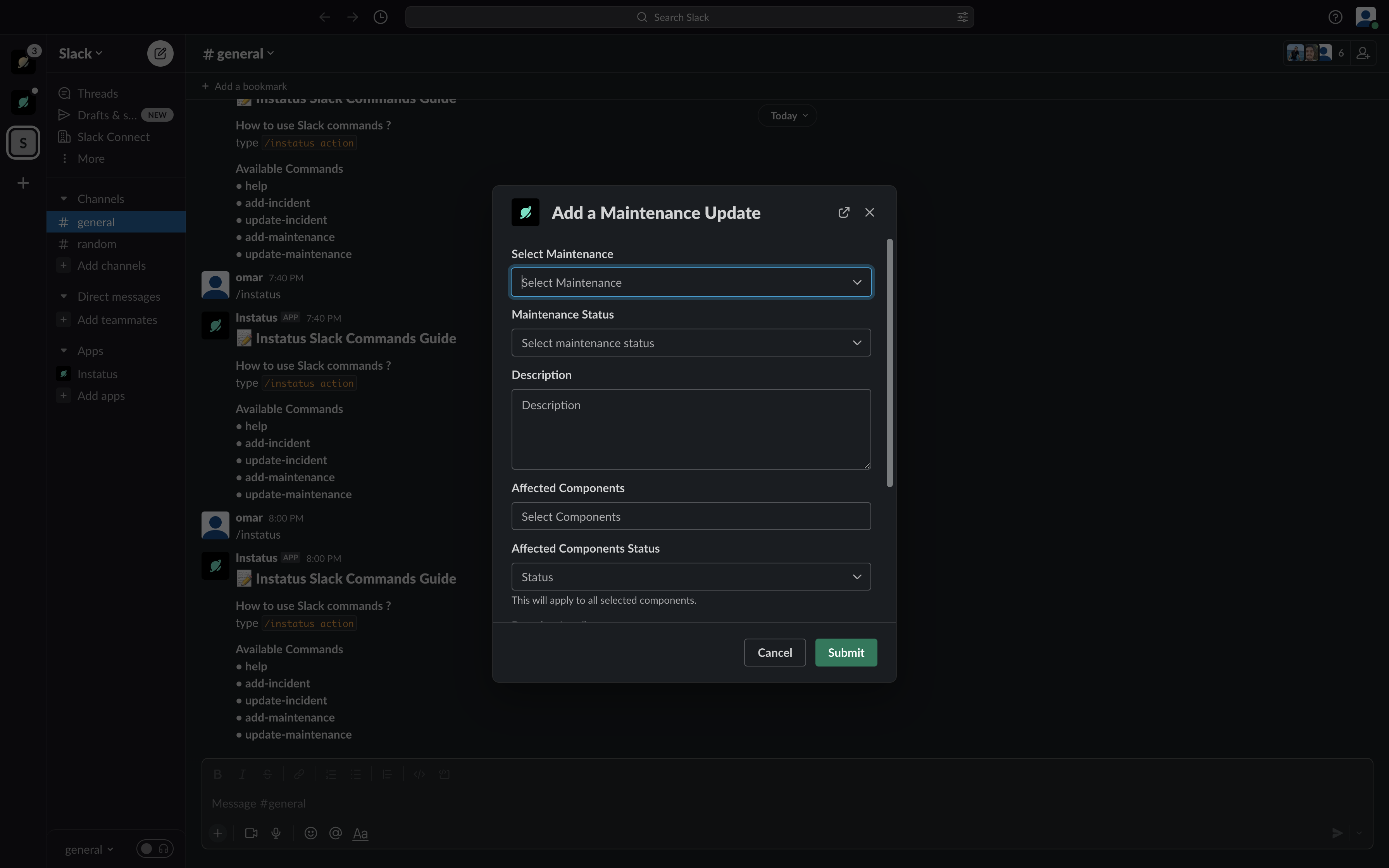
  • update-maintenance: Adds a new maintenance update.
    Create maintenance update