Site24x7
使用 Site24x7 自動化你的狀態頁
當檢查失敗或恢復時更新你的頁面

你的狀態頁會自動更新

使用範本自訂更新內容
- 產生 Site24x7 Webhook
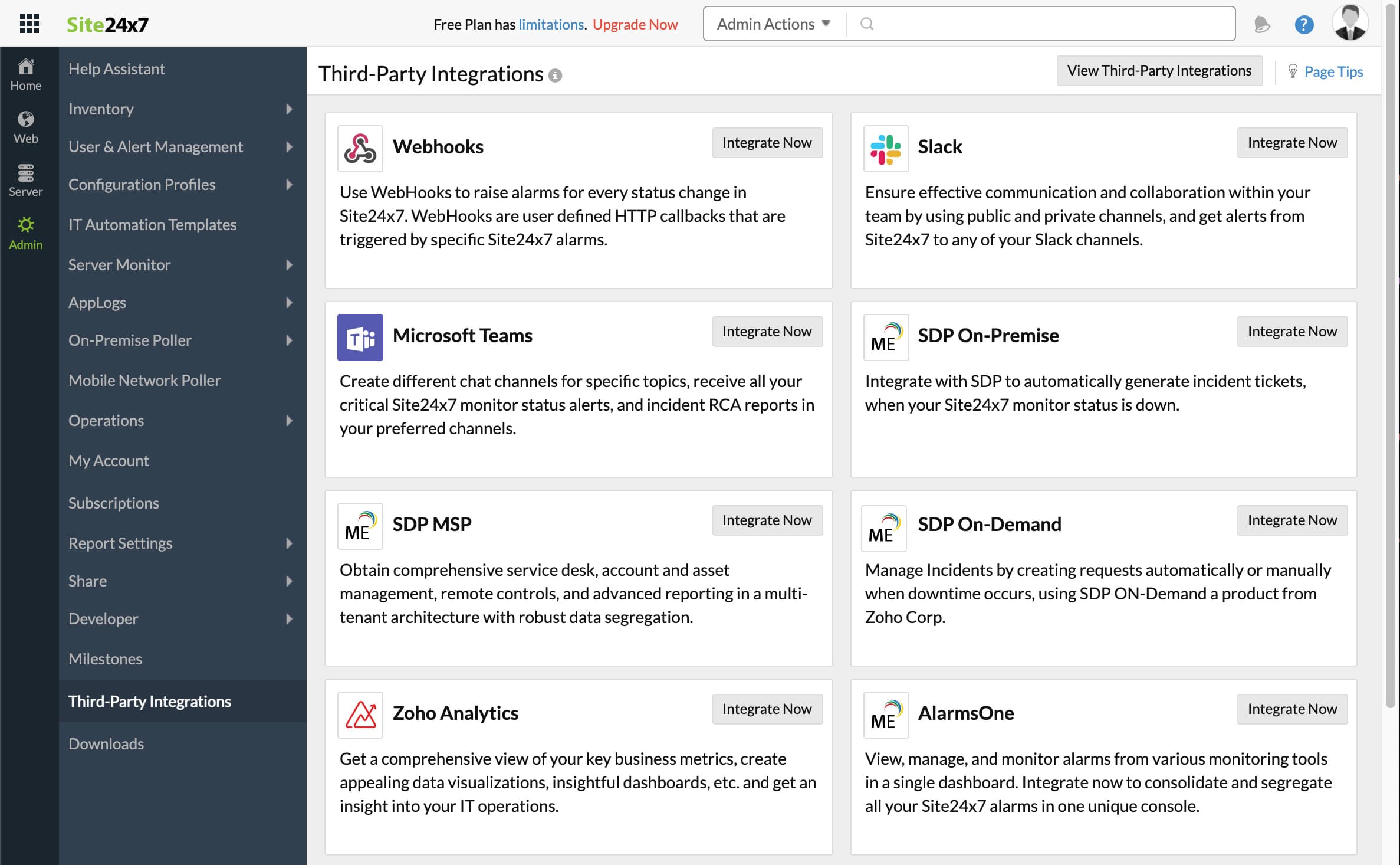
- 開啟 Site24x7 控制台,點擊 Admin,然後點擊 Third-Party integrations
- 點擊 Add Third-Party Integration,然後點擊 Webhooks (Integrate Now)。
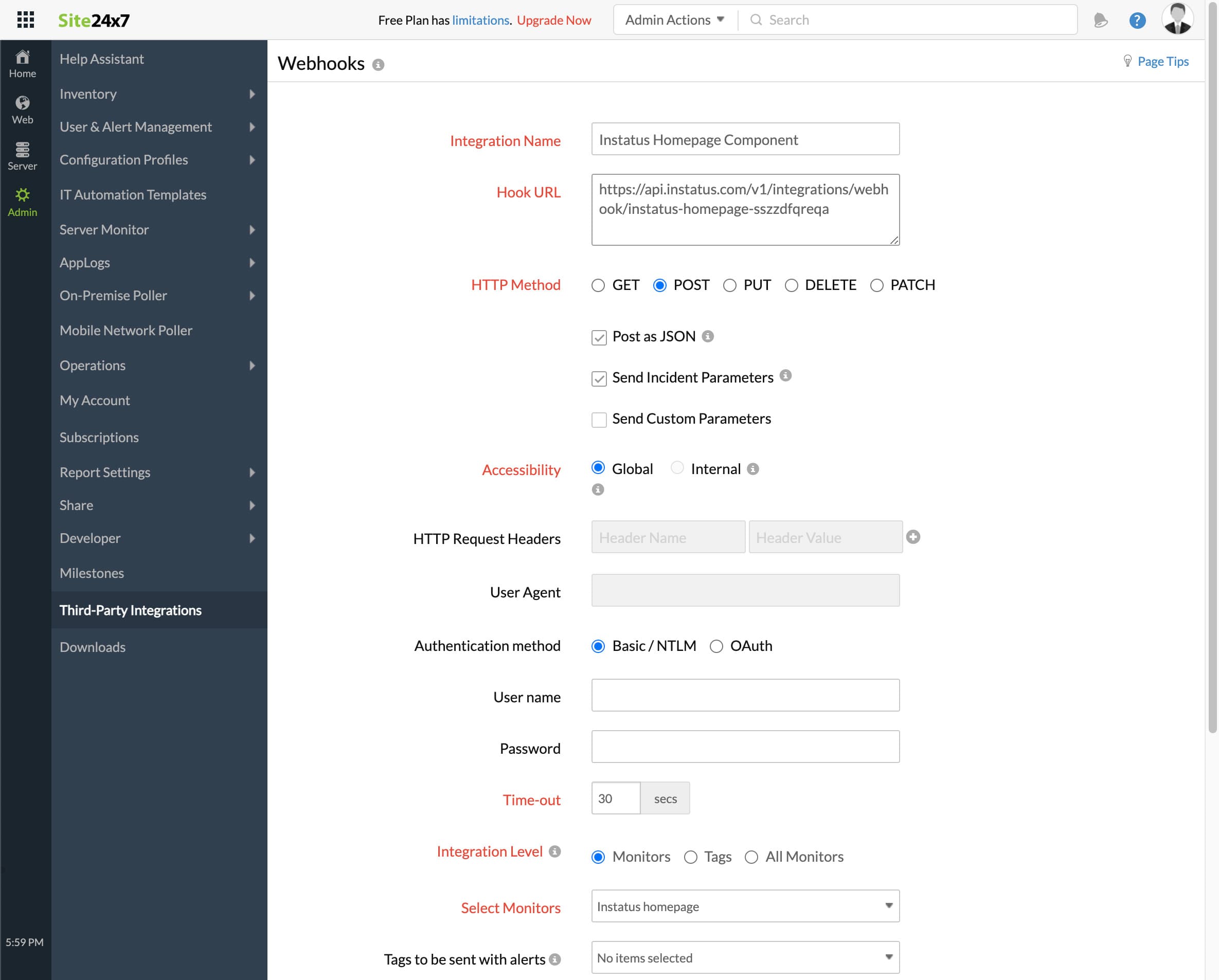
- 填寫表單
- 填寫任意整合名稱
- 你先前複製的 Webhook URL
- HTTP method `POST`
- 確保勾選以下核取方塊:
- Post as JSON and Send Incident Parameters
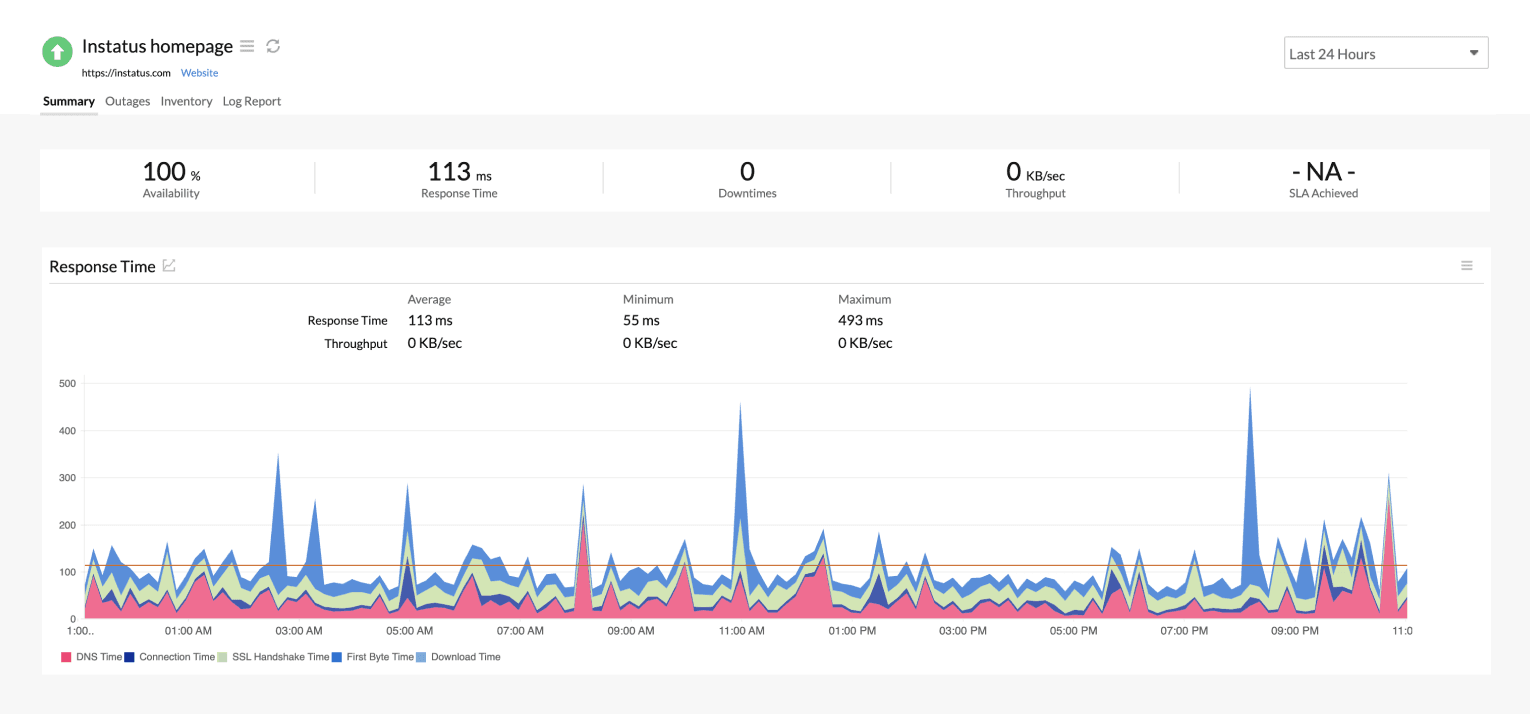
- 整合層級:選擇與該元件對應的監控
- 對於在監控處於 Critical 或 Trouble 時觸發事件,可按需選擇是或否
- 點擊儲存!
- 完成!🎉