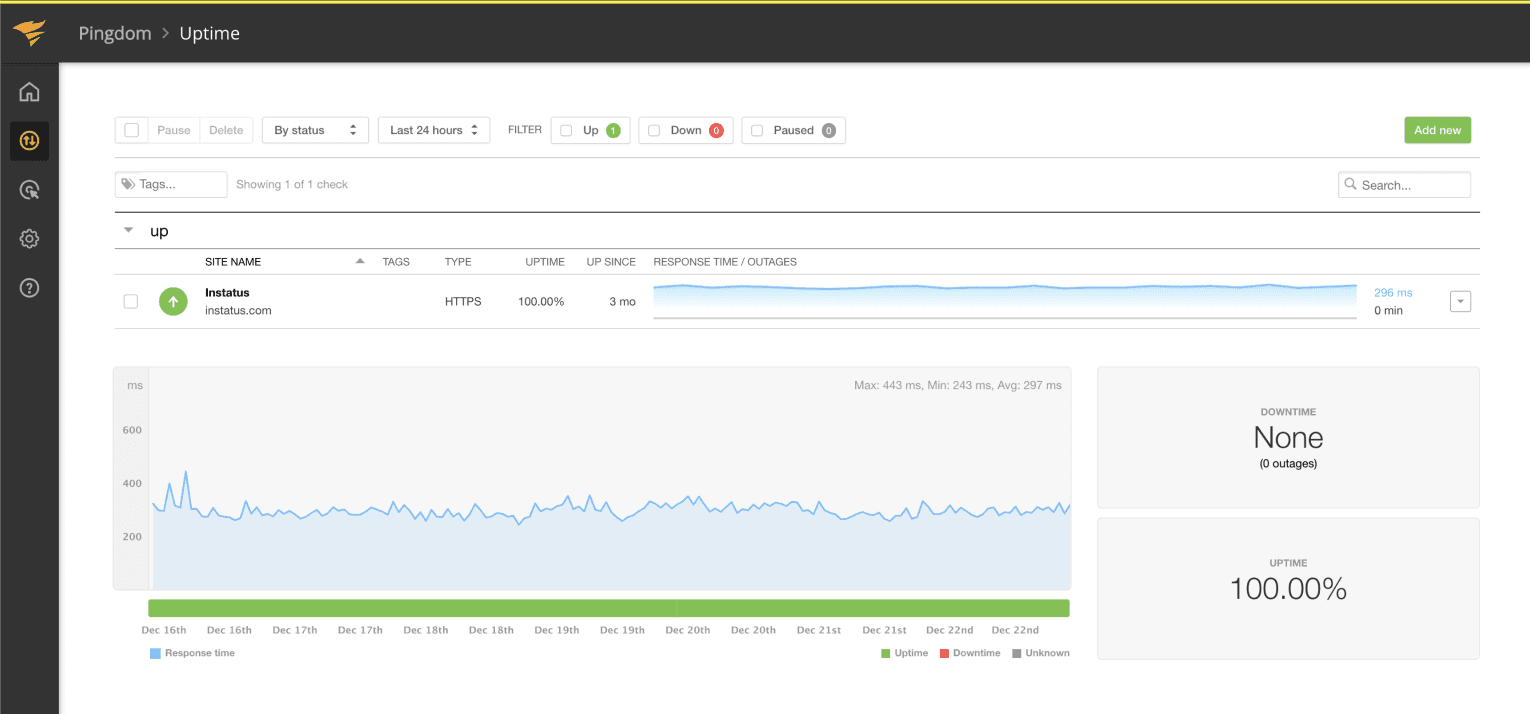
Pingdom

使用 Pingdom 自動化你的狀態頁

當檢查失敗或恢復時更新你的頁面

當檢查失敗或恢復時更新你的頁面
你的狀態頁會自動更新
你的狀態頁會自動更新
使用範本自訂更新內容
使用範本自訂更新內容
  1. Create a Pingdom webhook
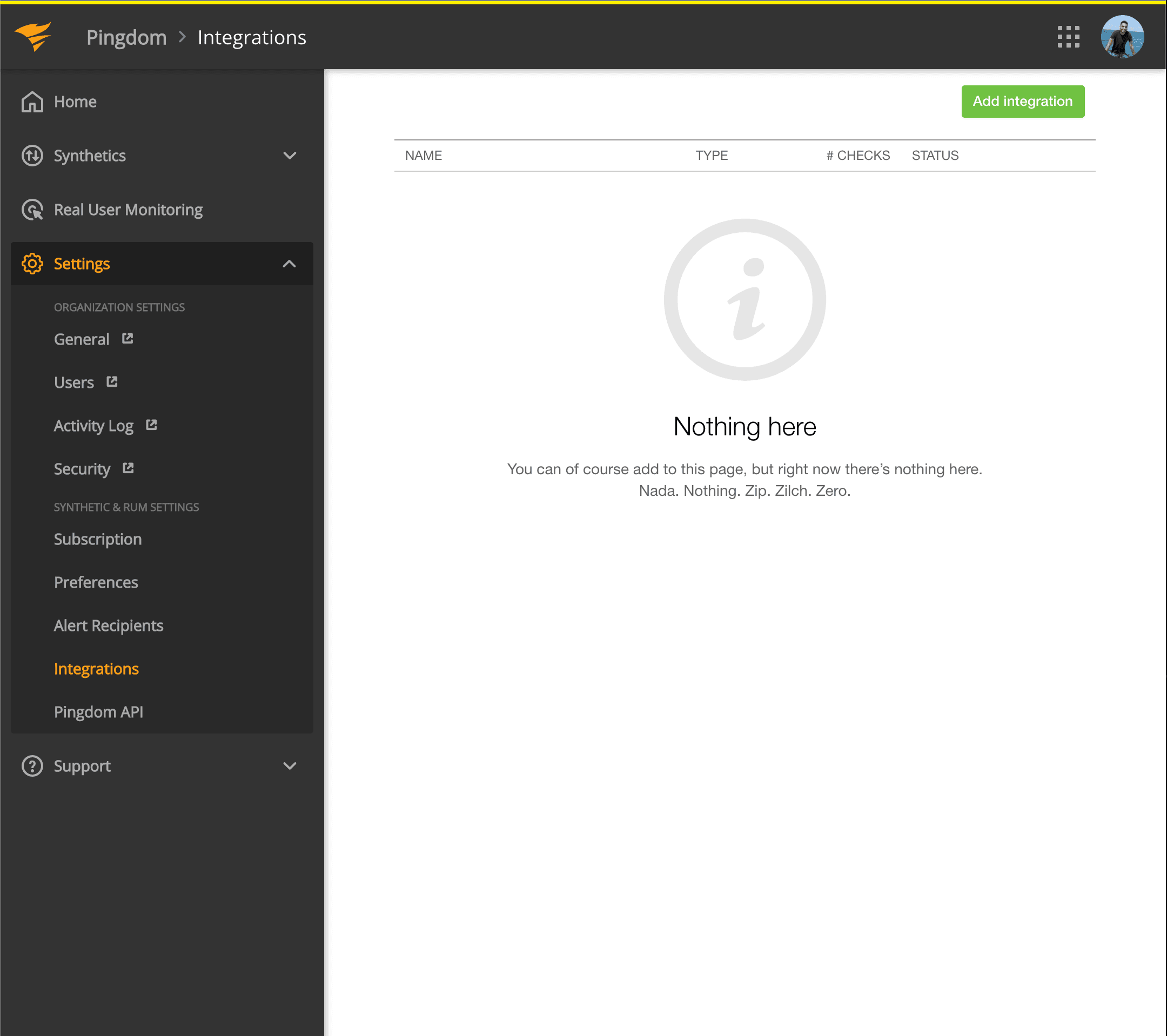
  2. Open your Pingdom dashboard. Click on Settings → Integrations
  3. Pingdom integrations
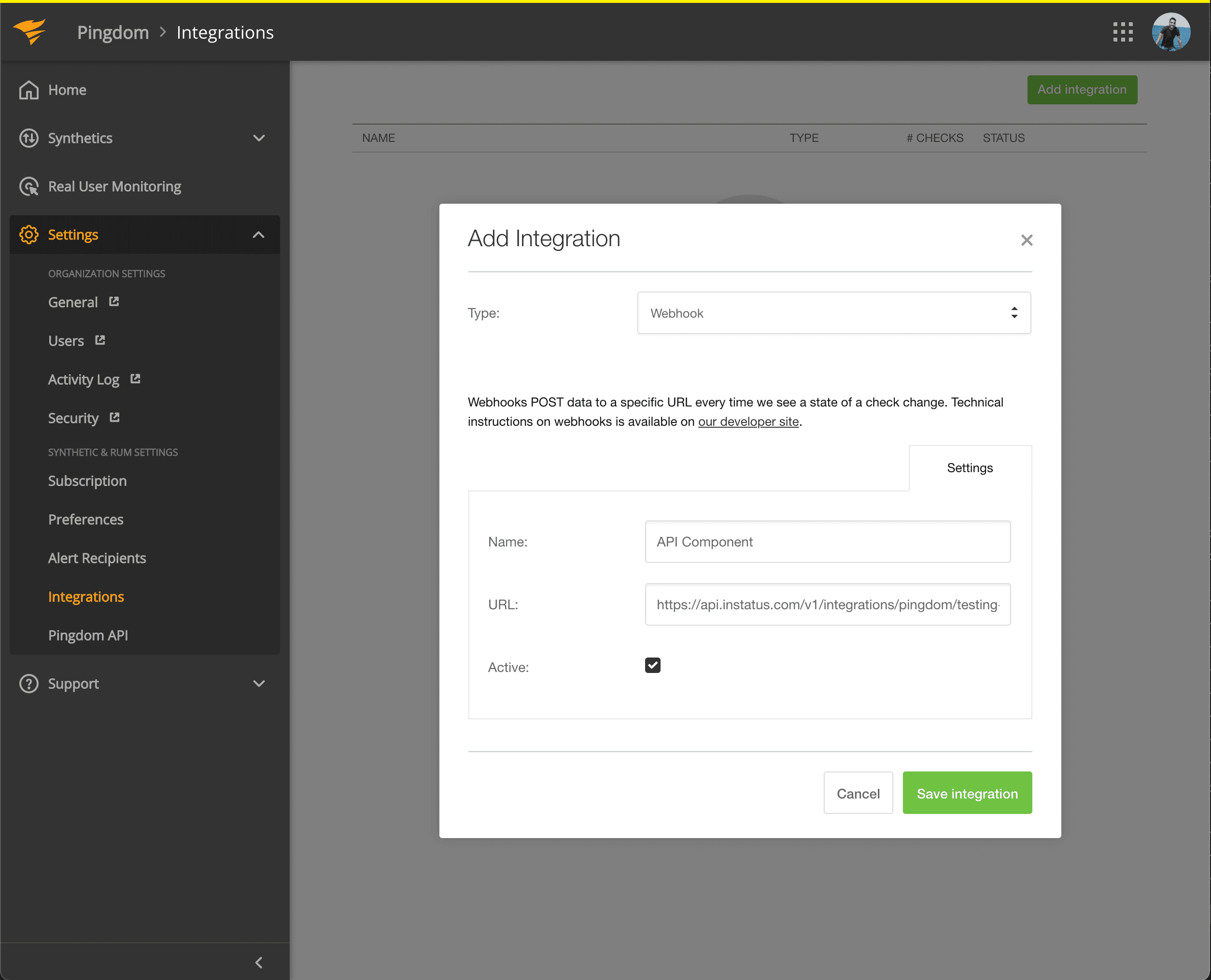
  4. Click Add integration button
  5. Select Webhook type, add a name and the webhook URL of the component you just copied.
  6. Add webhook to integrations
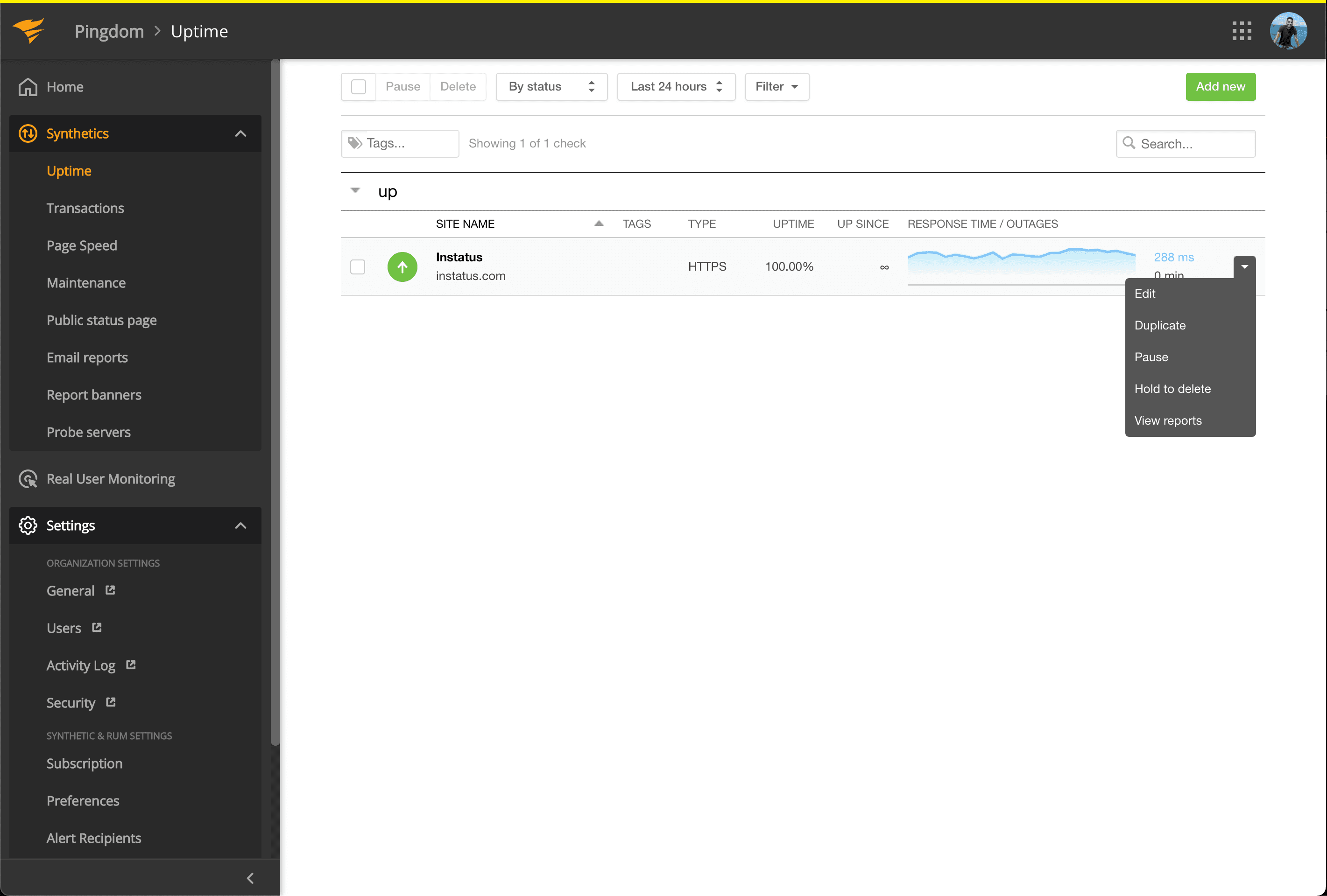
  7. Go to Synthetics → Uptime
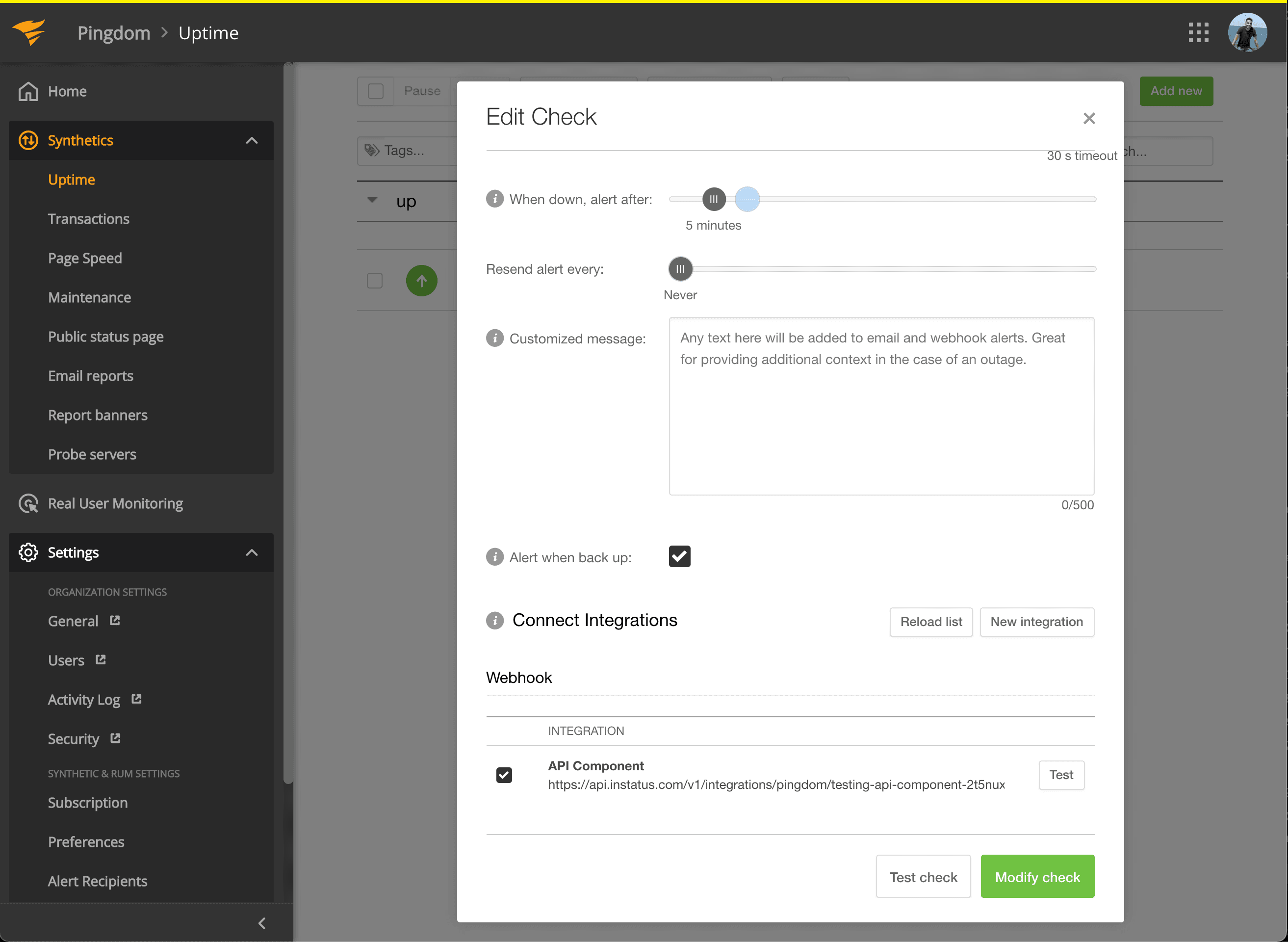
  8. Edit the Uptime check that’s related to the component you want to get automated.
  9. Add webhook to integrations
  10. Under Connect Integrations, check the integration you just created, and click modify check!
  11. Update uptime check
  12. You’re done! 🍪