PagerDuty
使用 PagerDuty 自動化你的狀態頁
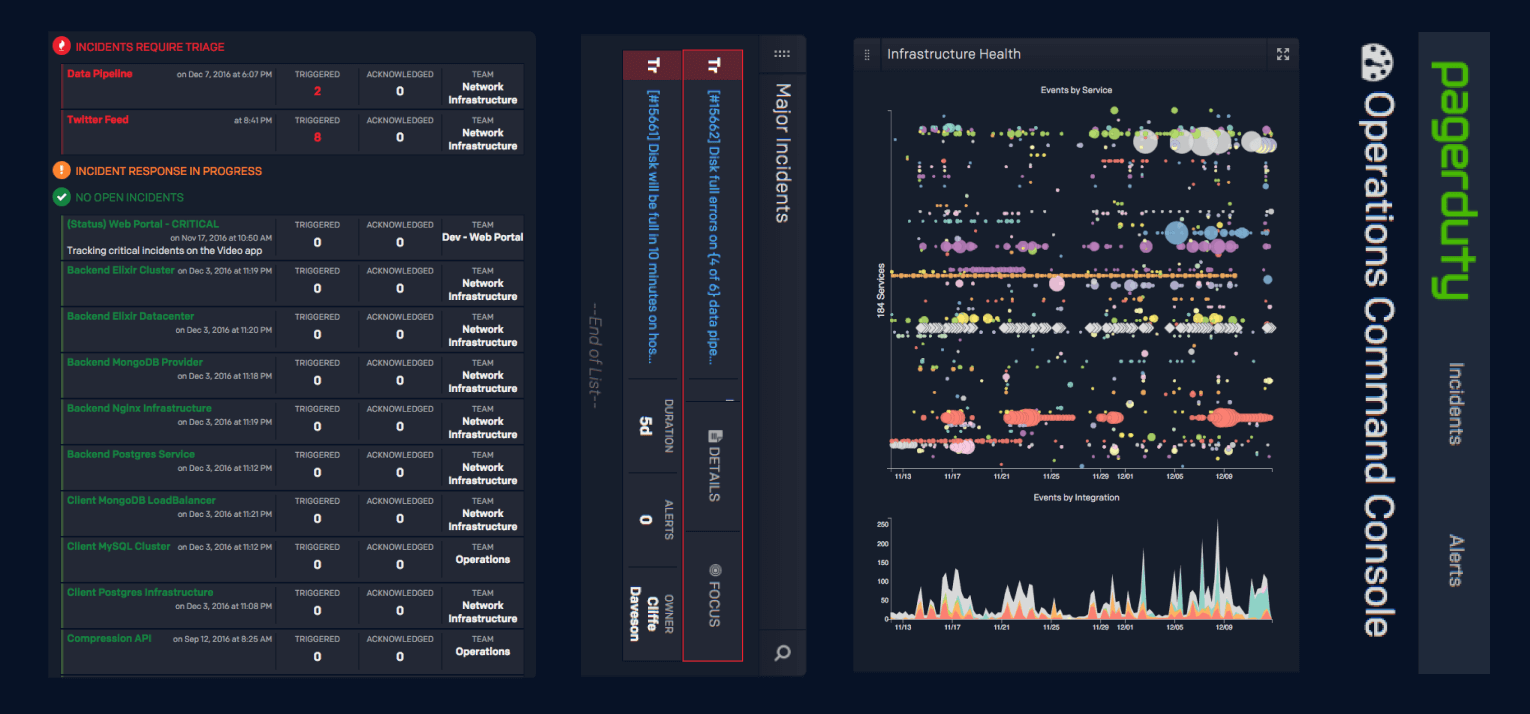
當事件建立或解決時更新你的頁面

你的狀態頁會自動更新

使用範本自訂更新內容
- 產生 PagerDuty Webhook
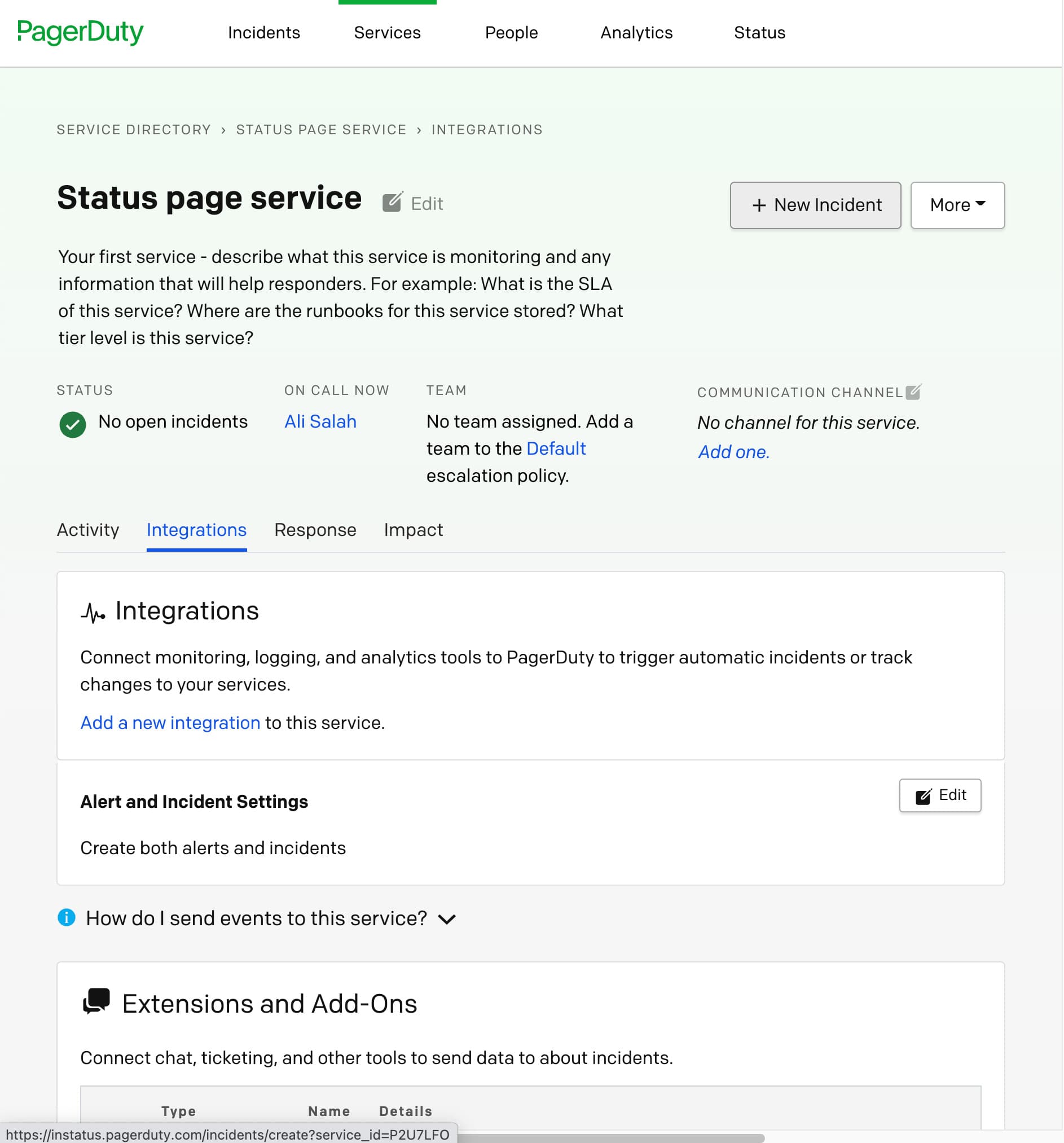
- 開啟 PagerDuty 控制台。在 Service Directory 中選擇要自動化的服務,或新建一個。
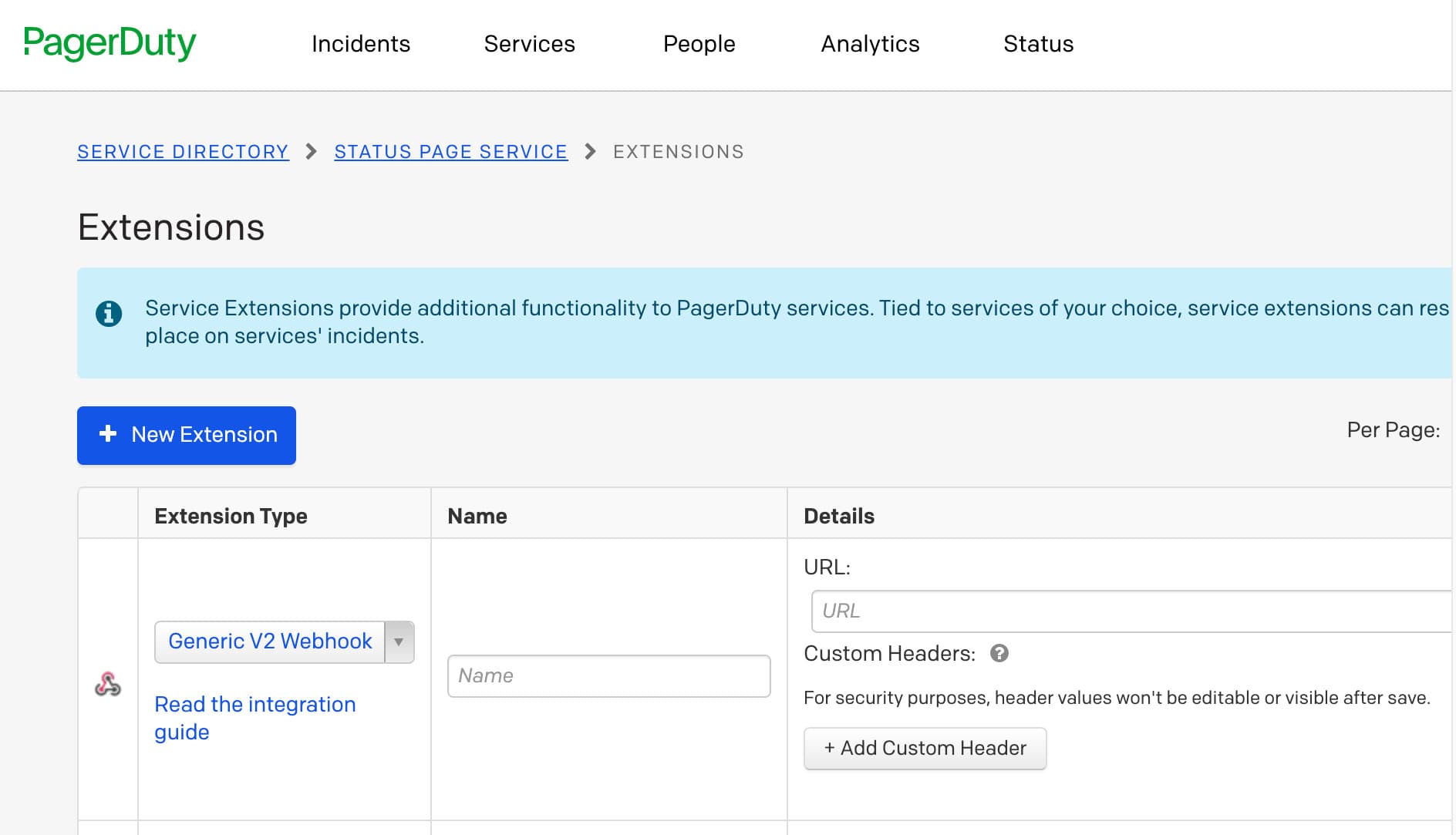
- 點擊 Integrations 標籤 → Add or manage extensions → New extension → Generic V2 Webhook,填寫任意名稱,並加入你從 Instatus 控制台複製的 Webhook URL
- 完成!🍪