Google Cloud Monitoring
使用 Updown.io 自動化你的狀態頁
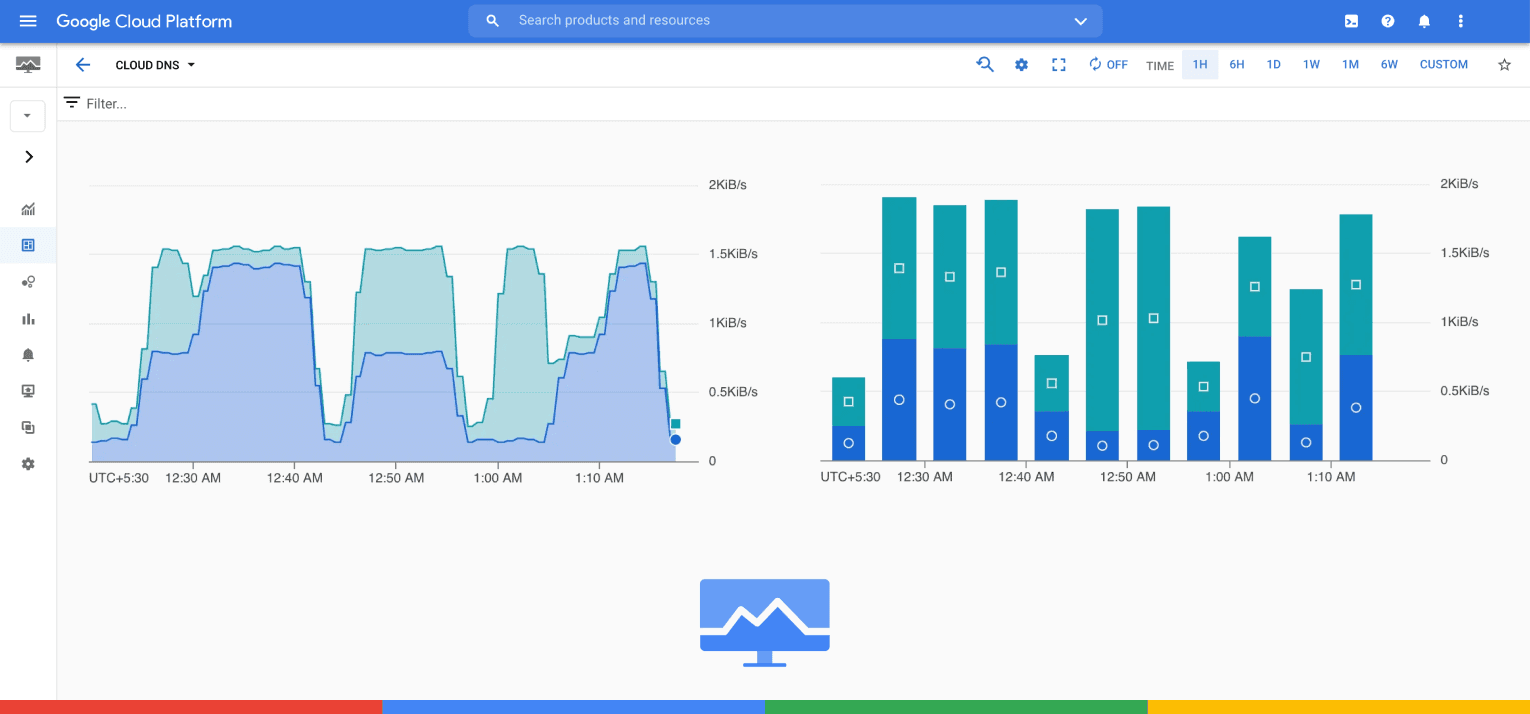
把 Google Cloud Monitoring 與 Instatus 整合

你的狀態頁會自動更新

使用範本自訂更新內容
- 登入 Instatus
- 產生 Google Cloud Monitoring Webhook
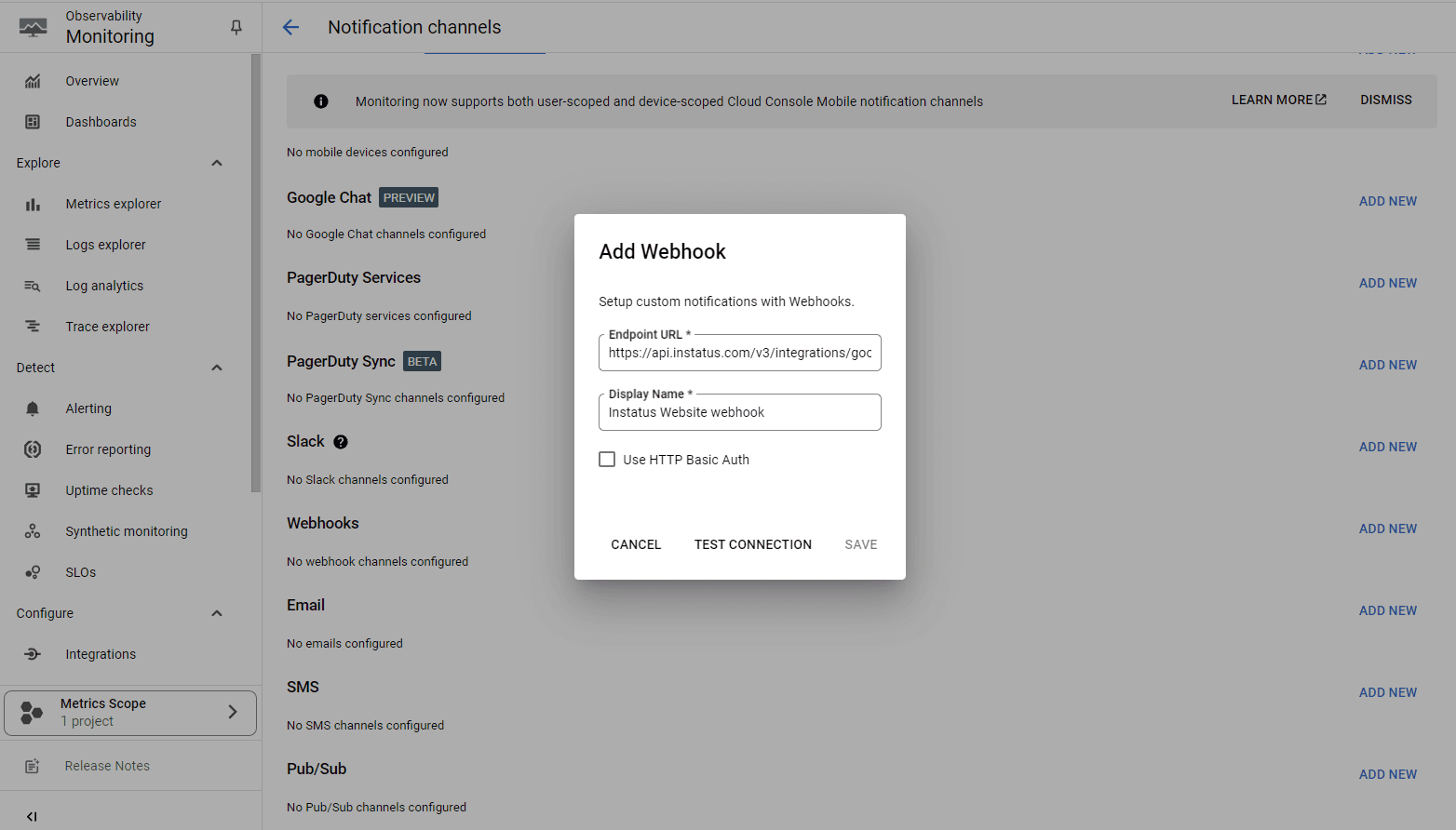
- 在 Google Cloud 主控台前往 Alerting,建立新的 Webhook 通知管道,並加入 Instatus 產生的 Webhook URL。
- 之後,請確認只為對應的檢查啟用正確的 Webhook 警示。
- 完成!🎉