

Freshping
使用 Freshping 自動化你的狀態頁
把主旨寄到一個專屬信箱

你的狀態頁會自動更新

使用範本自訂更新內容
- 產生 Freshping Webhook
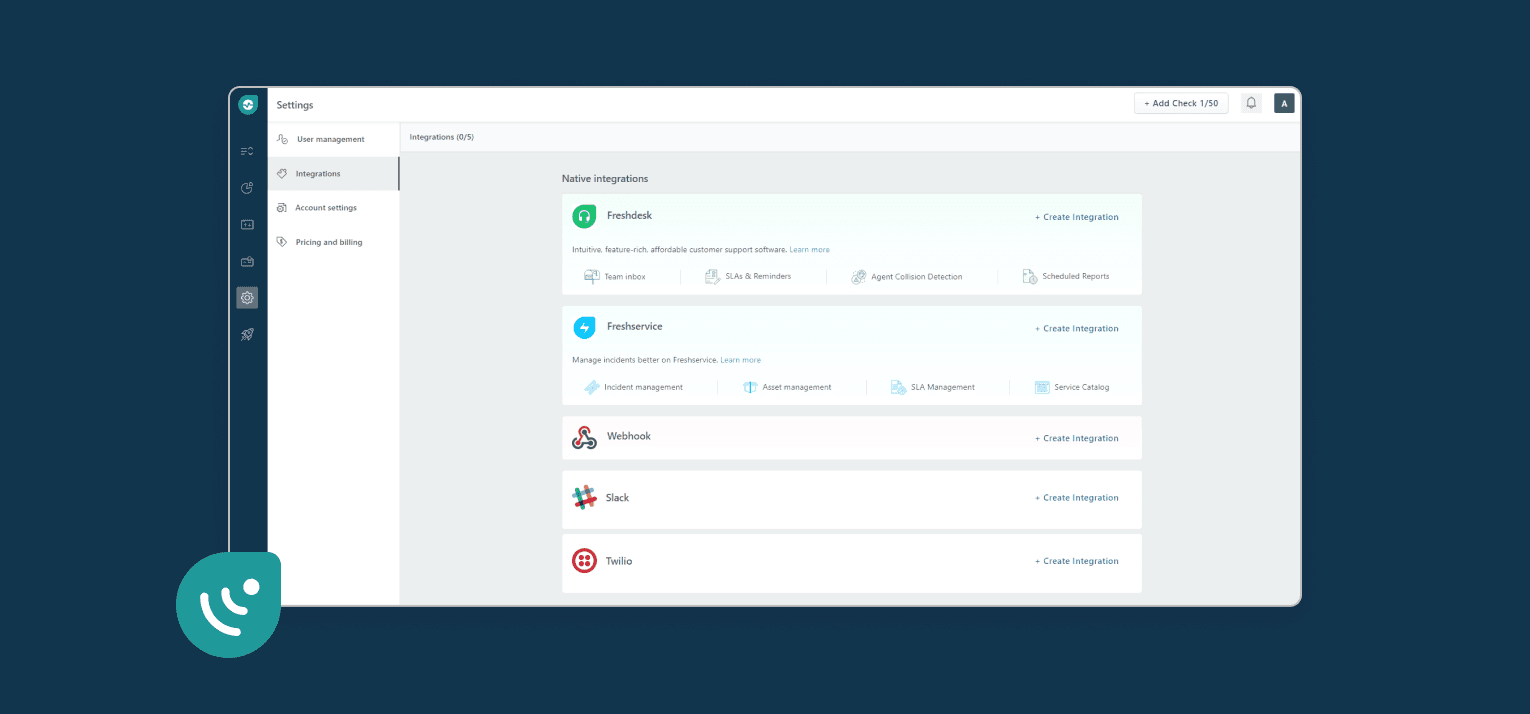
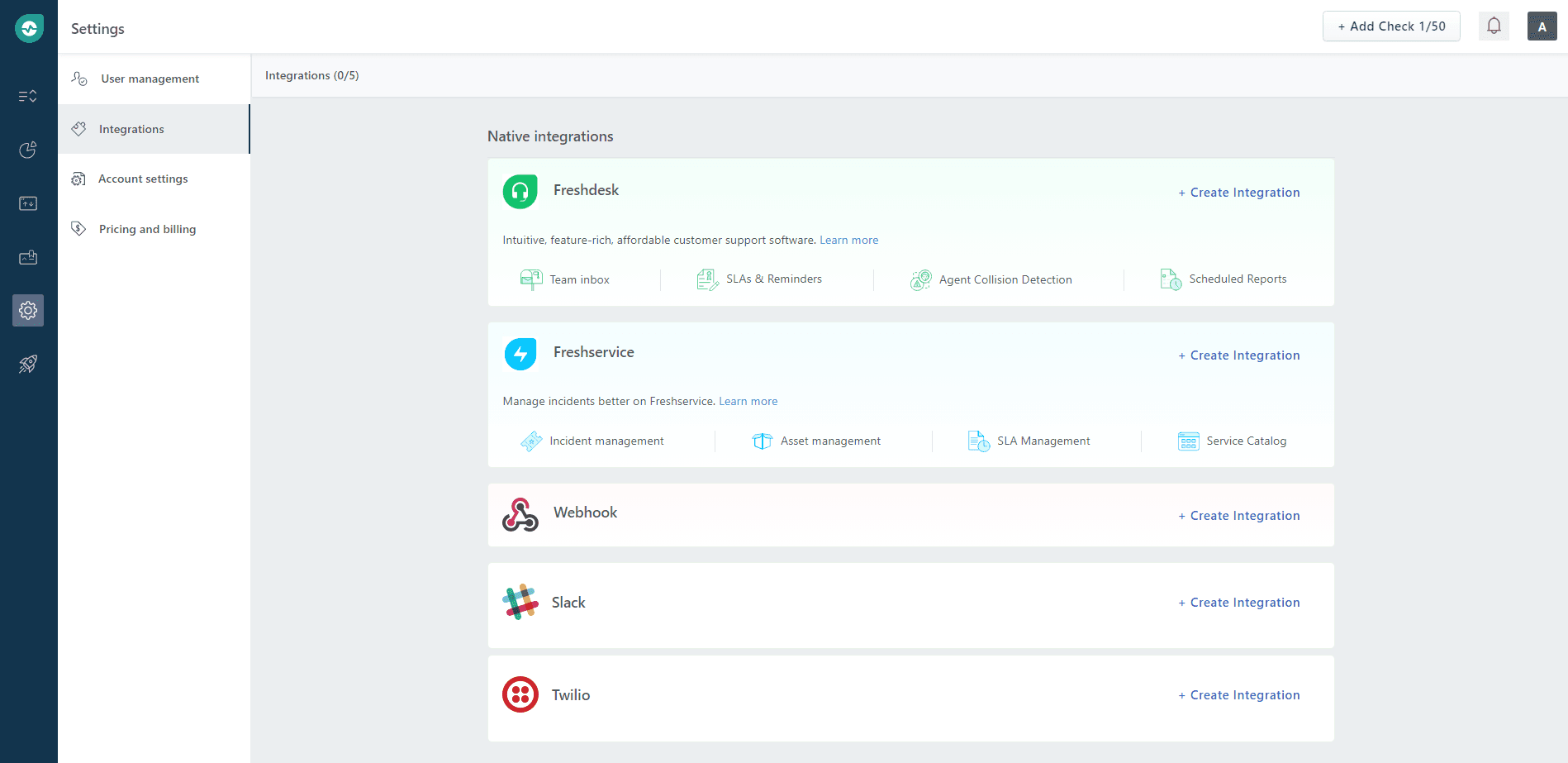
- 開啟 Freshping 控制台,點擊 Settings → Integrations,然後在 Webhook 區域點擊 Create Integration。
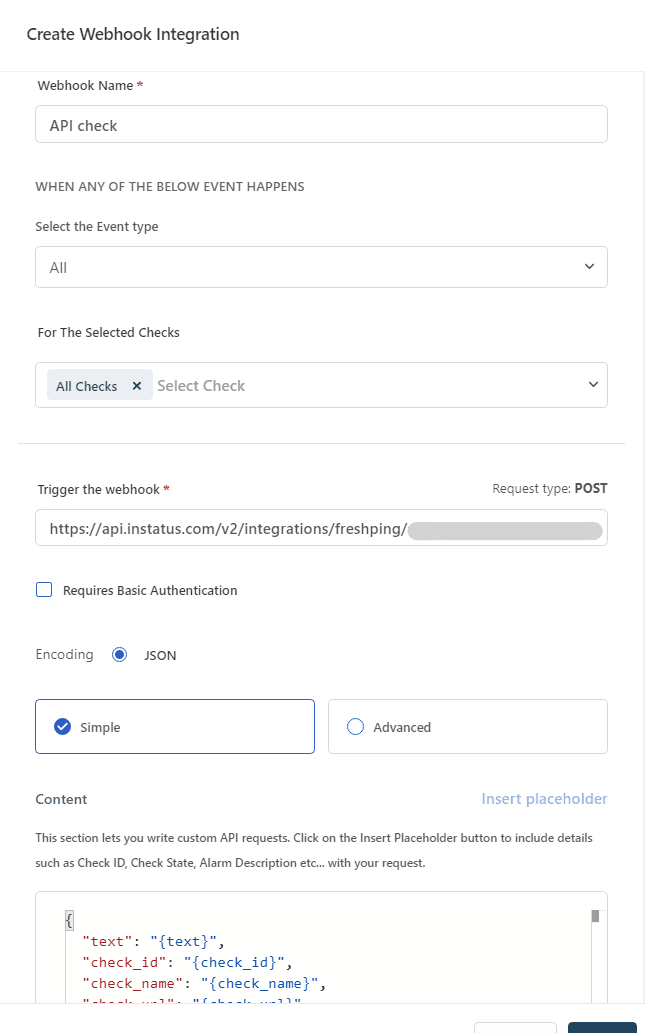
- 為 Webhook 輸入名稱,選擇 Up/Down 事件類型,勾選要通知的檢查項目,貼上 Webhook URL,然後點擊儲存。
- 完成!🍪
使用 Freshping 自動化你的狀態頁