Instatus 首頁
跳至主要內容
Instatus 首頁
產品
客戶
整合
定價
登入
註冊
瀏覽整合
Dynatrace
使用 Dynatrace 自動化你的狀態頁
加入 Instatus
Close
把 Dynatrace 監控連接到你的狀態頁
你的狀態頁會自動更新
使用範本自訂更新內容
產生 Dynatrace Webhook
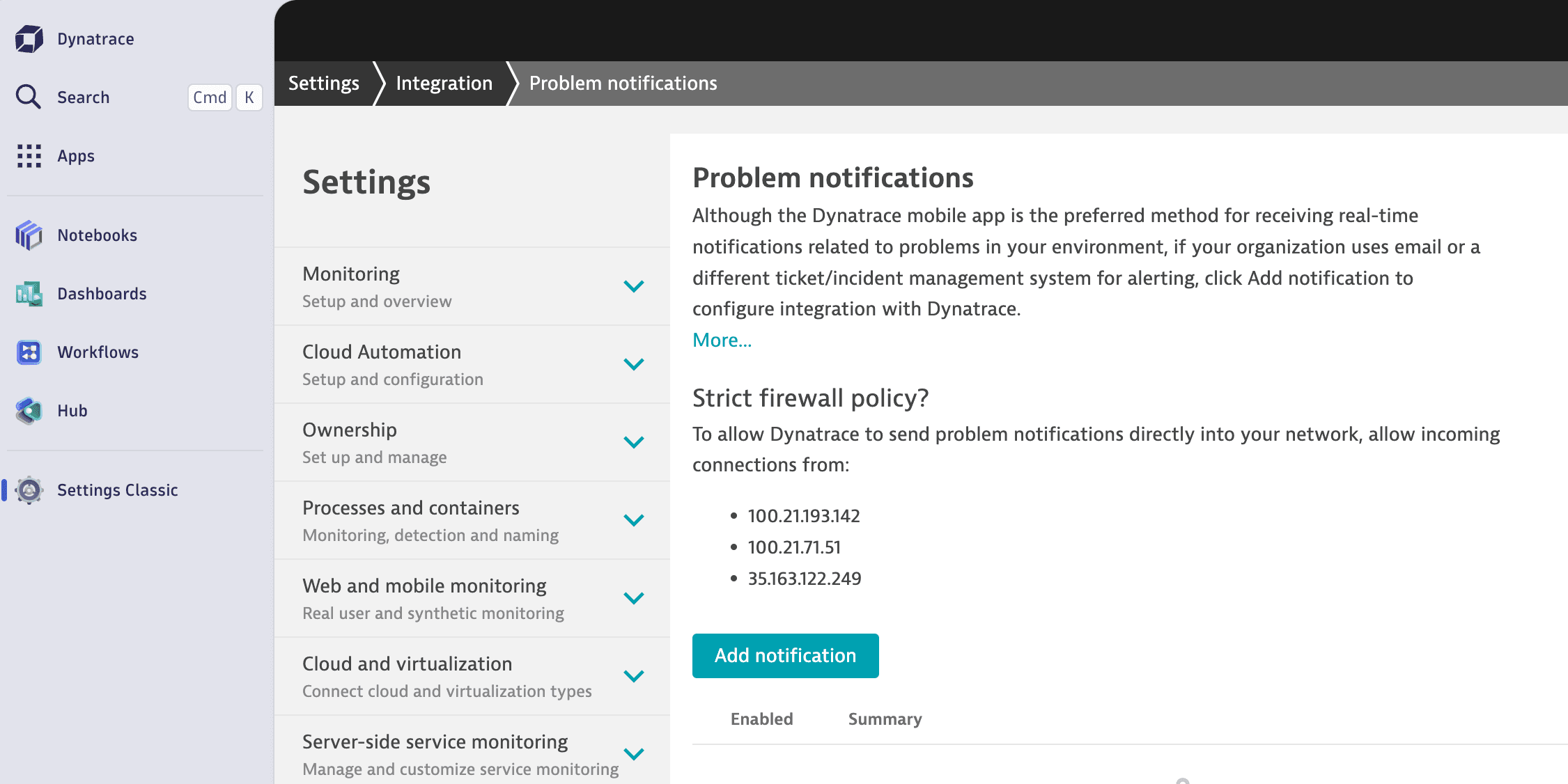
在 Dynatrace 控制台中前往 Settings Classic > Integrations > Problem notifications.
點擊 Add notification 按鈕。
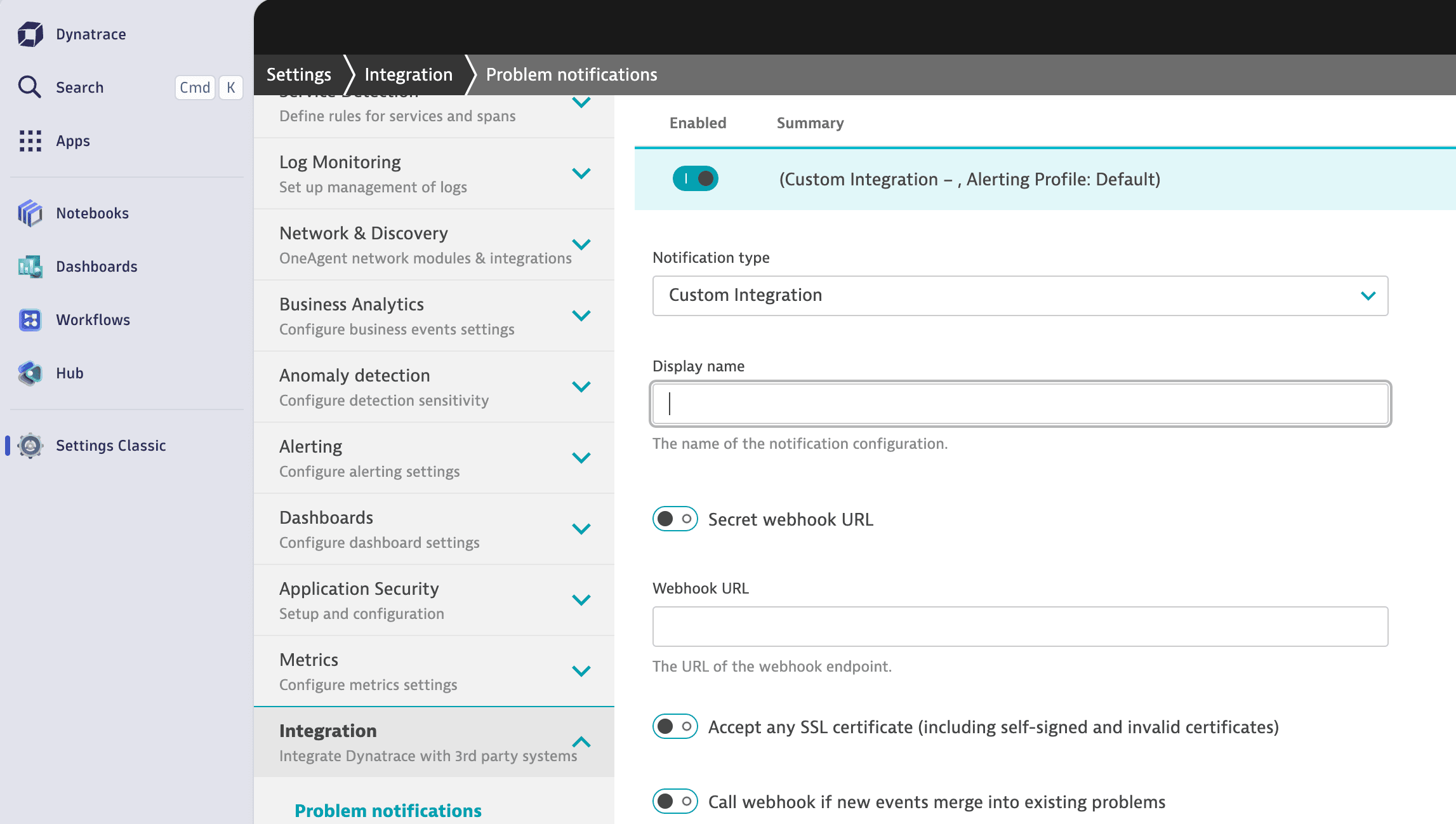
選擇自訂整合,並填入你的 Webhook URL。
Add Dynatrace to Instatus