Uptime Robot
Tự động hóa trang trạng thái bằng Uptime Robot
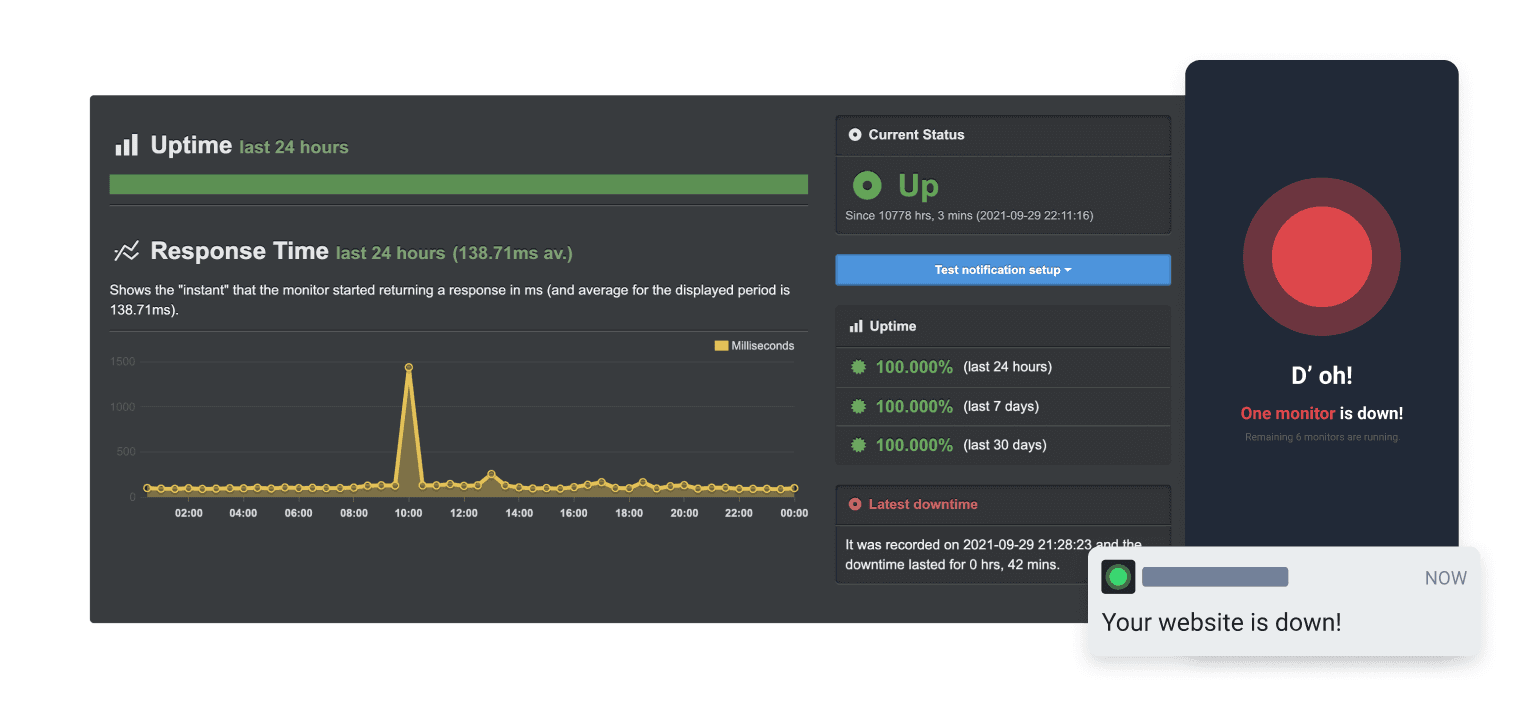
Cập nhật trang khi một bài kiểm tra thất bại hoặc phục hồi

Trang trạng thái của bạn được cập nhật

Tùy chỉnh cập nhật bằng mẫu có sẵn
- Tạo webhook Uptime Robot
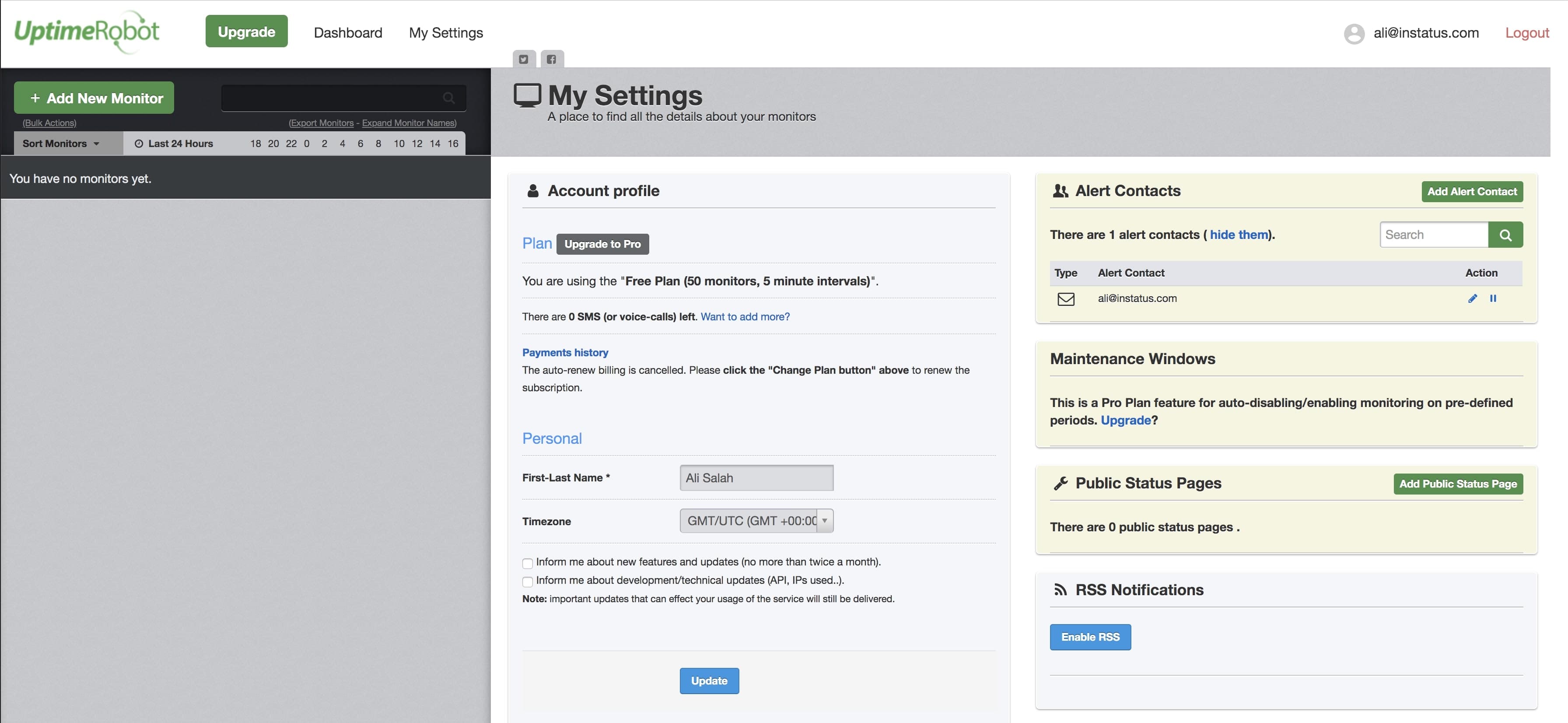
- Mở bảng điều khiển Uptime Robot. Nhấp My settings trên thanh điều hướng.
- Nhấp Add Alert Contact.
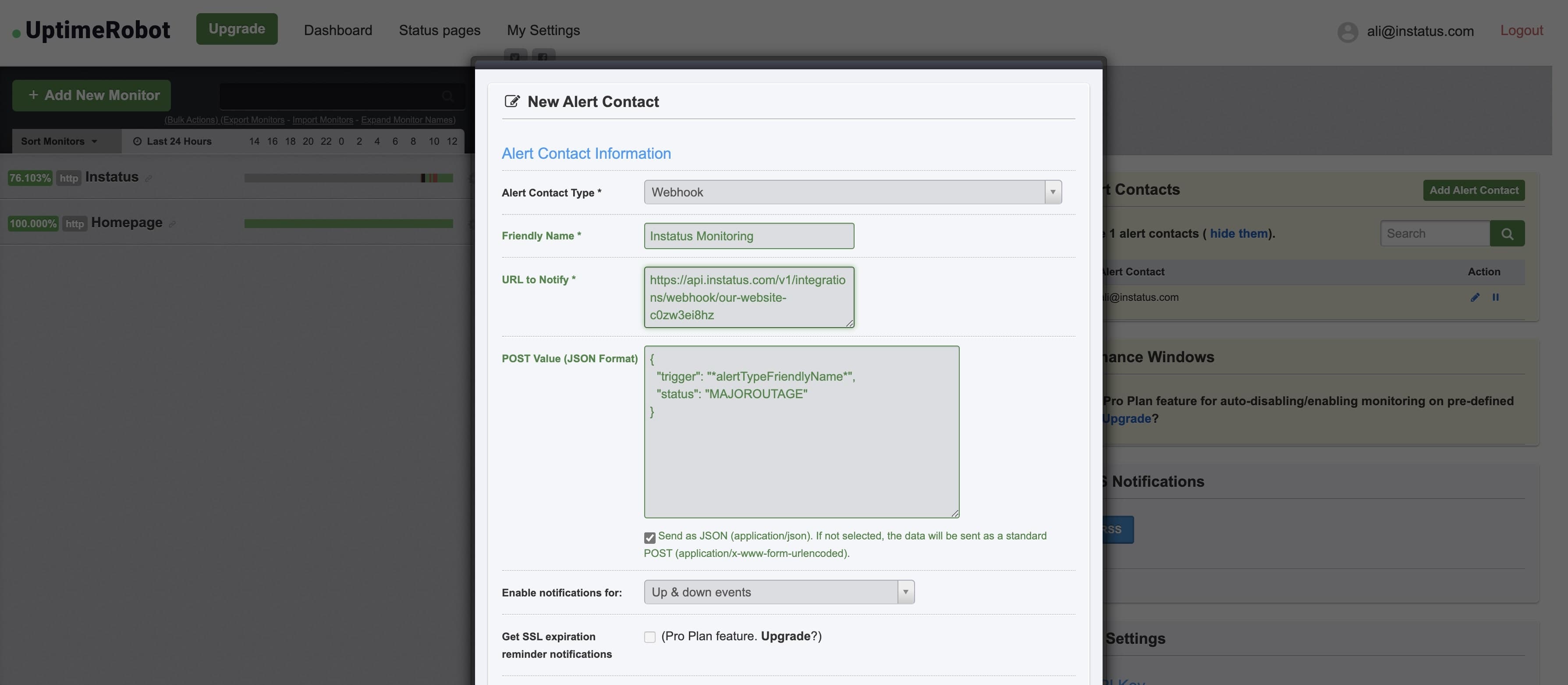
- Chọn loại liên hệ cảnh báo: "Webhook" và thêm địa chỉ URL webhook đã sao chép.
- Thêm giá trị POST này:{"trigger": "*alertTypeFriendlyName*","status": "MAJOROUTAGE"}
statuslà trường tùy chọn. - ✅ Tích chọn Send as JSON
- Xong! 👌