Site24x7
Tự động hóa trang trạng thái bằng Site24x7
Cập nhật trang khi một bài kiểm tra thất bại hoặc phục hồi

Trang trạng thái của bạn được cập nhật

Tùy chỉnh cập nhật bằng mẫu có sẵn
- Tạo webhook Site24x7
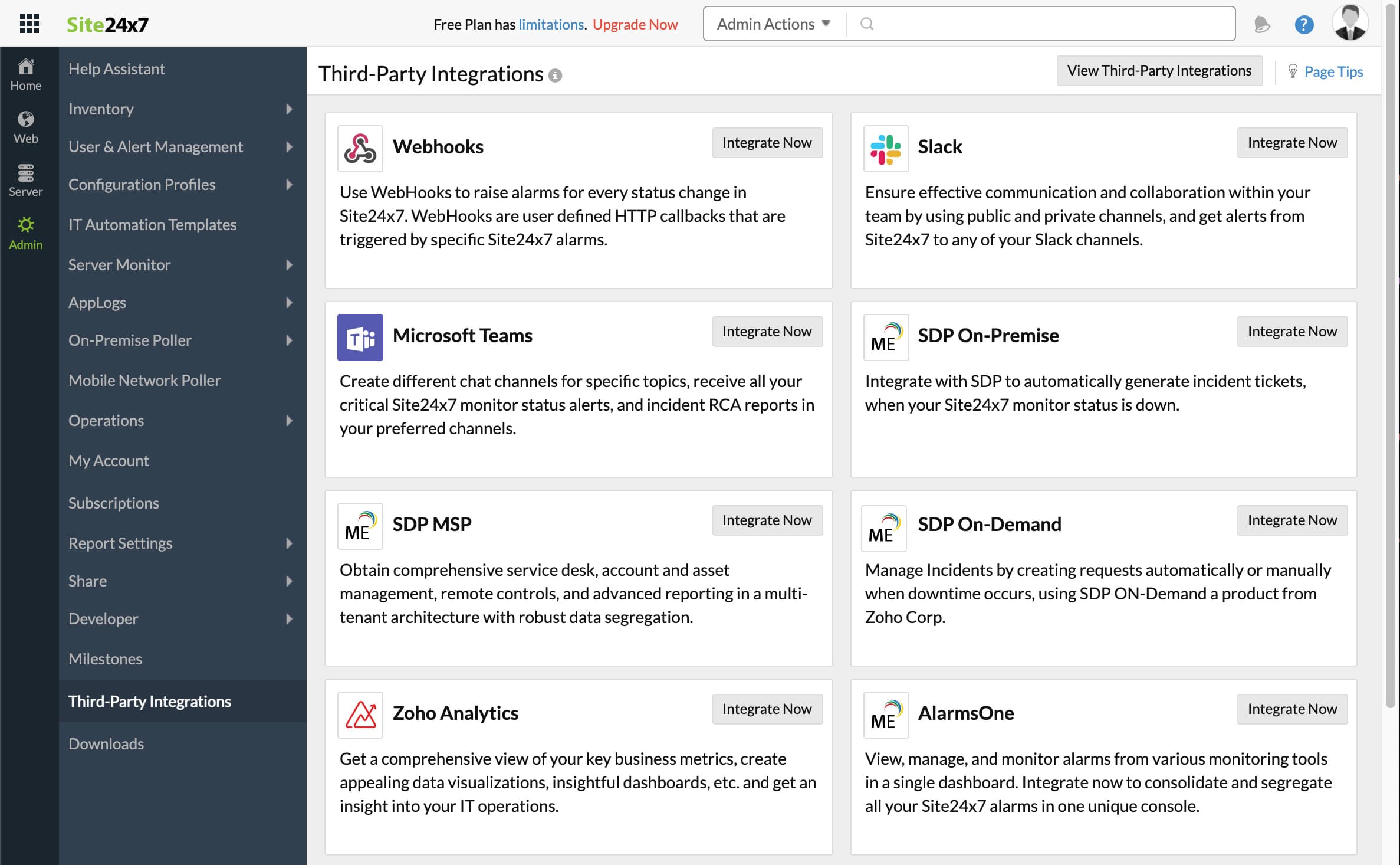
- Mở bảng điều khiển Site24x7. Nhấp Admin, rồi Third-Party integrations
- Nhấp Add Third-Party Integration, rồi nhấp Webhooks (Integrate Now).
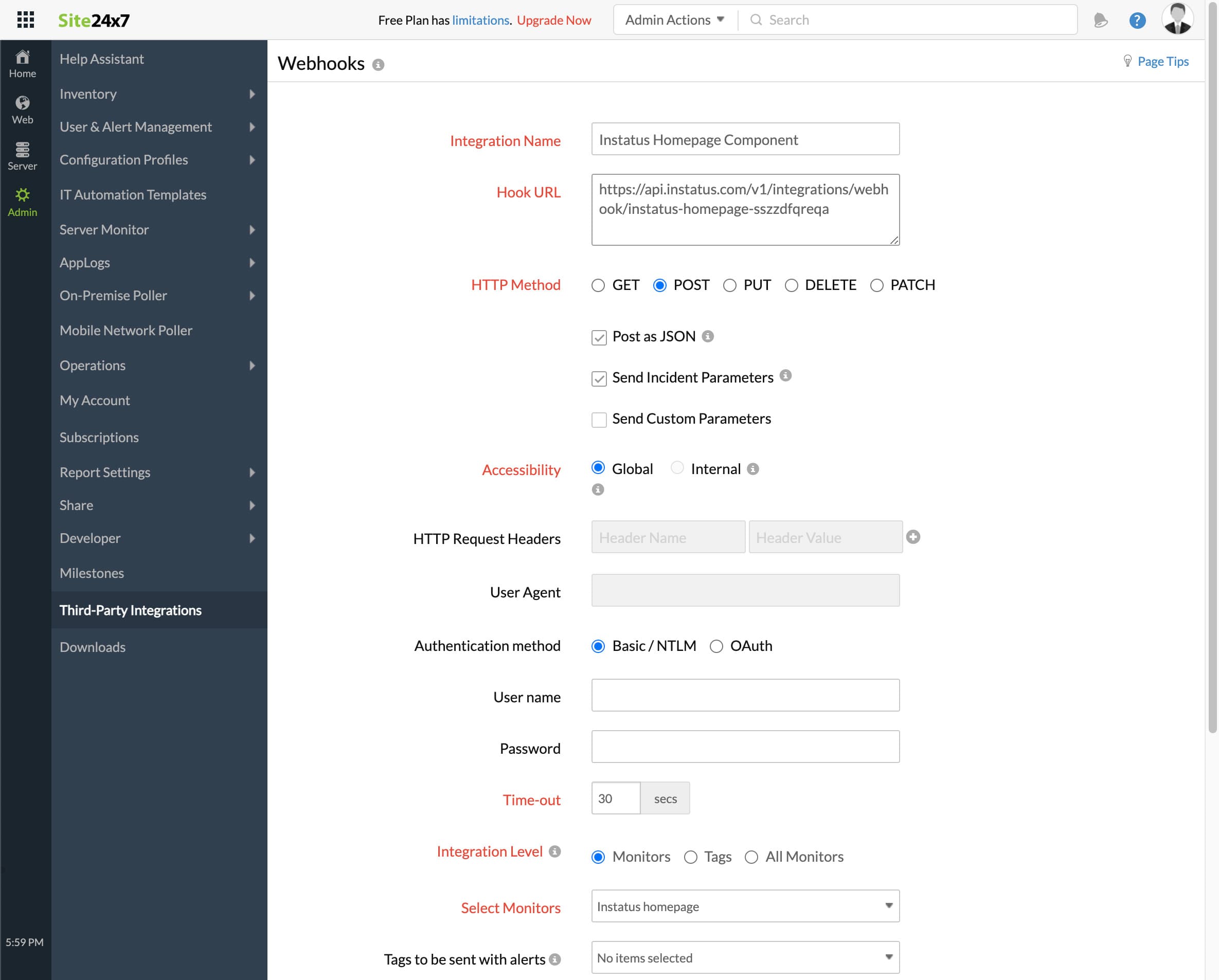
- Điền vào biểu mẫu
- Thêm tên tích hợp bất kỳ
- URL webhook bạn đã sao chép trước đó
- HTTP method `POST`
- Đảm bảo các hộp kiểm sau được chọn:
- Post as JSON and Send Incident Parameters
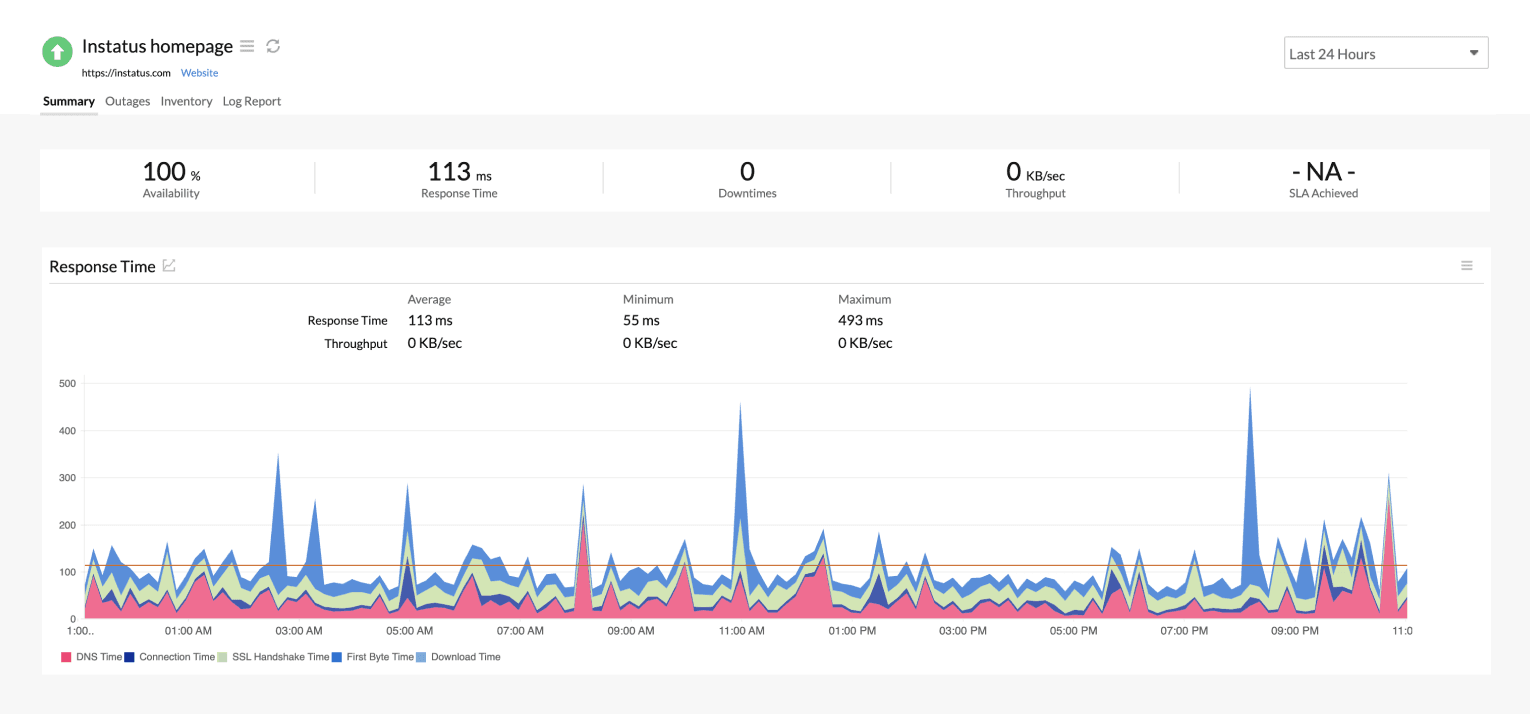
- Cấp tích hợp: chọn giám sát tương ứng với thành phần này
- Đối với việc kích hoạt sự cố khi giám sát ở trạng thái Critical hoặc Trouble, chọn có hoặc không tùy ý
- Nhấp lưu!
- Xong! 🎉