New Relic
Tự động hóa trang trạng thái bằng New Relic
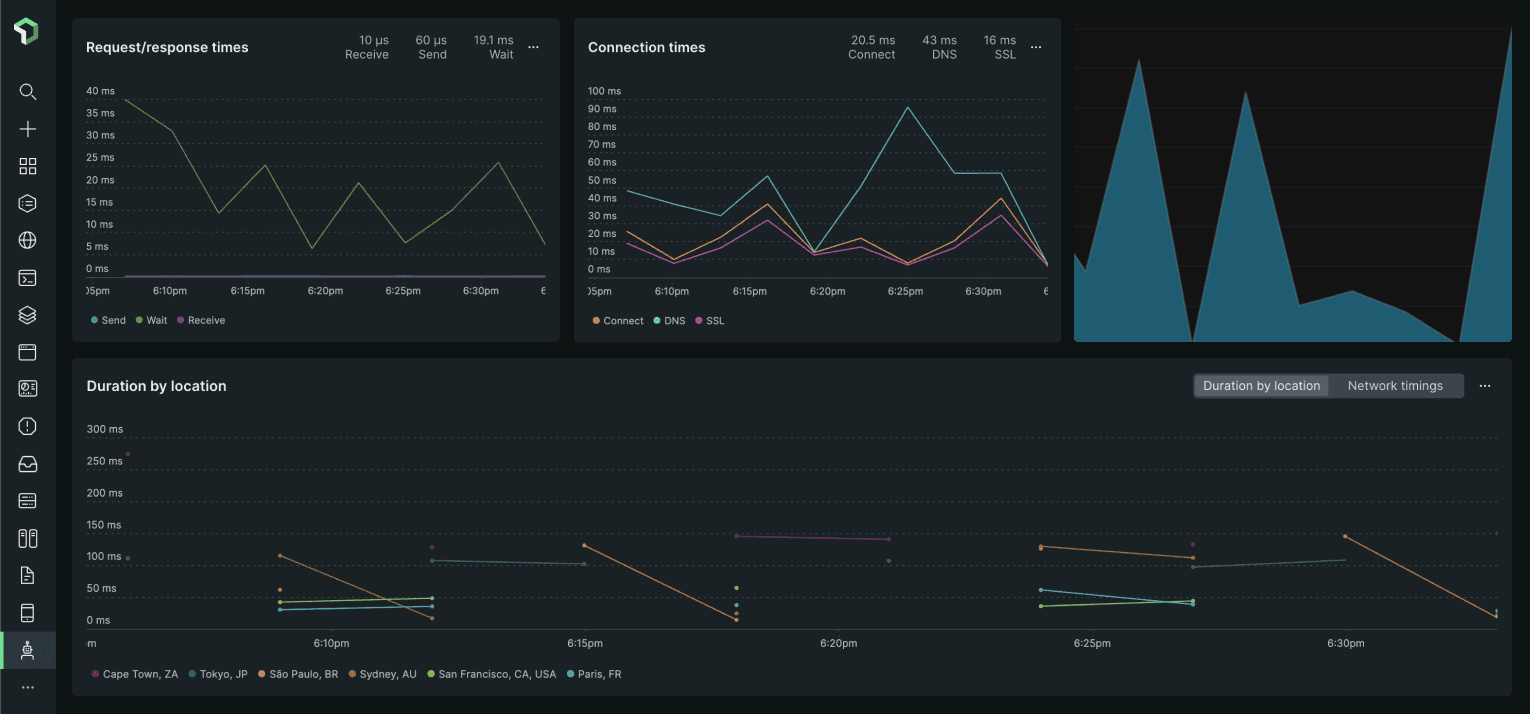
Cập nhật trang khi một bài kiểm tra thất bại hoặc phục hồi

Trang trạng thái của bạn được cập nhật

Tùy chỉnh cập nhật bằng mẫu có sẵn
- Tạo webhook New Relic
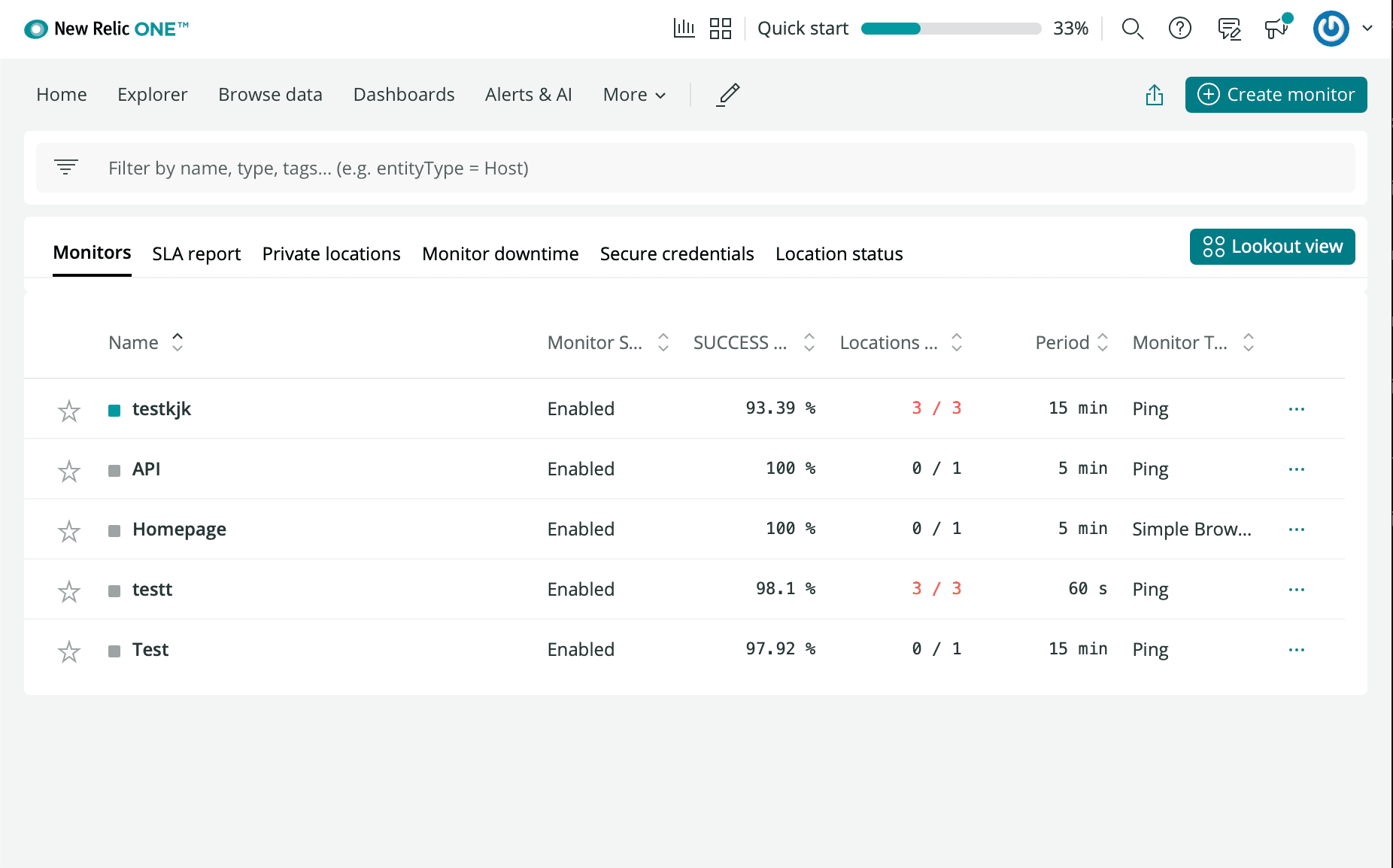
- Đăng nhập tài khoản New Relic và vào Synthetics
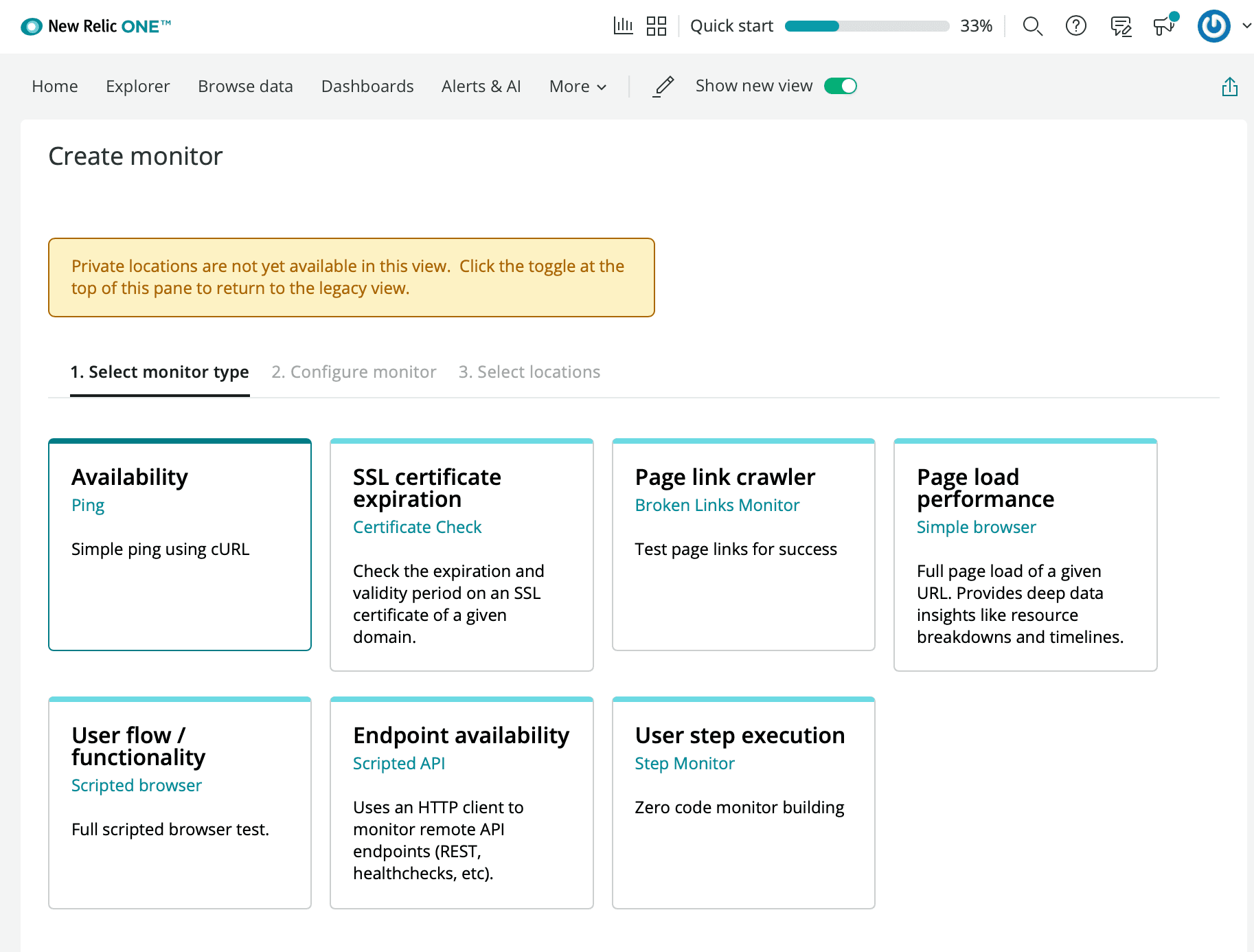
- Nhấp Create a new Monitor
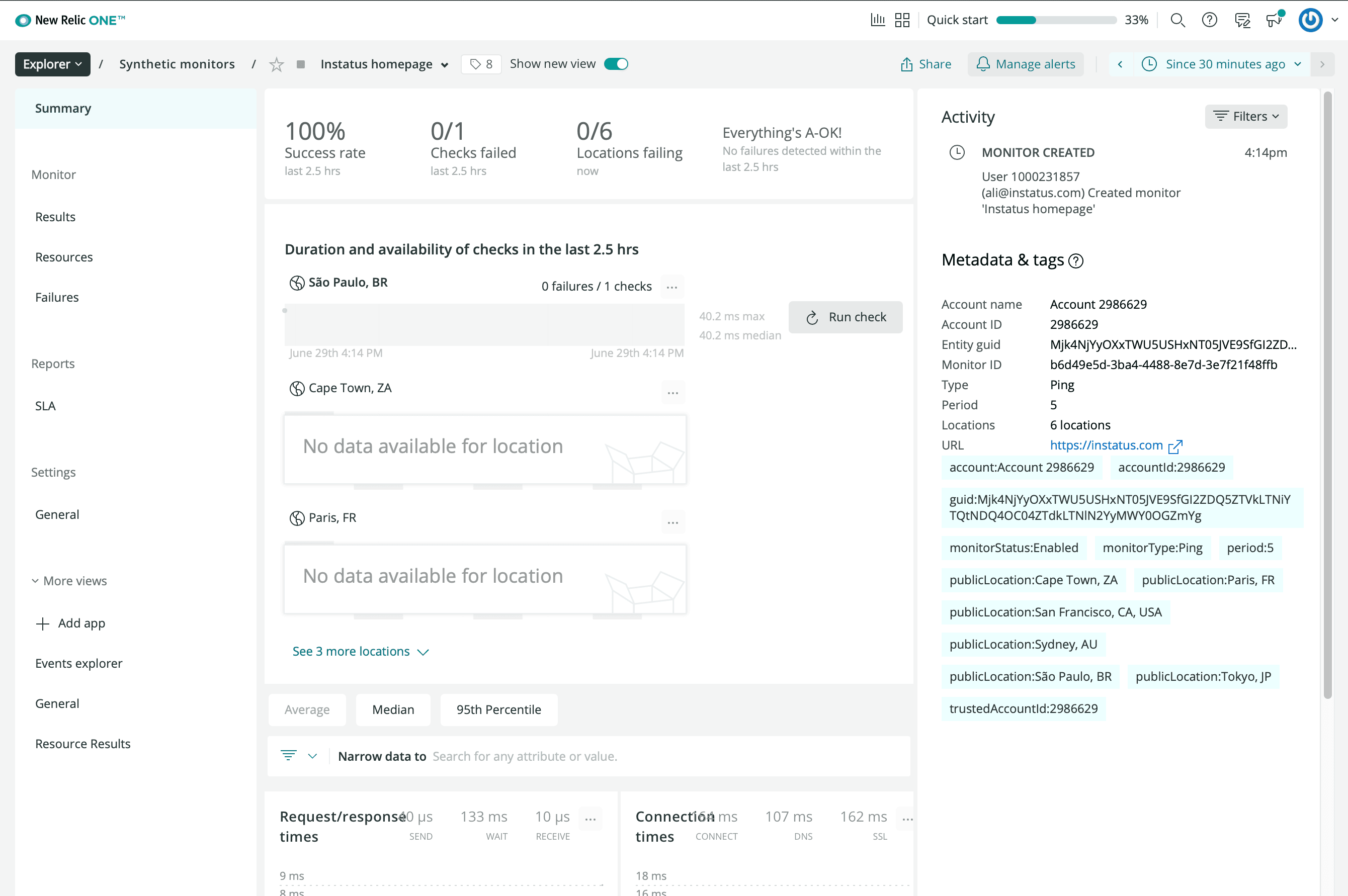
- Chọn loại giám sát khả dụng bạn muốn
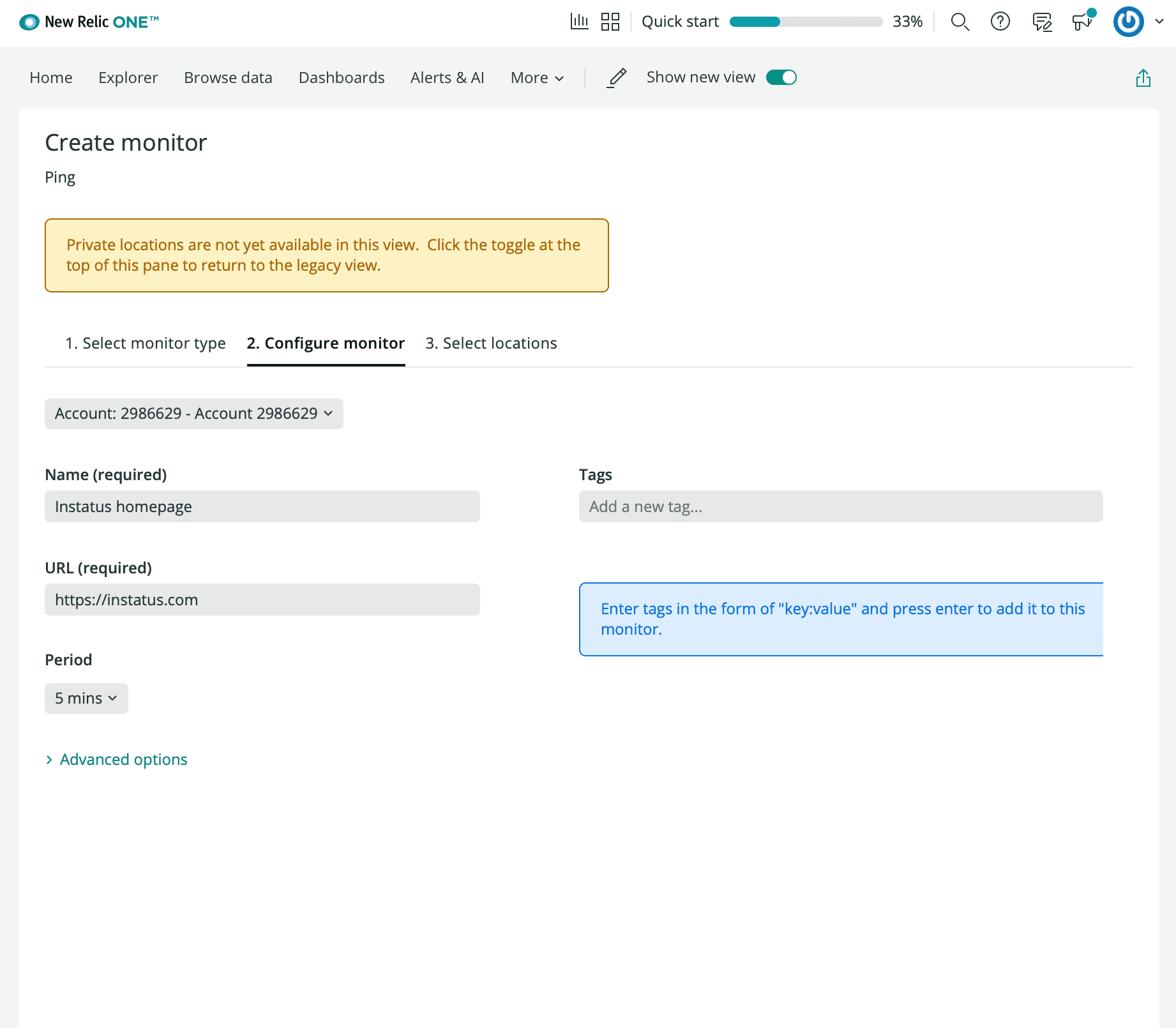
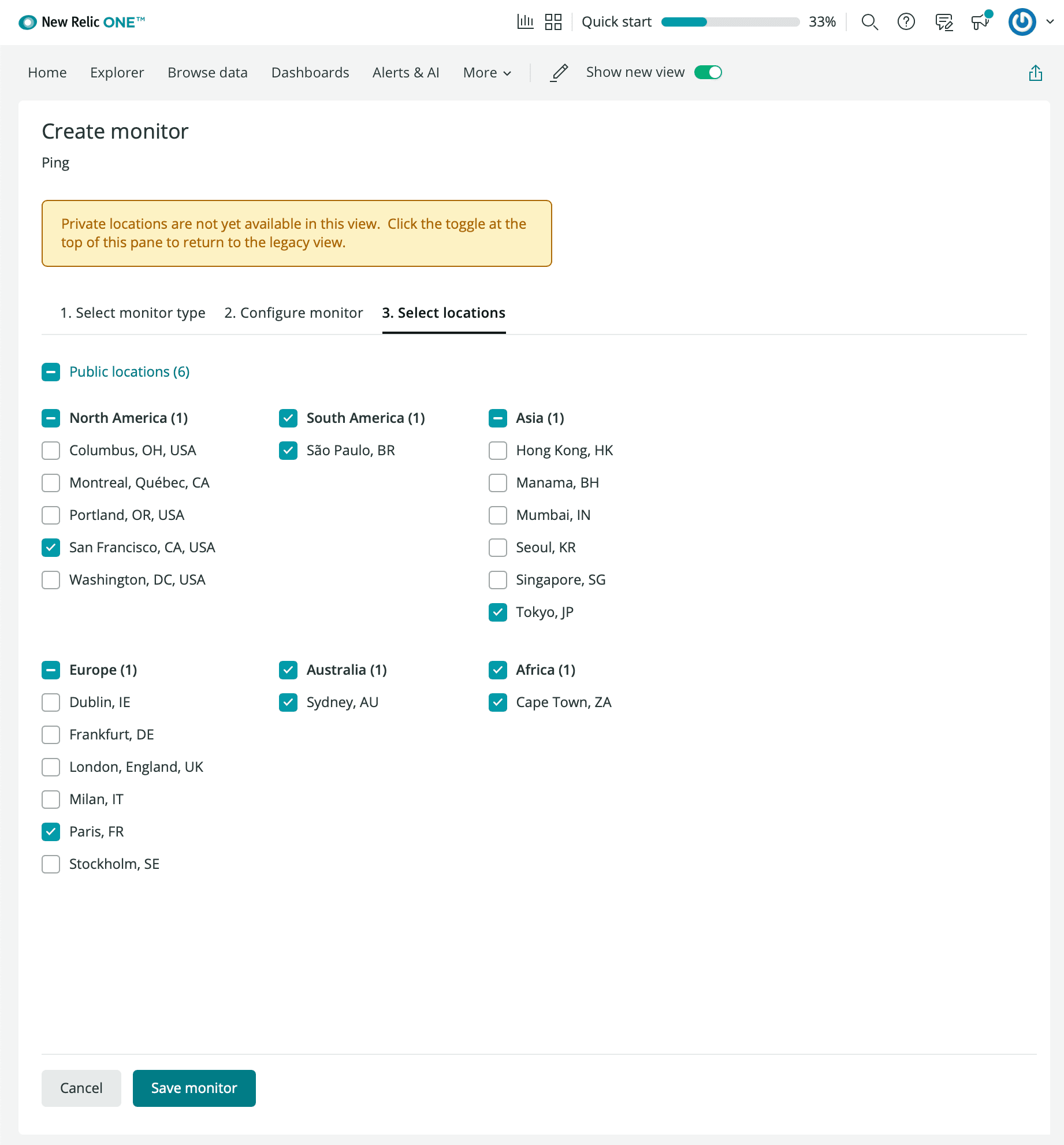
- Nhập tên giám sát, URL bạn muốn theo dõi, chu kỳ và các vị trí ưu tiên.
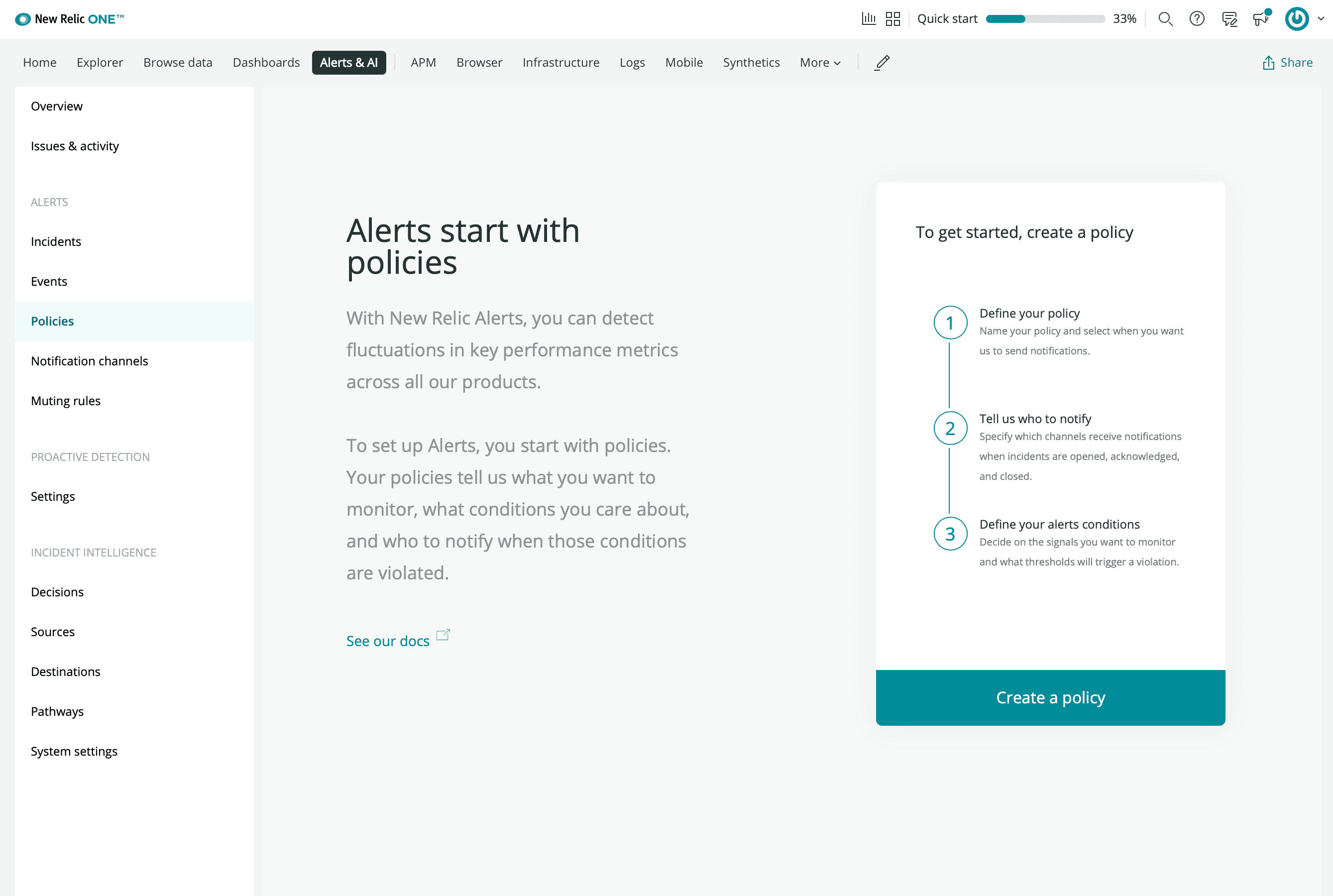
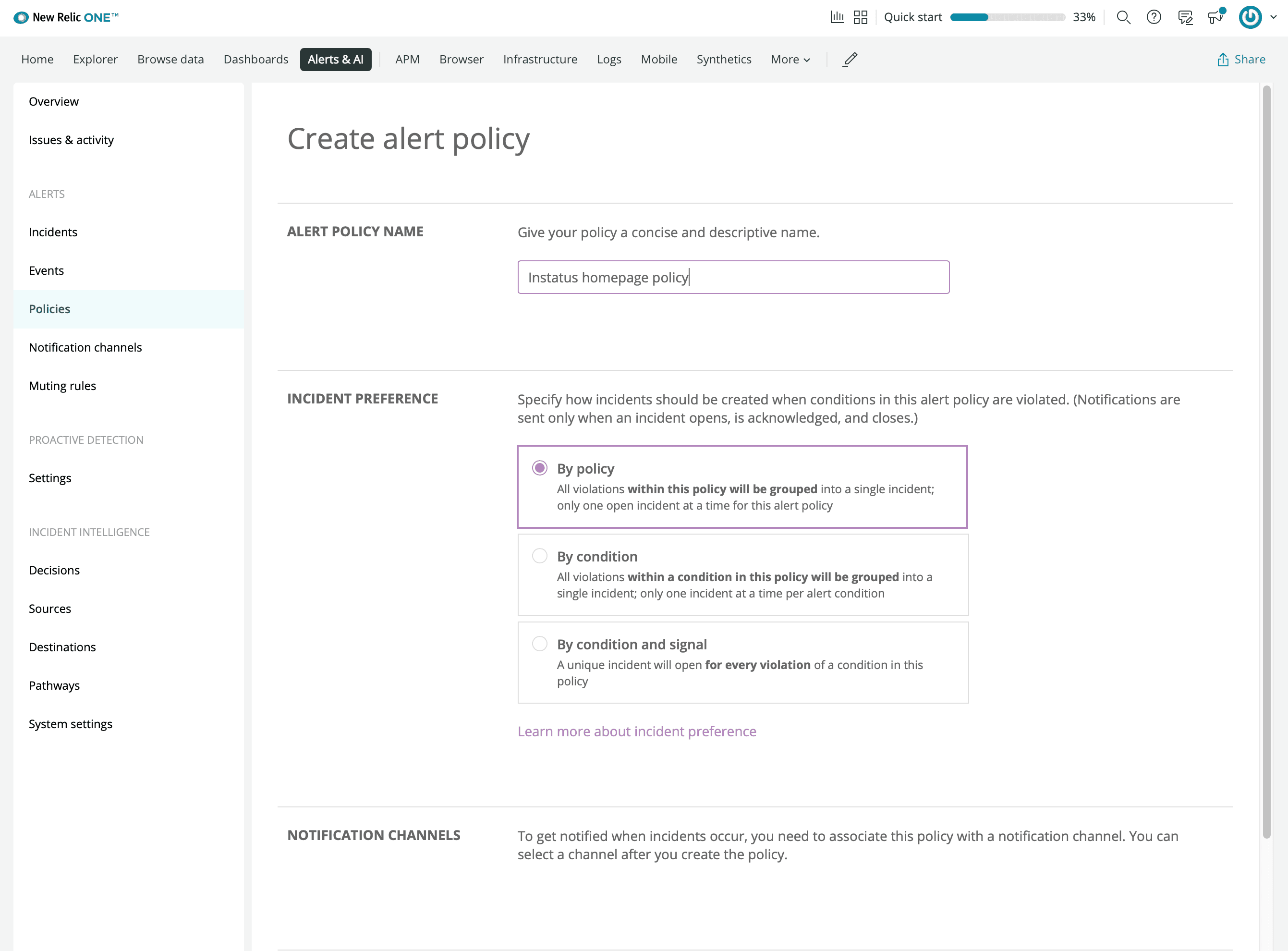
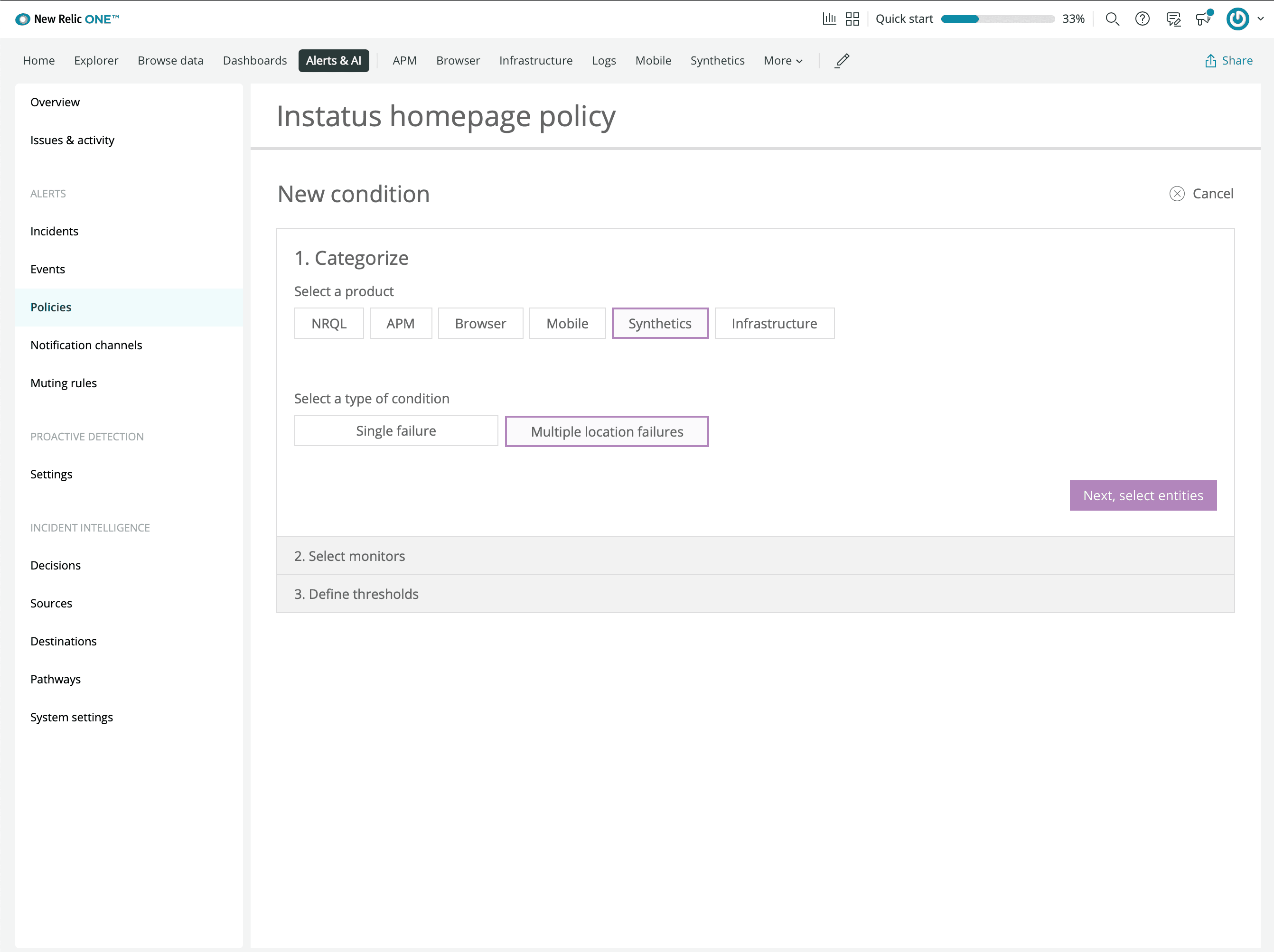
- Nhấp manage alerts và tạo một chính sách
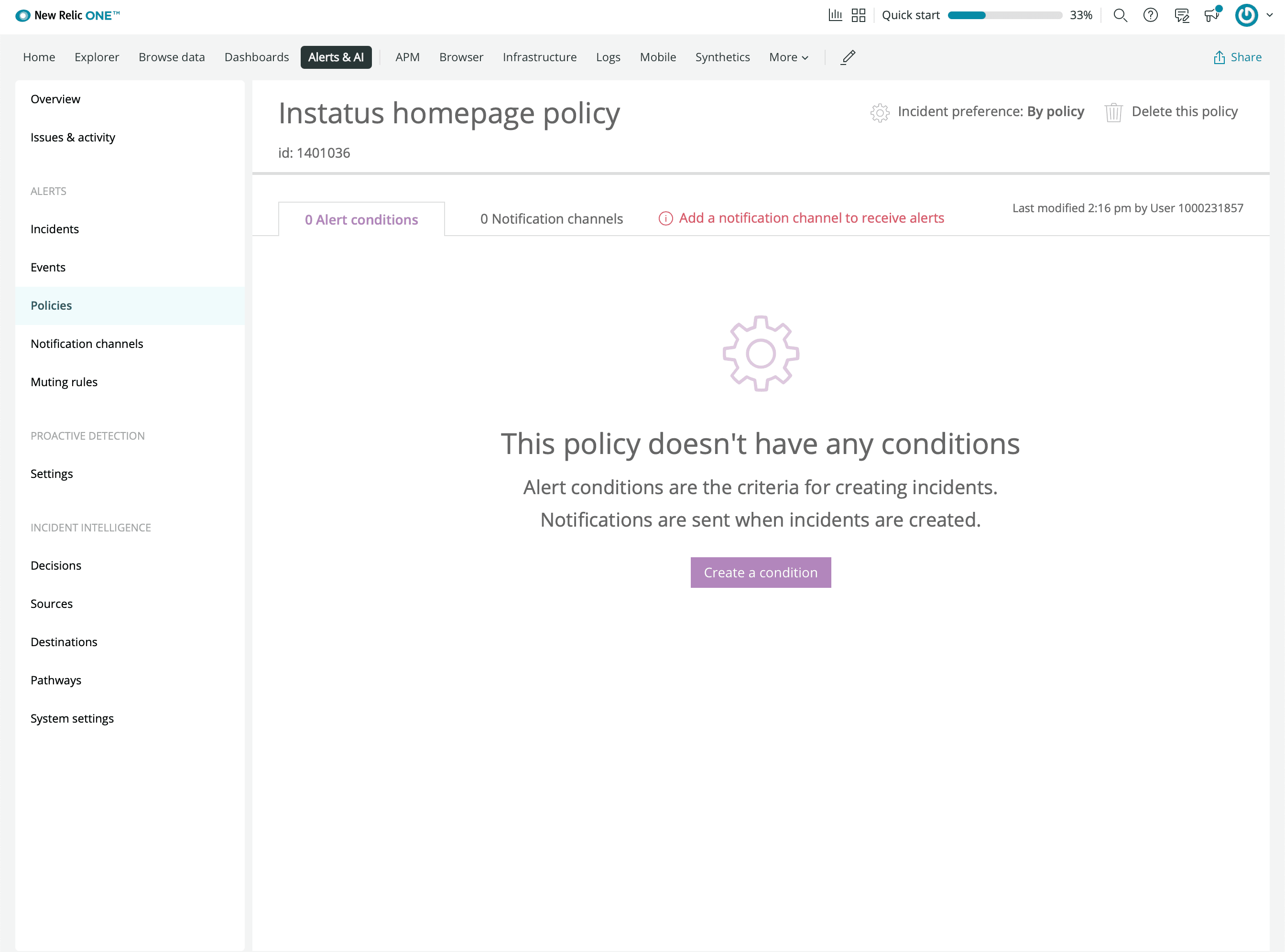
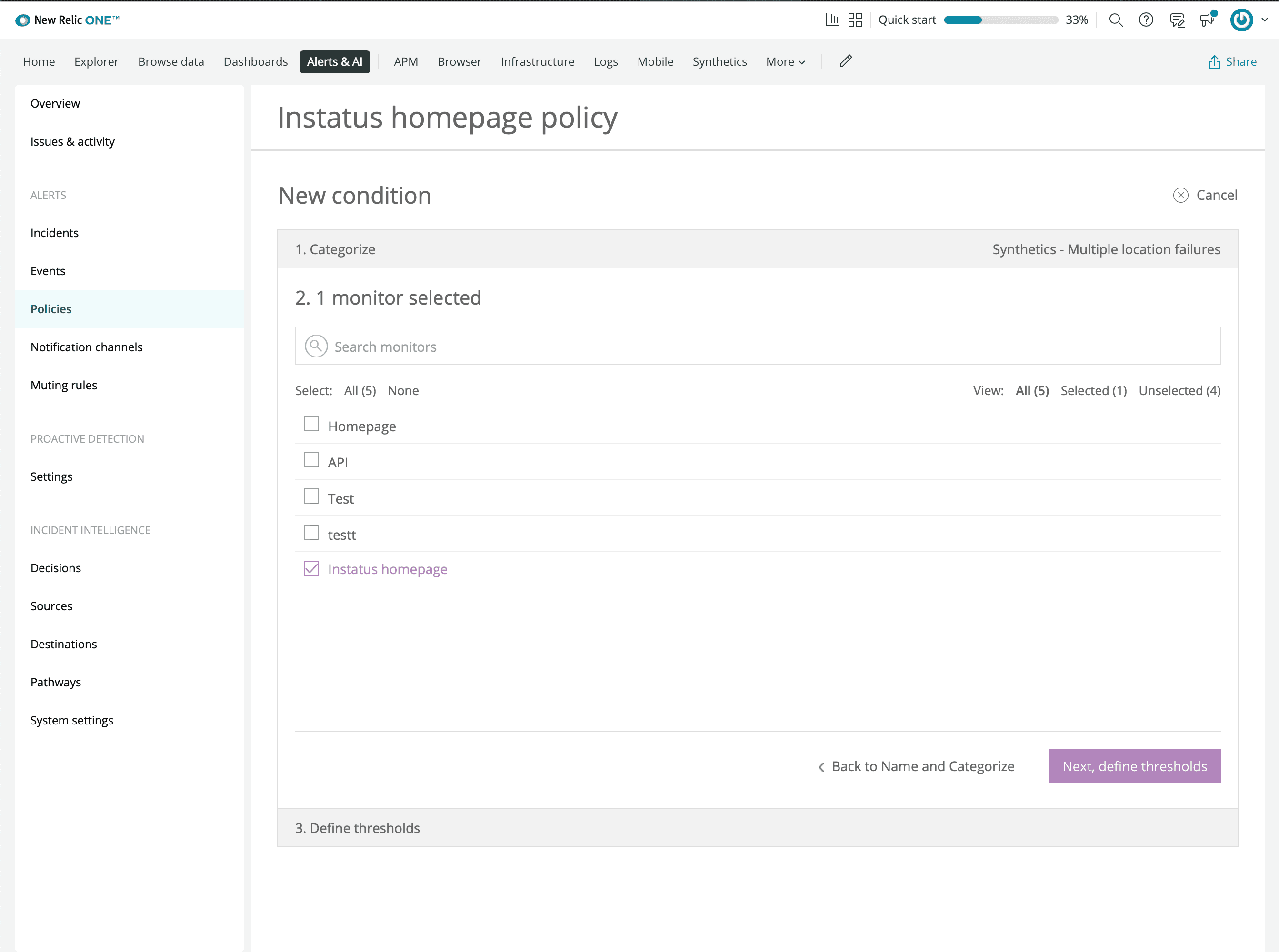
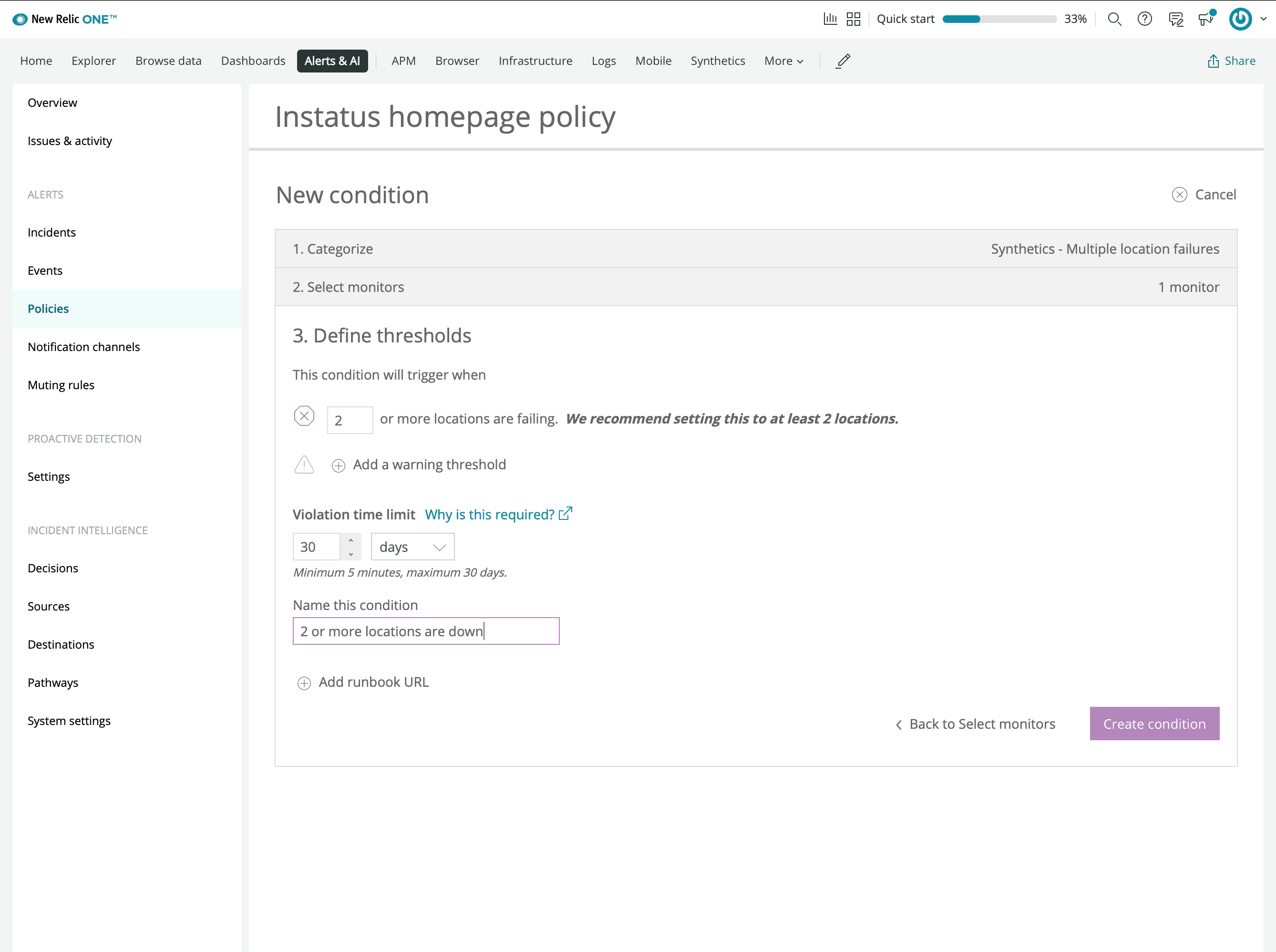
- Tạo một điều kiện
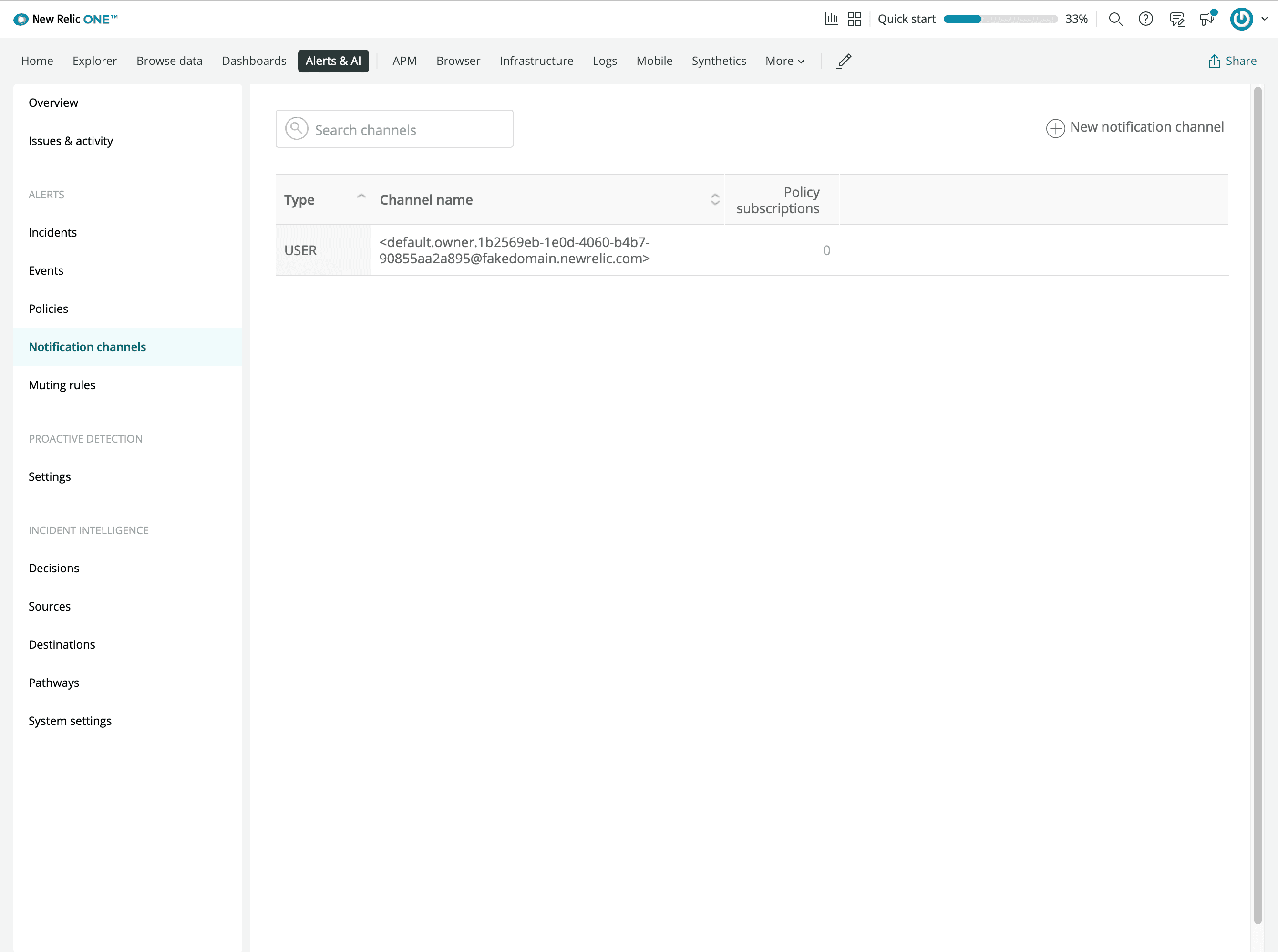
- Thêm kênh thông báo Webhook mới
- Nhập URL webhook bạn đã sao chép từ Instatus
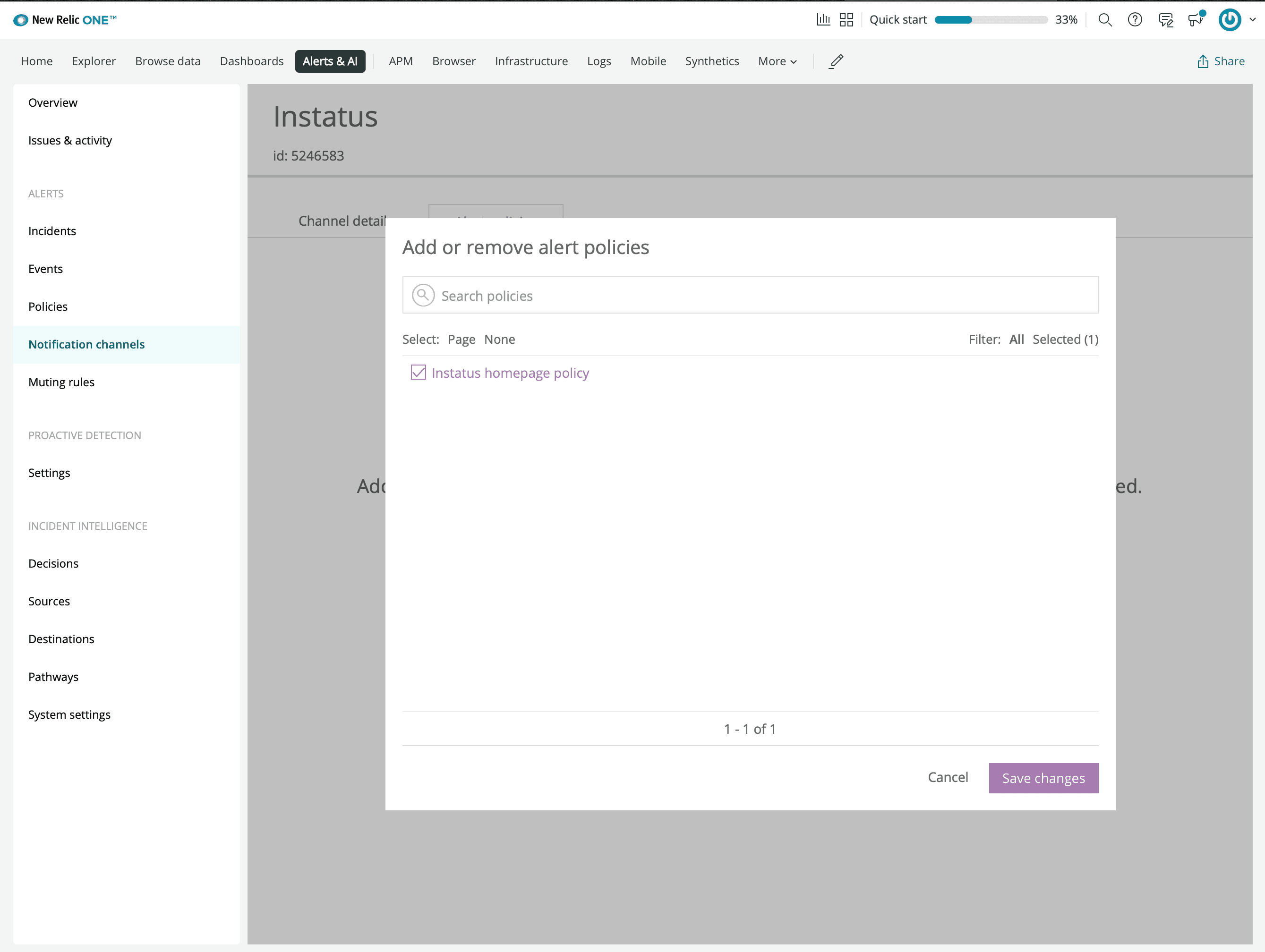
- Kết nối chính sách cảnh báo bạn đã tạo trước đó
- Xong! 🙌