Google Cloud Monitoring
Tự động hóa trang trạng thái bằng Updown.io
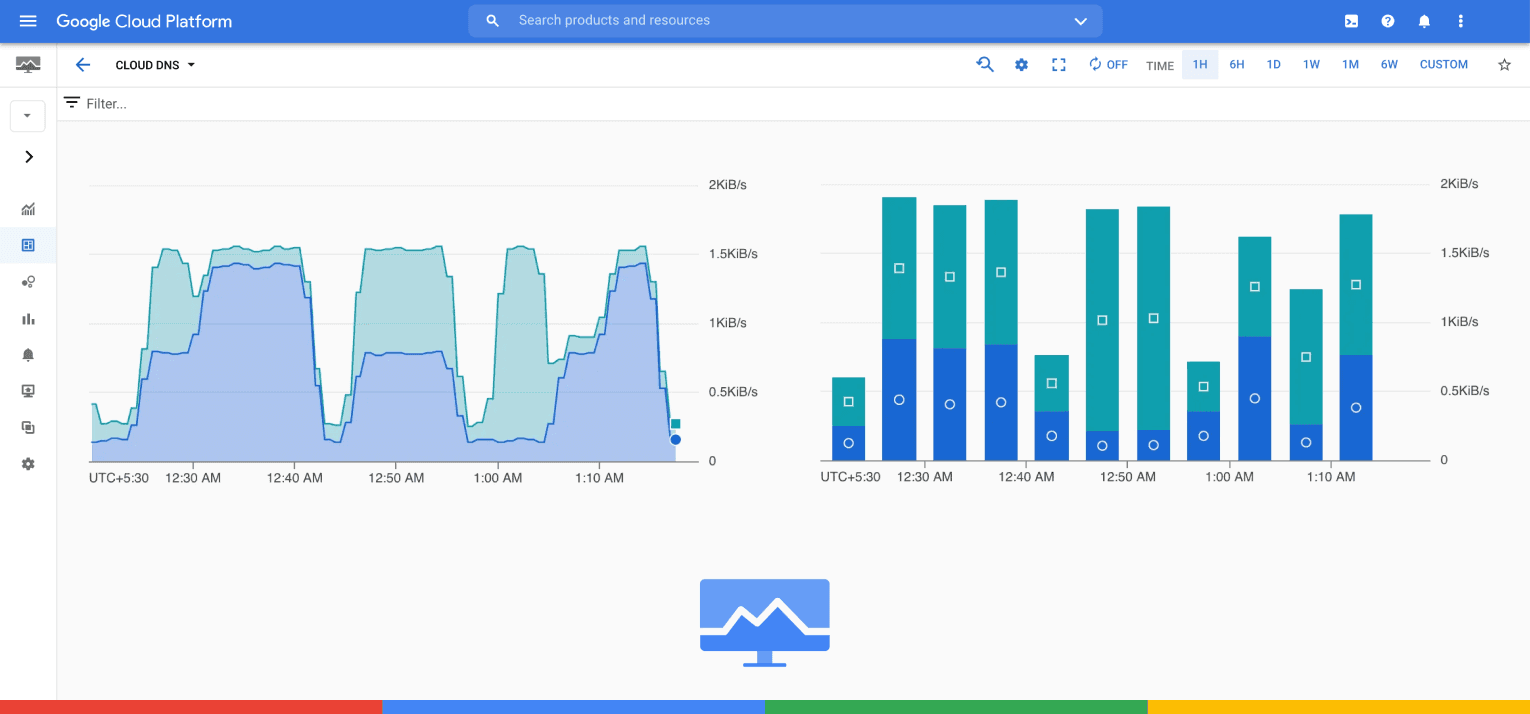
Tích hợp Google Cloud Monitoring với Instatus

Trang trạng thái của bạn được cập nhật

Tùy chỉnh cập nhật bằng mẫu có sẵn
- Đăng nhập Instatus
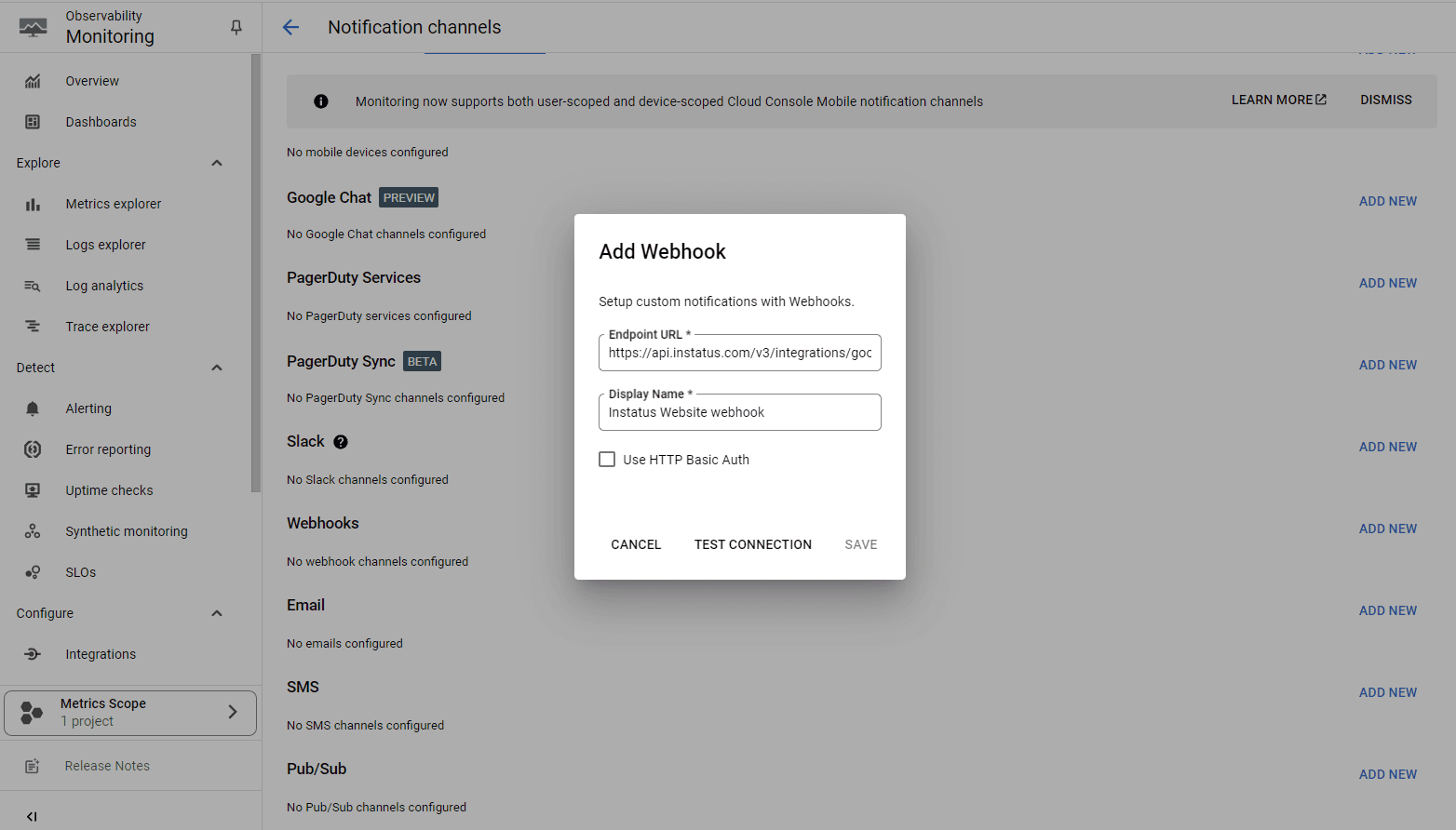
- Tạo webhook Google Cloud Monitoring
- Trong Google Cloud console, vào Alerting để tạo kênh thông báo webhook mới và thêm URL webhook do Instatus tạo.
- Sau đó, hãy đảm bảo bạn chỉ bật đúng cảnh báo webhook cho các kiểm tra tương ứng.
- Xong! 🎉