Datadog
Tự động hóa trang trạng thái bằng Datadog
Cập nhật trang khi một bài kiểm tra thất bại hoặc phục hồi

Trang trạng thái của bạn được cập nhật

Tùy chỉnh cập nhật bằng mẫu có sẵn
- Tạo webhook Datadog
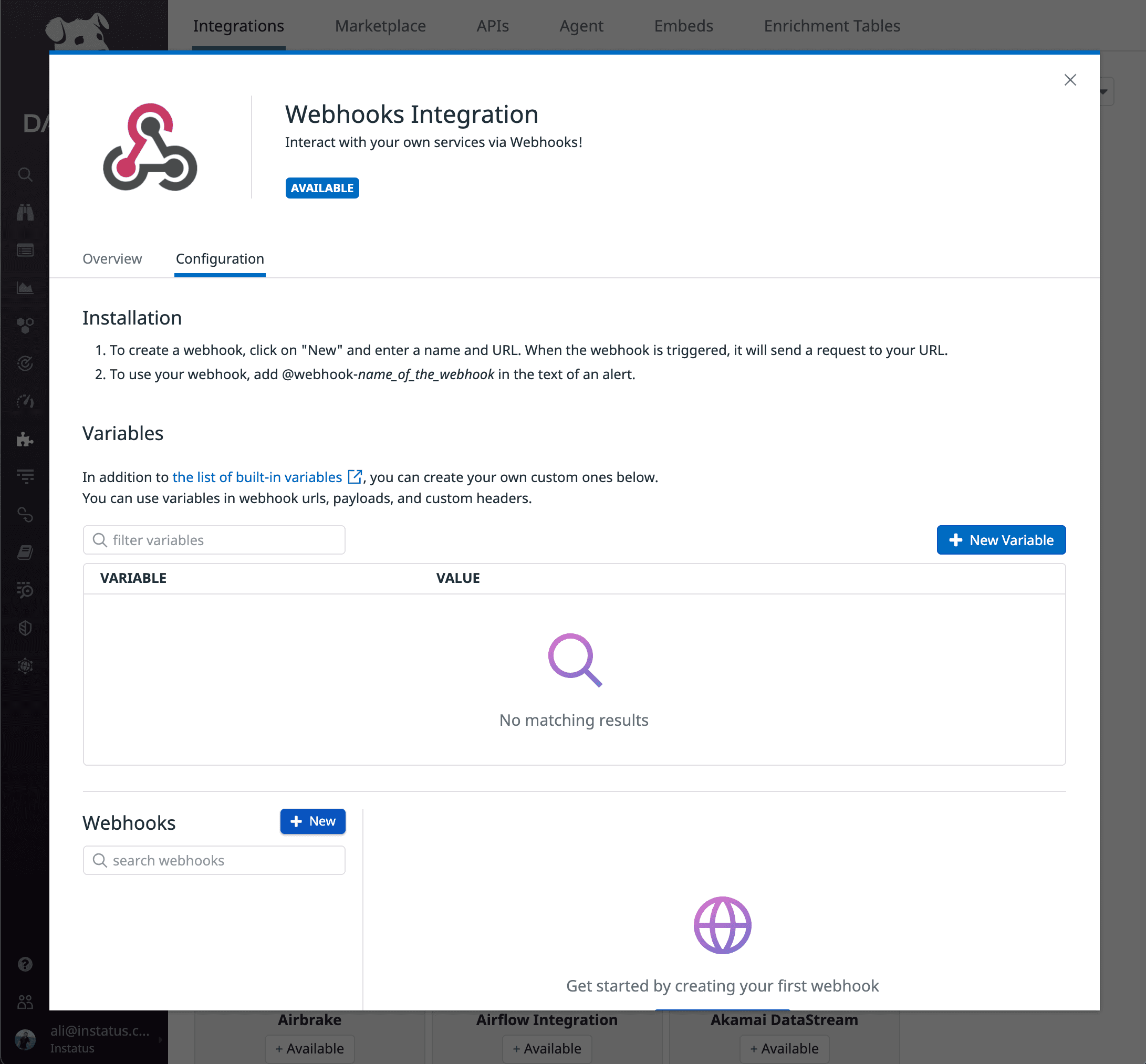
- Đăng nhập tài khoản Datadog và vào Integrations.
- Tạo tích hợp Webhook mới
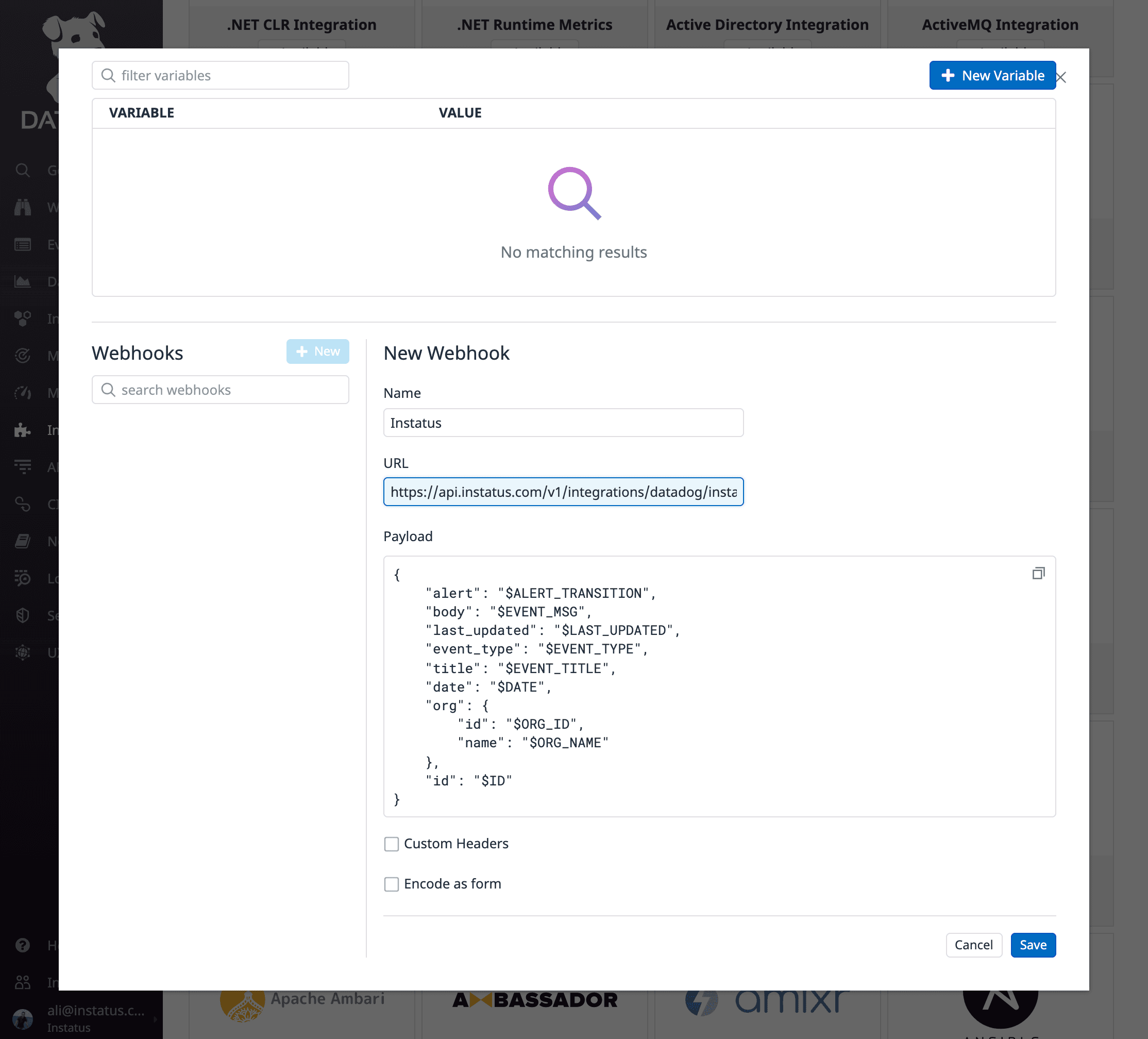
- Thêm tên và URL webhook Instatus bạn đã sao chép
- Hãy chắc chắn thêm
alertgiá trị vào payload của bạn: - Nhấp Lưu
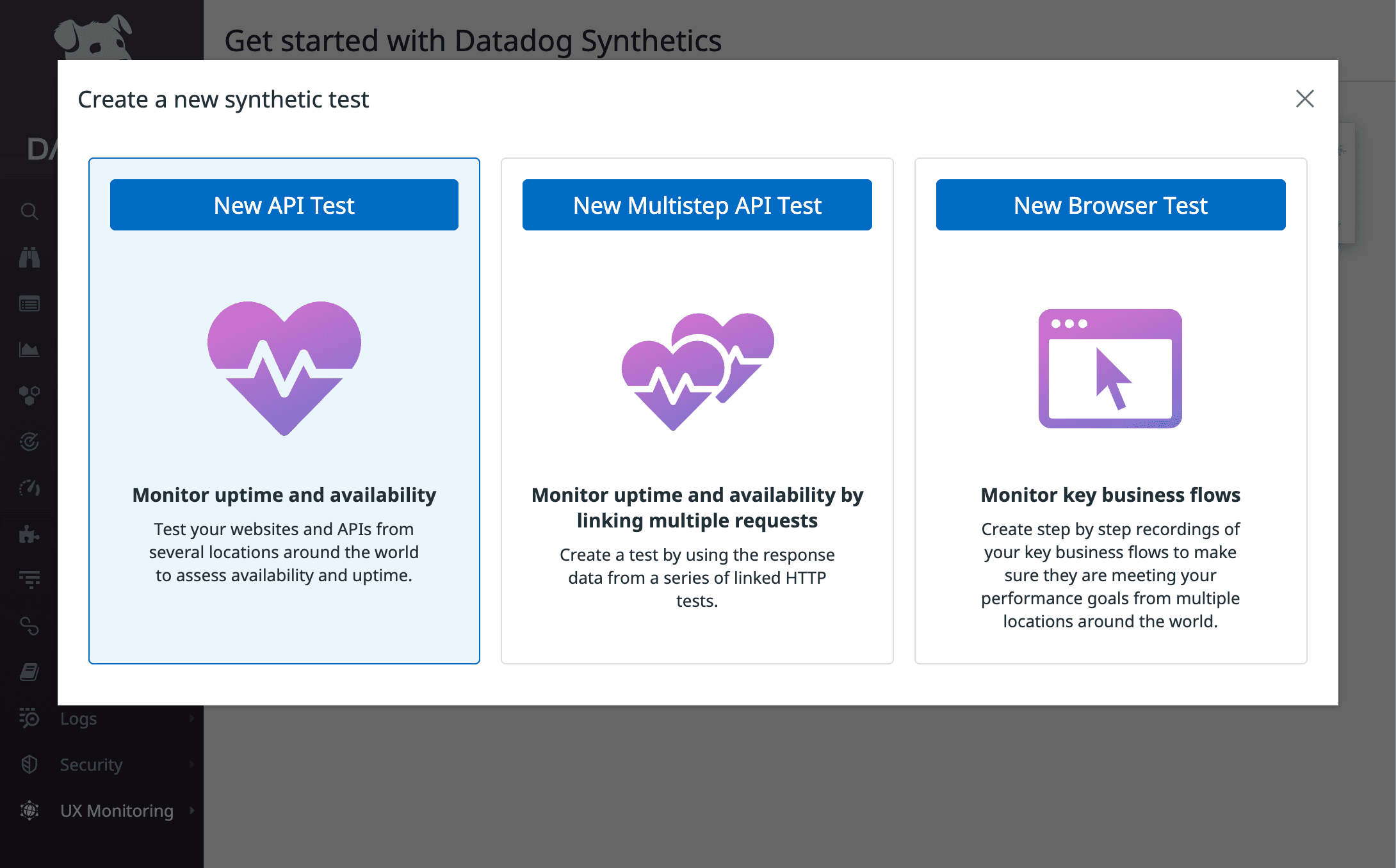
- Tạo bài kiểm tra API mới
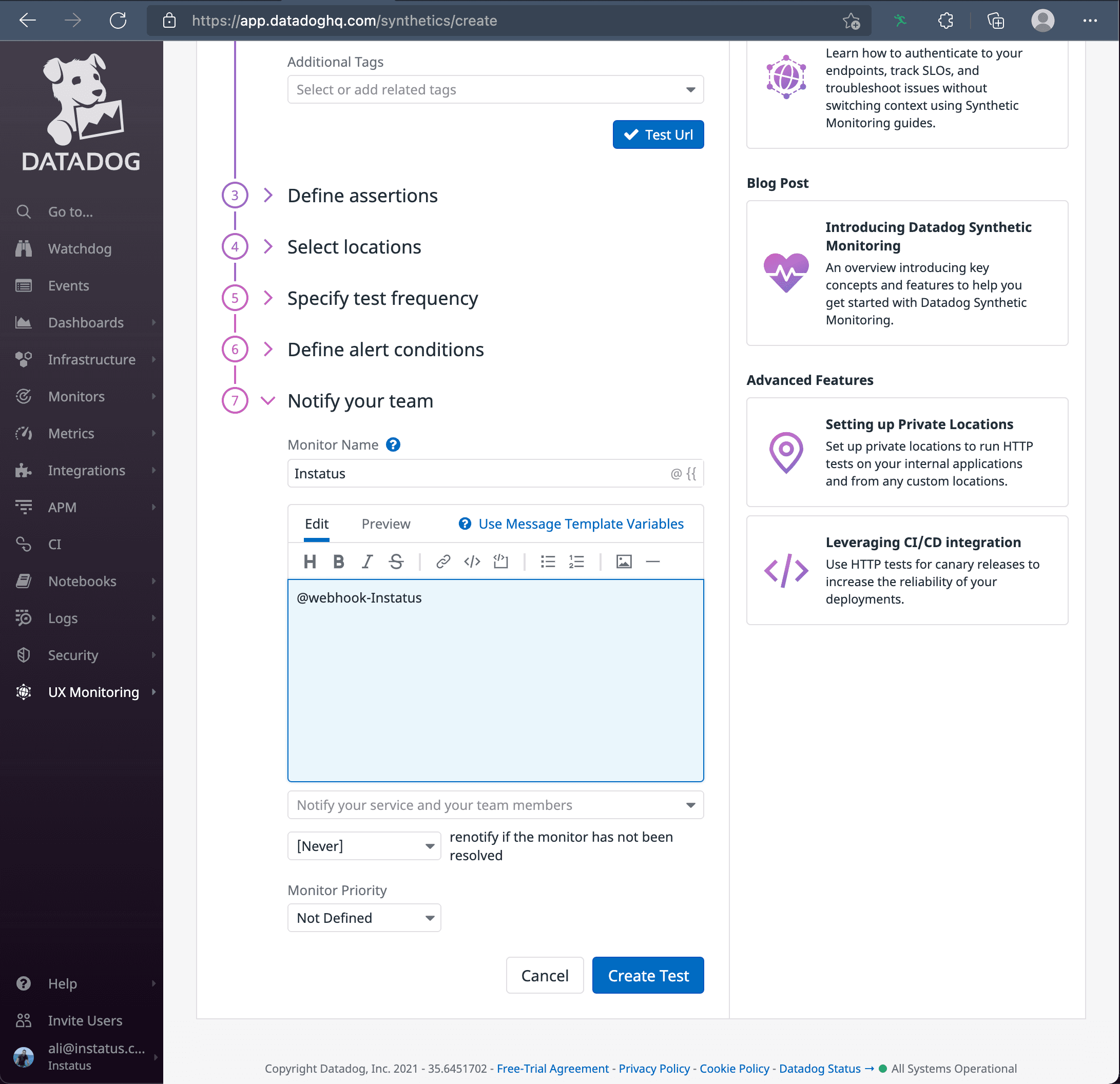
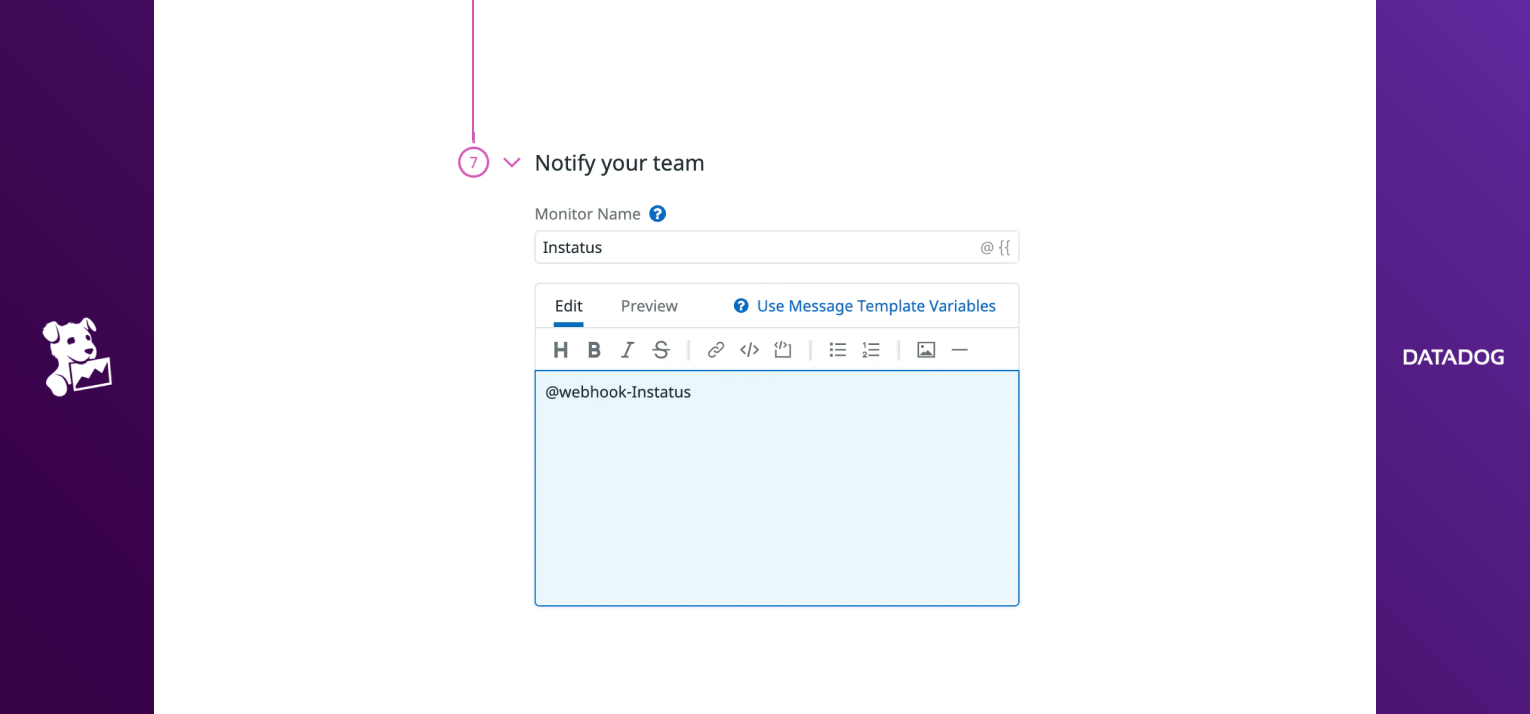
- Hãy đảm bảo thông báo tới tích hợp webhook bạn đã tạo
- Xong! 🙌
{"alert": "$ALERT_TRANSITION","body": "$EVENT_MSG","last_updated": "$LAST_UPDATED","event_type": "$EVENT_TYPE","title": "$EVENT_TITLE","date": "$DATE","org": {"id": "$ORG_ID","name": "$ORG_NAME"},"id": "$ID"}