Pingdom
Автоматизуйте сторінку статусу за допомогою Pingdom
Оновлюйте сторінку, коли перевірка падає або відновлюється

Ваша сторінка статусу оновлюється

Налаштовуйте оновлення за допомогою шаблонів
- Створіть вебхук Pingdom
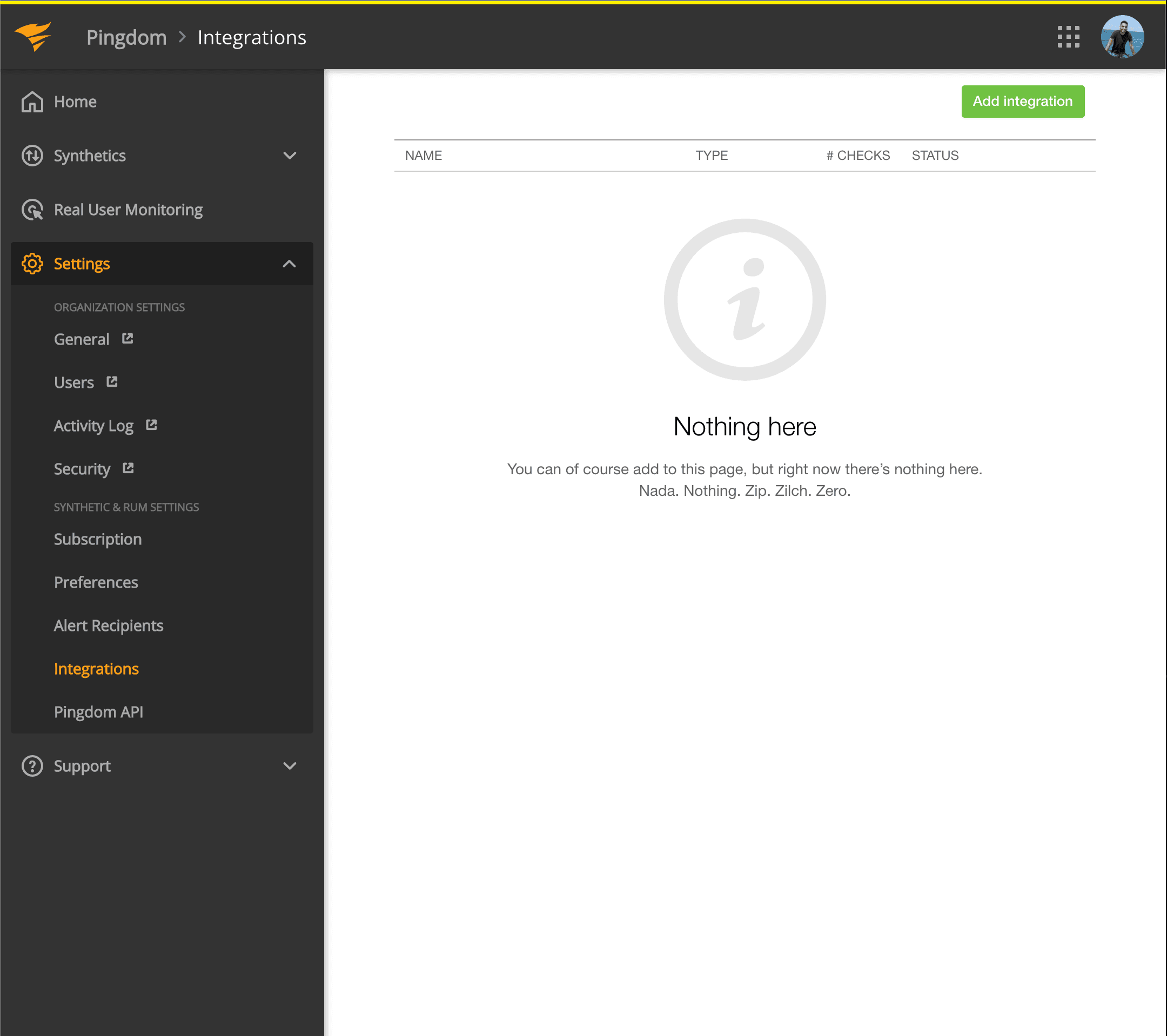
- Відкрийте панель Pingdom. Натисніть Settings → Integrations
- Натисніть кнопку Add integration
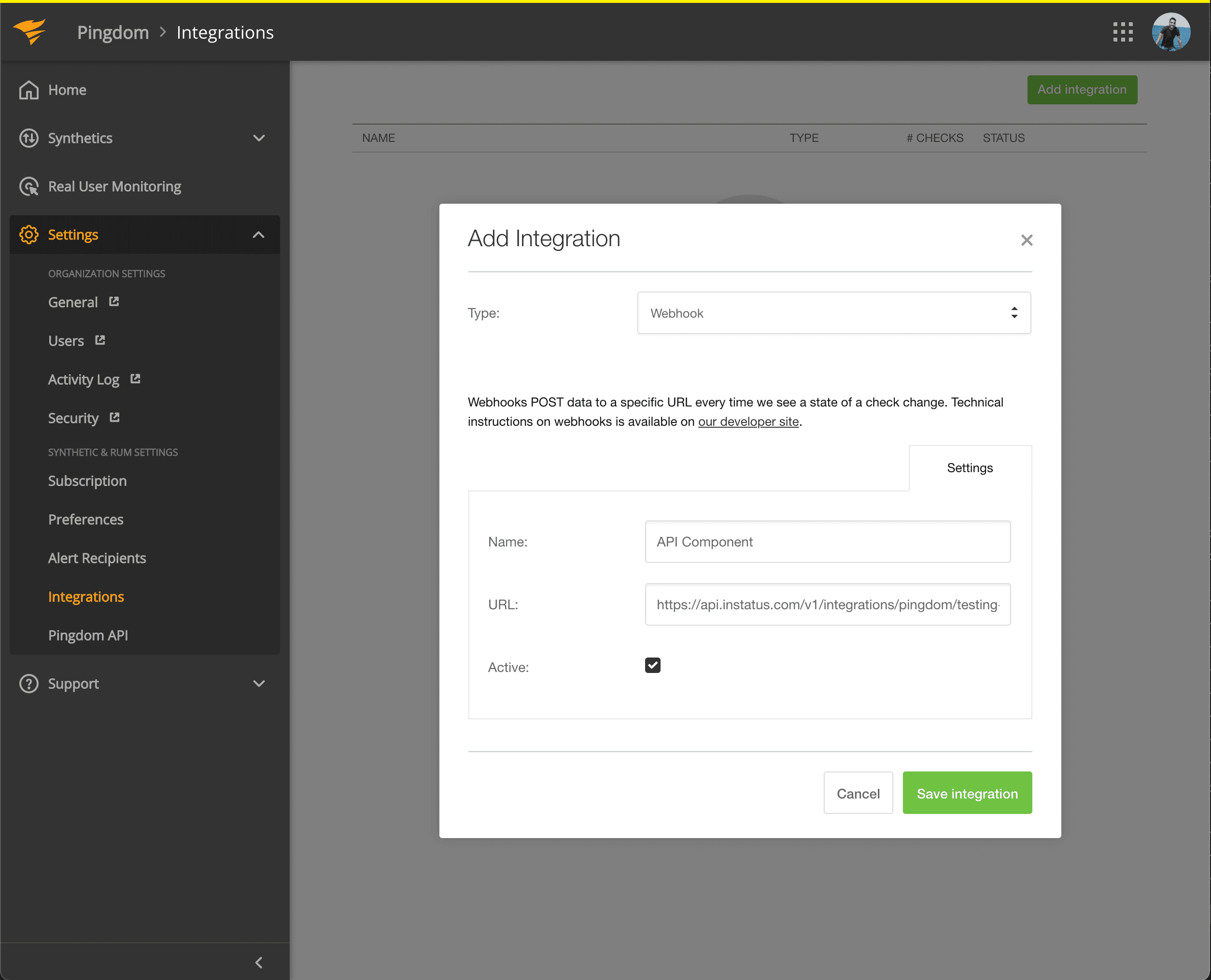
- Виберіть тип Webhook, вкажіть назву та URL вебхука щойно скопійованого компонента.
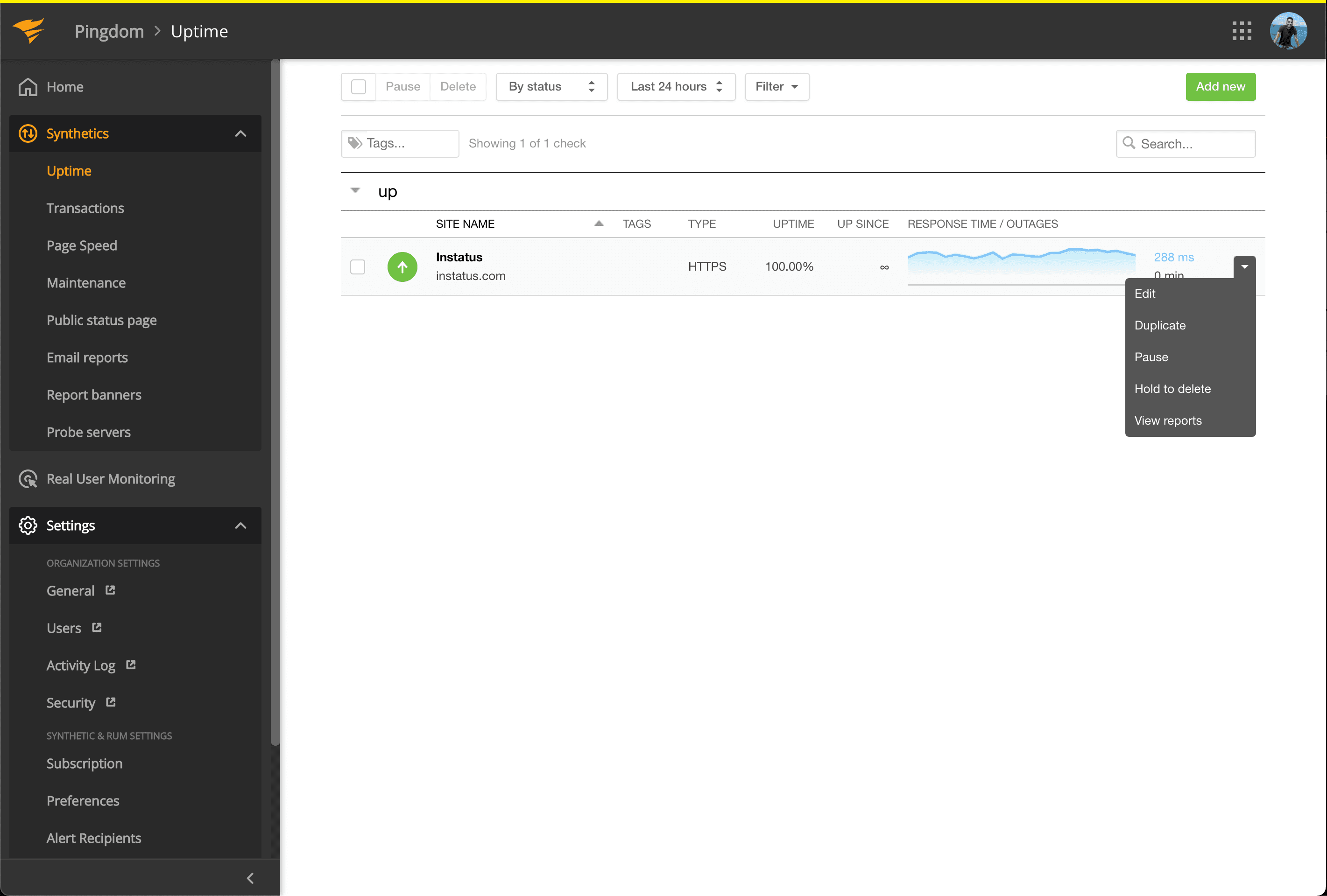
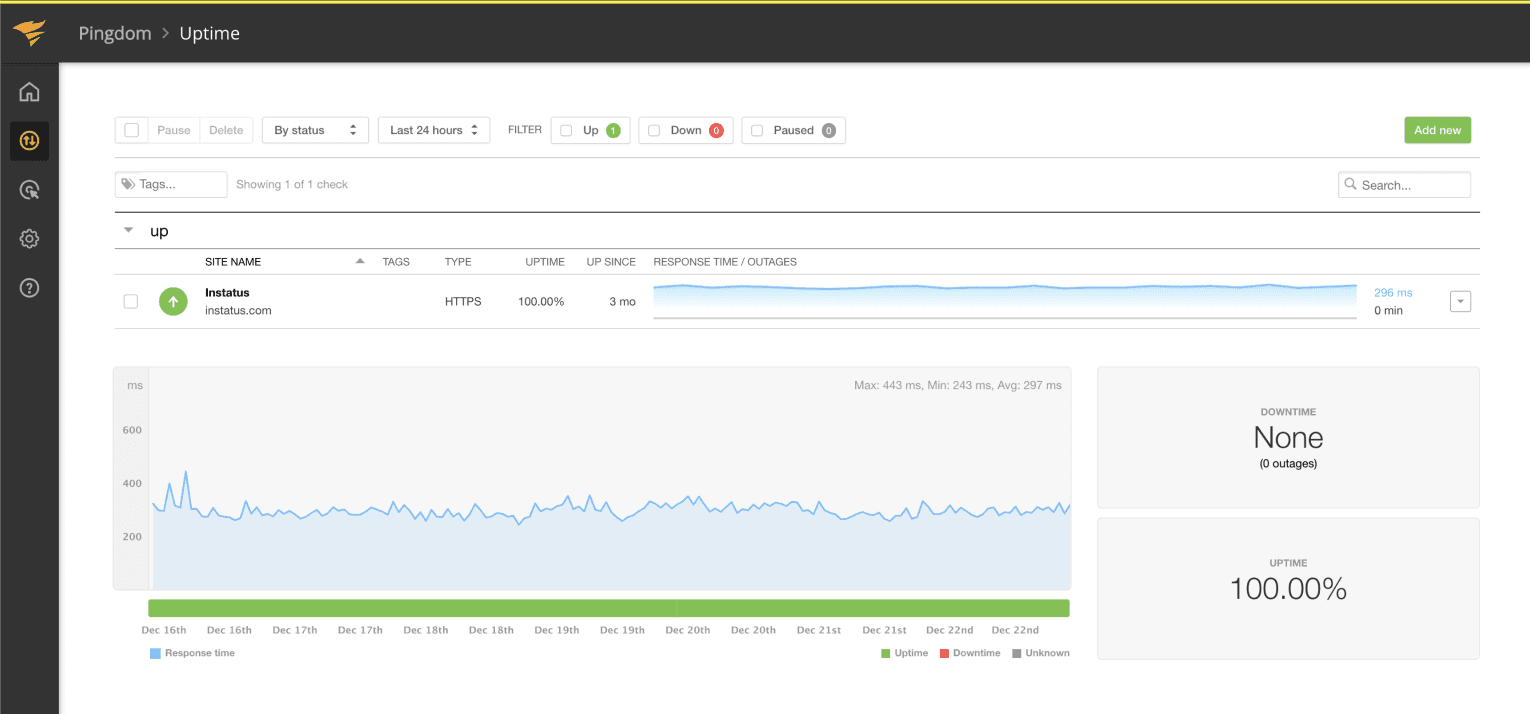
- Перейдіть до Synthetics → Uptime
- Відредагуйте перевірку Uptime, пов’язану з компонентом, який хочете автоматизувати.
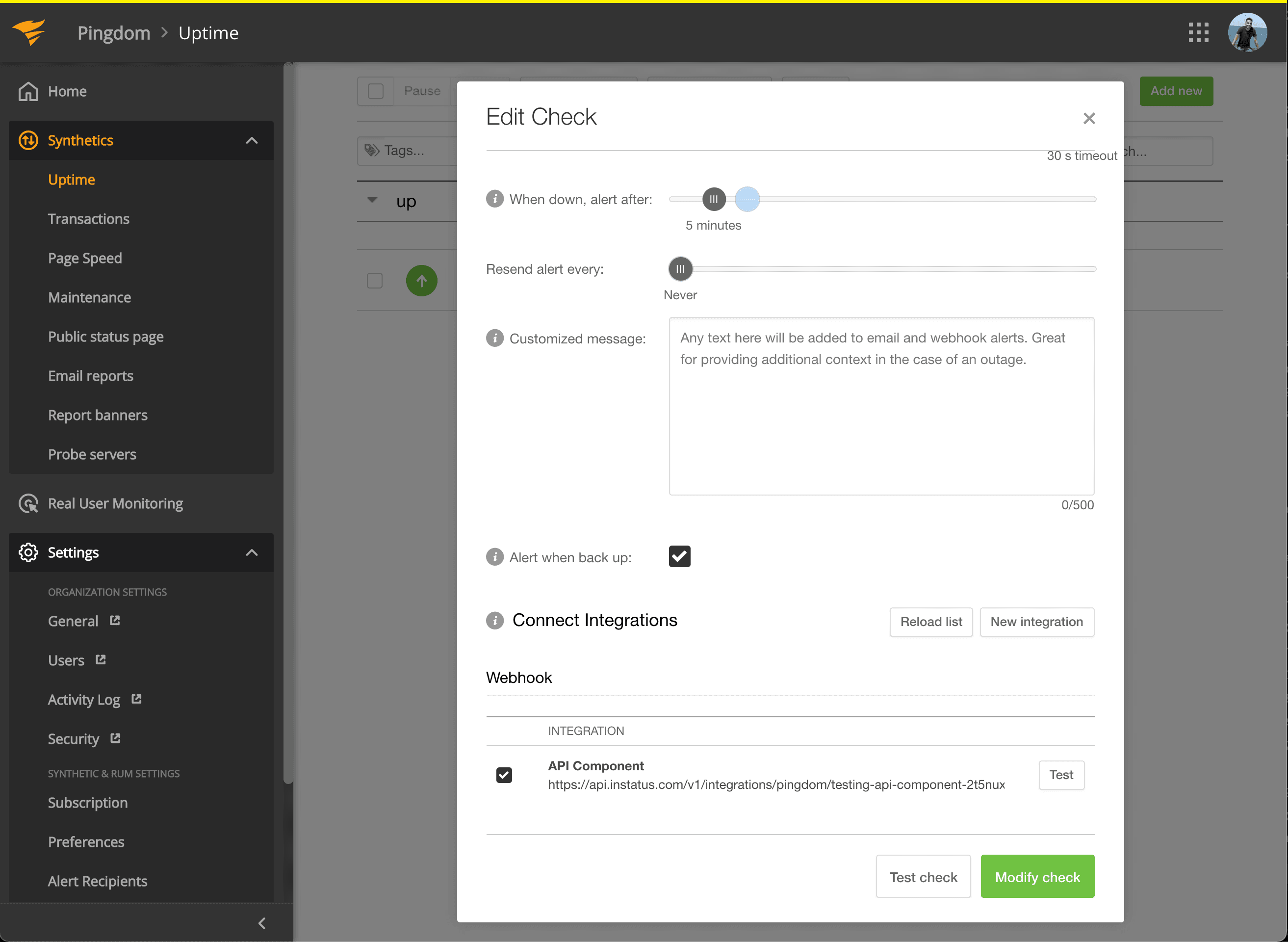
- У розділі Connect Integrations позначте створену інтеграцію та натисніть modify check!
- Готово! 🍪