Site24x7
Site24x7 ile durum sayfanızı otomatikleştirin
Bir kontrol başarısız olduğunda veya düzeldiğinde sayfanızı güncelleyin

Durum sayfanız güncellenir

Şablonlarla güncellemeleri özelleştirin
- Site24x7 webhook’u oluşturun
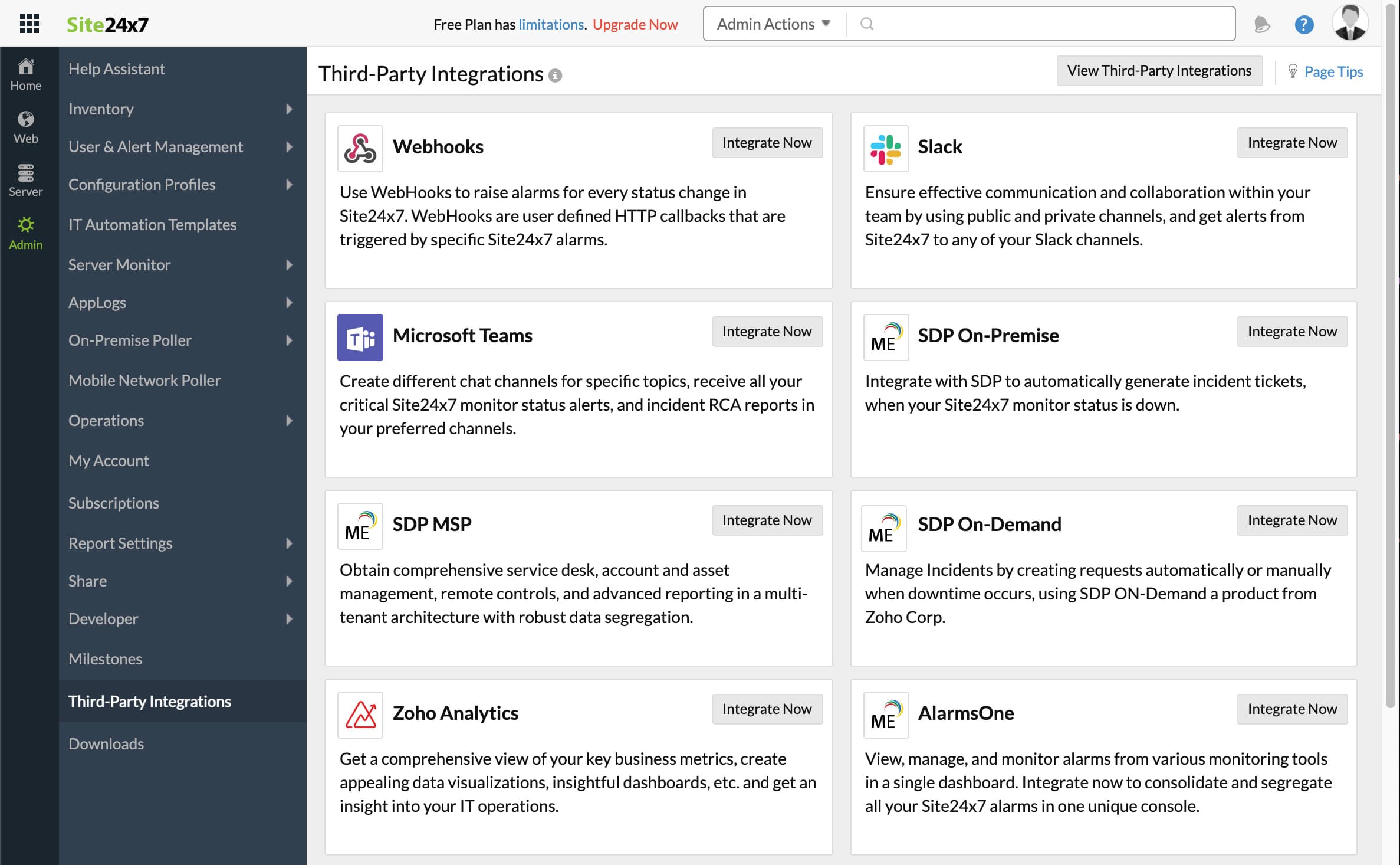
- Site24x7 kontrol panelinizi açın. Admin’e, ardından Third-Party integrations’a tıklayın
- Add Third-Party Integration’a, ardından Webhooks (Integrate Now)’a tıklayın.
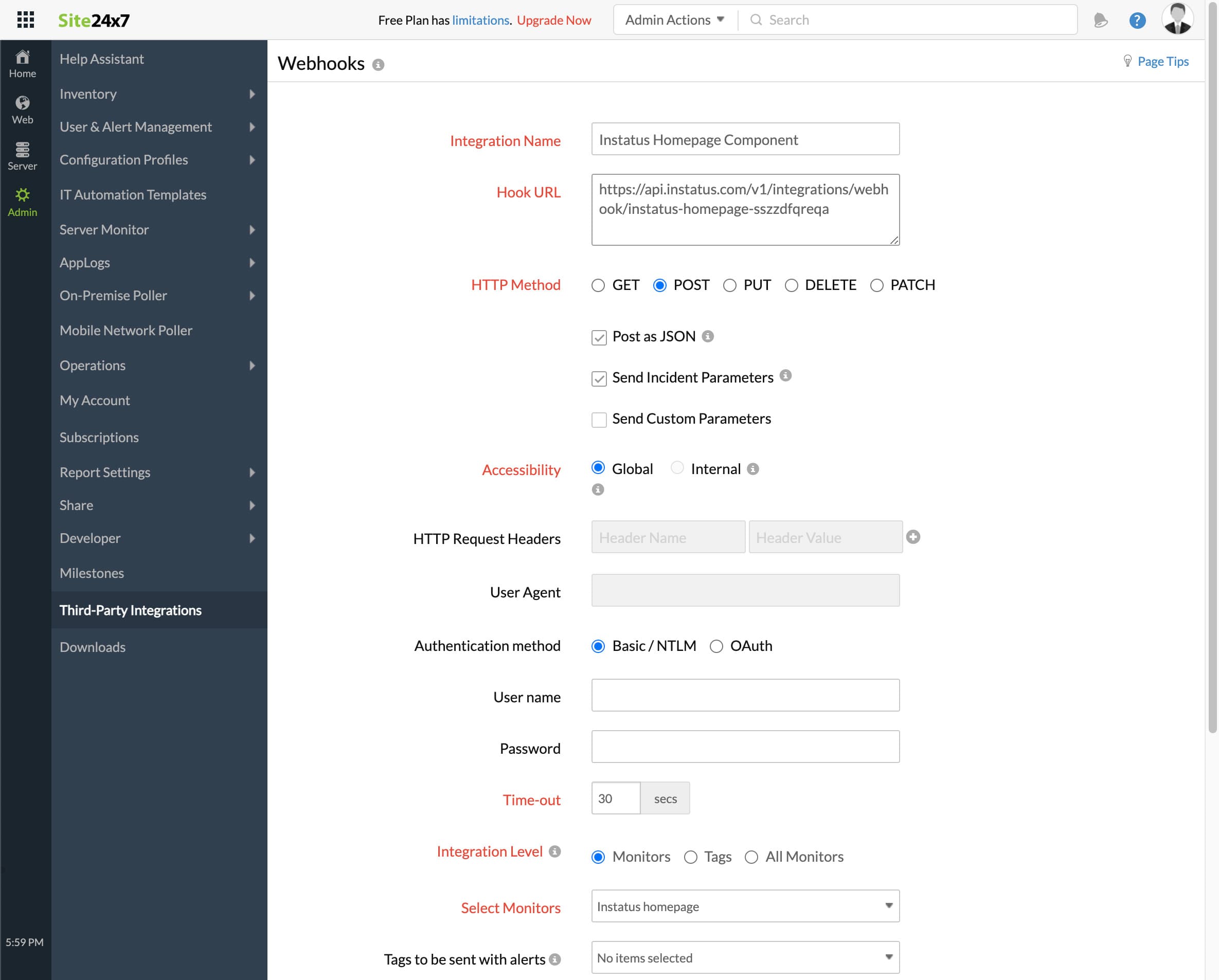
- Formu doldurun
- Herhangi bir entegrasyon adı ekleyin
- Daha önce kopyaladığınız webhook URL’si
- HTTP method `POST`
- Şu onay kutularının seçili olduğundan emin olun:
- Post as JSON and Send Incident Parameters
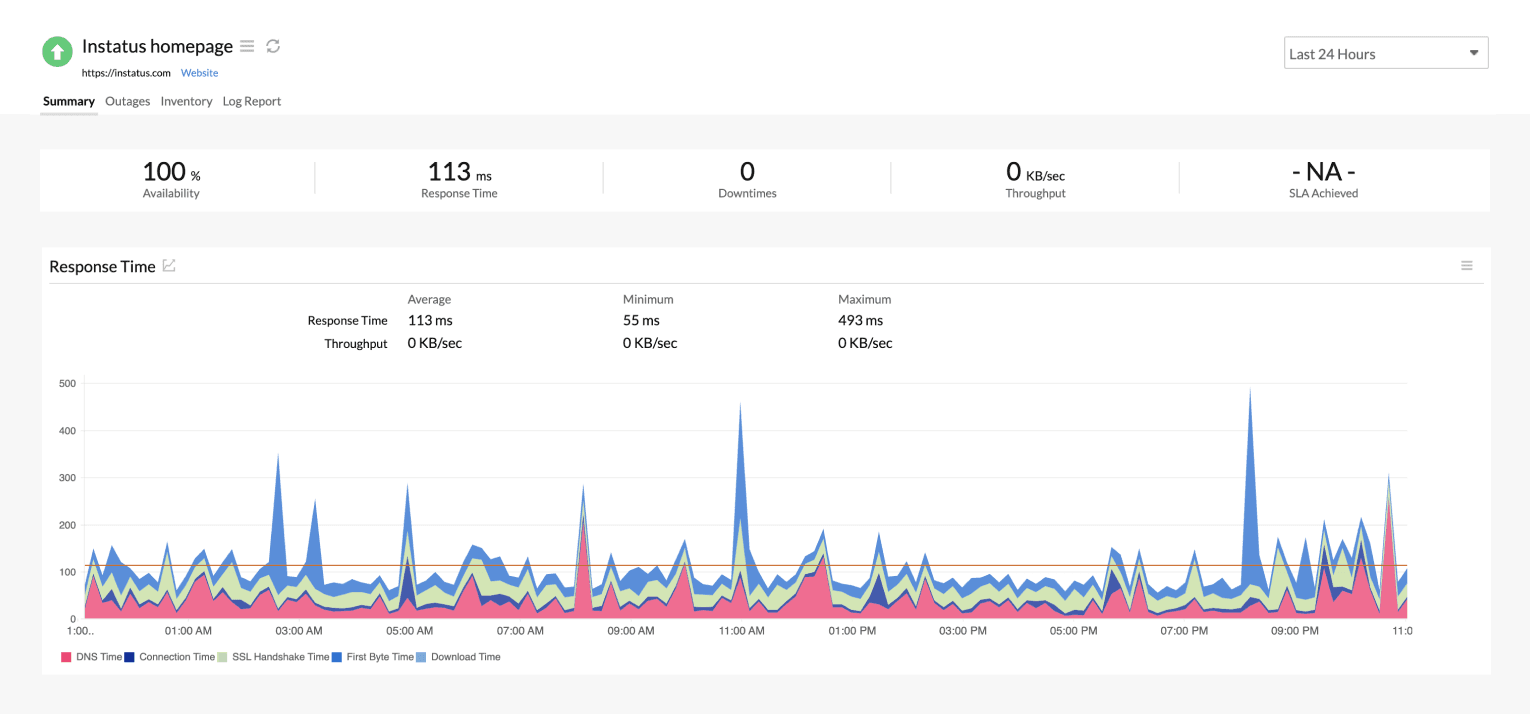
- Entegrasyon düzeyi: bu bileşene karşılık gelen izleyiciyi seçin
- İzleyiciniz Critical veya Trouble durumundayken olay tetiklemek için isteğinize göre evet ya da hayır seçin
- Kaydet’e tıklayın!
- Bitti! 🎉