New Relic
New Relic ile durum sayfanızı otomatikleştirin
Bir kontrol başarısız olduğunda veya düzeldiğinde sayfanızı güncelleyin

Durum sayfanız güncellenir

Şablonlarla güncellemeleri özelleştirin
- New Relic webhook’u oluşturun
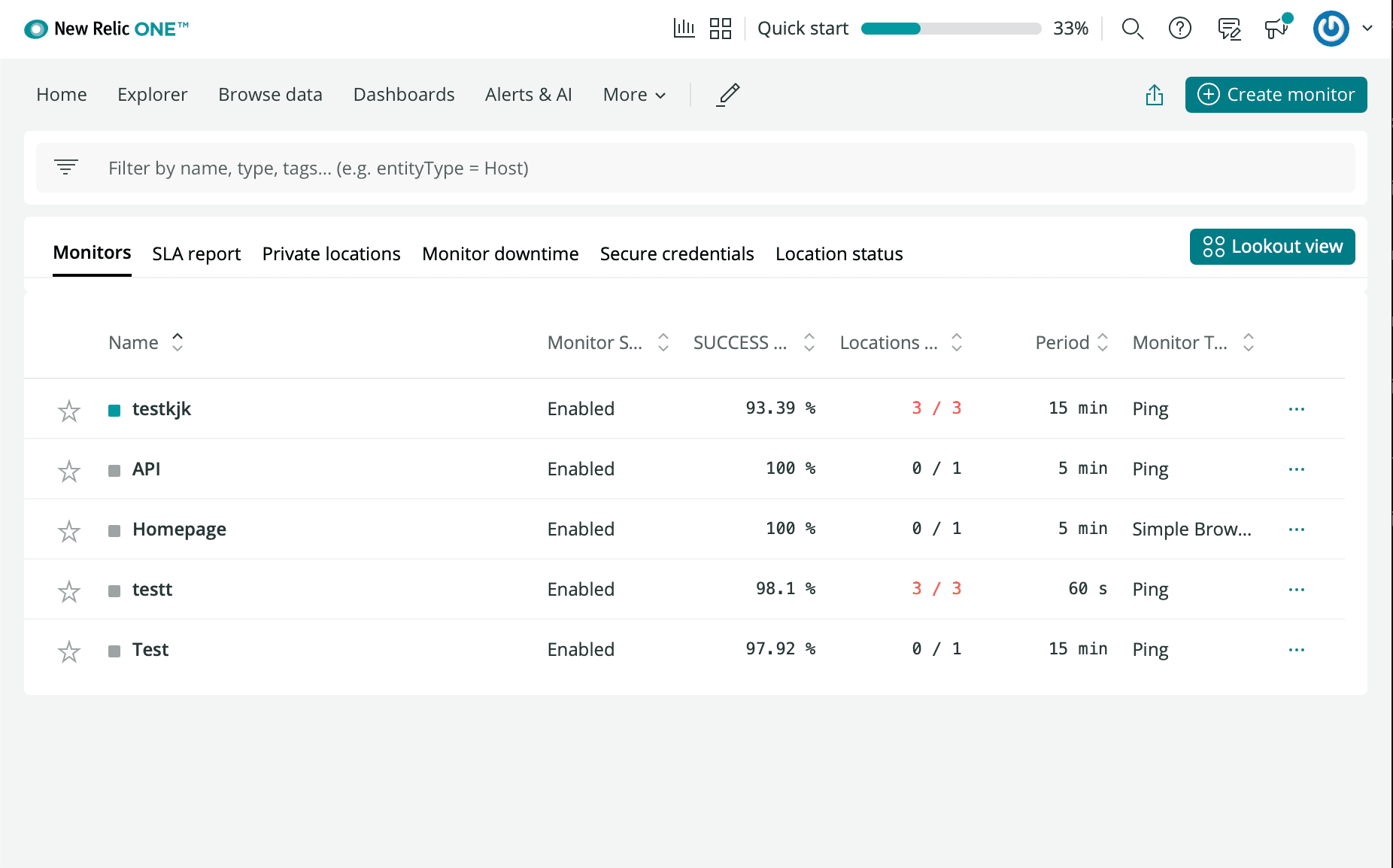
- New Relic hesabınıza giriş yapın ve Synthetics bölümüne gidin
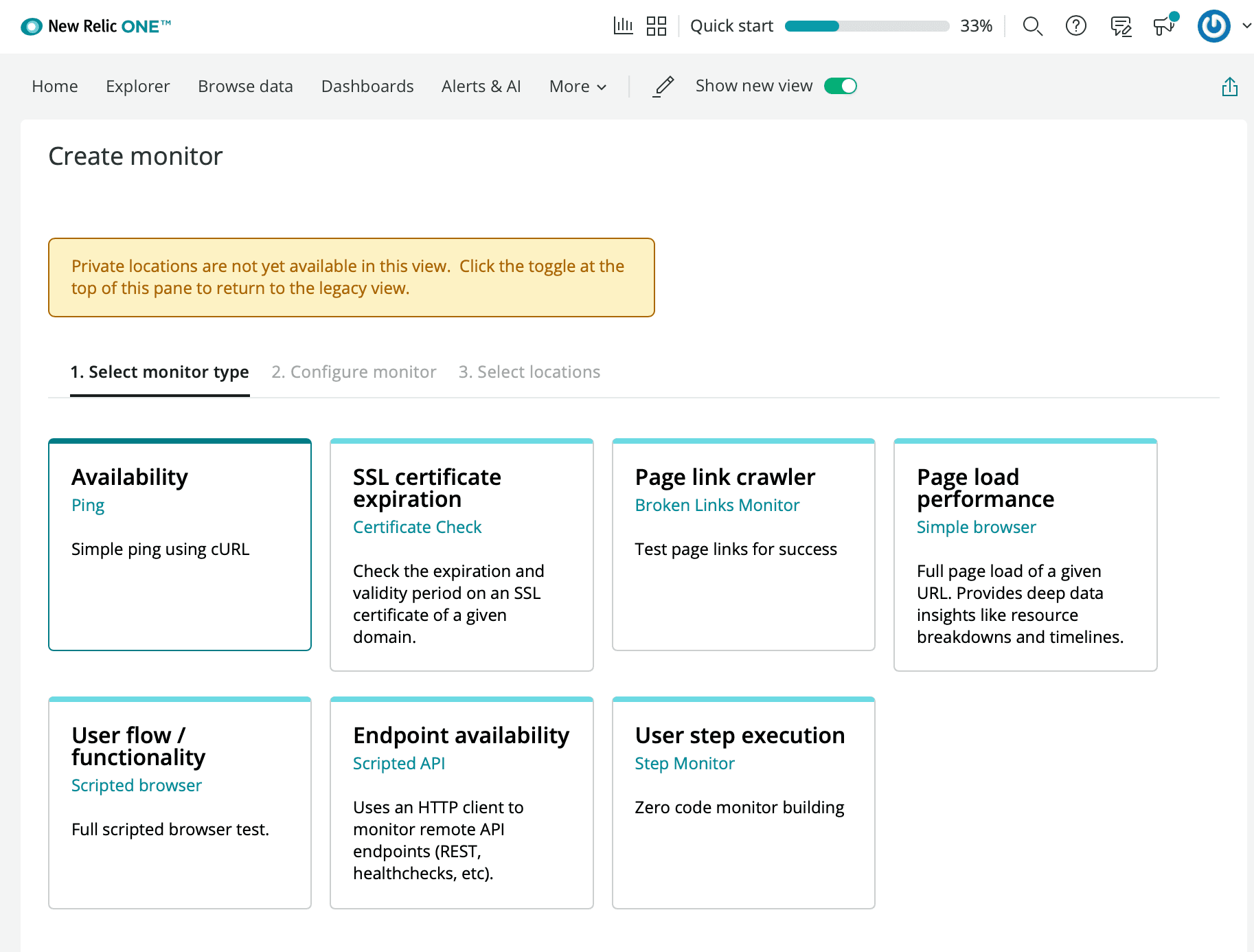
- Create a new Monitor’a tıklayın
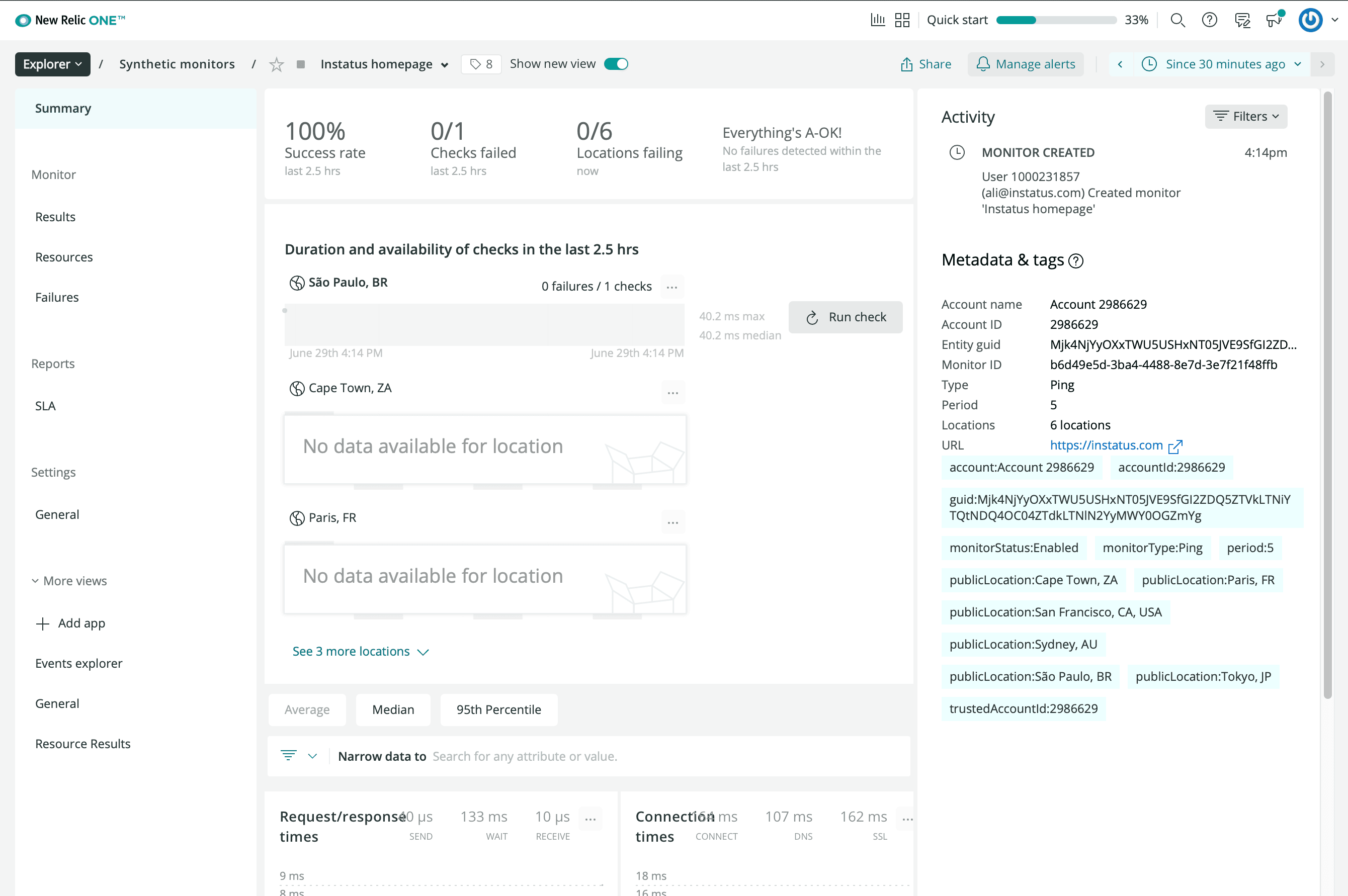
- İstediğiniz kullanılabilirlik izleyici türünü seçin
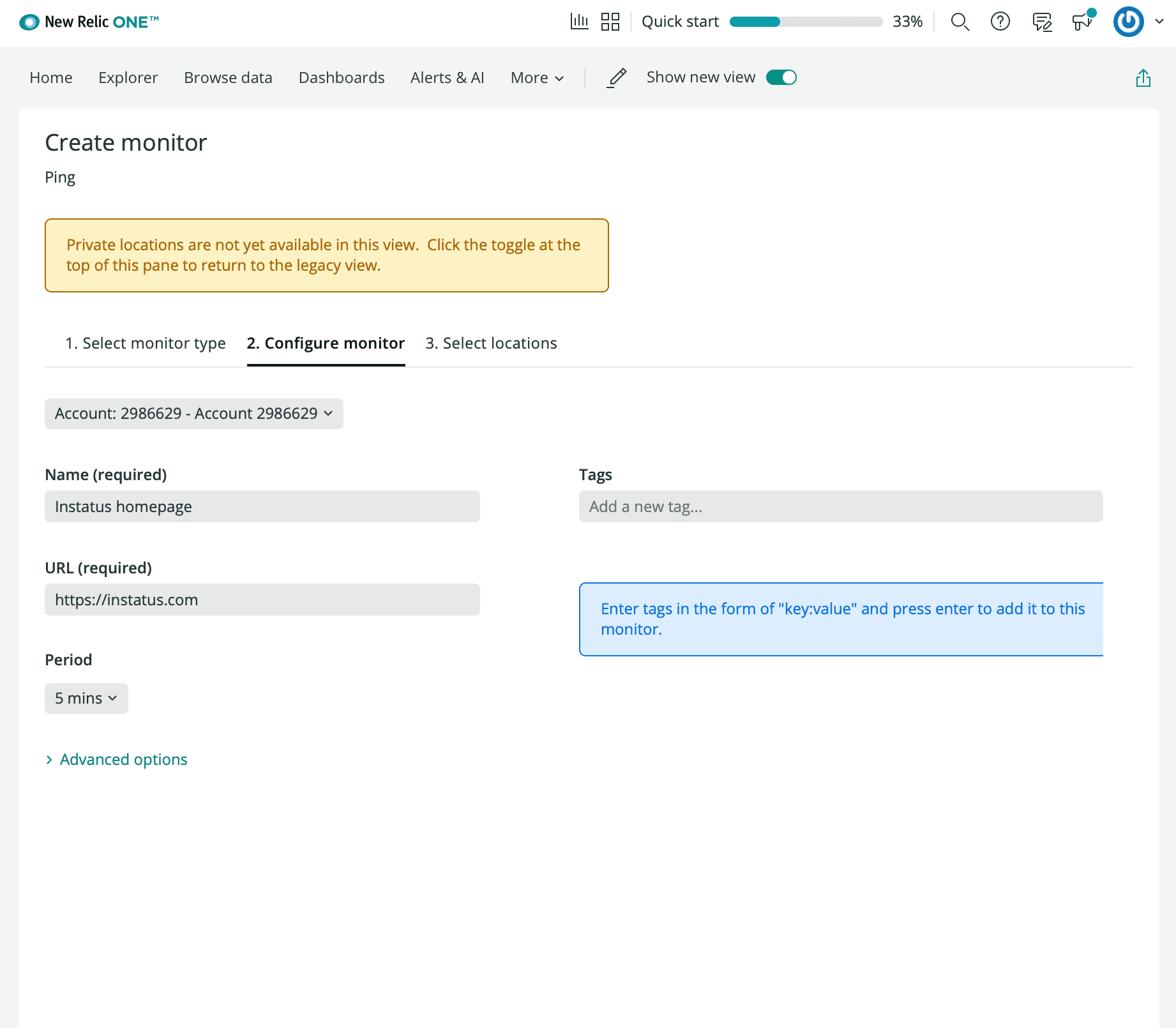
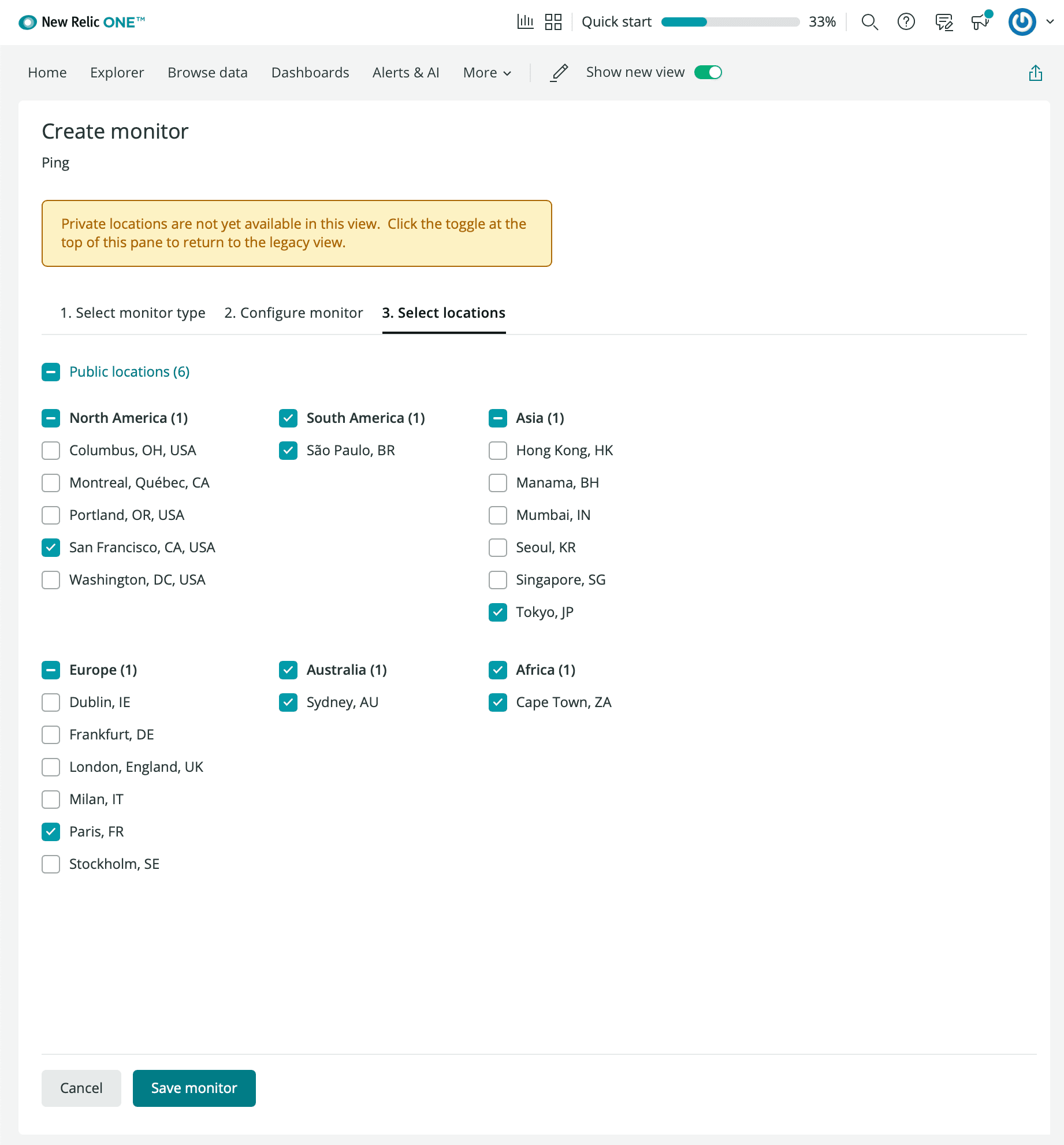
- Bir izleyici adı, izlemek istediğiniz URL’yi, aralığı ve tercih ettiğiniz konumları girin.
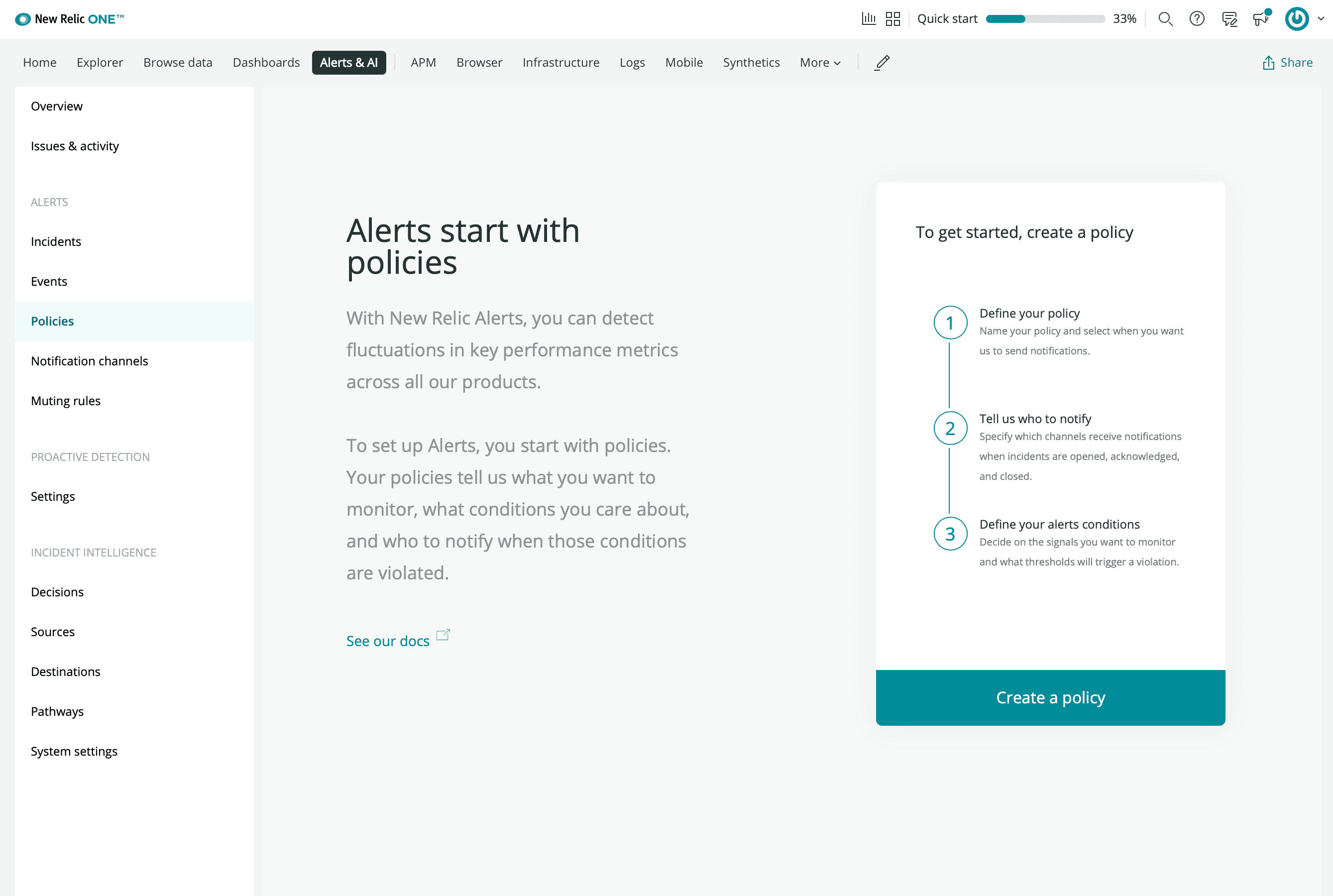
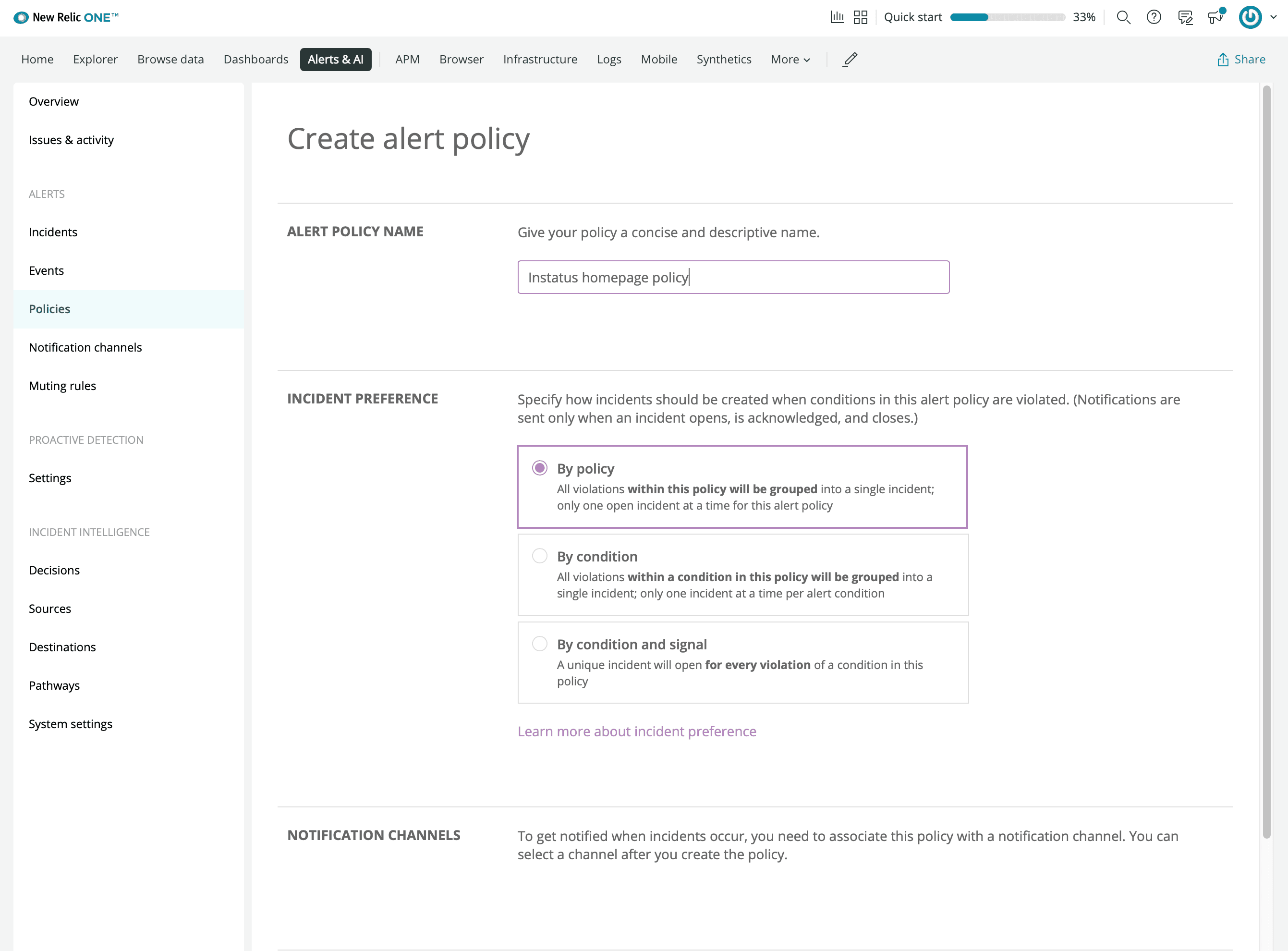
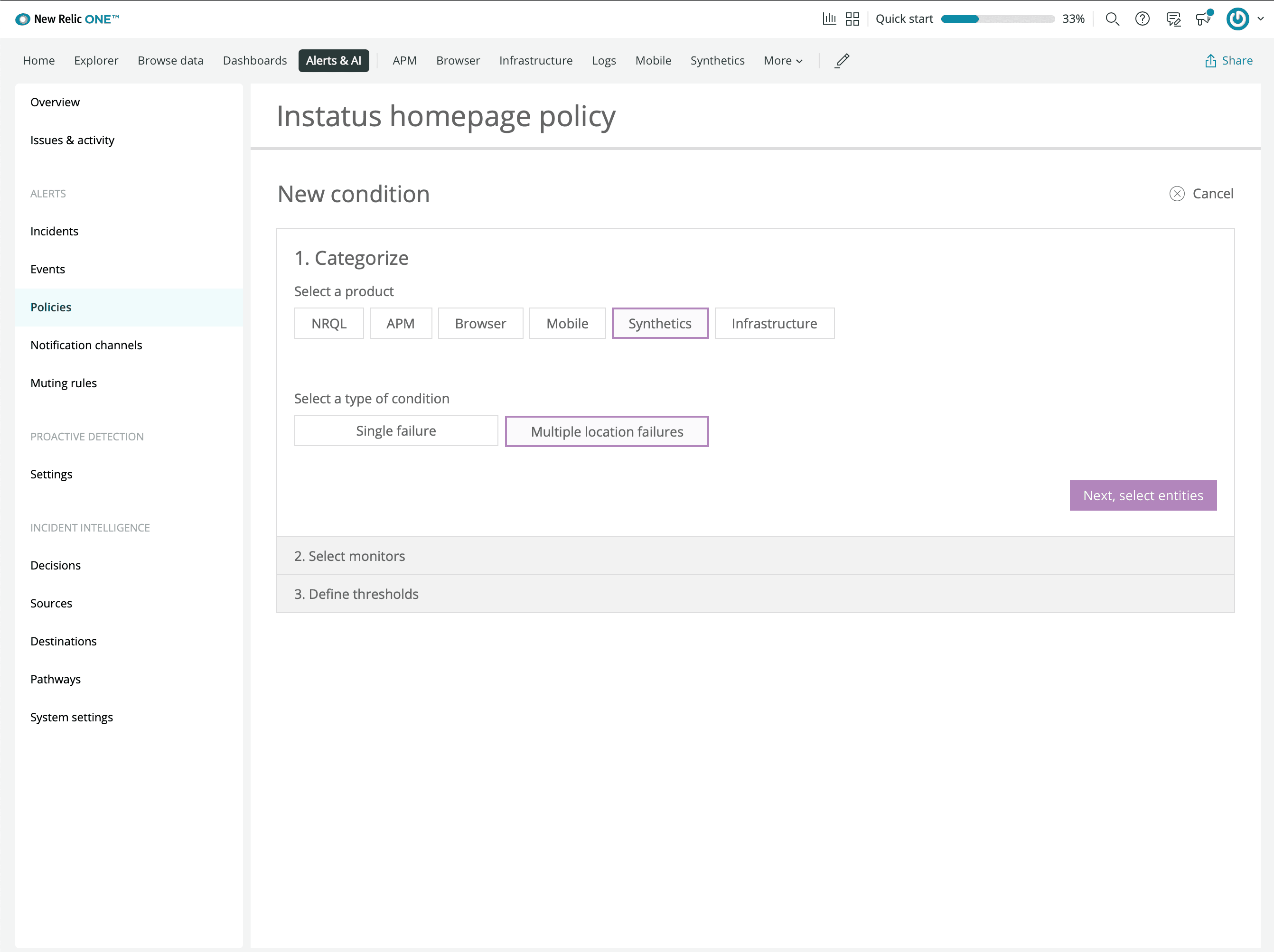
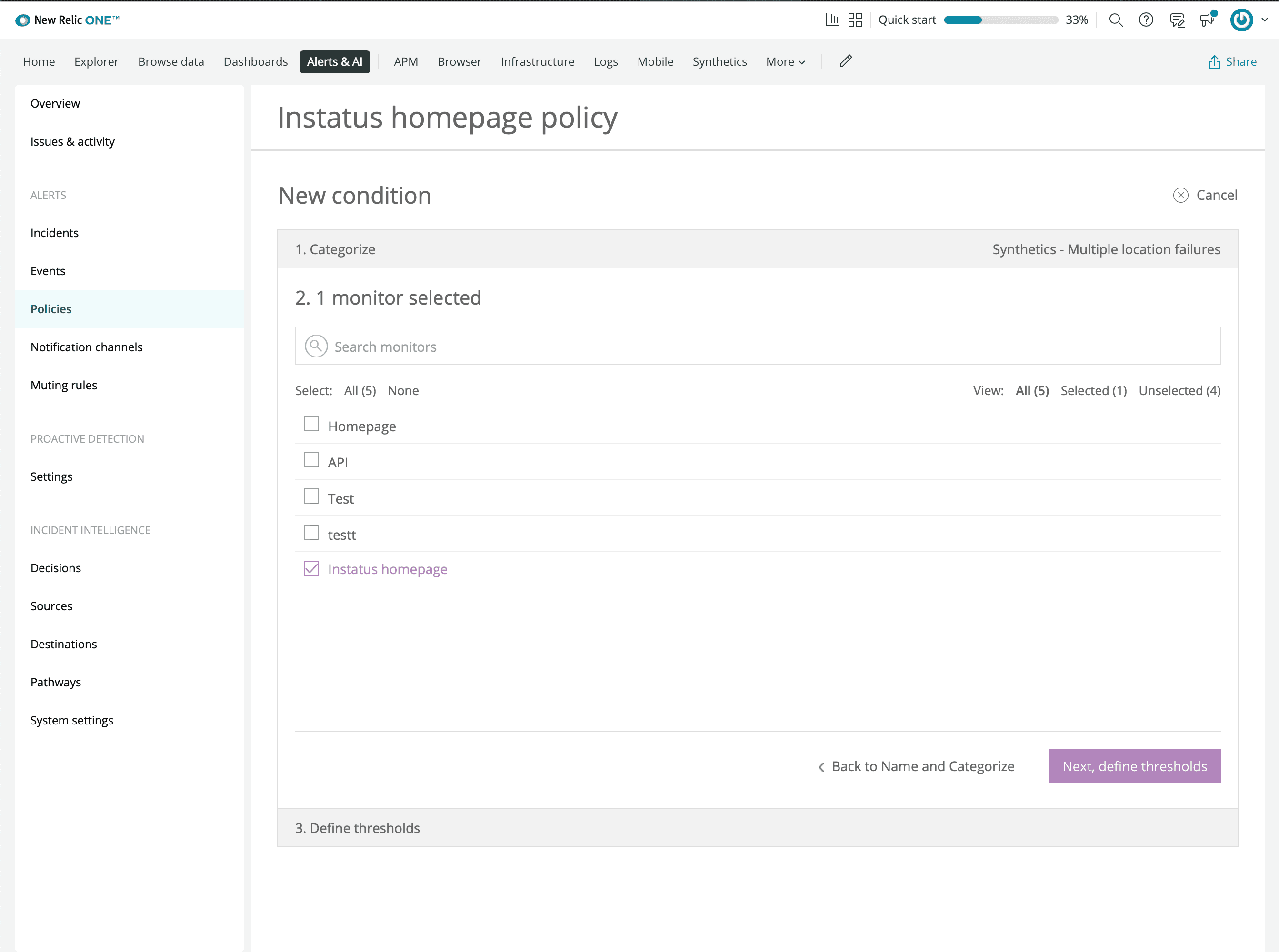
- manage alerts’a tıklayın ve bir politika oluşturun
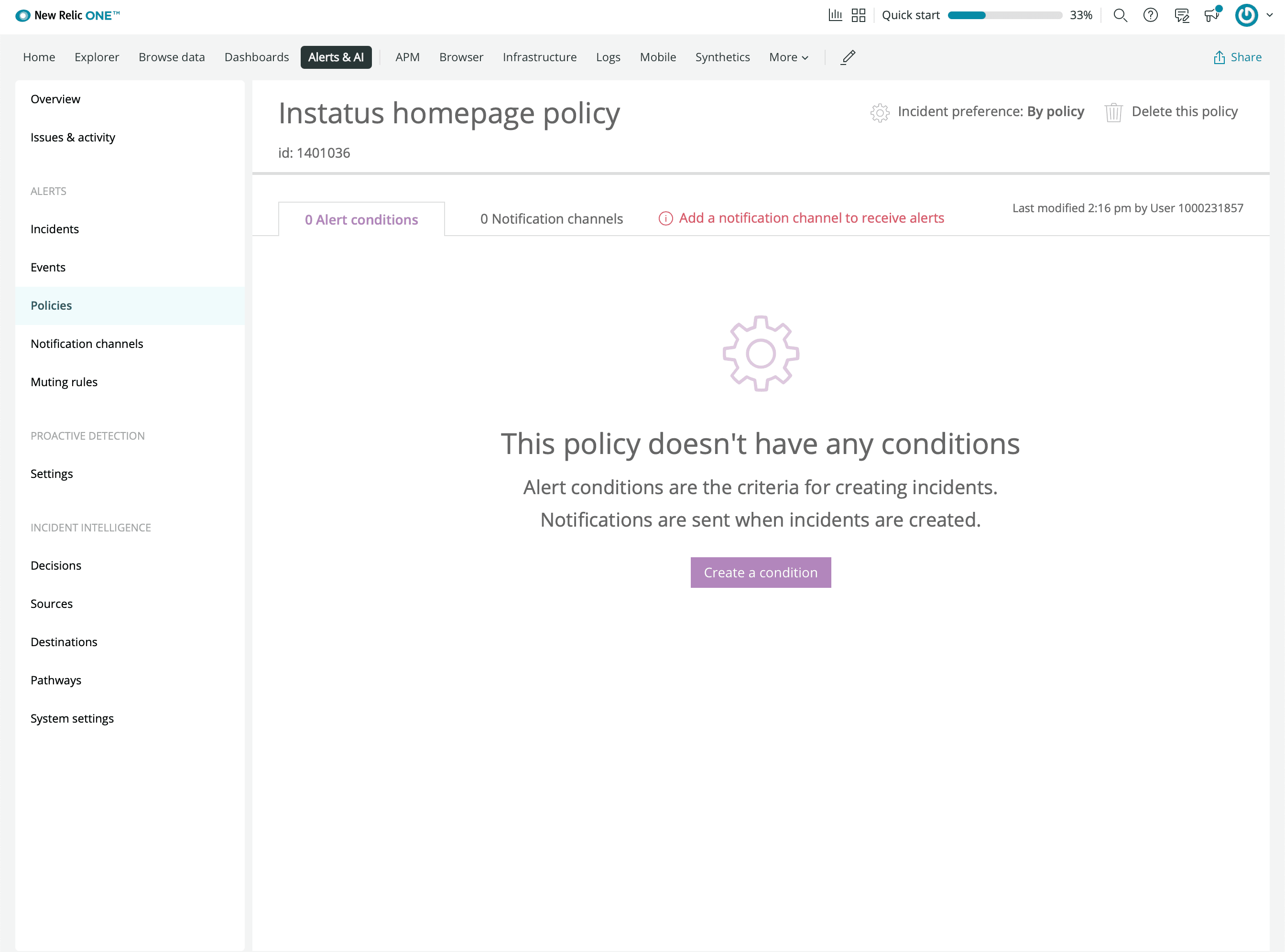
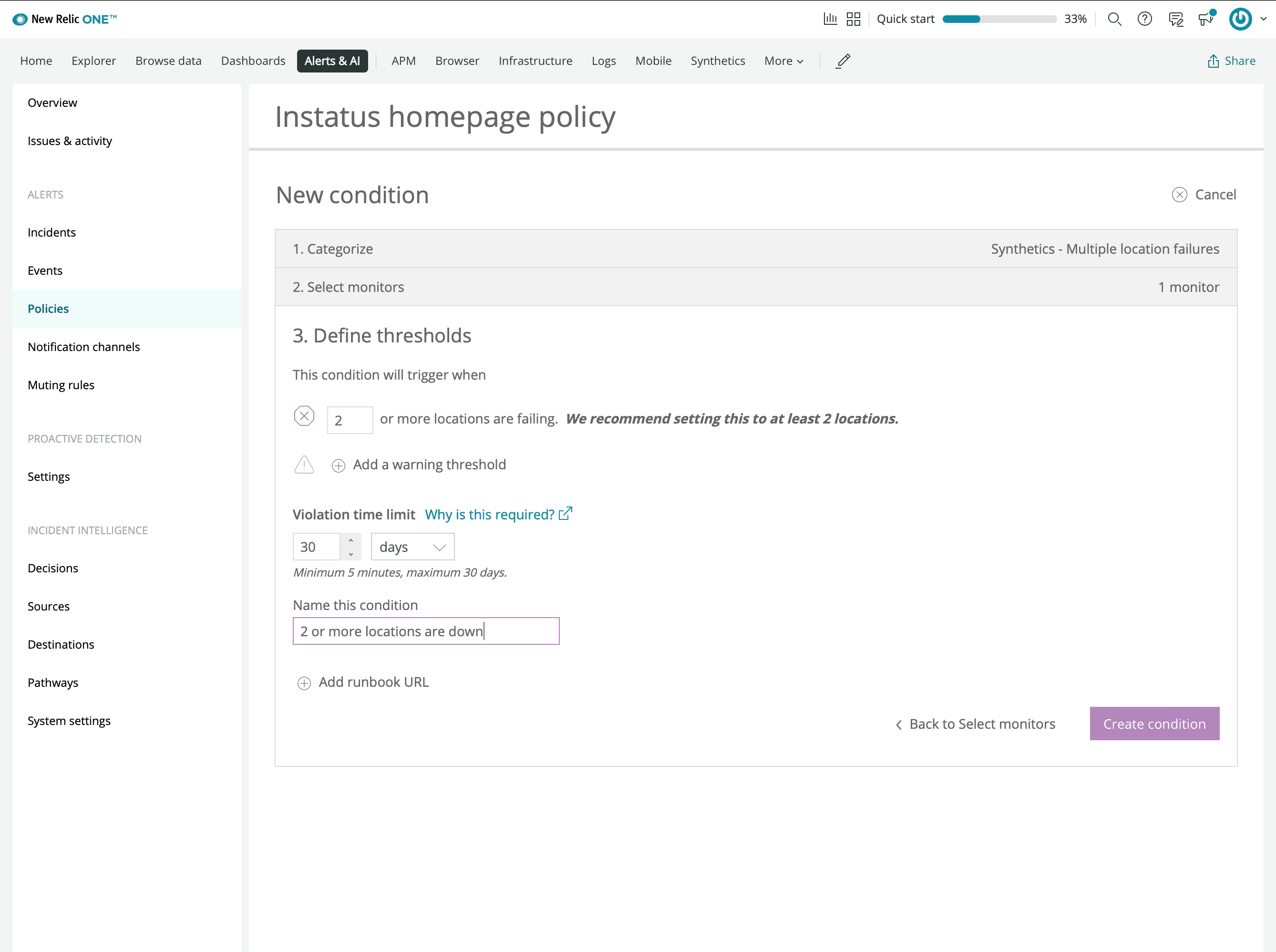
- Bir koşul oluşturun
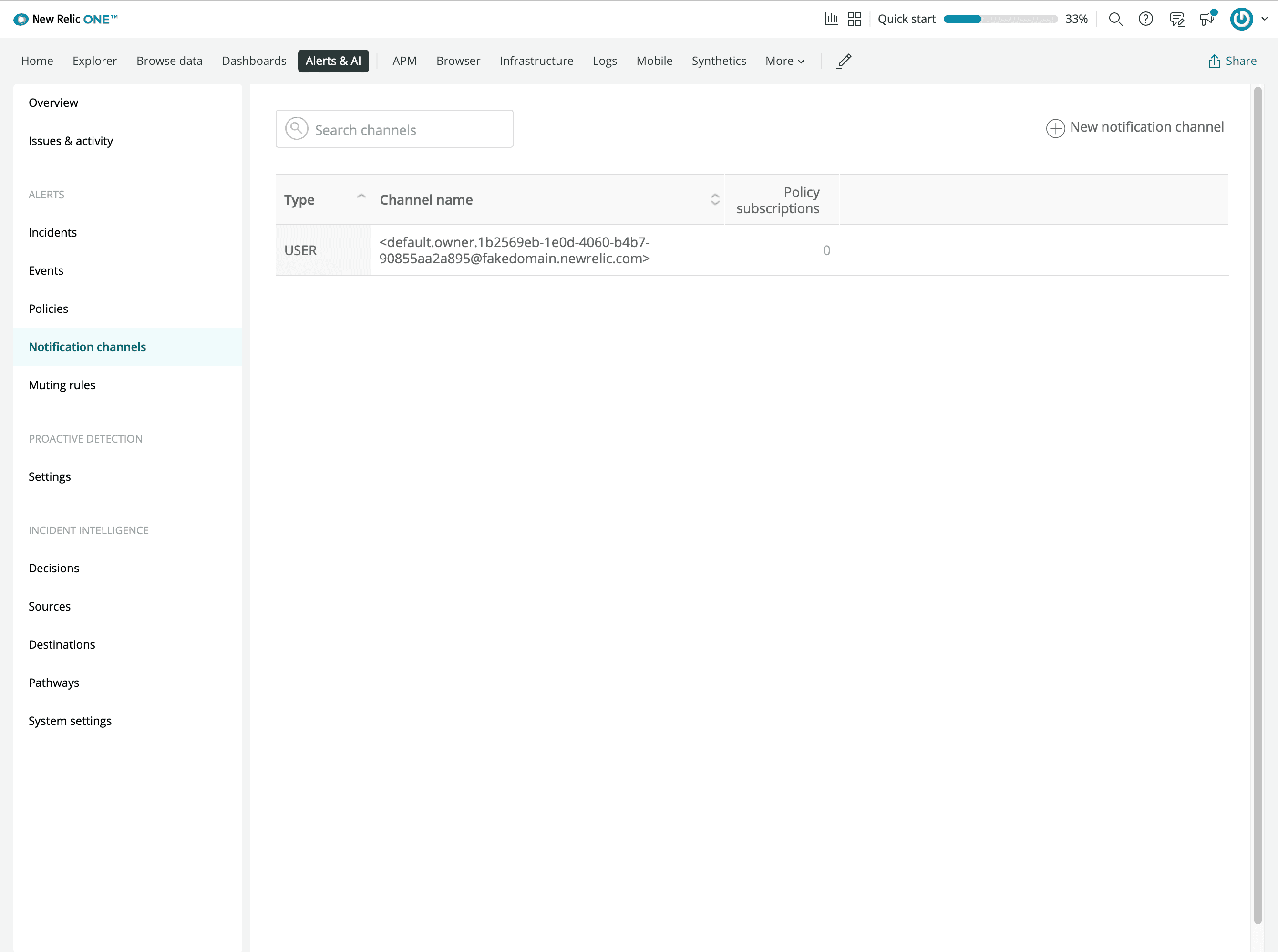
- Yeni bir Webhook bildirim kanalı ekleyin
- Instatus’tan kopyaladığınız webhook URL’sini girin
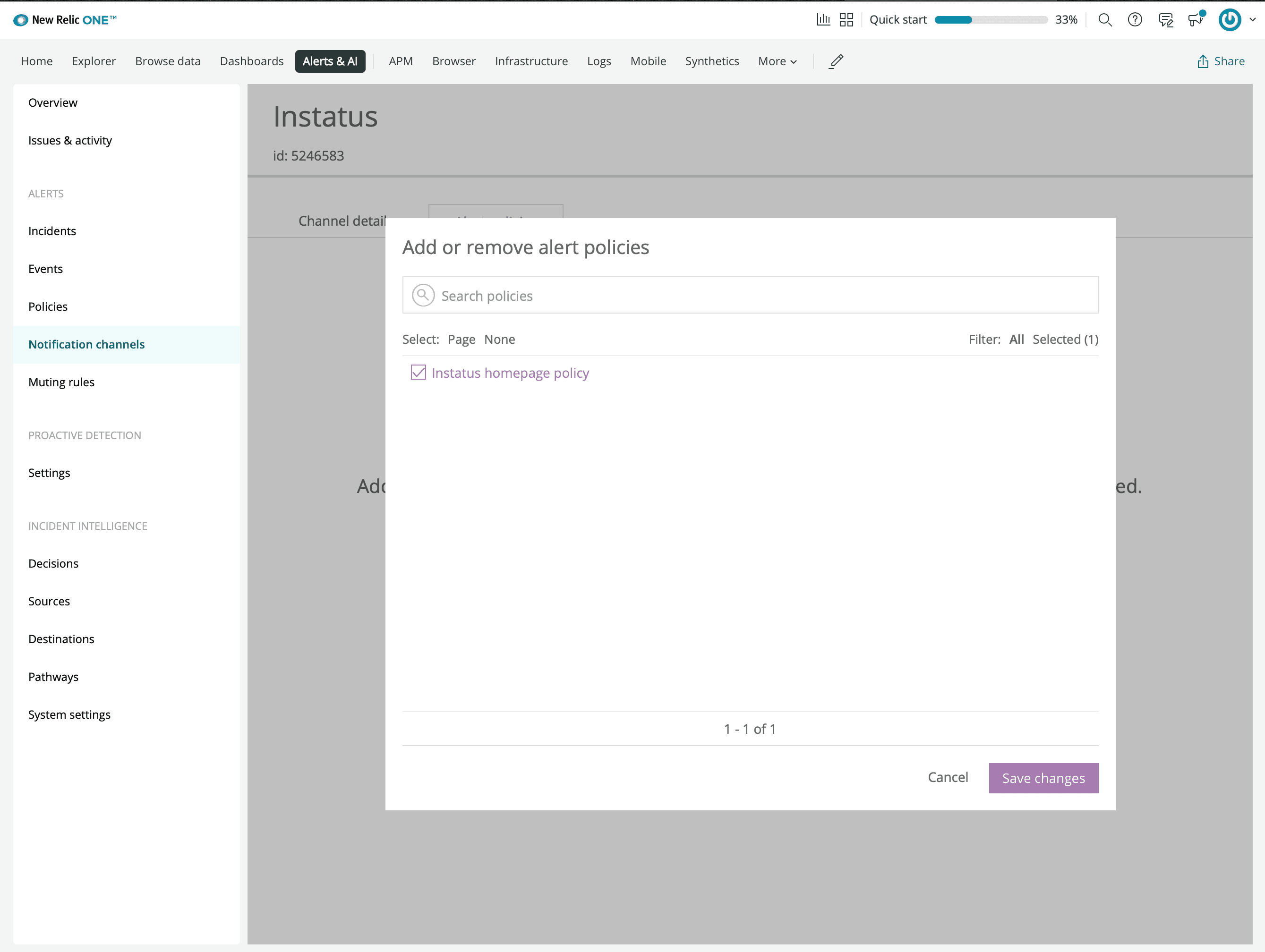
- Daha önce oluşturduğunuz uyarı politikasını bağlayın
- Bitti! 🙌