Site24x7
Automatisera din statussida med Site24x7
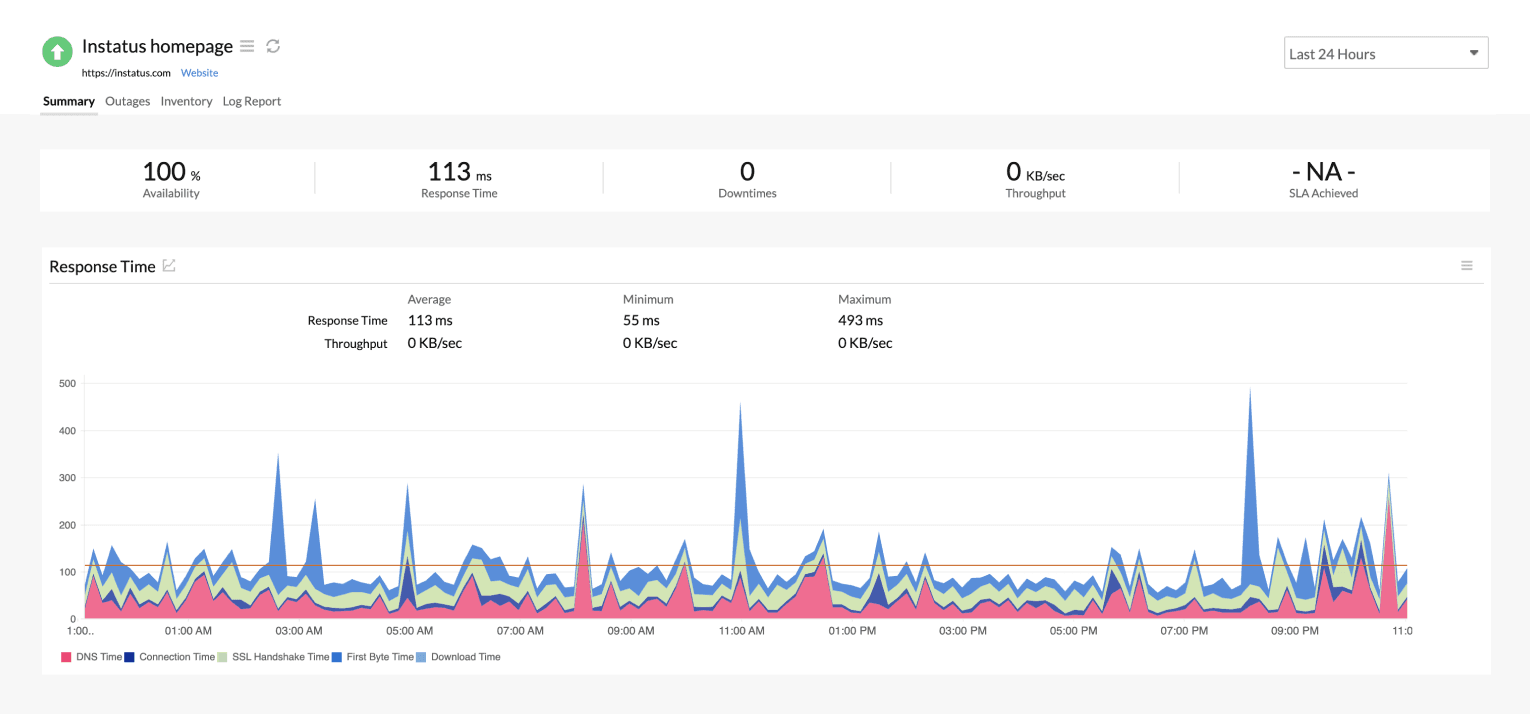
Uppdatera din sida när en kontroll fallerar eller återhämtar sig

Din statussida uppdateras

Anpassa uppdateringar med mallar
- Generera en Site24x7-webhook
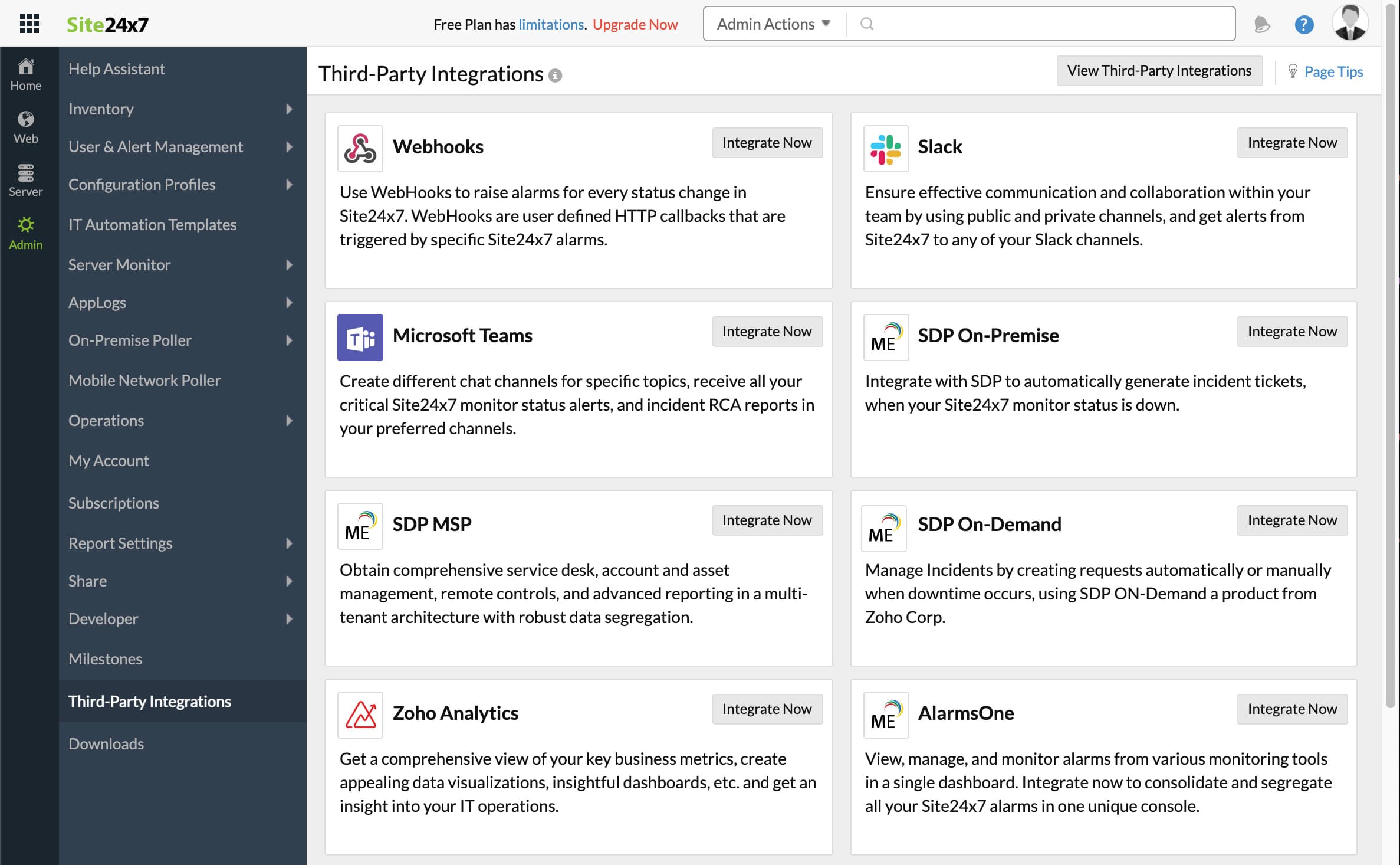
- Öppna din Site24x7-instrumentpanel. Klicka på Admin och sedan Third-Party integrations
- Klicka på Add Third-Party Integration och sedan på Webhooks (Integrate Now).
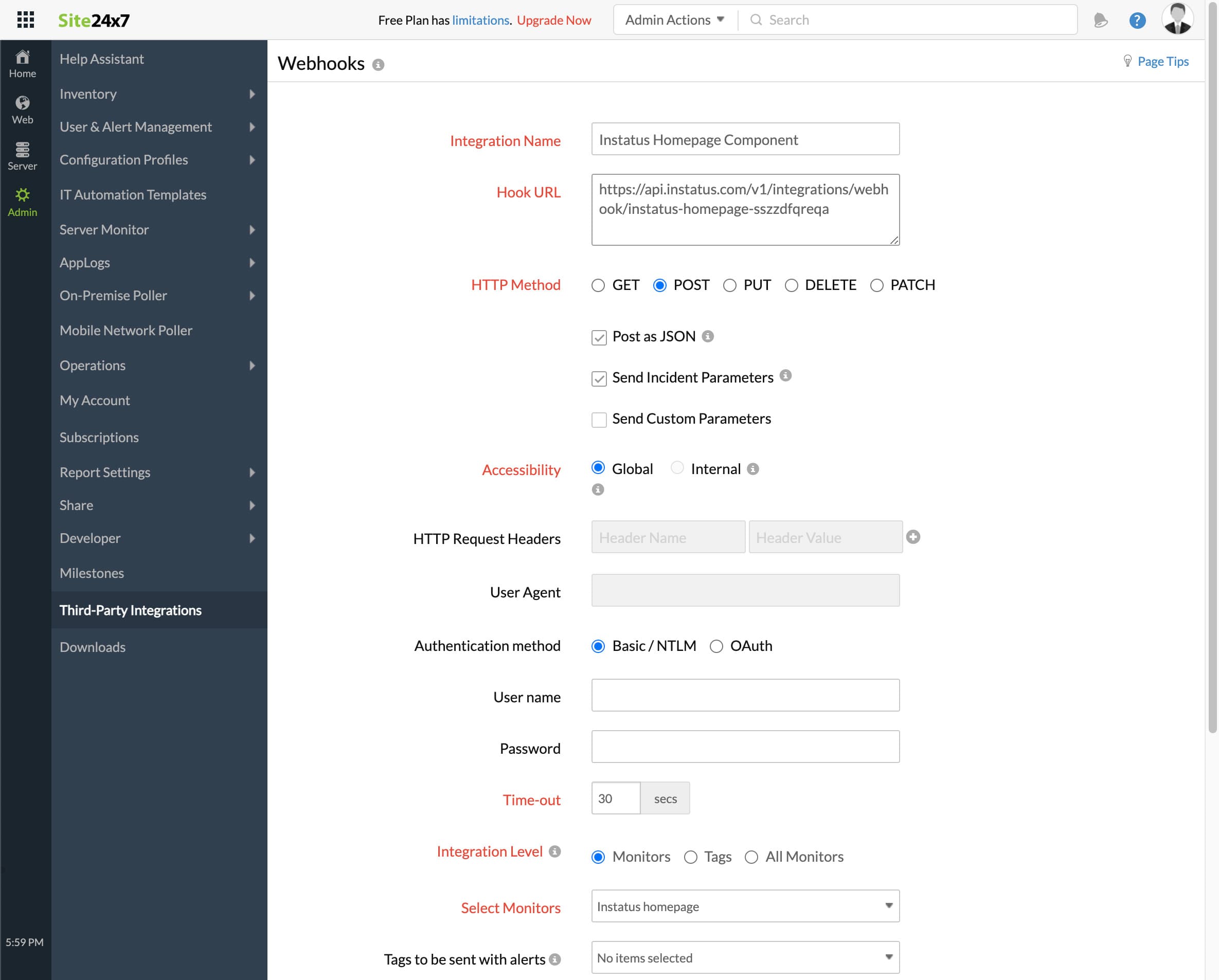
- Fyll i formuläret
- Lägg till valfritt integrationsnamn
- Webhook-URL:en du kopierade tidigare
- HTTP method `POST`
- Se till att dessa kryssrutor är markerade:
- Post as JSON and Send Incident Parameters
- Integrationsnivå: välj den övervakning som motsvarar denna komponent
- För att utlösa incidenter när din övervakning är Critical eller Trouble, välj ja eller nej efter behov
- Klicka på spara!
- Klart! 🎉