Pingdom
Automatisera din statussida med Pingdom
Uppdatera din sida när en kontroll fallerar eller återhämtar sig

Din statussida uppdateras

Anpassa uppdateringar med mallar
- Generera en Pingdom-webhook
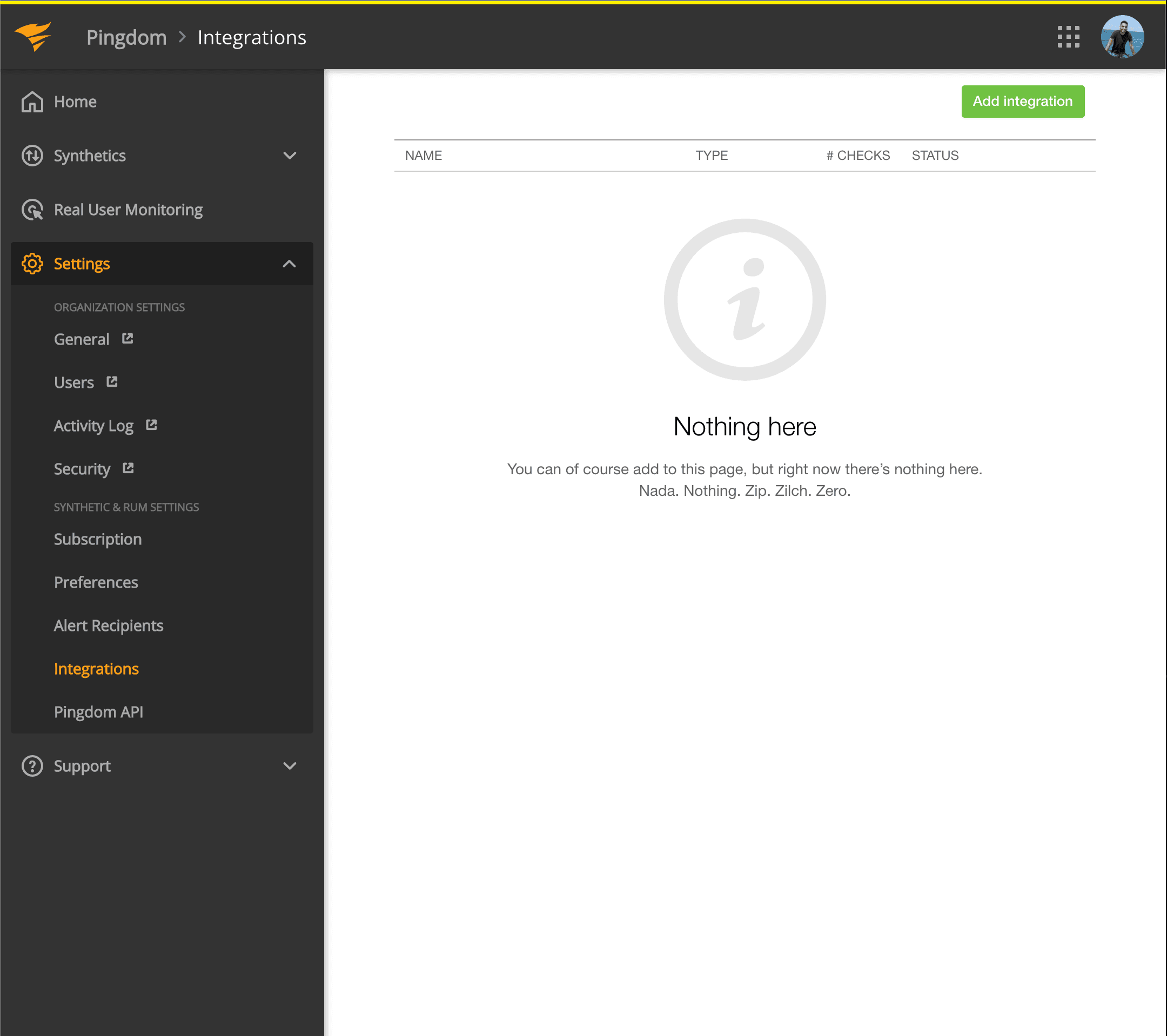
- Öppna din Pingdom-instrumentpanel. Klicka på Settings → Integrations
- Klicka på knappen Add integration
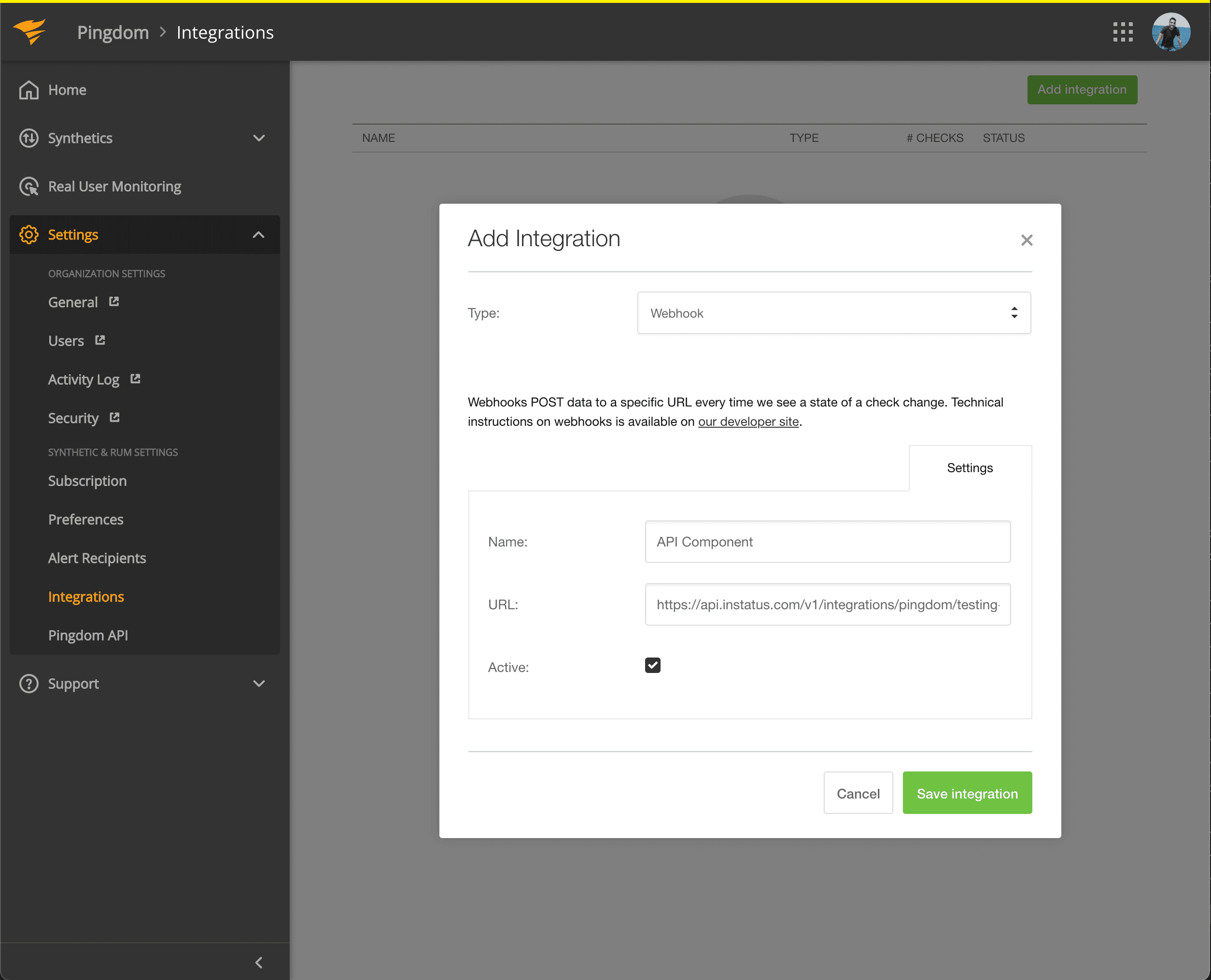
- Välj typen Webhook, lägg till ett namn och webhook-URL:en för komponenten du nyss kopierade.
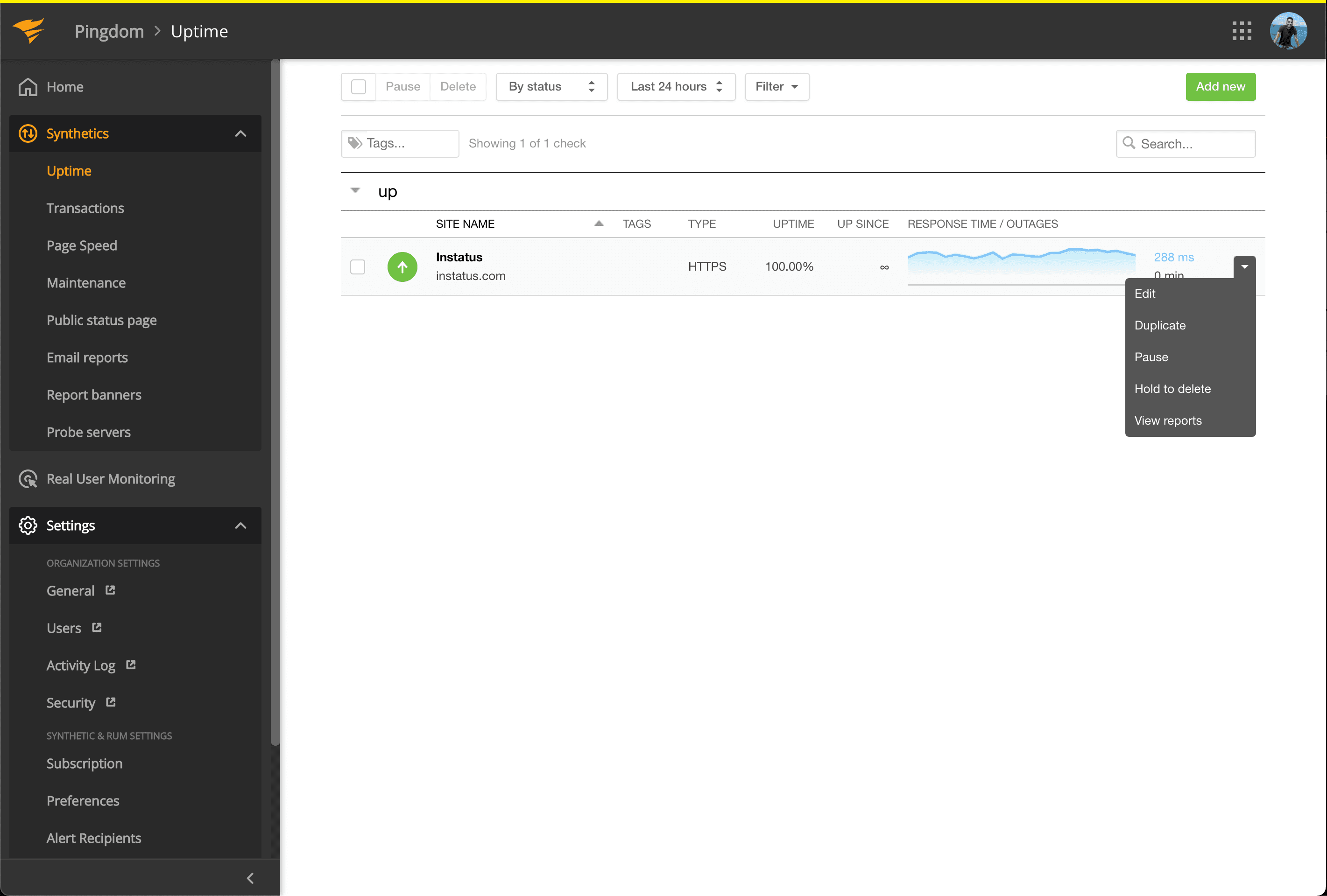
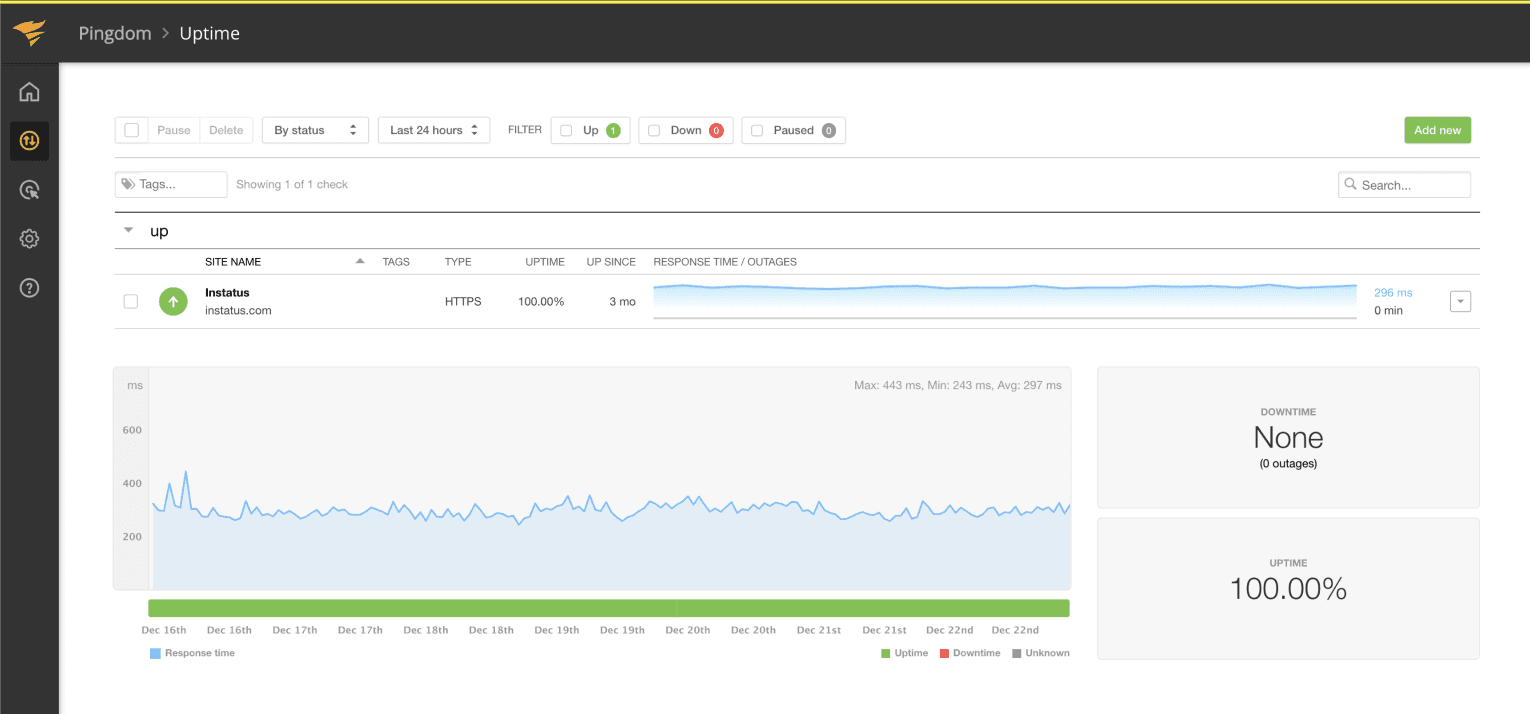
- Gå till Synthetics → Uptime
- Redigera det Uptime-test som hör till komponenten du vill automatisera.
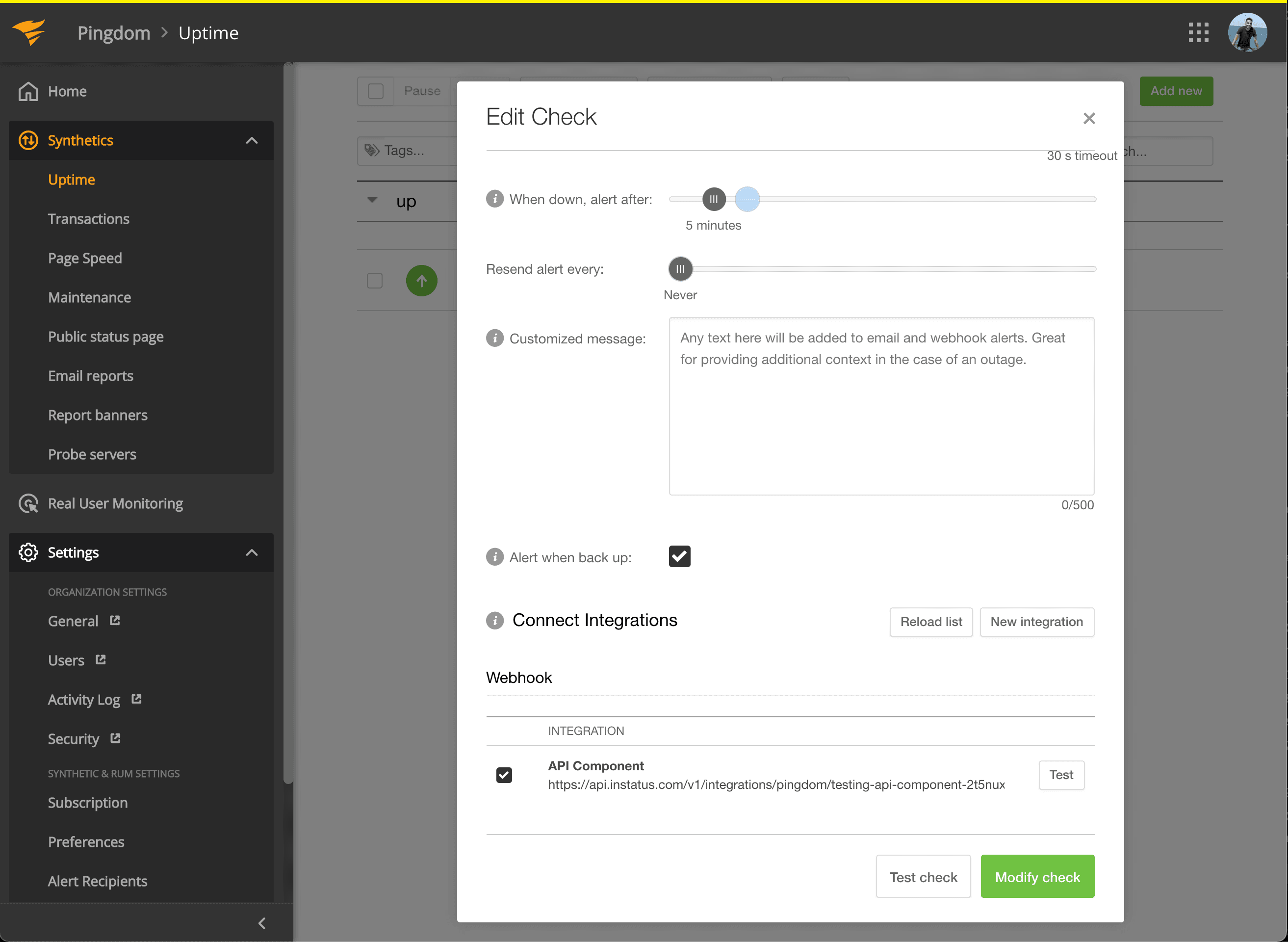
- Markera under Connect Integrations integrationen du nyss skapade och klicka på modify check!
- Klart! 🍪