Slack
Обновляйте страницу статуса прямо из Slack!
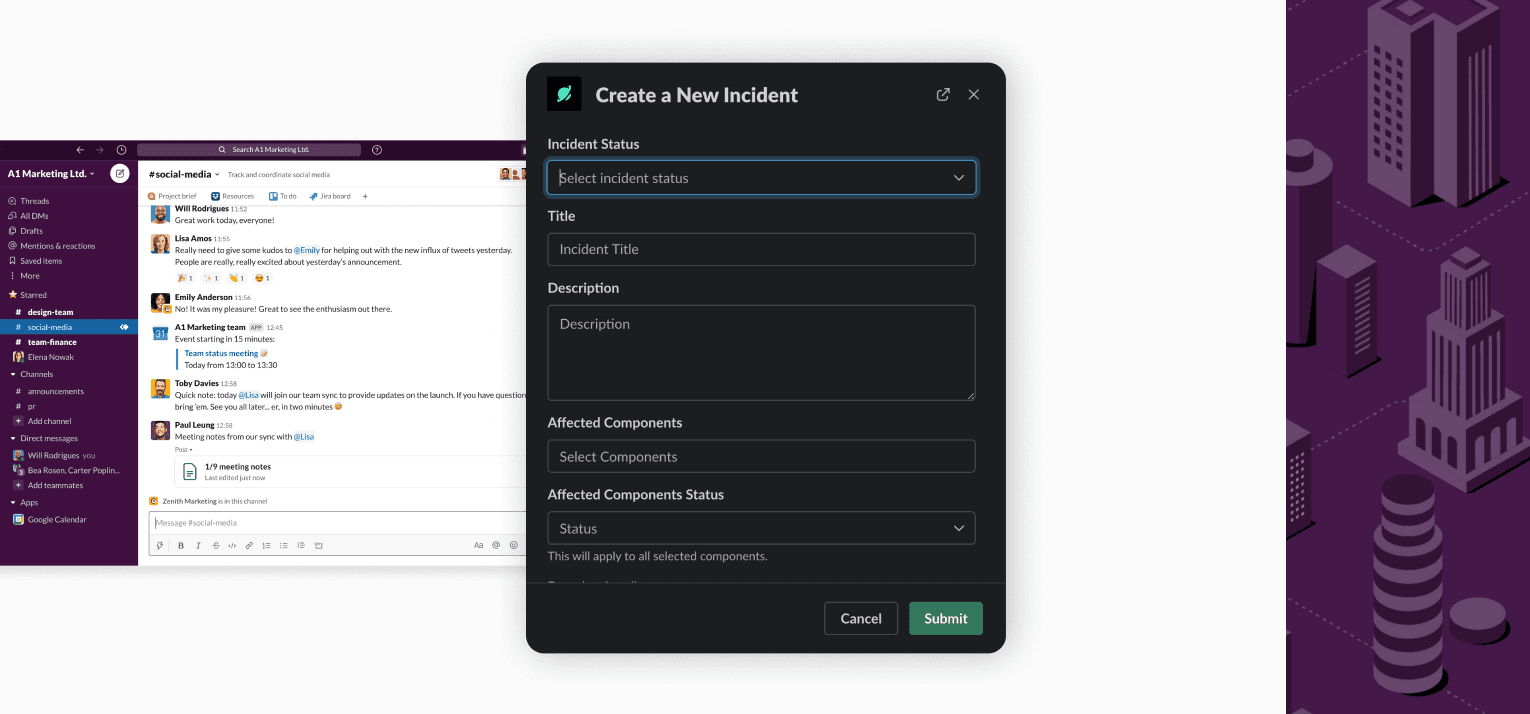
Создавайте инциденты и планируйте технические работы
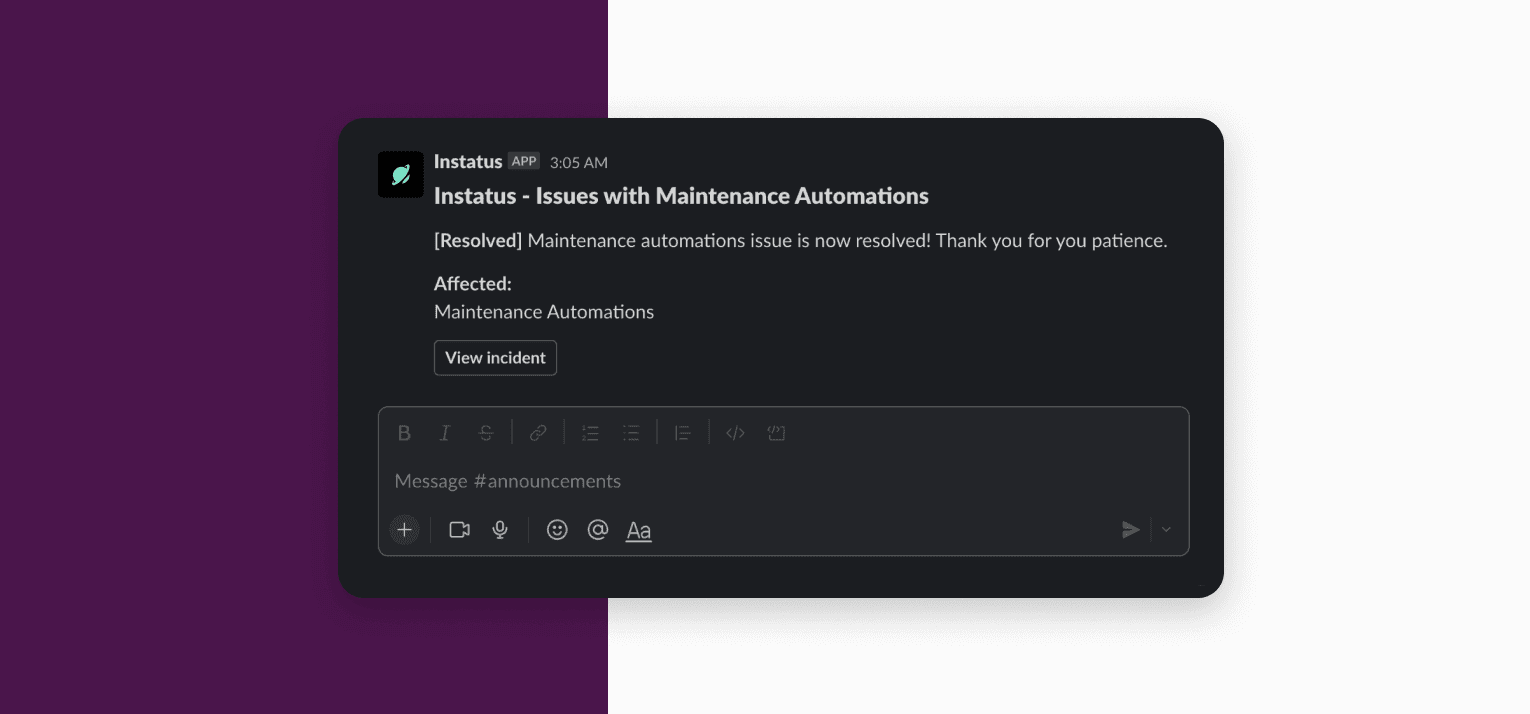
Получайте обновления в канале Slack
Обзор
Держите работу синхронной в Slack и Instatus.
- Обновляйте страницу статуса прямо из Slack
- Получайте уведомление в канале Slack, когда страница обновляется
Настройка
Чтобы добавить рабочее пространство Slack в Instatus, выполните следующие шаги:
- Войдите в Instatus.
- Выберите свою команду.
- Выберите свою страницу статуса.
- Перейдите на вкладку Integrations.
- Выберите Slack из списка.
- Нажмите кнопку «Add Slack To Instatus» и следуйте подсказкам (это займёт несколько шагов).
Использование
Введите /instatus command в любом канале.
Доступные команды
- help: Показывает список доступных команд.
- add-incident: Добавляет новый инцидент.
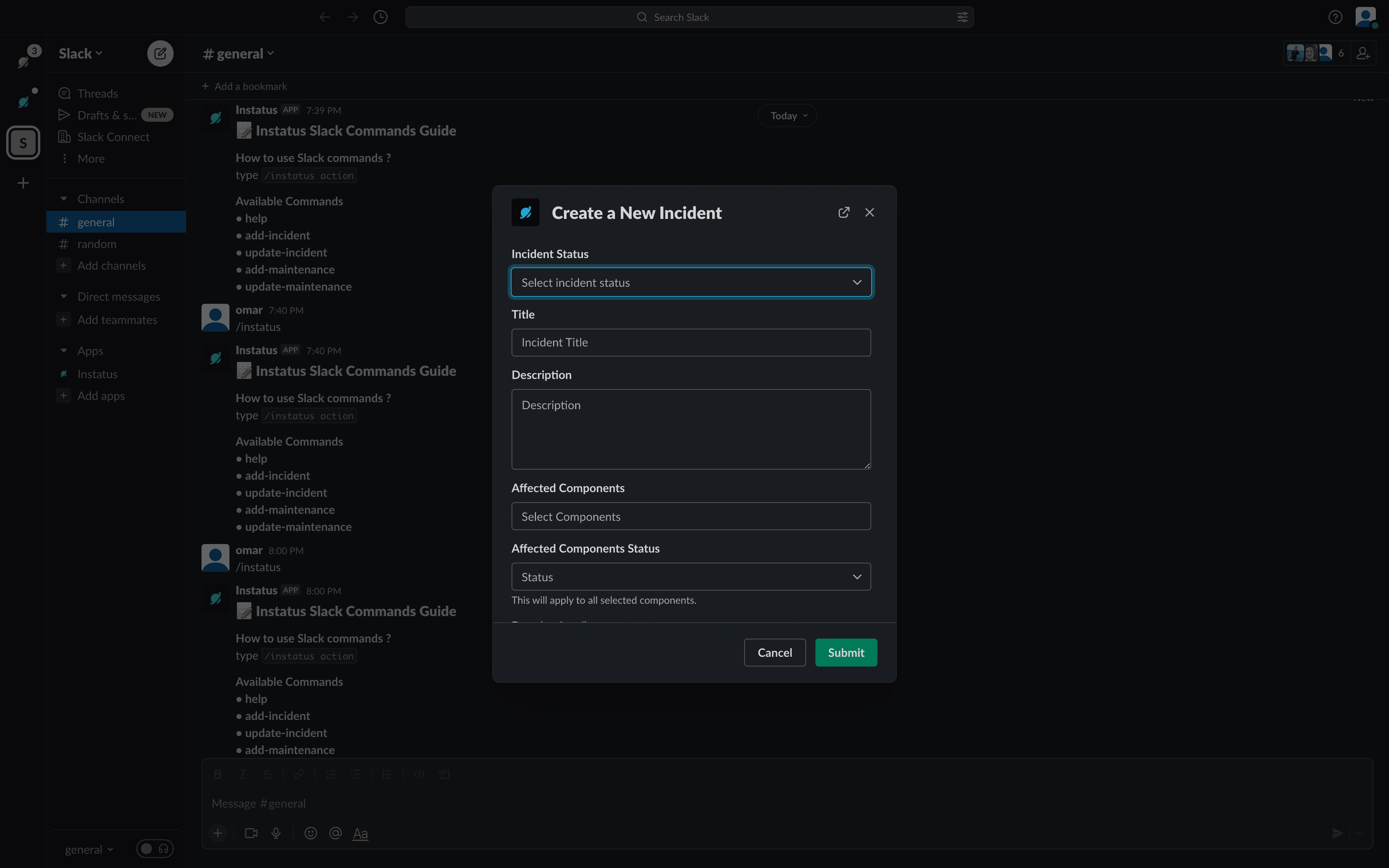
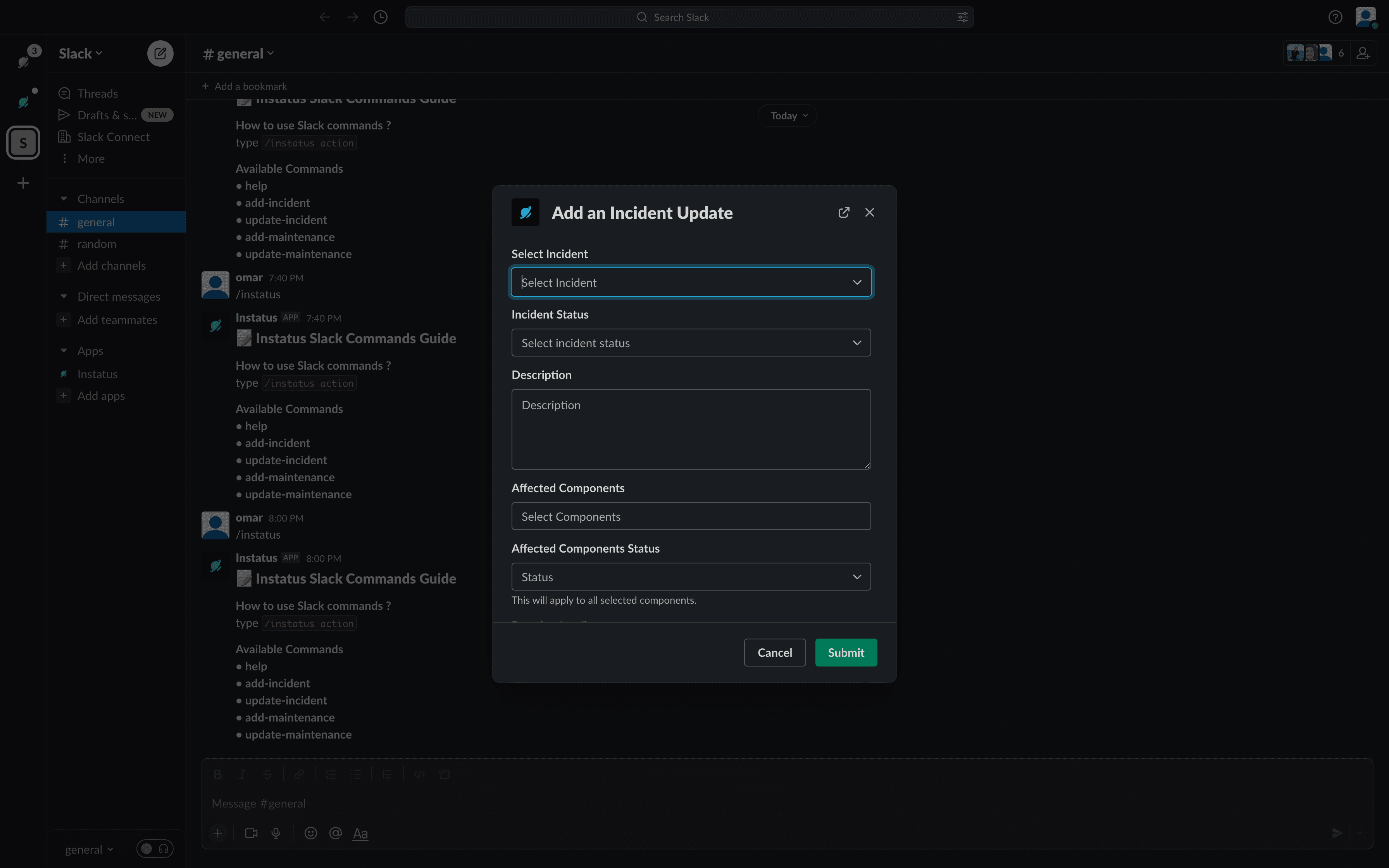
- update-incident: Добавляет новое обновление инцидента.
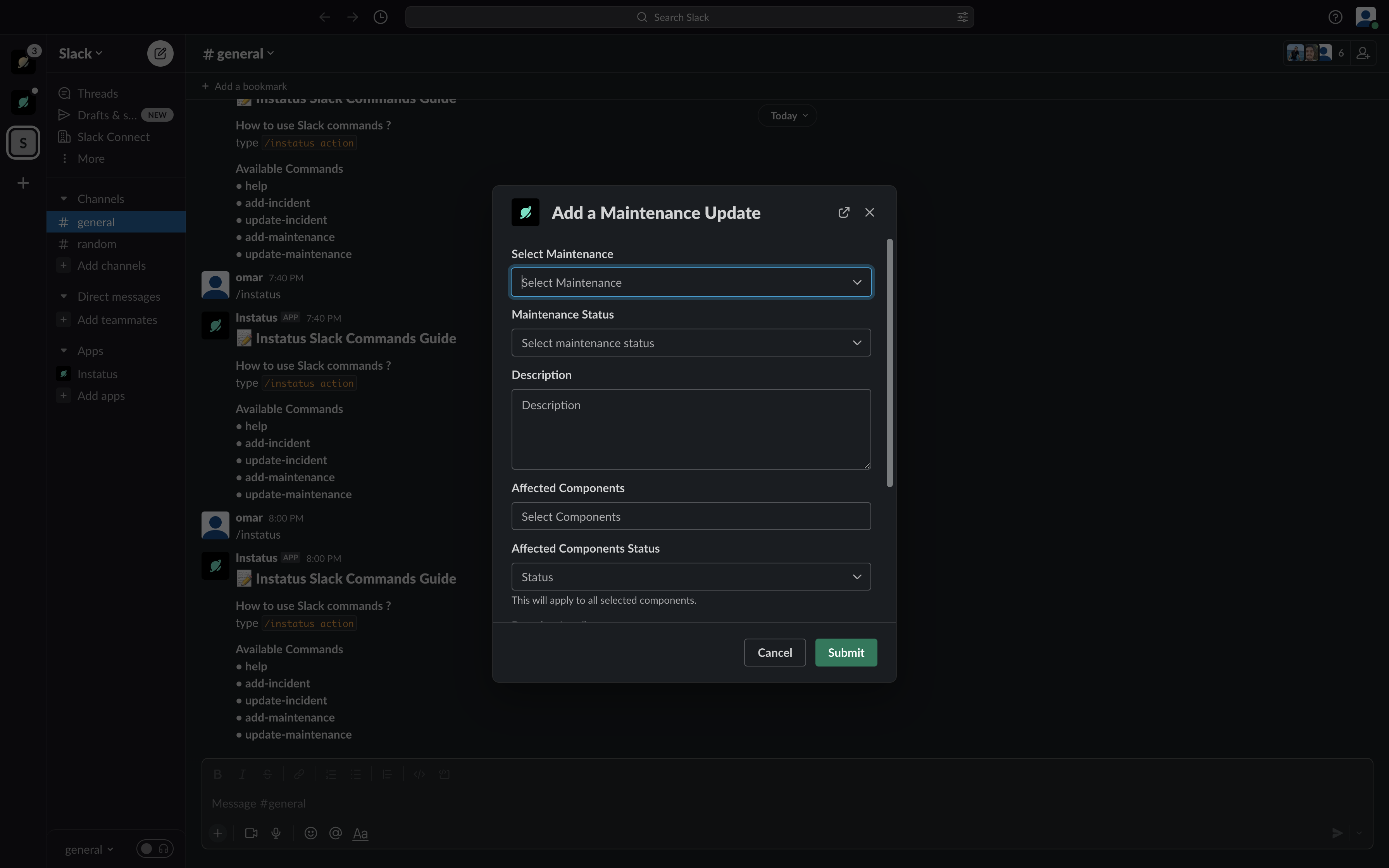
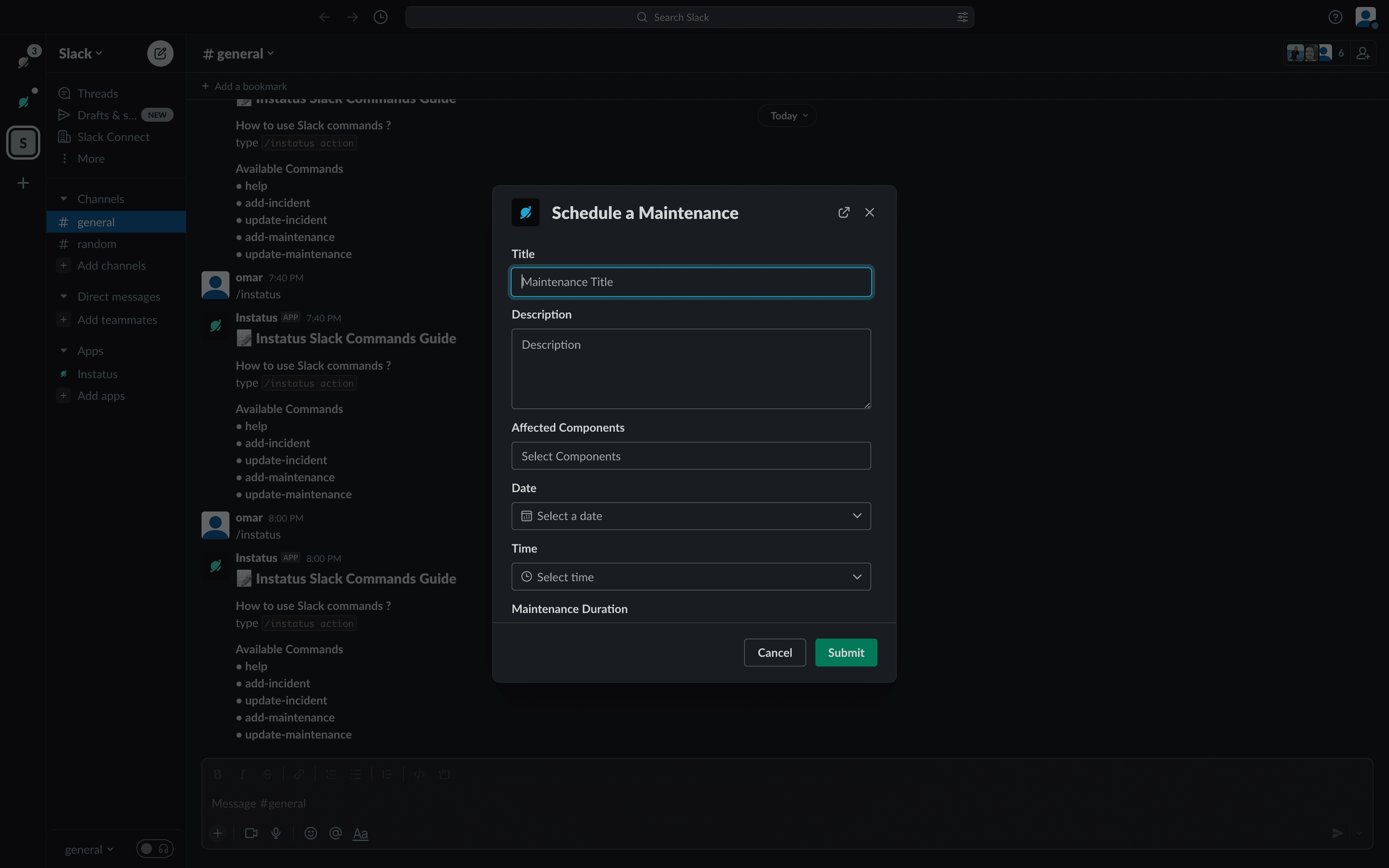
- add-maintenance: Добавляет новое обслуживание.
- update-maintenance: Добавляет новое обновление обслуживания.