Site24x7
Автоматизируйте страницу статуса с помощью Site24x7
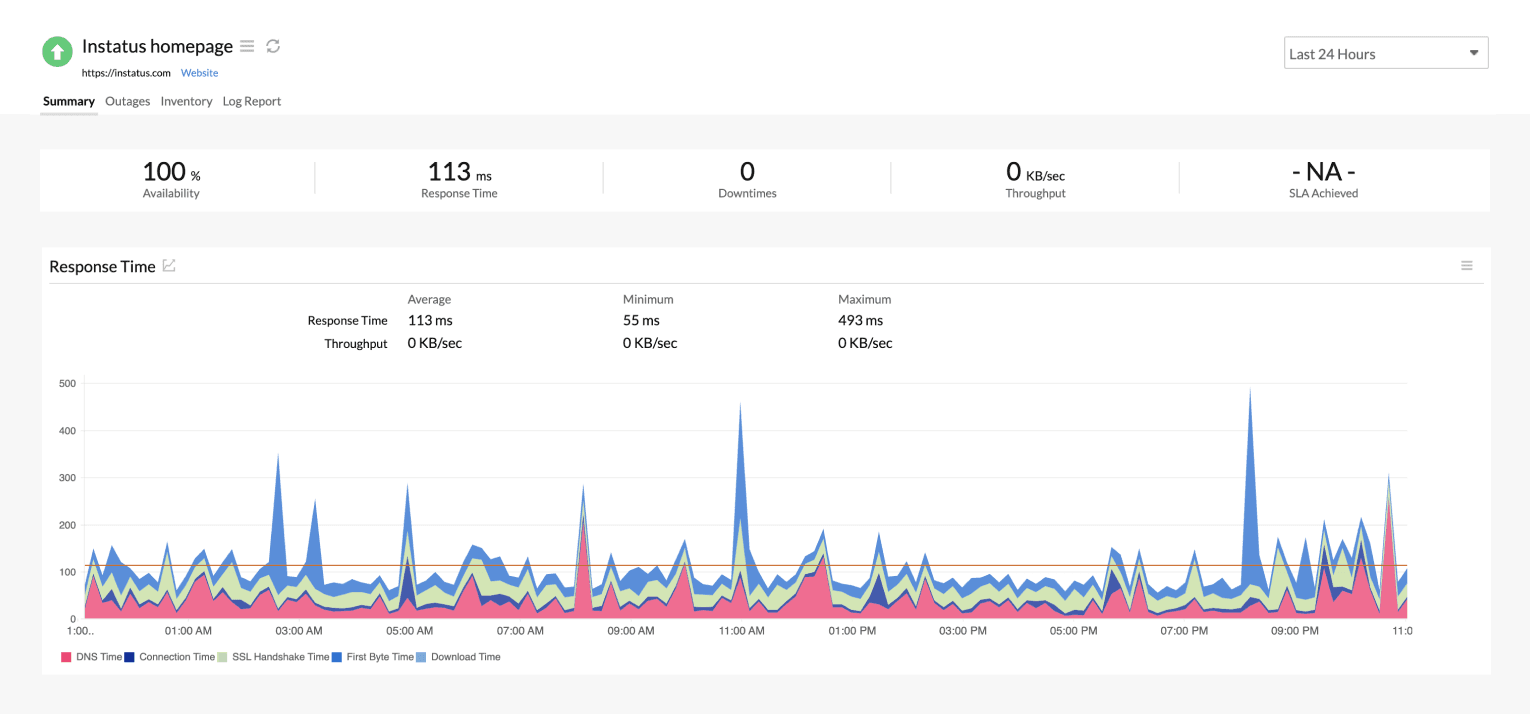
Обновляйте страницу, когда проверка падает или восстанавливается

Ваша страница статуса обновляется

Настраивайте обновления с помощью шаблонов
- Создайте вебхук Site24x7
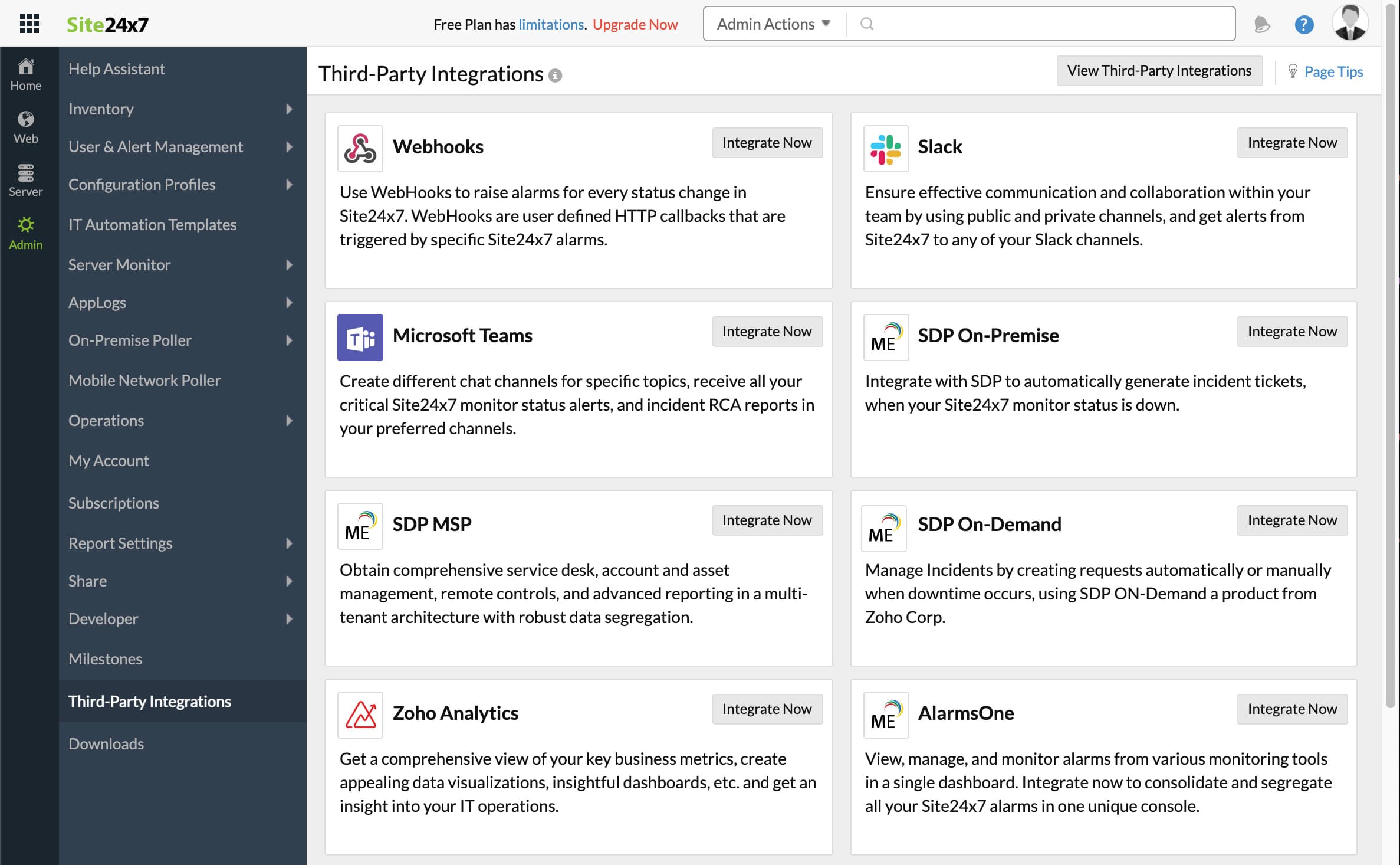
- Откройте панель Site24x7. Нажмите Admin, затем Third-Party integrations
- Нажмите Add Third-Party Integration, затем Webhooks (Integrate Now).
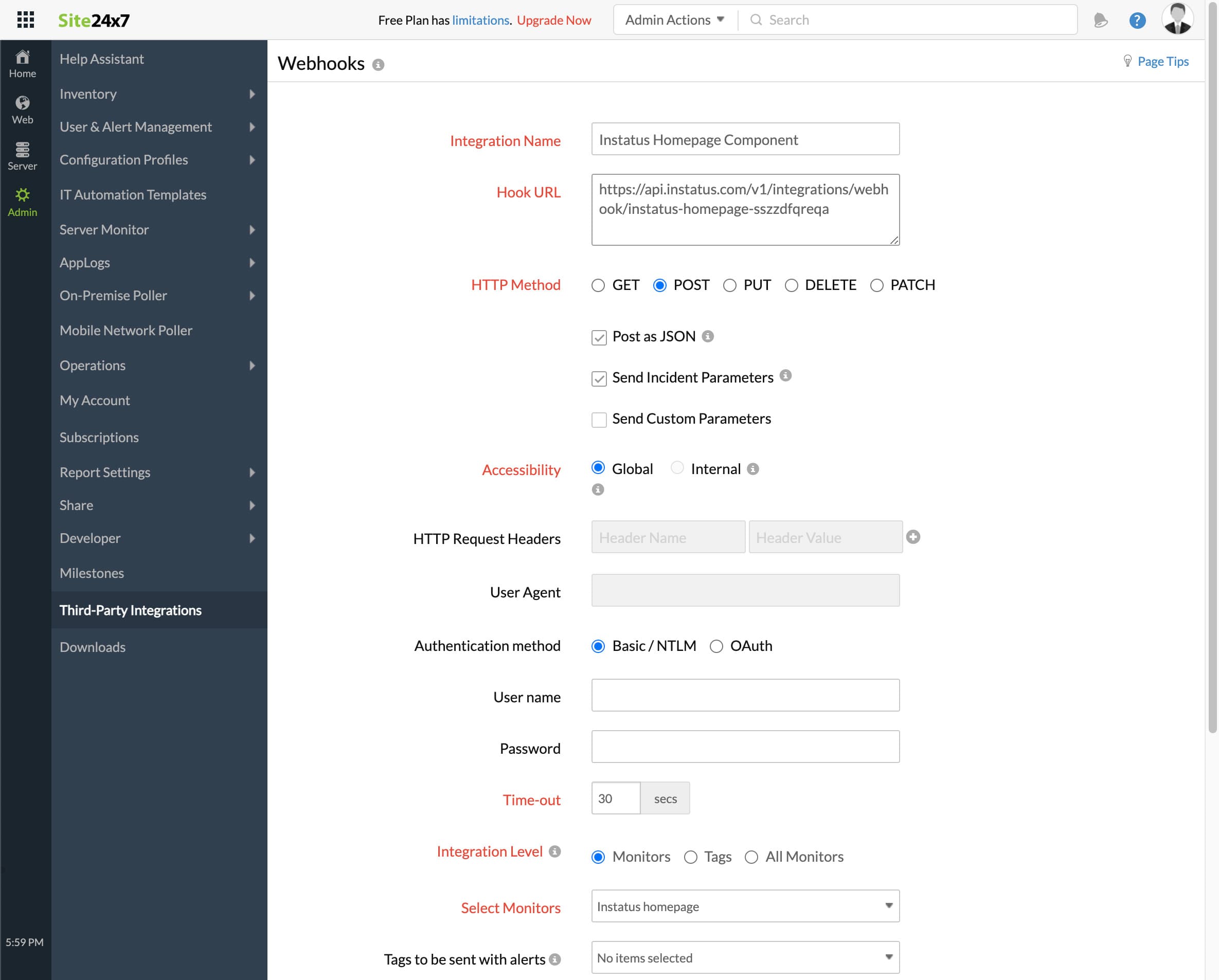
- Заполните форму
- Укажите любое название интеграции
- URL вебхука, скопированный ранее
- HTTP method `POST`
- Убедитесь, что отмечены эти флажки:
- Post as JSON and Send Incident Parameters
- Уровень интеграции: выберите монитор, соответствующий этому компоненту
- Для создания инцидентов, когда монитор в состоянии Critical или Trouble, выберите «да» или «нет» по необходимости
- Нажмите сохранить!
- Готово! 🎉