Pingdom
Автоматизируйте страницу статуса с помощью Pingdom
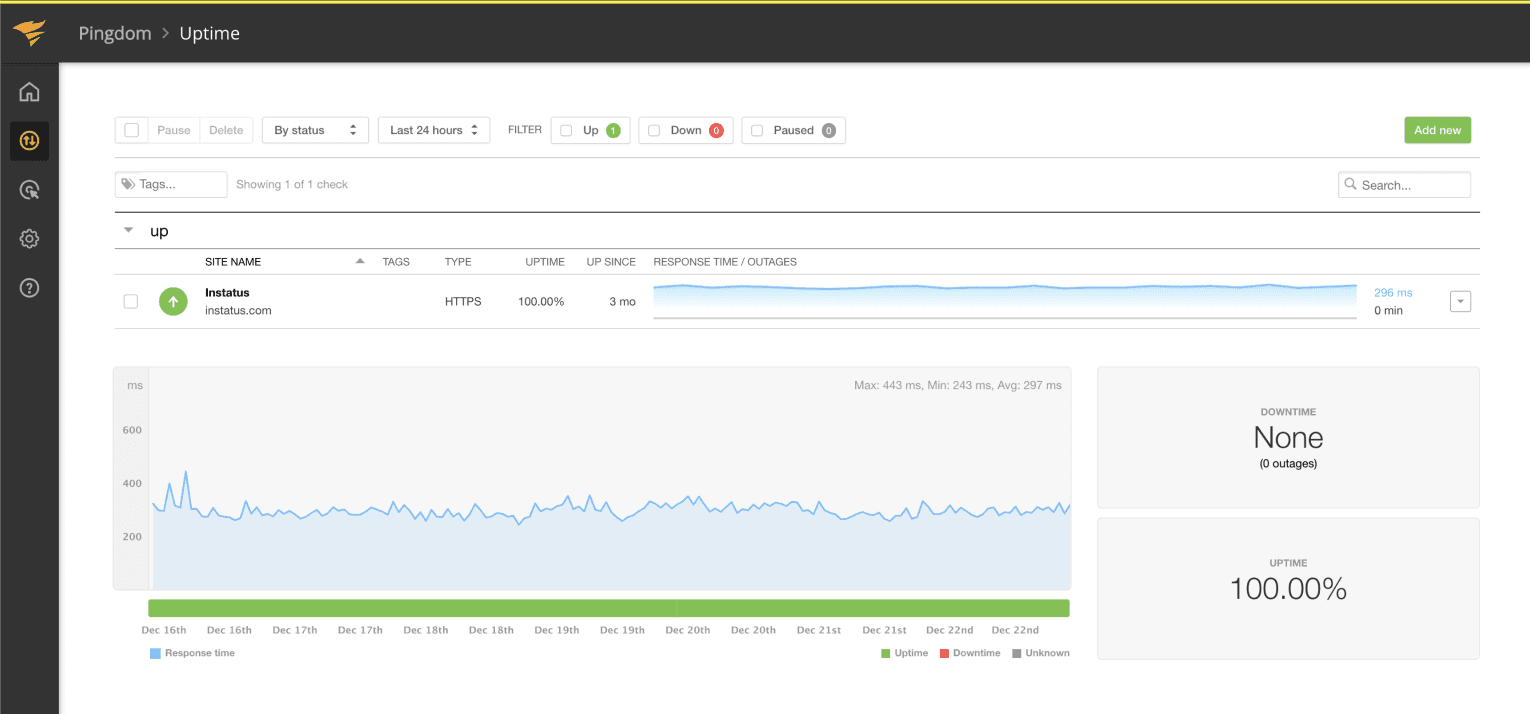
Обновляйте страницу, когда проверка падает или восстанавливается

Ваша страница статуса обновляется

Настраивайте обновления с помощью шаблонов
- Создайте вебхук Pingdom
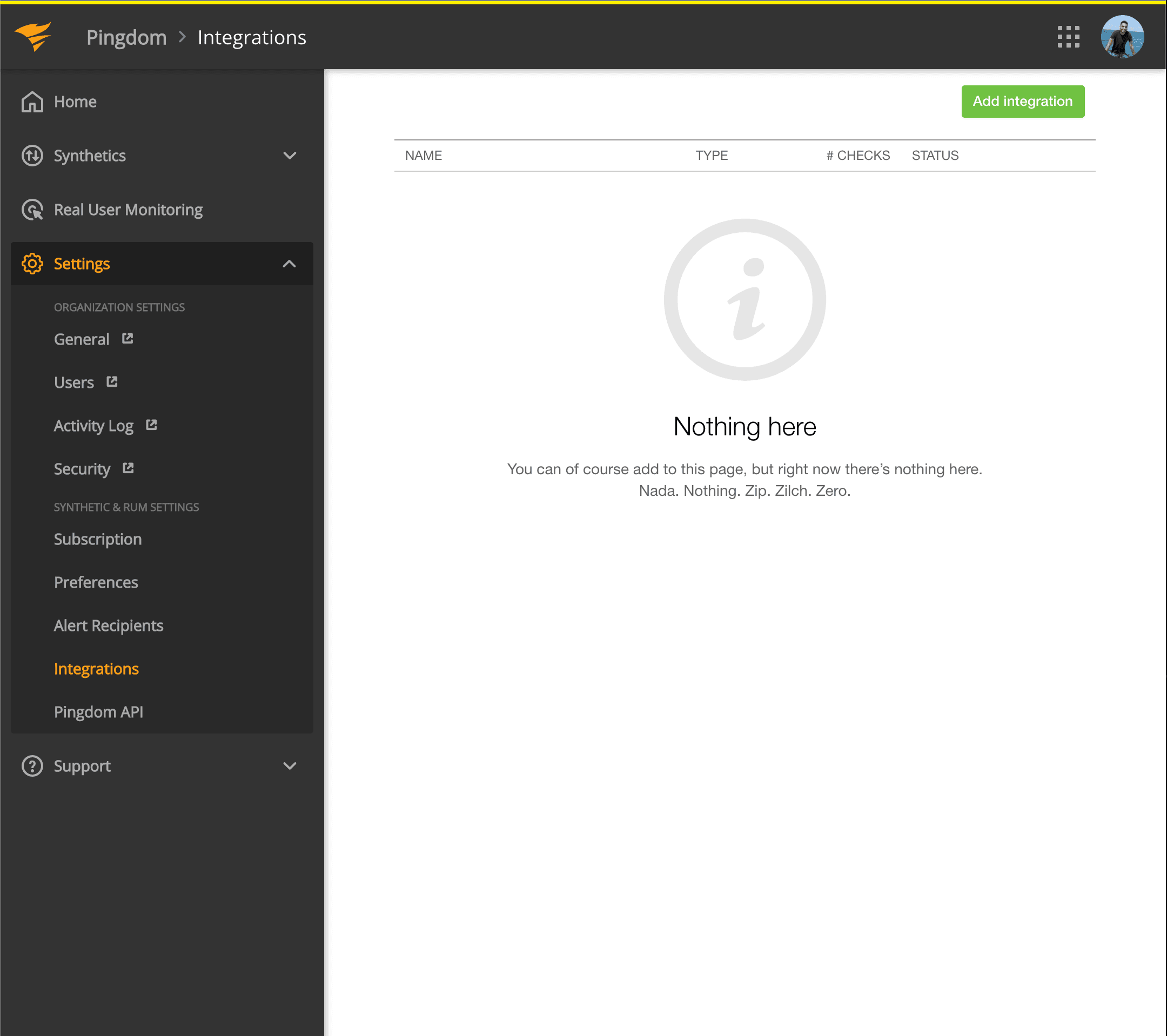
- Откройте панель Pingdom. Нажмите Settings → Integrations
- Нажмите кнопку Add integration
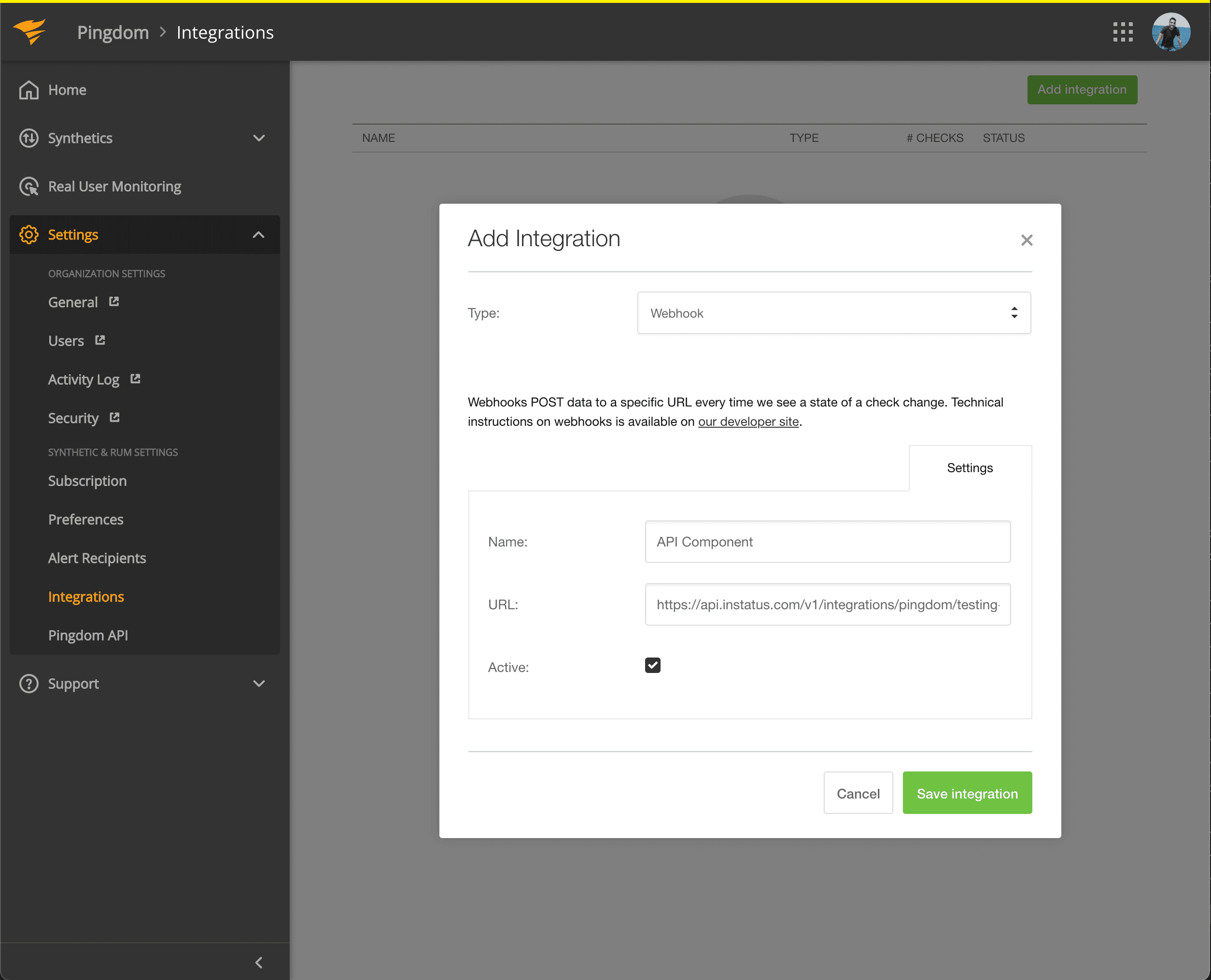
- Выберите тип Webhook, укажите название и URL вебхука скопированного компонента.
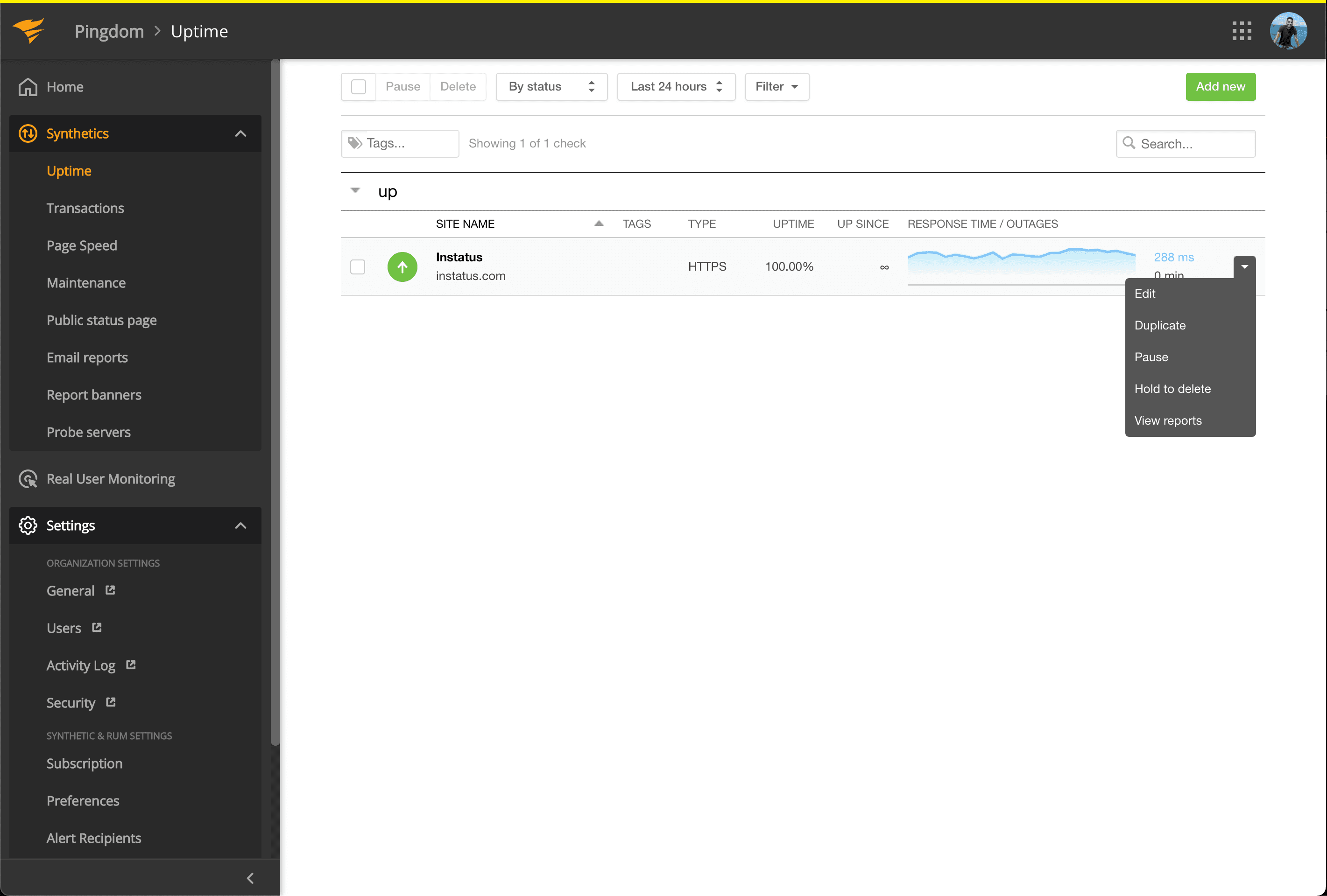
- Перейдите в Synthetics → Uptime
- Отредактируйте проверку Uptime, связанную с компонентом, который хотите автоматизировать.
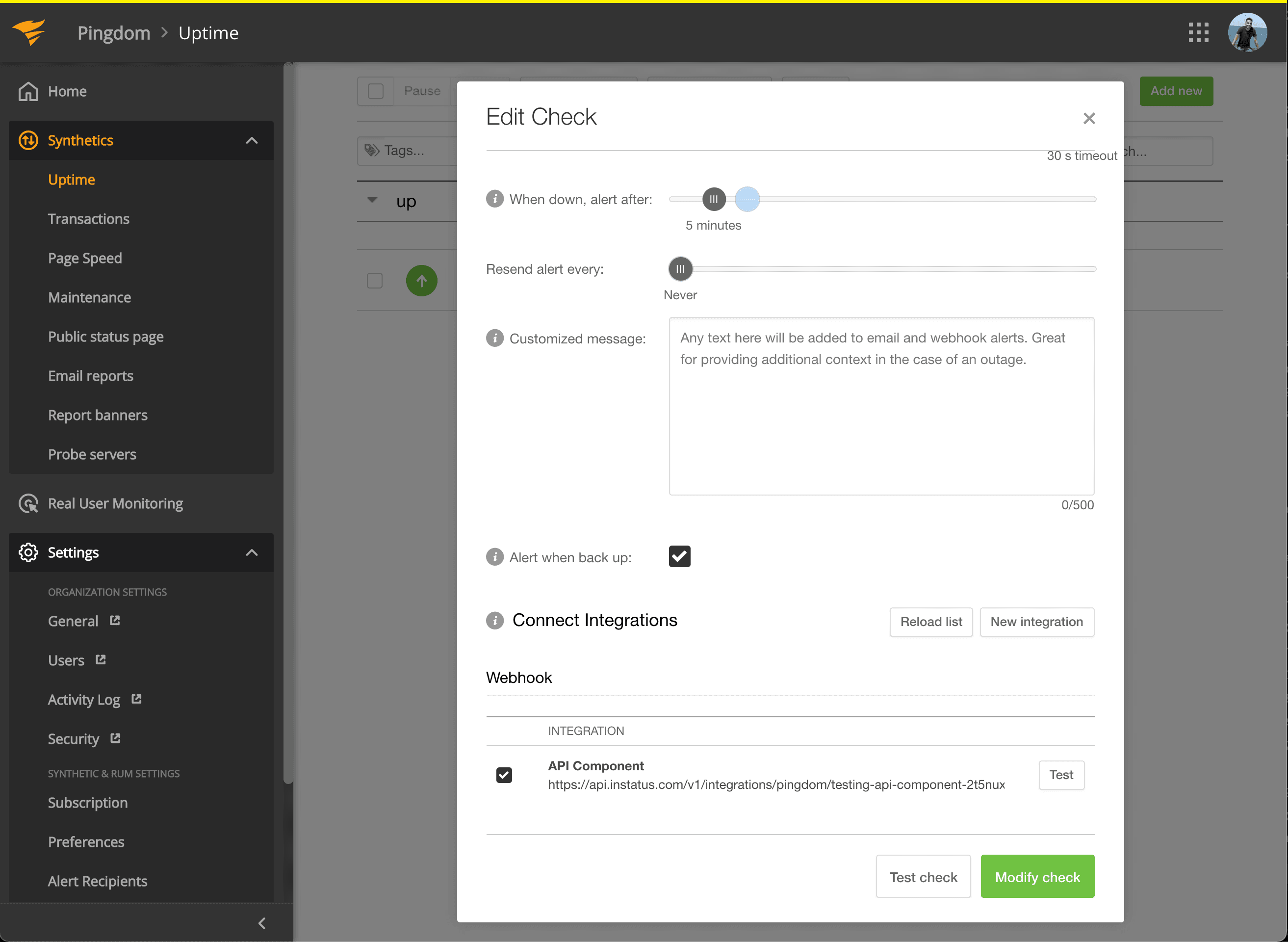
- В разделе Connect Integrations отметьте созданную интеграцию и нажмите modify check!
- Готово! 🍪